Planning an event, whether it’s a wedding, a corporate dinner, or a holiday gathering, requires attention to detail. One seemingly small but impactful detail is place cards. They not only guide guests to their assigned seats but also add a touch of elegance and personalization to the overall ambiance. Thankfully, Microsoft Word offers a range of place card templates that make this task significantly easier and more cost-effective than outsourcing the job. In this post, we’ll explore the benefits of using Microsoft Word place card templates, how to access them, customize them, and offer tips for creating stunning place cards that will impress your guests.
Why Use Microsoft Word Place Card Templates?
Before diving into the how-to, let’s consider why using Microsoft Word place card templates is a smart choice:
- Cost-Effective: Hiring a professional designer to create custom place cards can be expensive. Word templates provide a free or low-cost alternative. You only pay for the paper and ink.
- Easy to Use: Word templates are designed to be user-friendly. Even if you have limited design experience, you can easily customize them to your liking.
- Customization: Templates are highly customizable. You can change fonts, colors, layouts, and add your own images or logos to match your event’s theme.
- Time-Saving: Creating place cards from scratch can be time-consuming. Templates provide a pre-designed framework, saving you valuable time and effort.
- Print-Ready: Most templates are formatted for standard paper sizes and are designed to be easily printed at home or at a print shop.
- Variety: Microsoft Word offers a wide variety of place card templates to suit different event styles and themes, from formal and elegant to casual and whimsical.
Finding and Using Microsoft Word Place Card Templates
Here’s a step-by-step guide to finding and using place card templates in Microsoft Word:
- Open Microsoft Word: Launch Microsoft Word on your computer.
- Search for Templates: Click on “File” in the top left corner, then select “New.” In the search bar, type “place card” or “name card”. Word will display a range of available templates.
- Browse and Select a Template: Scroll through the options and choose a template that best suits your event’s style and theme. Click on the template to see a larger preview.
- Create: Click the “Create” button to open the template in a new document.
Customizing Your Place Card Template
Once you have your template open, it’s time to customize it to reflect your event’s personality:
- Edit Text: Click on the placeholder text (e.g., “Guest Name”) to replace it with the actual names of your guests. Ensure the font size and style remain consistent throughout all the place cards. Consider using mail merge for larger events.
- Change Fonts and Colors: Select the text you want to modify and use the formatting options in the “Home” tab to change the font type, size, color, and style (bold, italic, underline). Choose fonts that are easy to read and complement your event’s theme.
- Add Images or Logos: If you want to add a personal touch, you can insert images or logos into the template. Click on the “Insert” tab, then select “Pictures.” Choose an image from your computer or browse online. Resize and position the image as desired. Be mindful of image resolution to ensure it prints clearly.
- Adjust Layout: You can adjust the layout of the place card by moving text boxes, resizing images, and changing the spacing between elements. Use the “Format” tab to fine-tune the appearance of your elements. Consider the overall balance and visual appeal of the place card.
- Duplicate and Populate: Once you’ve customized one place card, you can duplicate it to create multiple cards for all your guests. Copy and paste the customized card as many times as needed and then edit each card with the individual guest names. For large events, explore Word’s mail merge feature.
Tips for Creating Stunning Place Cards
Here are some additional tips to help you create place cards that will impress your guests:
- Choose the Right Paper: The quality of the paper can significantly impact the appearance of your place cards. Consider using cardstock or heavier paper for a more professional look and feel. Experiment with different textures and finishes.
- Use a High-Quality Printer: A high-quality printer will ensure that your place cards are printed with sharp text and vibrant colors. If you don’t have a good printer at home, consider using a professional printing service.
- Pay Attention to Detail: Double-check the spelling of all guest names before printing. Ensure that the text is aligned correctly and that there are no smudges or other imperfections.
- Consider the Event Theme: Your place cards should complement the overall theme of your event. Choose colors, fonts, and images that are consistent with the event’s style and mood.
- Add a Personal Touch: Consider adding a small personal touch to each place card, such as a handwritten note or a small embellishment. This will show your guests that you put thought and care into their seating arrangements.
- Test Print: Always test print a sample page before printing the entire batch to ensure the layout and printing quality are satisfactory.
By utilizing Microsoft Word place card templates and following these tips, you can create beautiful and personalized place cards that will add a touch of elegance to your event without breaking the bank. Remember to have fun with the process and let your creativity shine!
If you are searching about Editable Free Place Card Template Word Web Edit Place Card Online For you’ve came to the right place. We have 22 Images about Editable Free Place Card Template Word Web Edit Place Card Online For like 23 Customize Microsoft Word Place Card Template 6 Per Sheet Templates, Microsoft Word Free Printable Foldable Place Card Template – Printable and also 026 Template Ideas Place Card Templates Excellent Word Free pertaining. Here it is:
Editable Free Place Card Template Word Web Edit Place Card Online For

bezgranic.magnit.ru
9 Visiting Card Sheet Templates | Fax Cover Sheet Examples With Regard
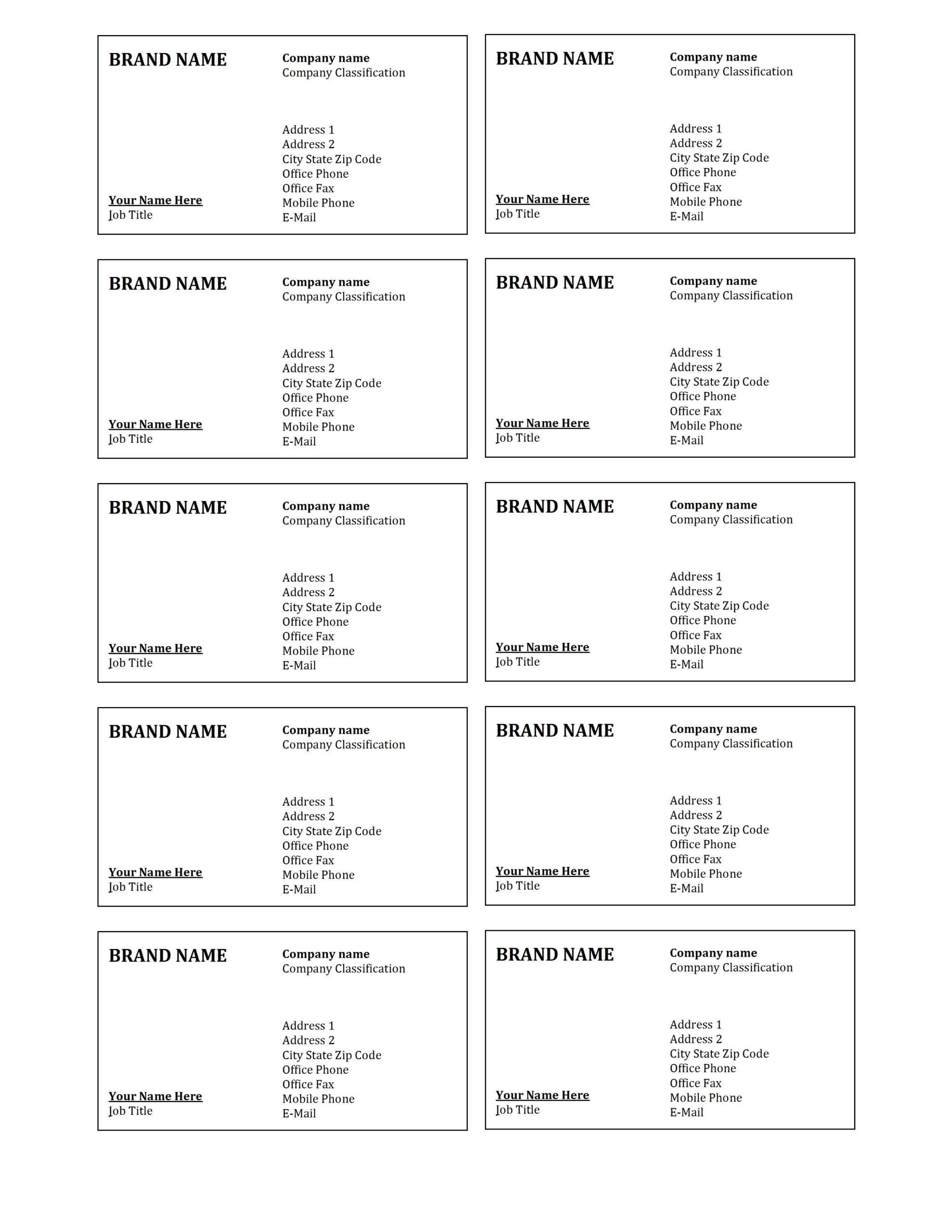
cloudflare.itsnudimension.com
Celebrate The New Year With Free New Year's Templates In Microsoft Word
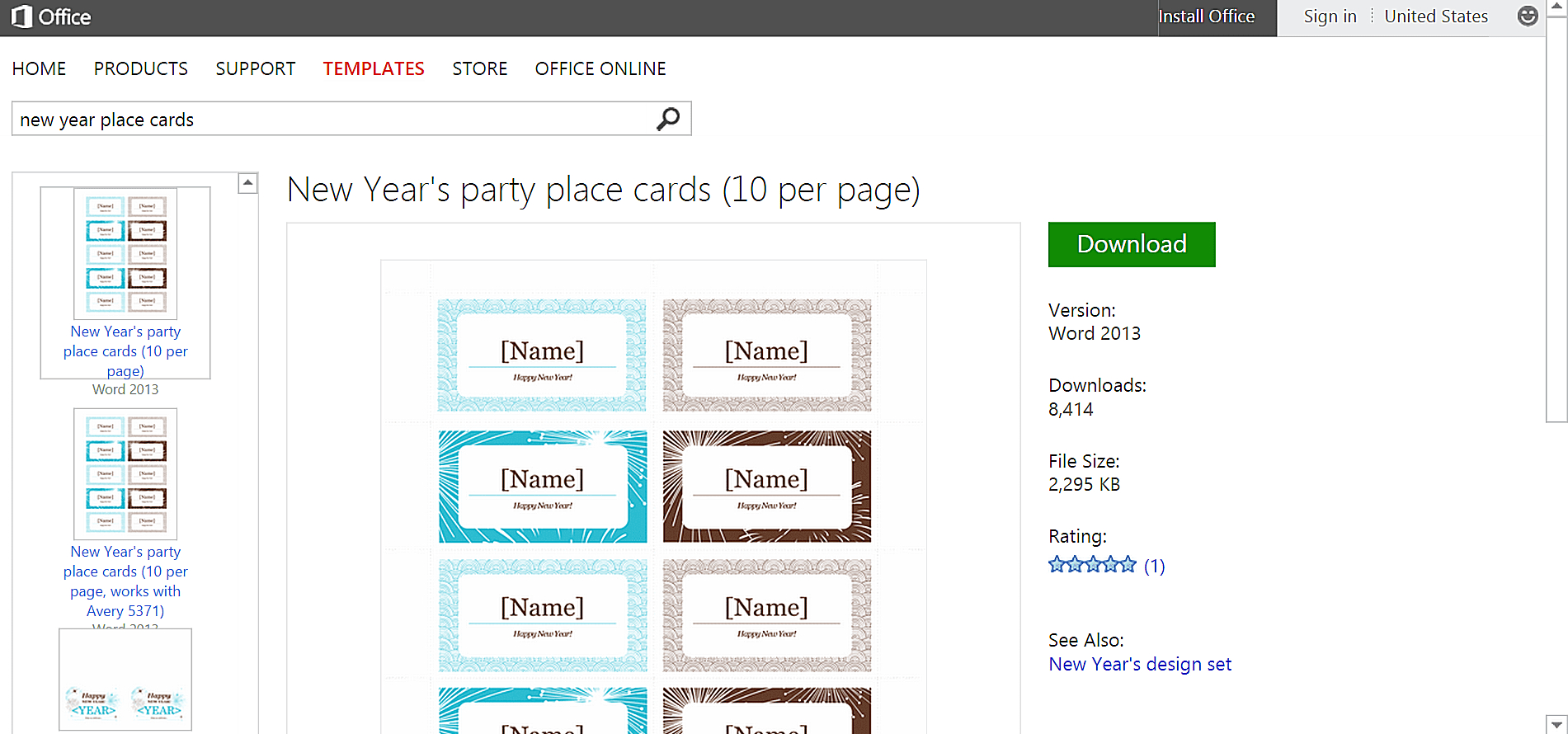
www.xfanzexpo.com
How To Create A Place Card Template In Word – Design Talk
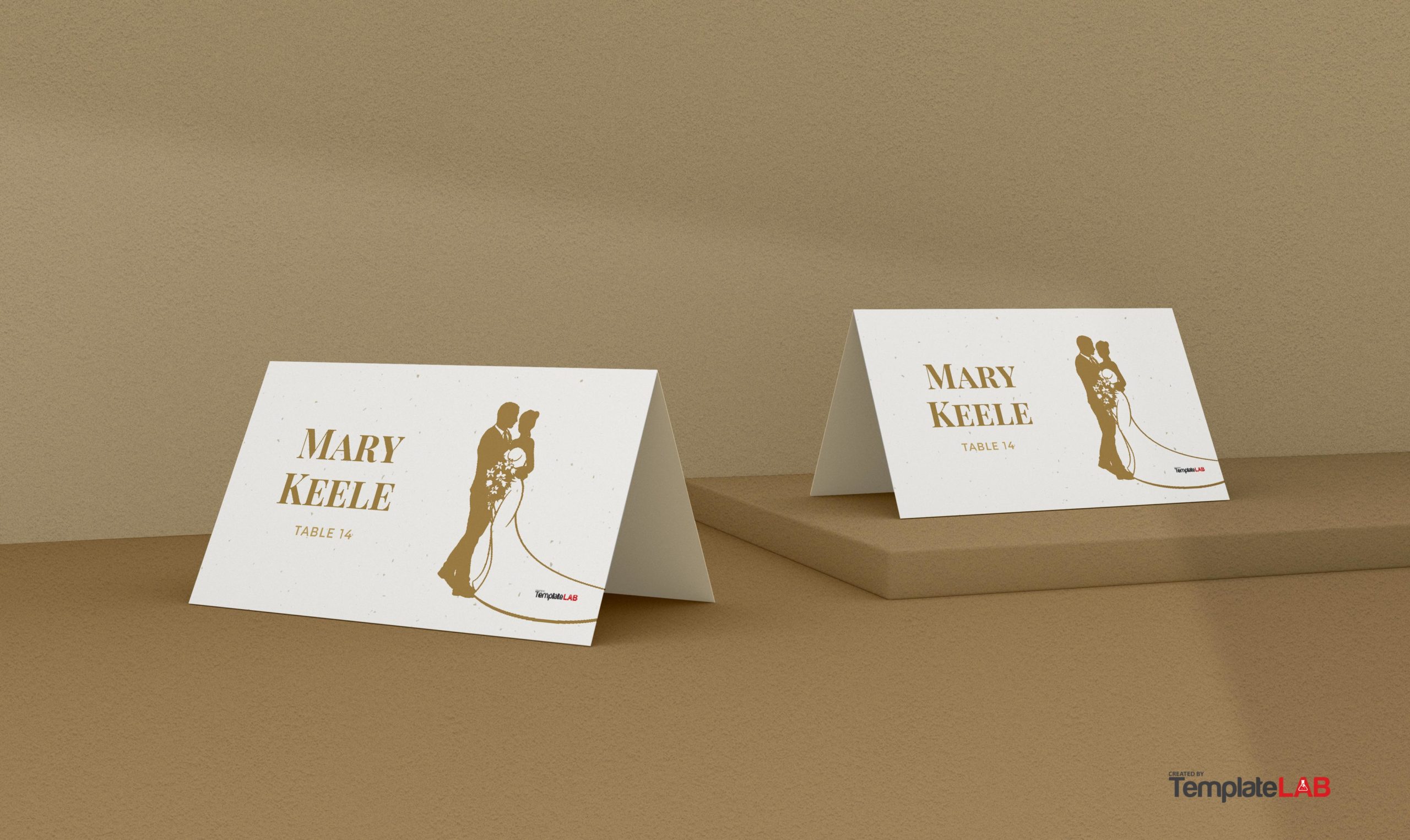
design.udlvirtual.edu.pe
Microsoft Word Place Card Template – Cardtemplate.my.id

www.cardtemplate.my.id
Microsoft Word Place Card Template – KAESG BLOG
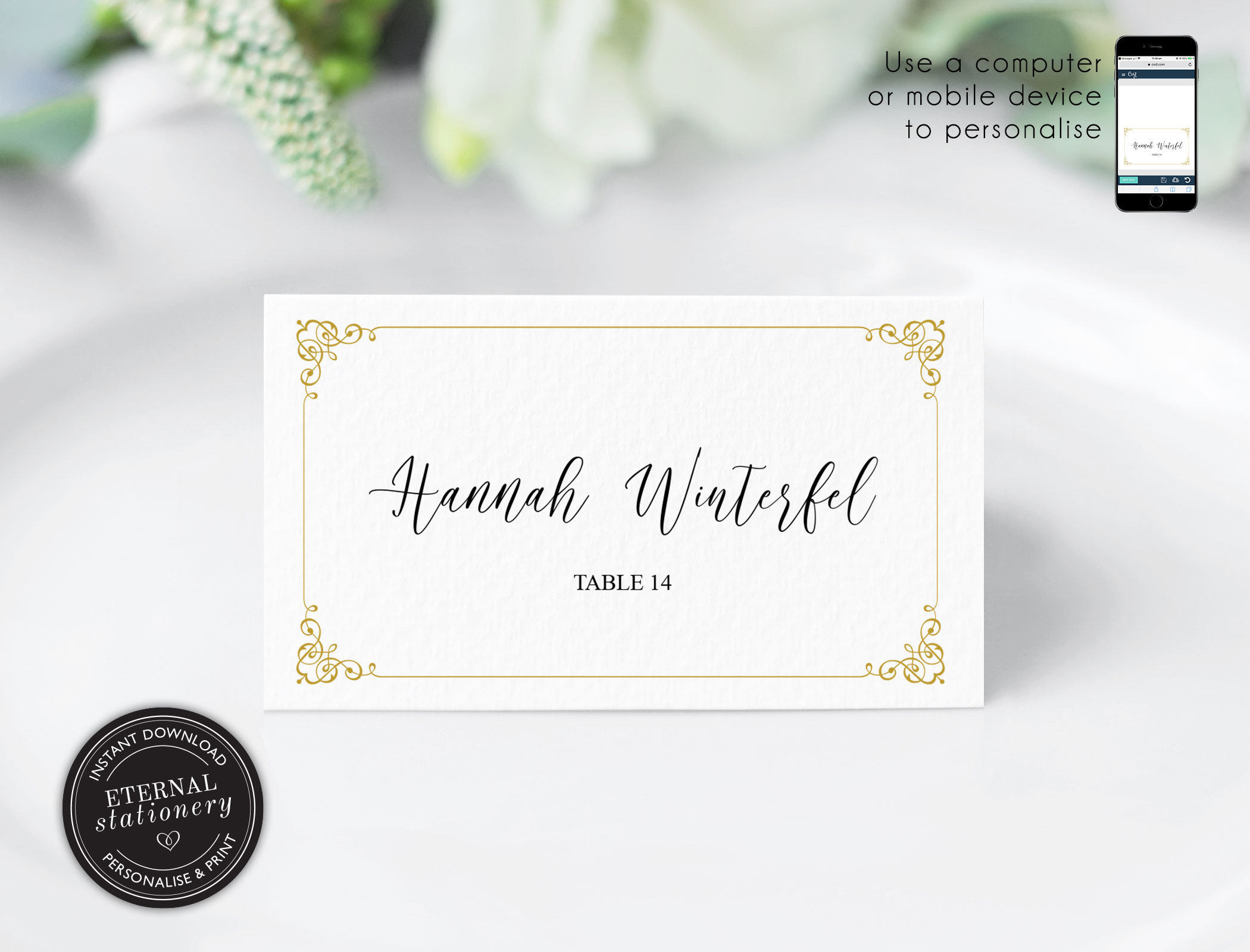
kaesg.com
Microsoft Word Place Card Template – Cardtemplate.my.id
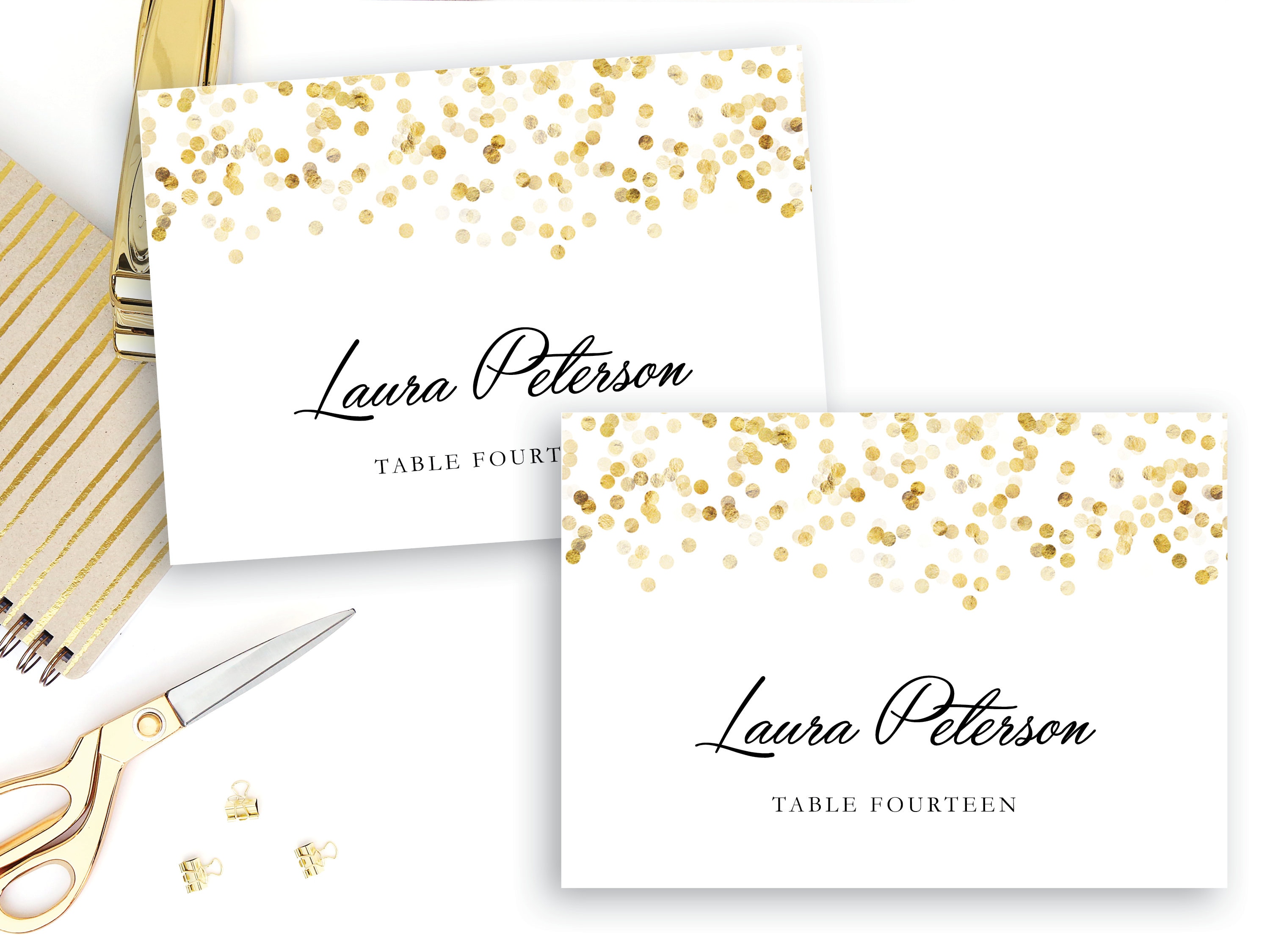
www.cardtemplate.my.id
Microsoft Word Place Card Template – Toptemplate.my.id

www.toptemplate.my.id
Free Wedding Place Card Templates In Microsoft Word Place Card Template

vancecountyfair.com
Escortplace Cards Editable Ms Word Template Diy Floral Black And In Ms
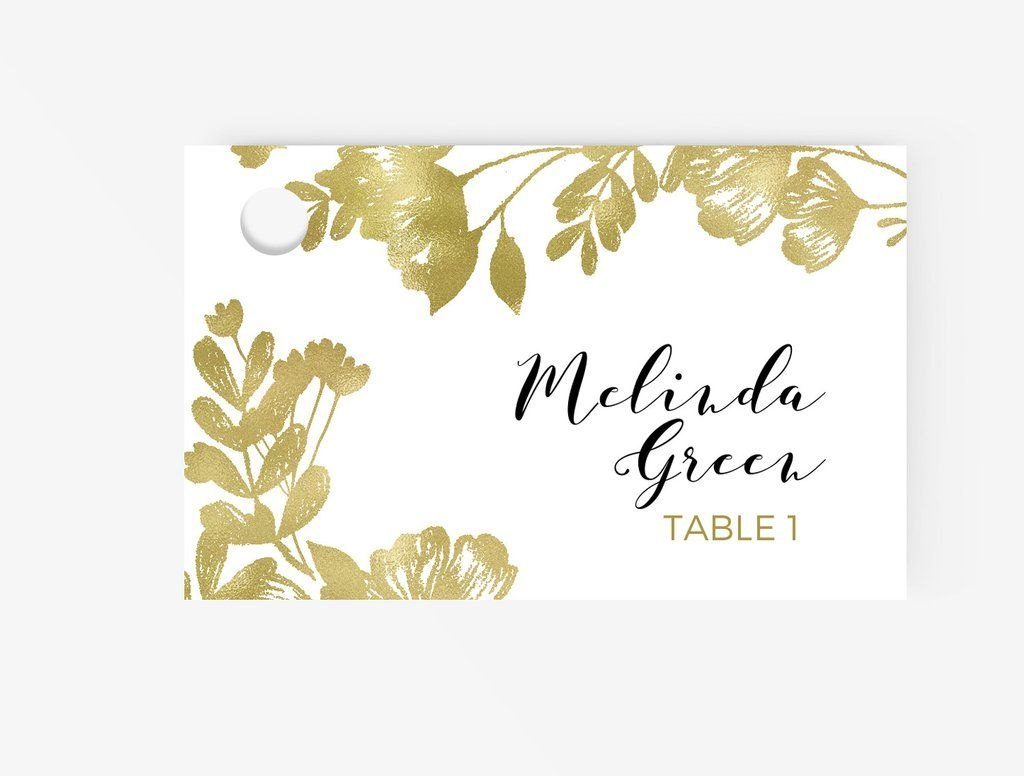
vancecountyfair.com
15 The Best Microsoft Word Place Card Template 6 Per Page Templates For
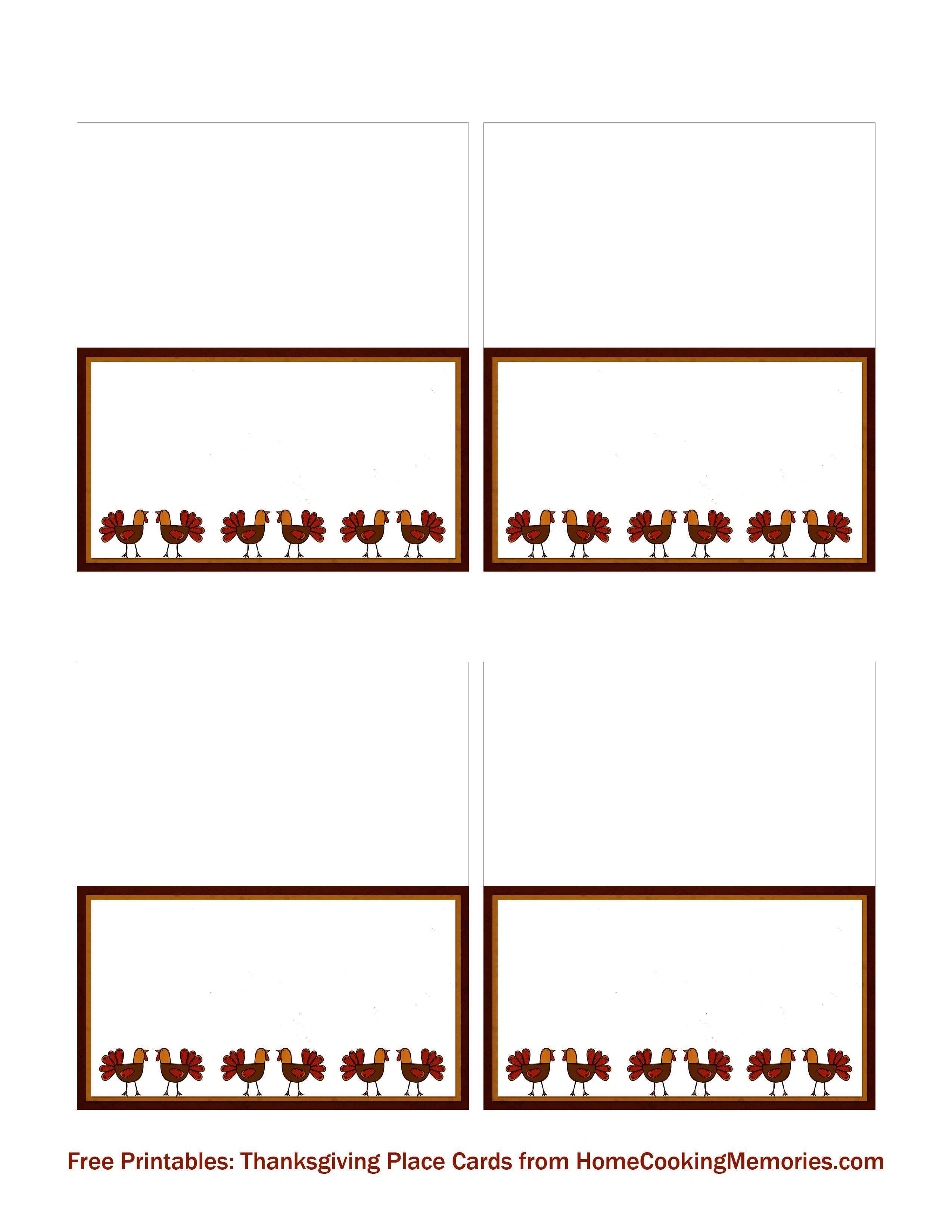
legaldbol.com
Microsoft Word Place Card Template

data1.skinnyms.com
Microsoft Word Place Card Template – Professional Inspirational
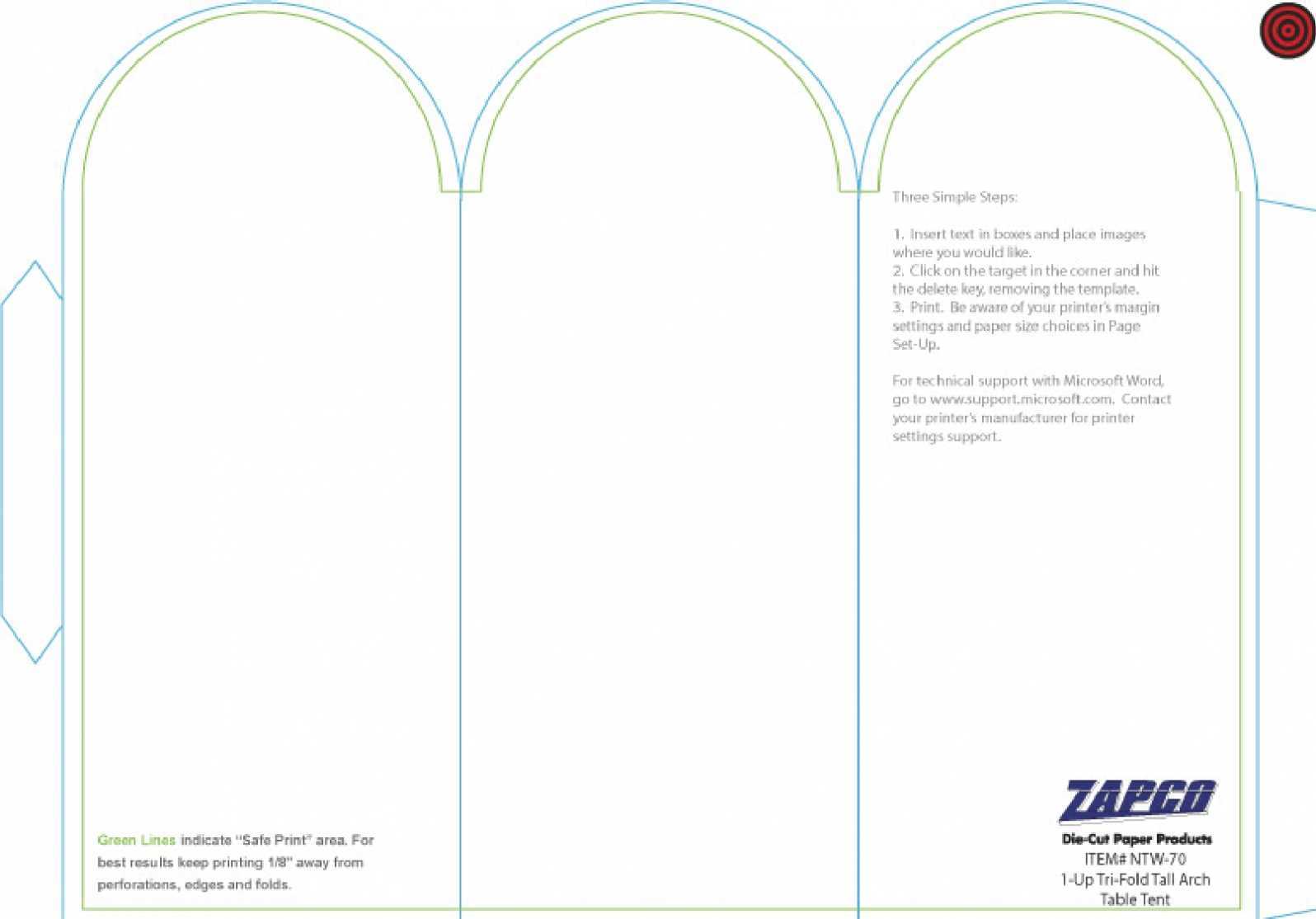
hits.creativeteacher.my.id
Microsoft Word Free Printable Foldable Place Card Template – Printable

davida.davivienda.com
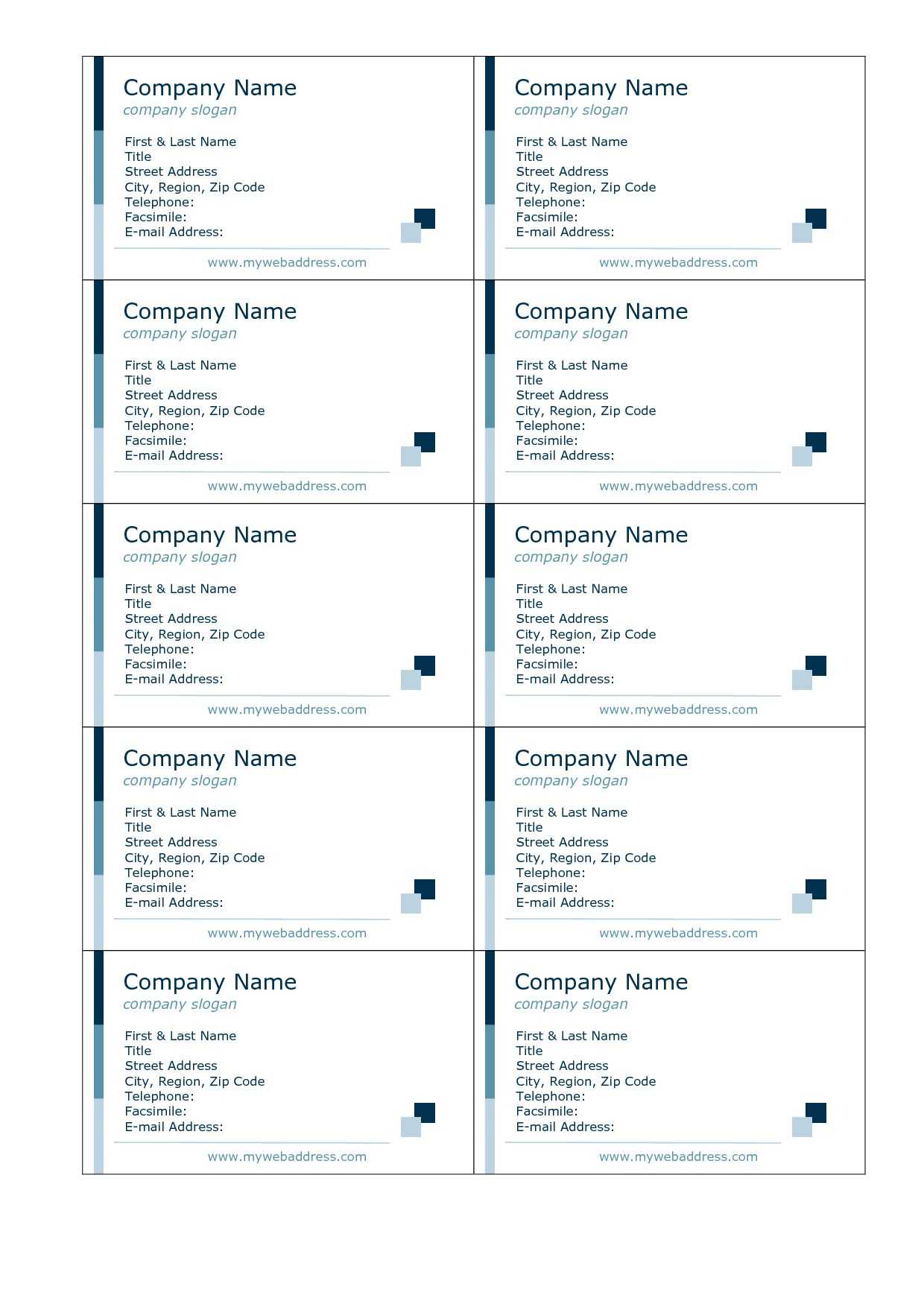
026 Template Ideas Place Card Templates Excellent Word Free Pertaining
sample.gelorailmu.com
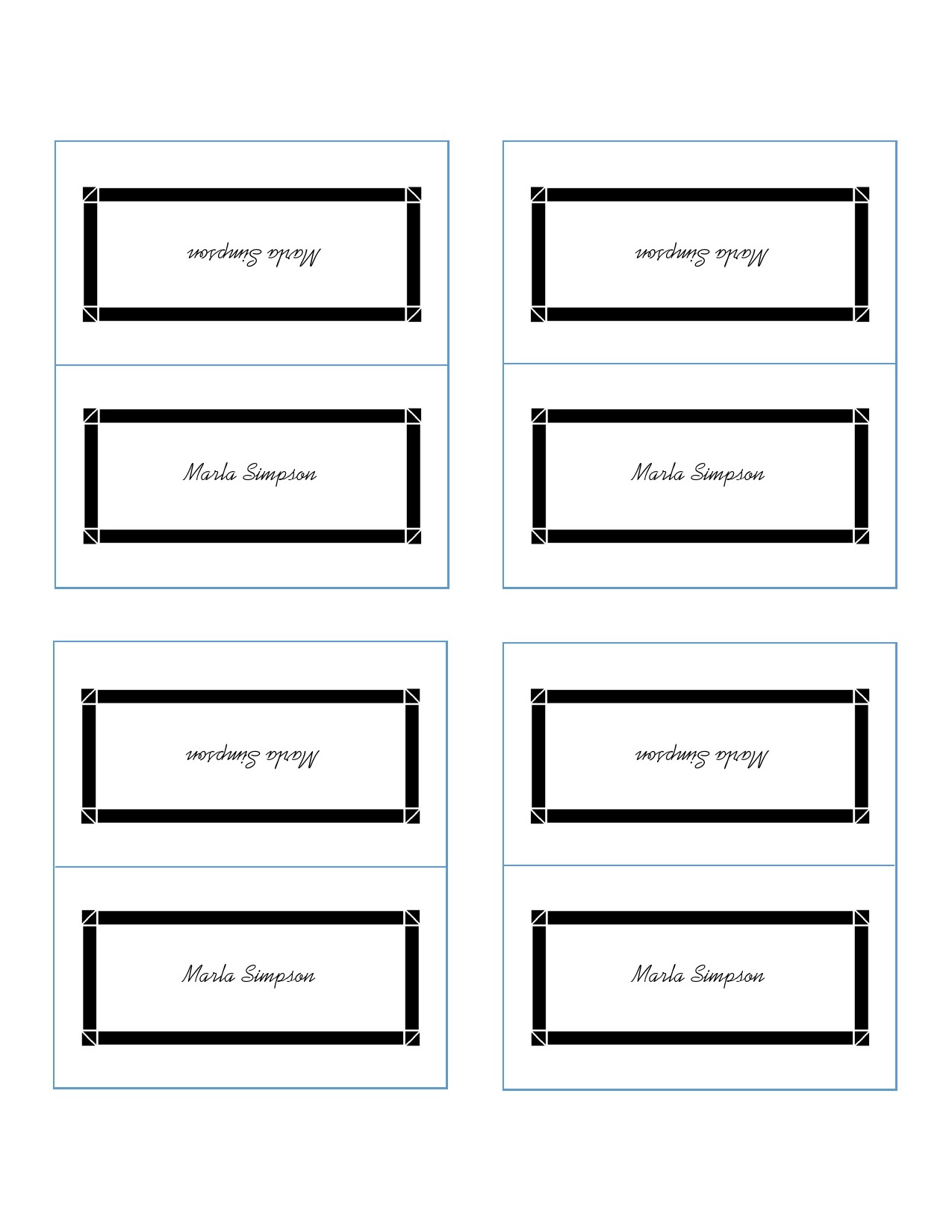
Place Card Template Free Download Microsoft Word – Free Word Template
docs.cholonautas.edu.pe
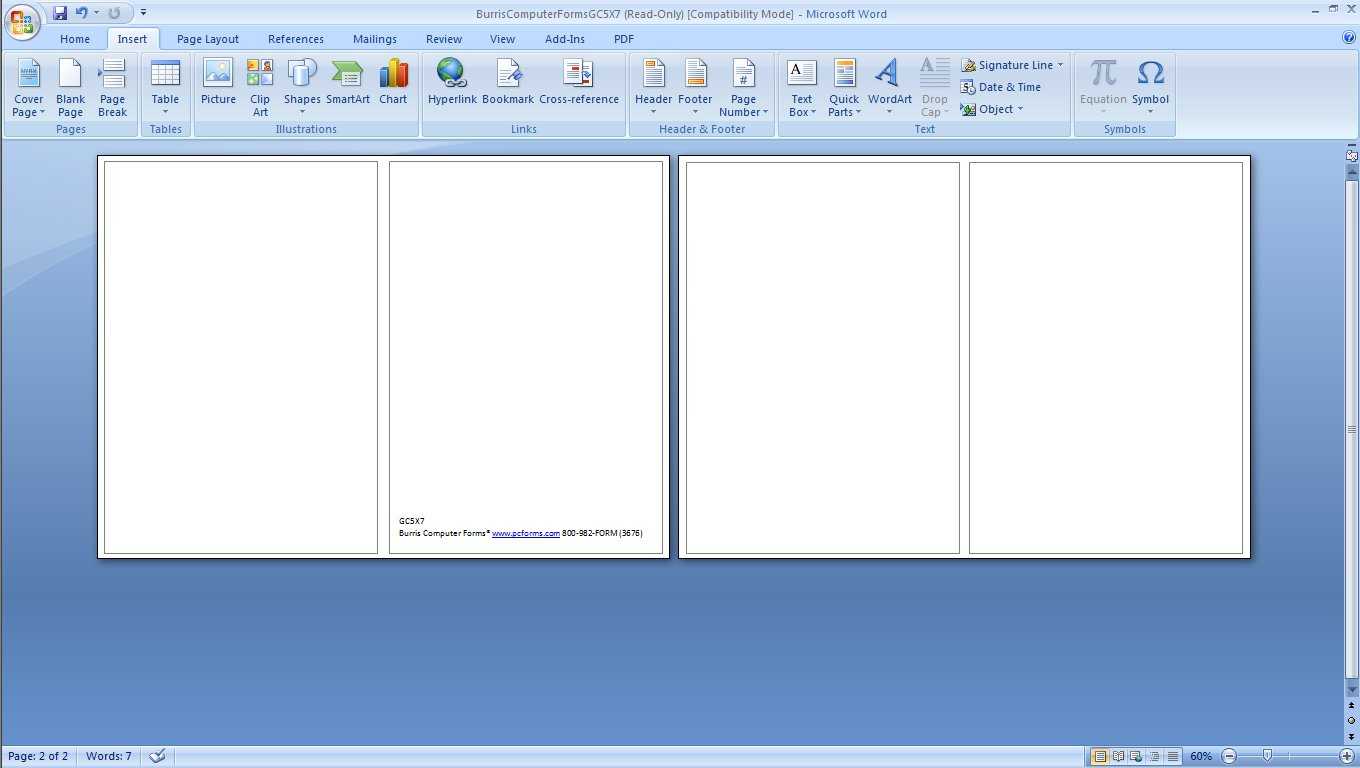
Microsoft Word Card Templates – Calep.midnightpig.co Pertaining To
cloudflare.itsnudimension.com
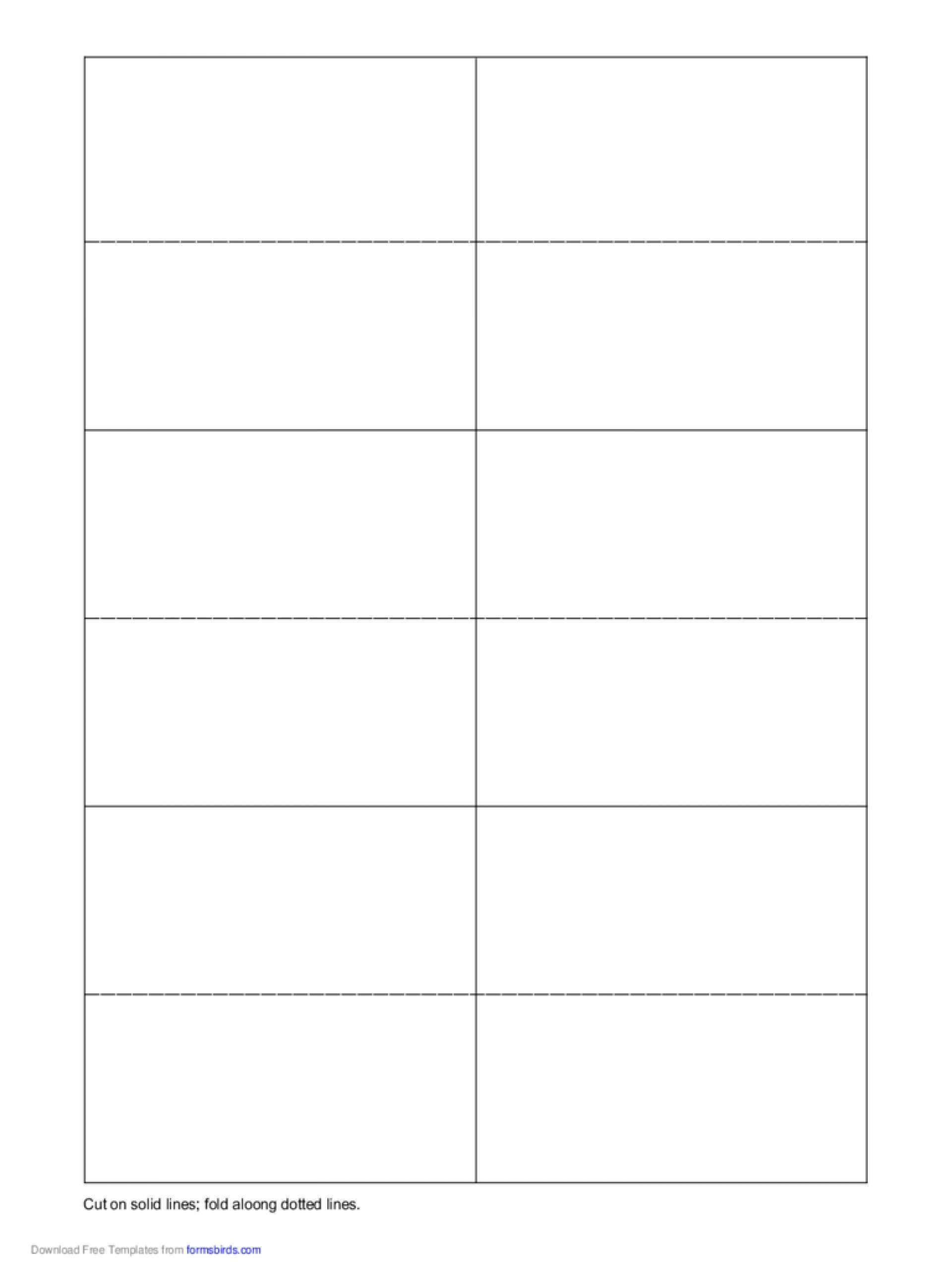
55 Free Word Place Card Template Free Templates For Word Place Card
legaldbol.com
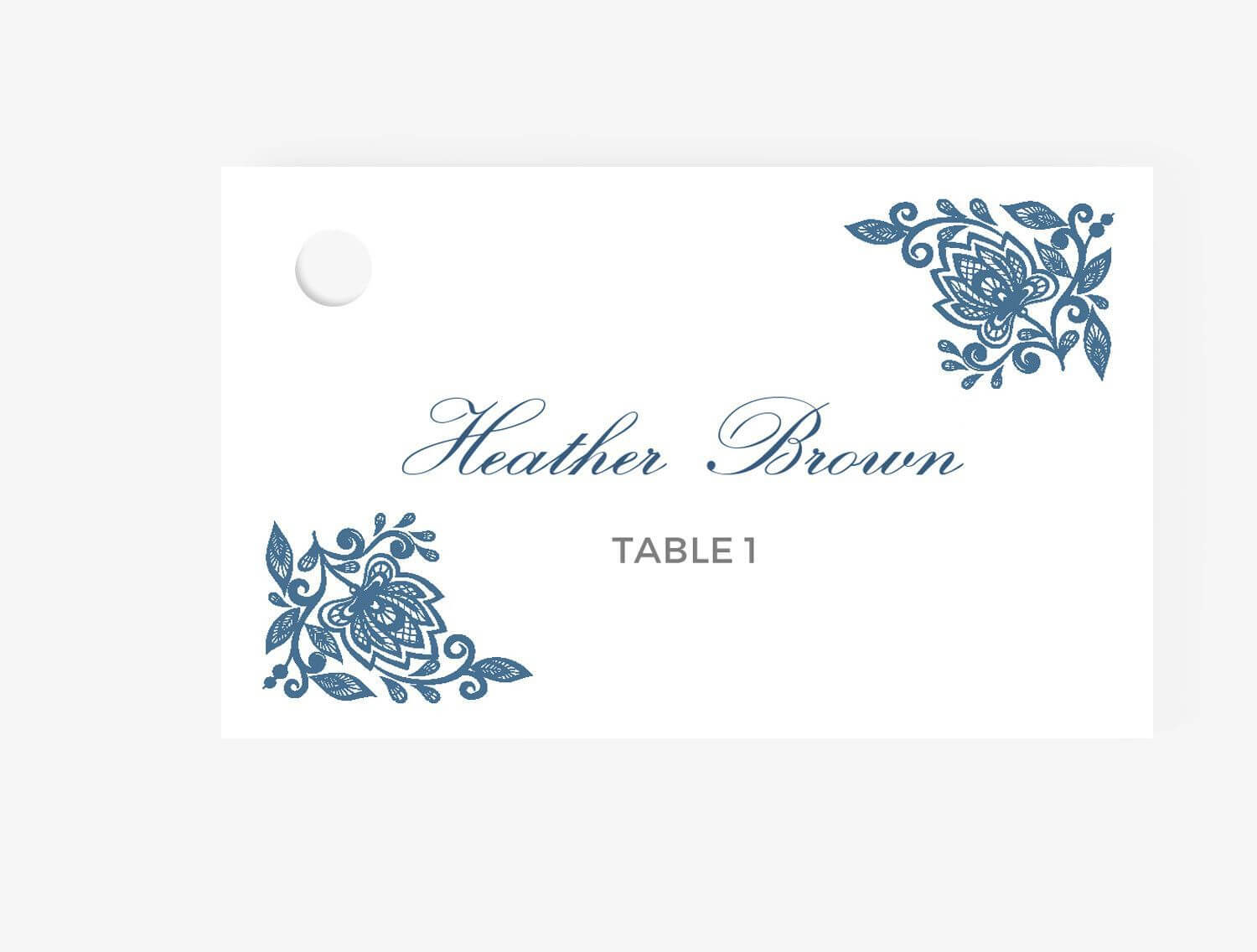
Microsoft Word Place Card Template – Cardtemplate.my.id
www.cardtemplate.my.id
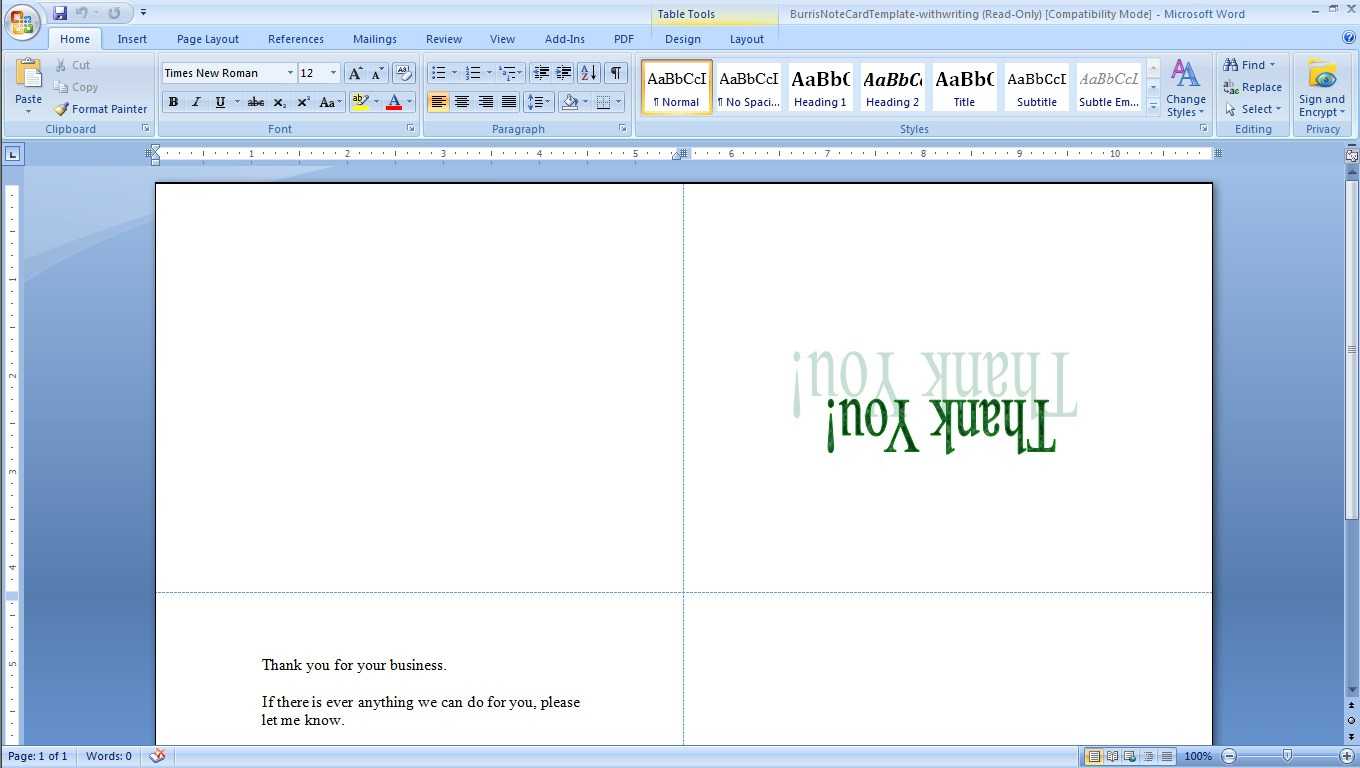
Microsoft Word Place Card Template – Professional Template
www.xfanzexpo.com
Microsoft Word Place Card Template

www.pinterest.com
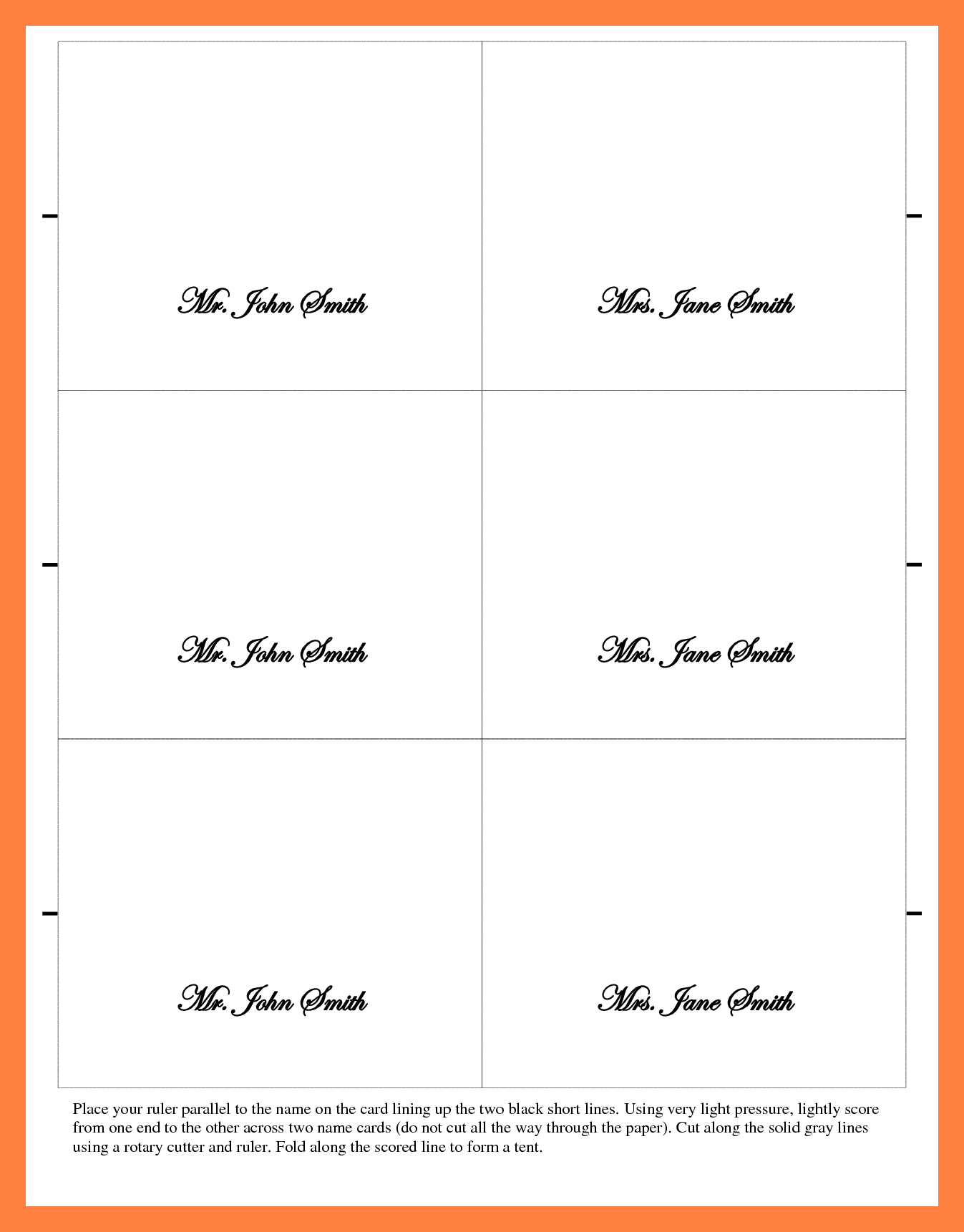
23 Customize Microsoft Word Place Card Template 6 Per Sheet Templates
legaldbol.com
55 free word place card template free templates for word place card. Microsoft word place card template. 026 template ideas place card templates excellent word free pertaining
Related posts of "Microsoft Word Place Card Template"
