Adobe Photoshop, traditionally known as the king of image manipulation, has been subtly dipping its toes into the world of video editing for quite some time. While it might not be the first program that springs to mind when you think about complex video projects, Photoshop offers a surprising array of video editing tools that can be incredibly useful for specific tasks. Forget intricate timelines and sophisticated transitions; Photoshop excels in areas like adding visual effects, retouching footage, and creating animated GIFs. If you’re already comfortable navigating Photoshop’s interface, or if you only need to make quick, targeted edits to video clips, exploring its video capabilities could be a surprisingly efficient and effective solution. The key is understanding what Photoshop *can* do, and perhaps more importantly, what it *can’t* do, in the realm of video editing.
Adobe Photoshop: A Video Editing Underdog?
While dedicated video editing software like Adobe Premiere Pro and Final Cut Pro are designed from the ground up for complex projects involving multiple tracks, intricate timelines, and a wide range of transitions and effects, Photoshop’s video editing capabilities are more focused on supplementing its core strength: image manipulation. Think of it as adding a powerful visual effects tool to your video editing arsenal, rather than a full-fledged replacement for professional video editing software. This distinction is crucial. Photoshop is perfect for tasks like:
- Retouching video frames to remove blemishes or imperfections.
- Adding complex visual effects that are difficult to achieve in other software.
- Creating animated GIFs from video clips.
- Adding text and graphics overlays with Photoshop’s powerful typography and design tools.
- Basic trimming and joining of video clips.
- Color correction and grading.
However, it’s less suited for complex, multi-layered projects with extensive timelines, sophisticated audio mixing, or advanced transition effects. In those cases, dedicated video editing software remains the superior choice.
What can you actually *do* with video in Photoshop?
Let’s dive deeper into the specific capabilities that Photoshop offers for video editing:
-
Importing and Trimming Video:
You can import a wide variety of video formats directly into Photoshop. Once imported, you can easily trim the start and end points of the clip to isolate the section you want to work with. This is a fundamental, but essential, feature.
-
Working with Layers:
Just like with still images, video clips are treated as layers in Photoshop. This allows you to stack multiple video clips on top of each other, blend them using different blending modes, and apply layer masks to control their visibility. This is where Photoshop’s strength in image manipulation really shines through for video editing.
-
Applying Filters and Effects:
This is where Photoshop truly excels. You can apply any of Photoshop’s vast library of filters and effects directly to your video layers. This includes everything from basic adjustments like brightness and contrast to more advanced effects like blur, sharpen, noise reduction, and stylization effects. You can also use adjustment layers to apply color corrections and other adjustments non-destructively, meaning you can always revert back to the original footage.
-
Text and Graphics Overlays:
Photoshop’s text and graphics tools are unmatched. You can easily add animated text, logos, and other graphics to your video clips with a high degree of control over their appearance and animation. This is particularly useful for creating title sequences, lower thirds, and other graphic elements for your videos.
-
Animation and Keyframing:
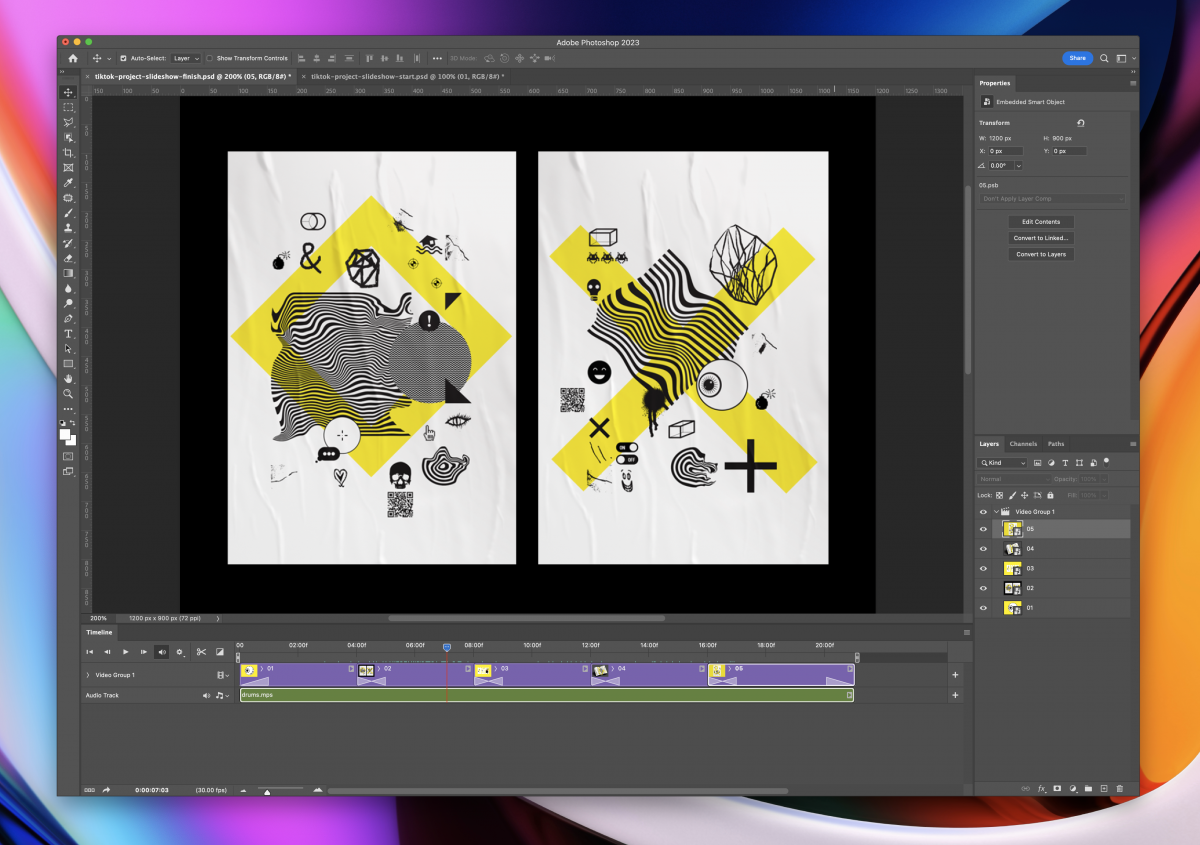
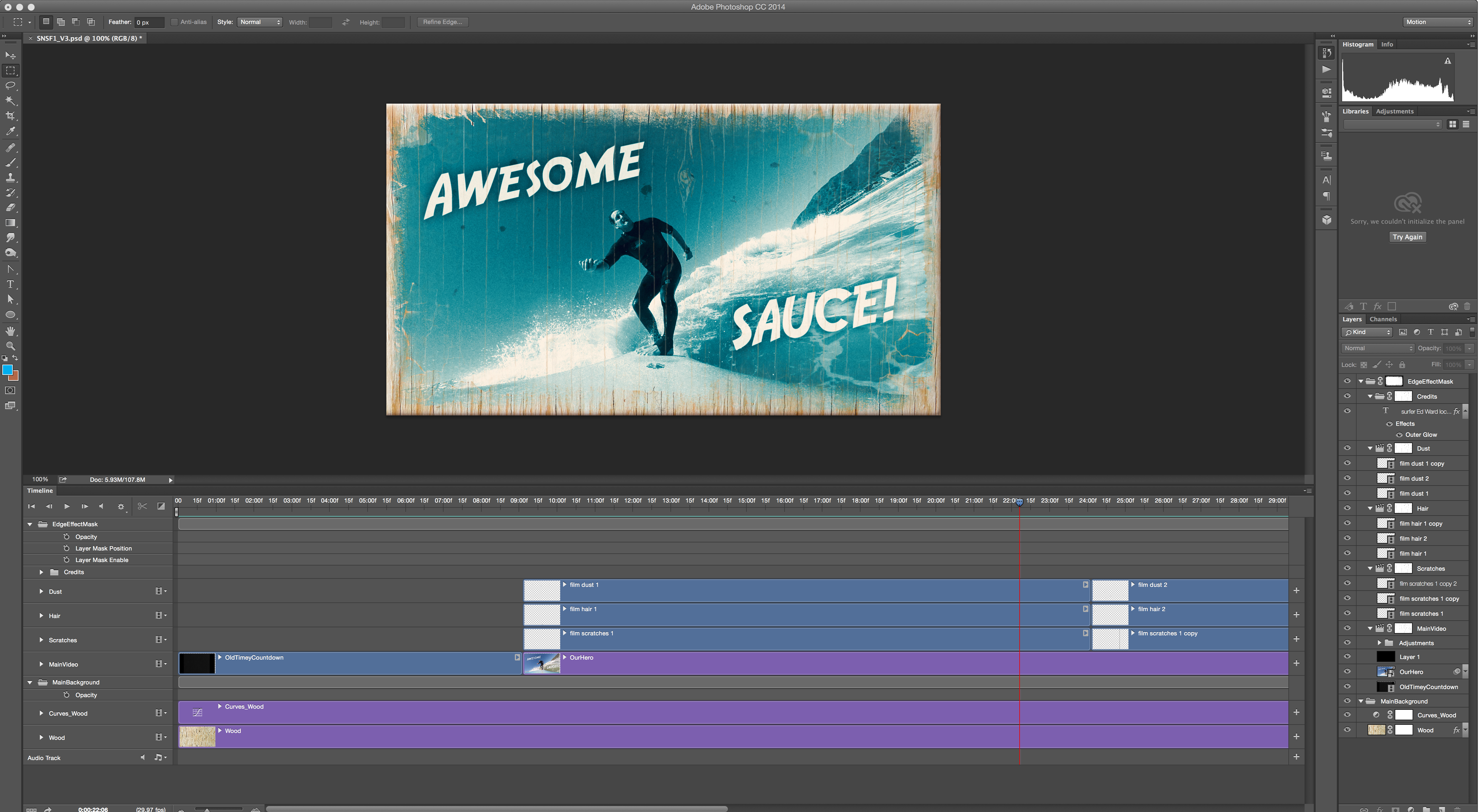
While not as robust as dedicated animation software, Photoshop does offer basic animation and keyframing capabilities. You can animate the position, scale, rotation, and opacity of video layers over time, allowing you to create simple animations and visual effects. The Timeline panel provides a visual representation of your animation keyframes.
-
Exporting Video:
Once you’ve finished editing your video, you can export it in a variety of formats, including MP4, MOV, and GIF. You can also control the video’s resolution, frame rate, and compression settings to optimize it for different platforms.
In conclusion, while Photoshop might not be the go-to choice for complex video editing projects, it offers a powerful and versatile set of tools for specific tasks like retouching, adding visual effects, and creating animated GIFs. If you’re already familiar with Photoshop’s interface and workflow, exploring its video capabilities can be a surprisingly efficient and effective way to enhance your video content.
If you are searching about How To Use After Effects Templates you’ve came to the right place. We have 22 Pics about How To Use After Effects Templates like Adobe Photoshop Banner Templates, Brochure Templates Adobe Photoshop (4) – TEMPLATES EXAMPLE | TEMPLATES and also Photoshop Software. Here it is:
How To Use After Effects Templates
old.sermitsiaq.ag
Cool Photoshop Photo Effects & Templates | EntheosWeb

www.entheosweb.com
Creating Video Slideshows In Adobe Photoshop: A Step-by-Step Guide
learn.simonrankin.art
Brochure Templates Adobe Photoshop (1) – TEMPLATES EXAMPLE | TEMPLATES
www.smithchavezlaw.com
Free Photoshop Template: Photo Collage Square – Download Now
www.freepresets.com
Adobe Photoshop Poster Templates

ar.inspiredpencil.com
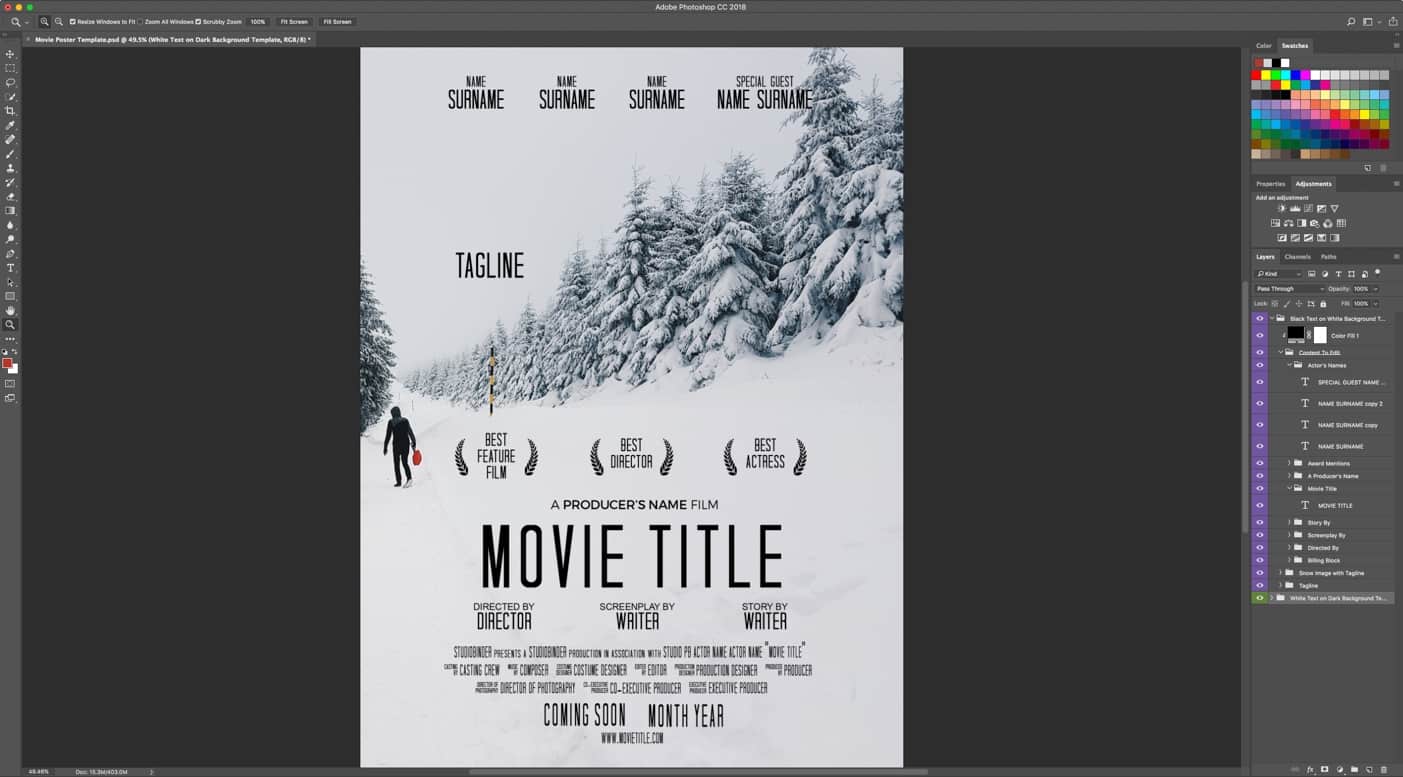
Adobe Photoshop Banner Templates
bestprofessionaltemplate.blogspot.com
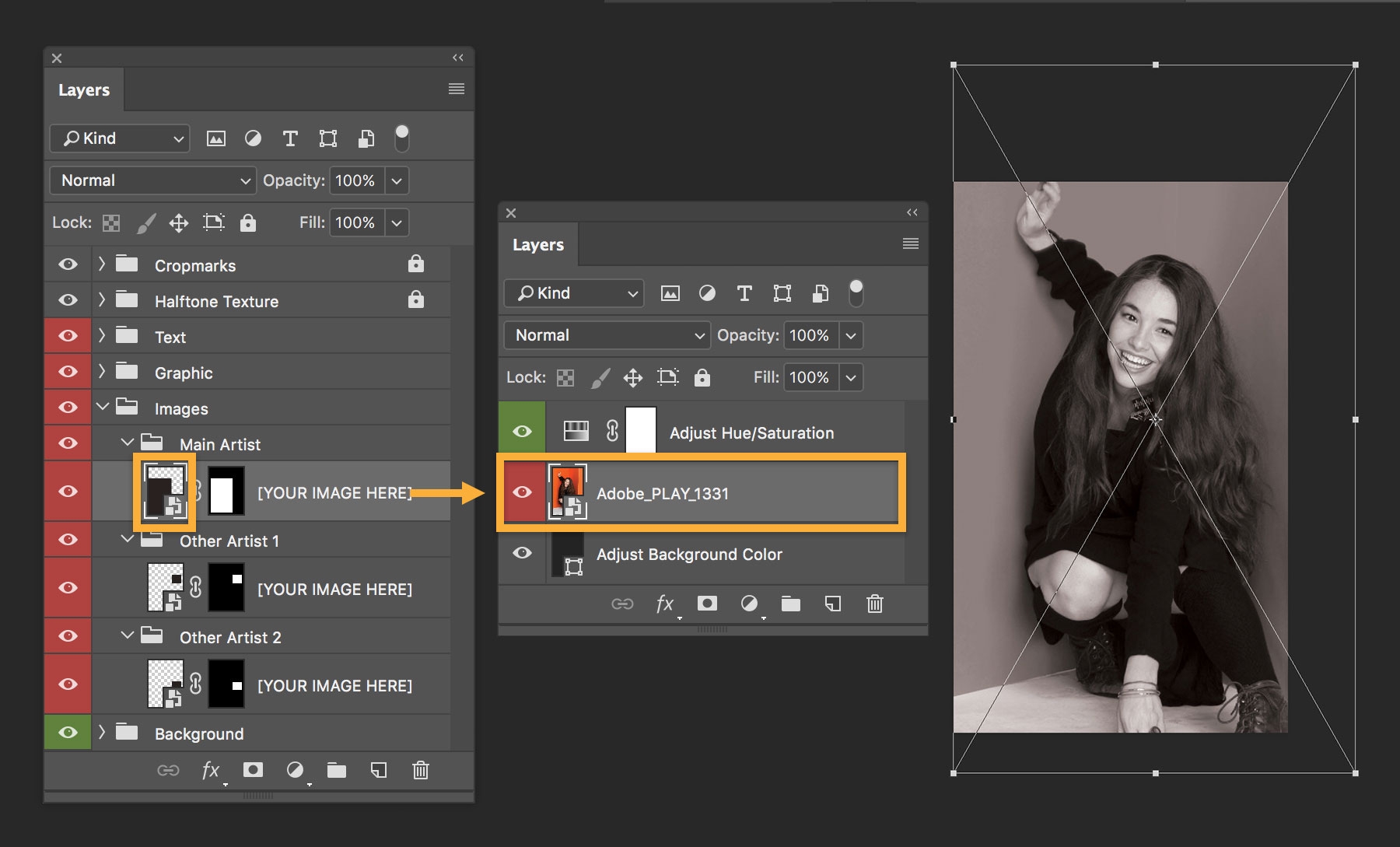
Poster Templates For Photoshop
www.animalia-life.club
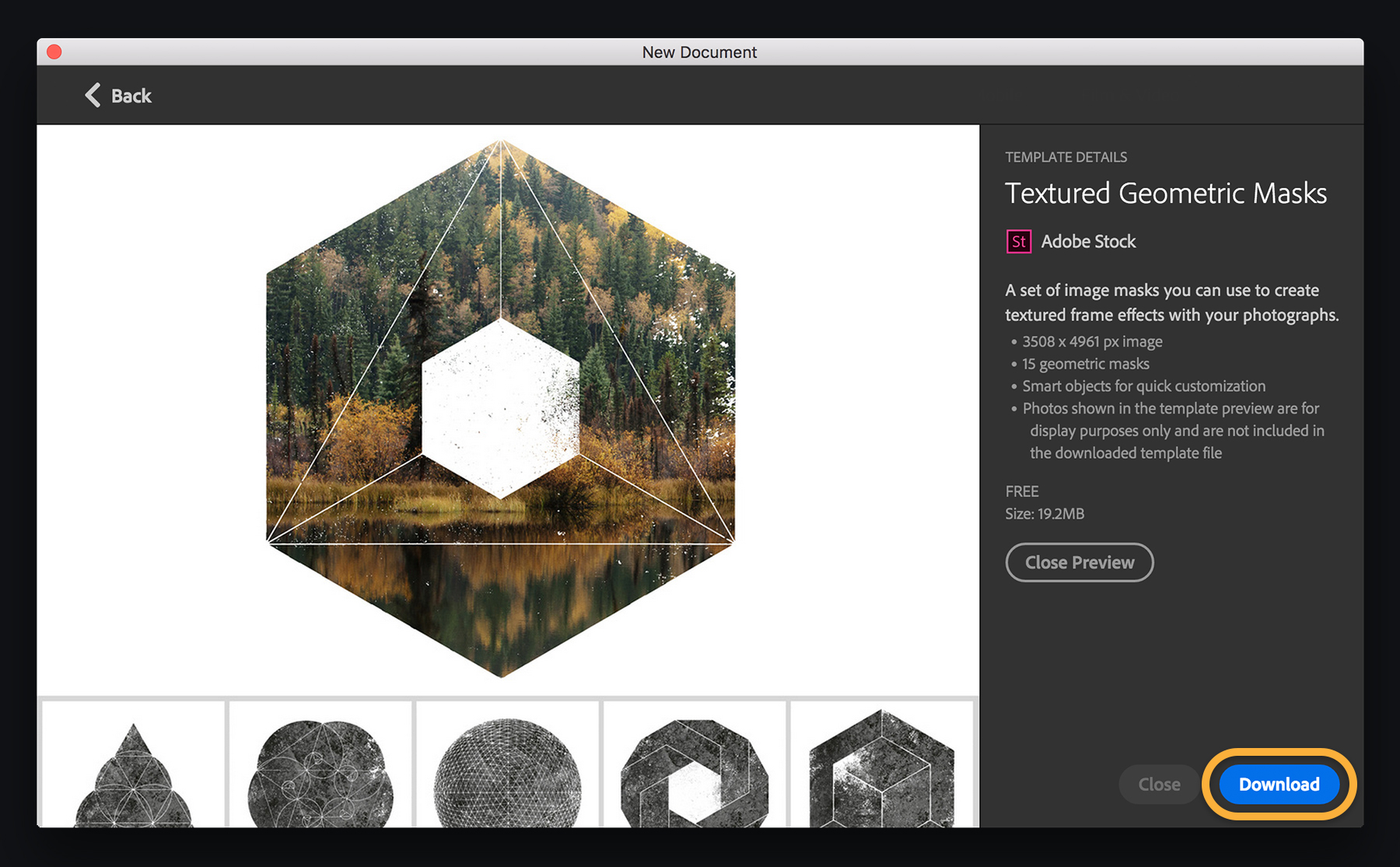
Adobe Photoshop Banner Templates – Sarseh.com
sarseh.com
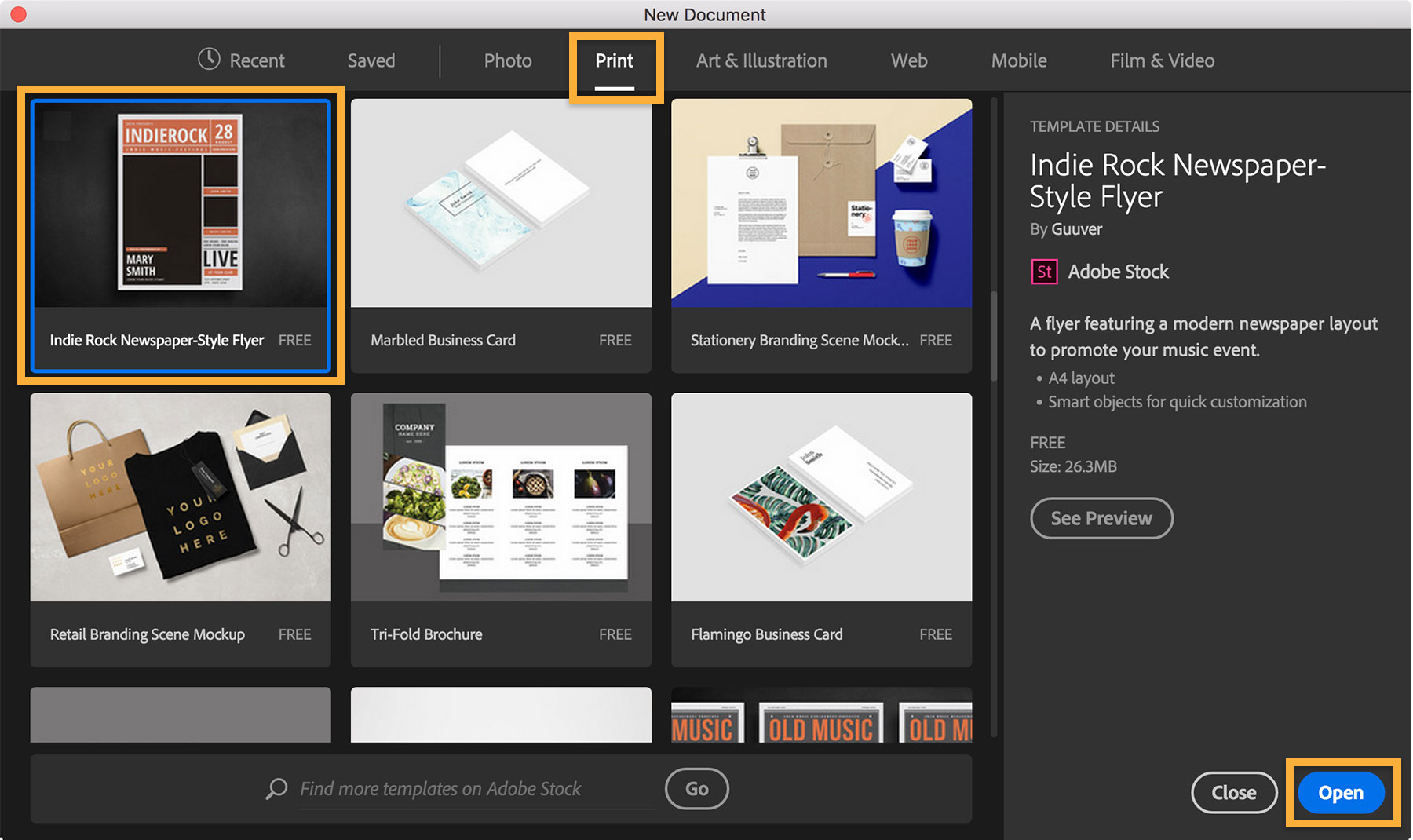
Brochure Templates Adobe Photoshop (4) – TEMPLATES EXAMPLE | TEMPLATES
www.smithchavezlaw.com
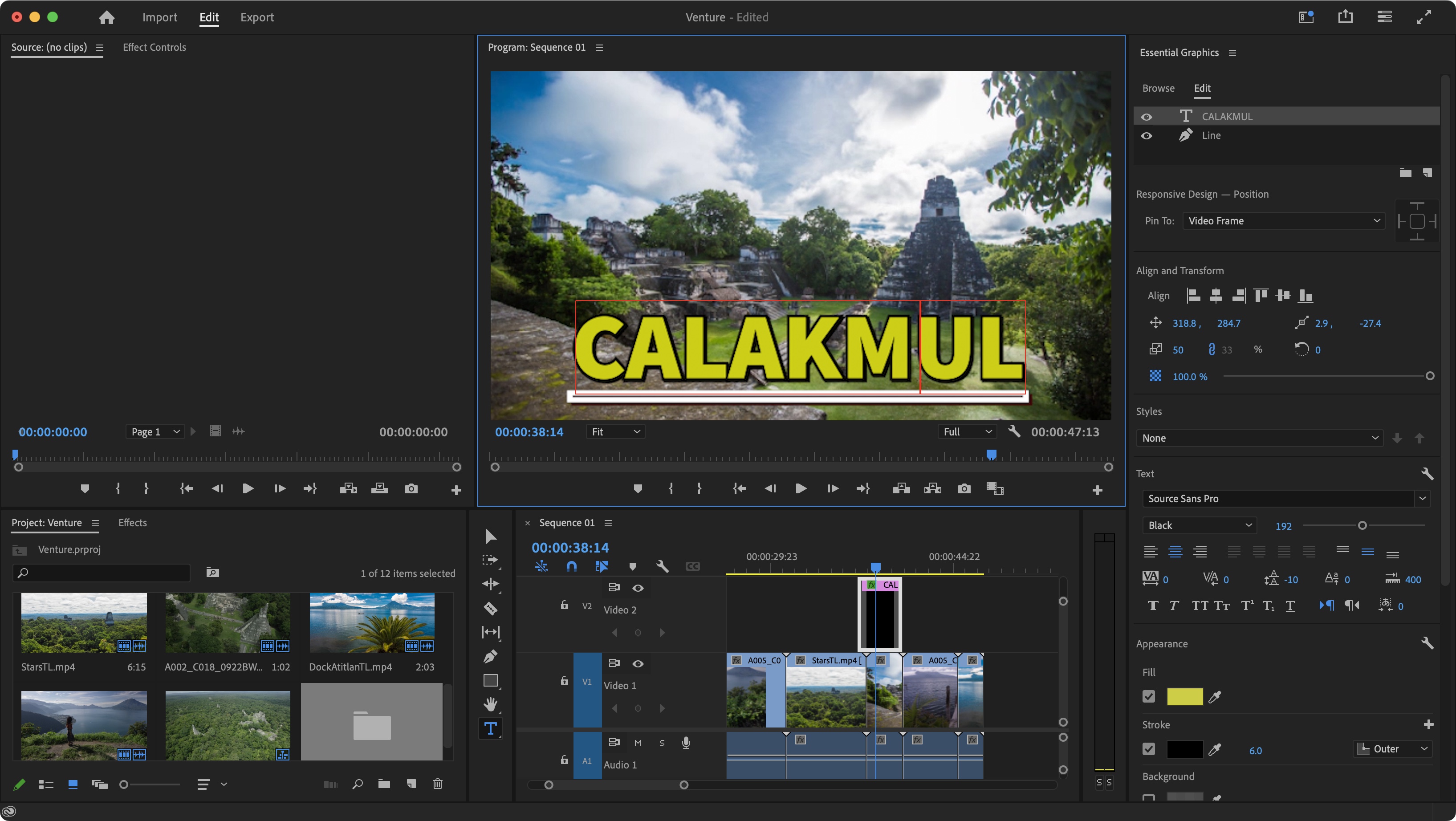
How To Add Titles In Adobe Premiere Pro | TechRadar
www.techradar.com
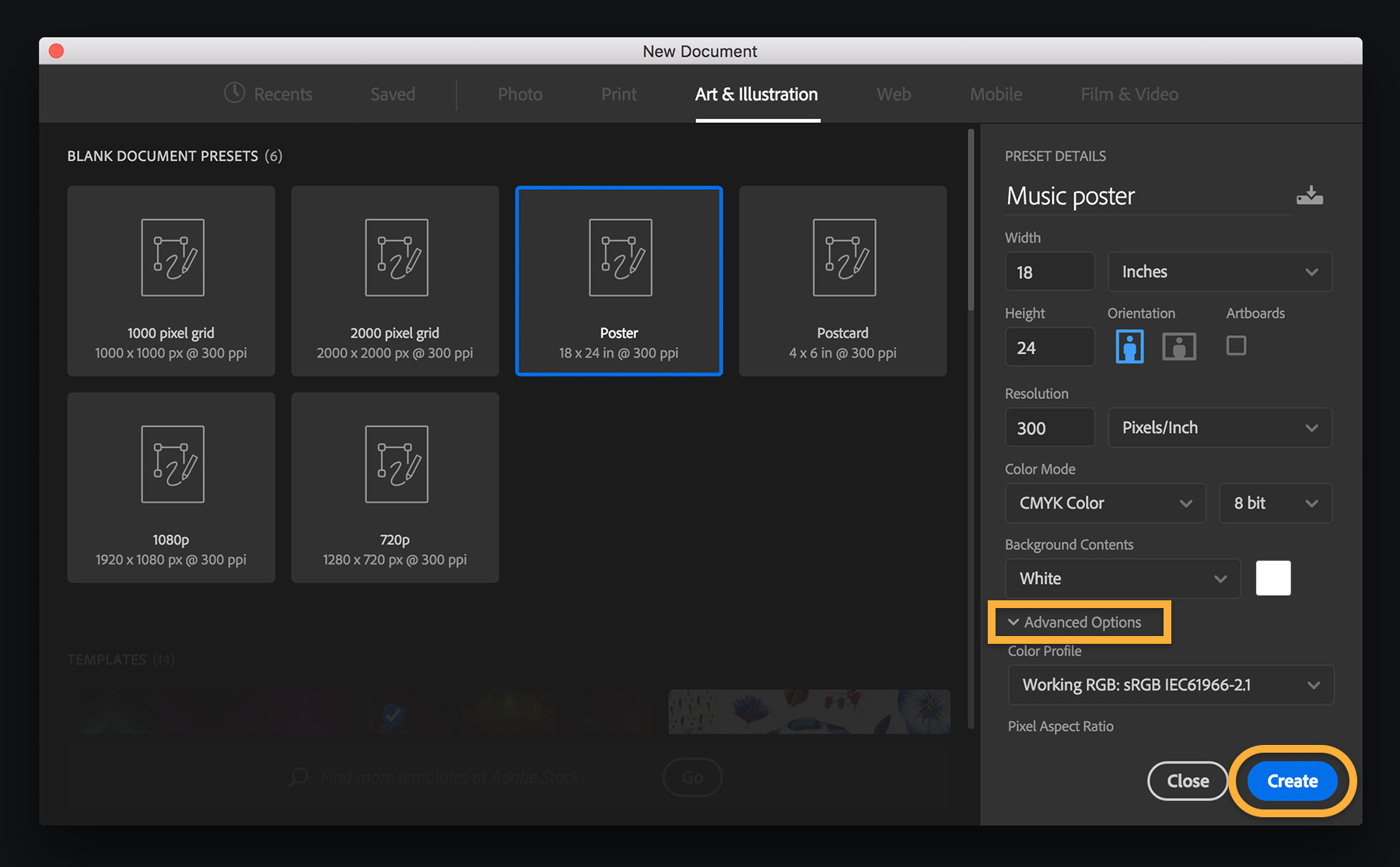
Adobe Photoshop Banner Templates – Sarseh.com
sarseh.com
Adobe Photoshop Banner Templates – Sarseh.com

sarseh.com
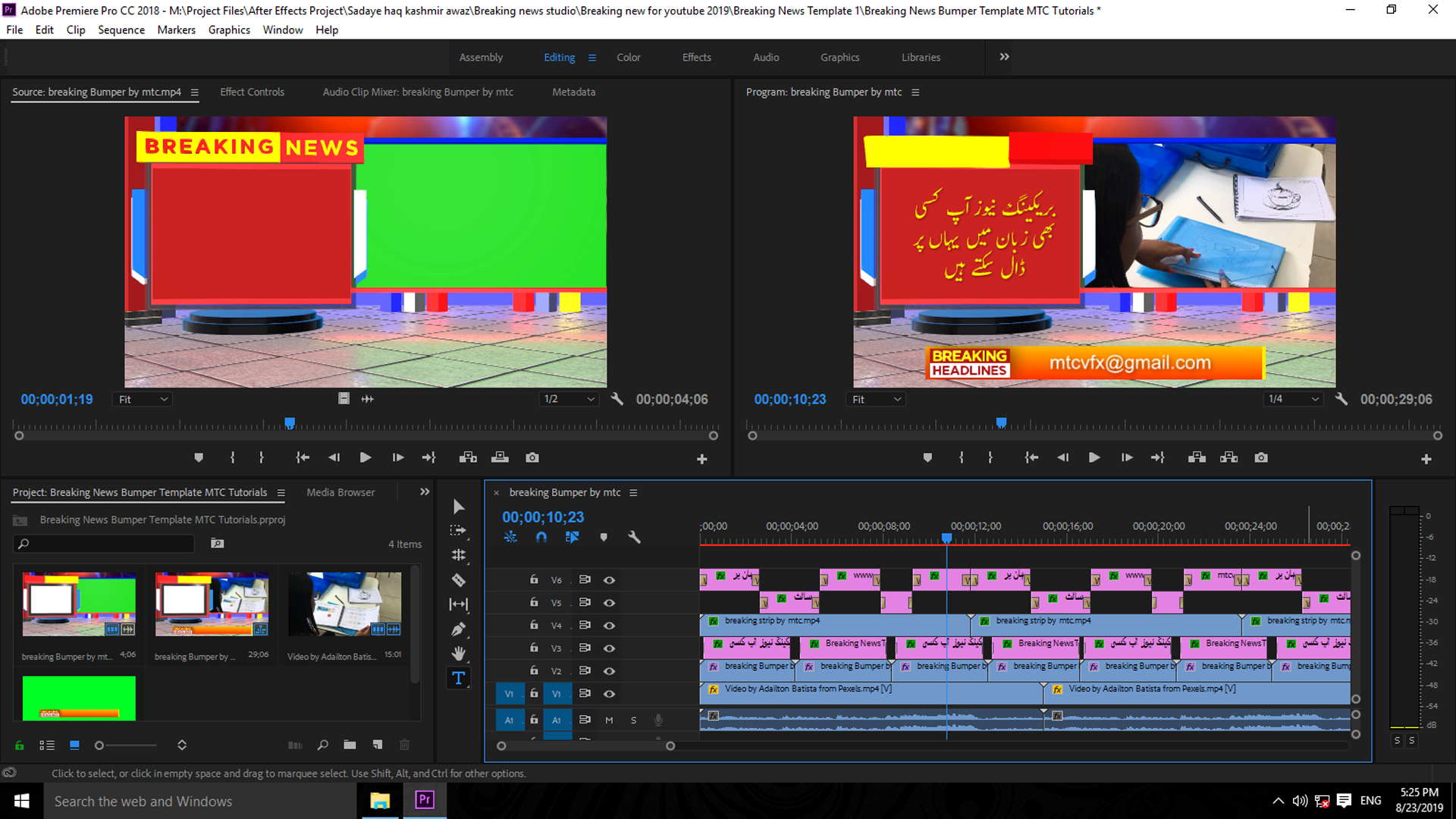
Download Free Breaking News Studio Adobe Premiere Pro Template – MTC
www.mtctutorials.com
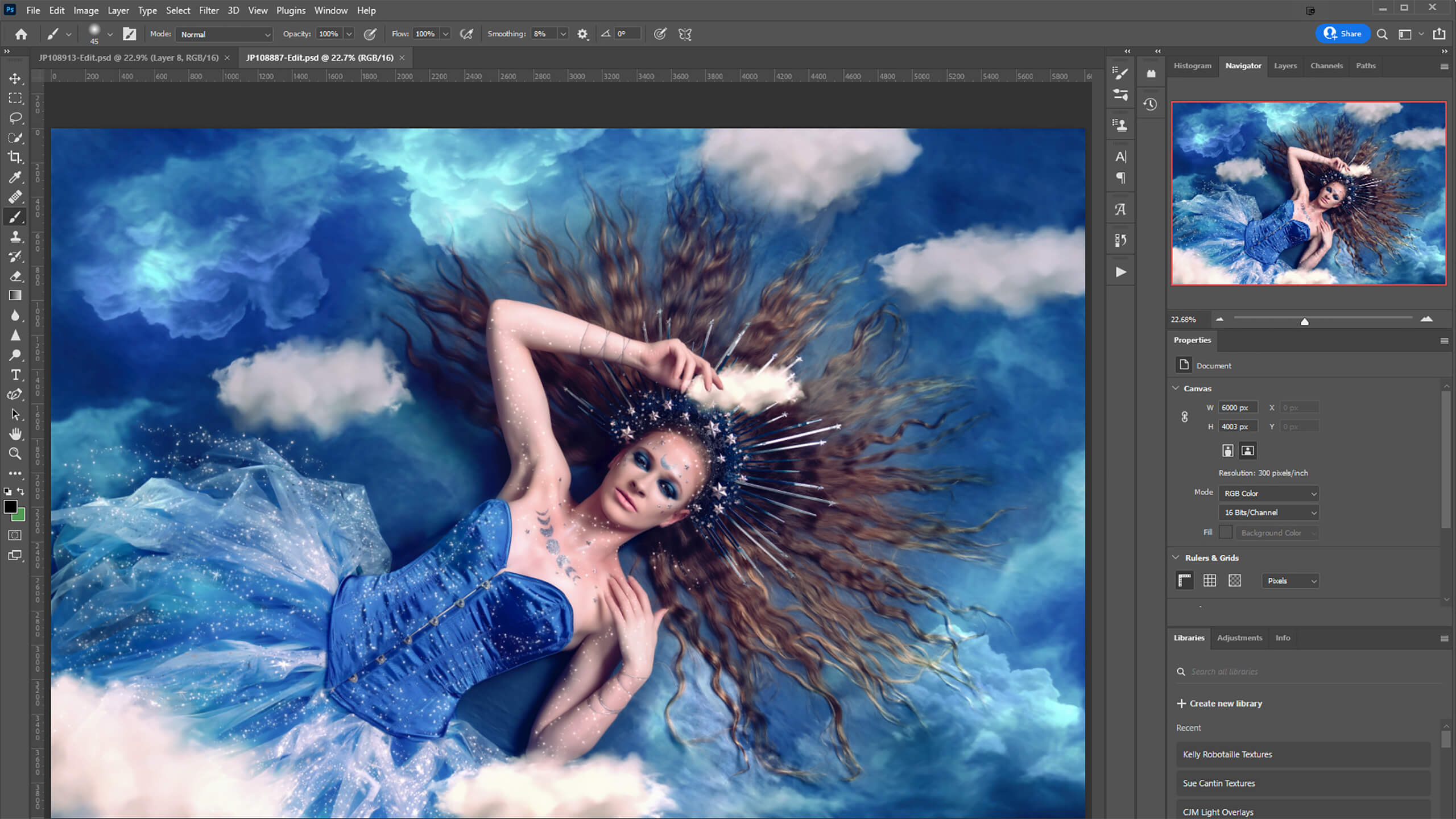
Photoshop Software
www.animalia-life.club
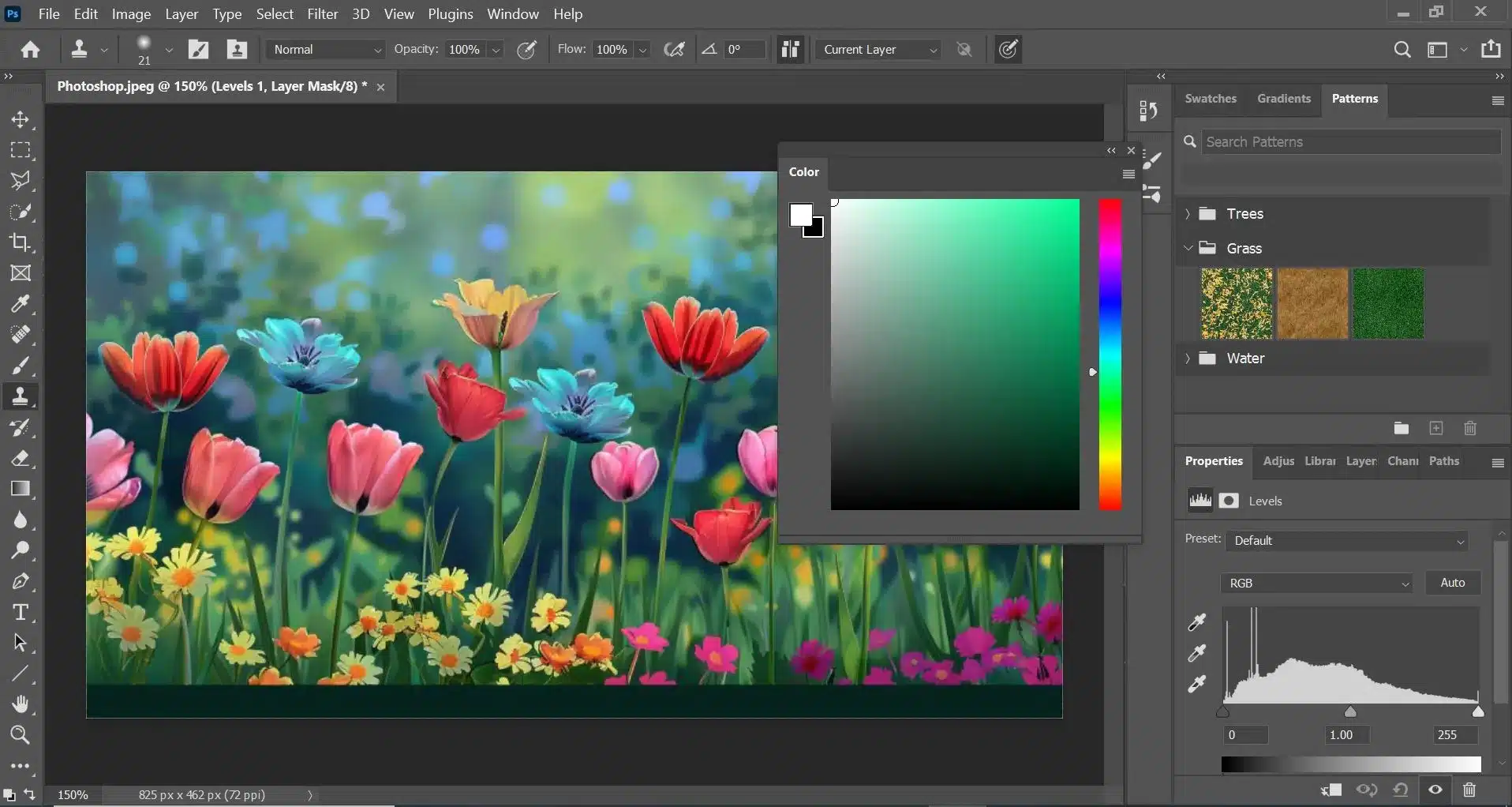
Adobe Photoshop Review: The Industry Standard For Photo Editing
weonlyhavebest.com
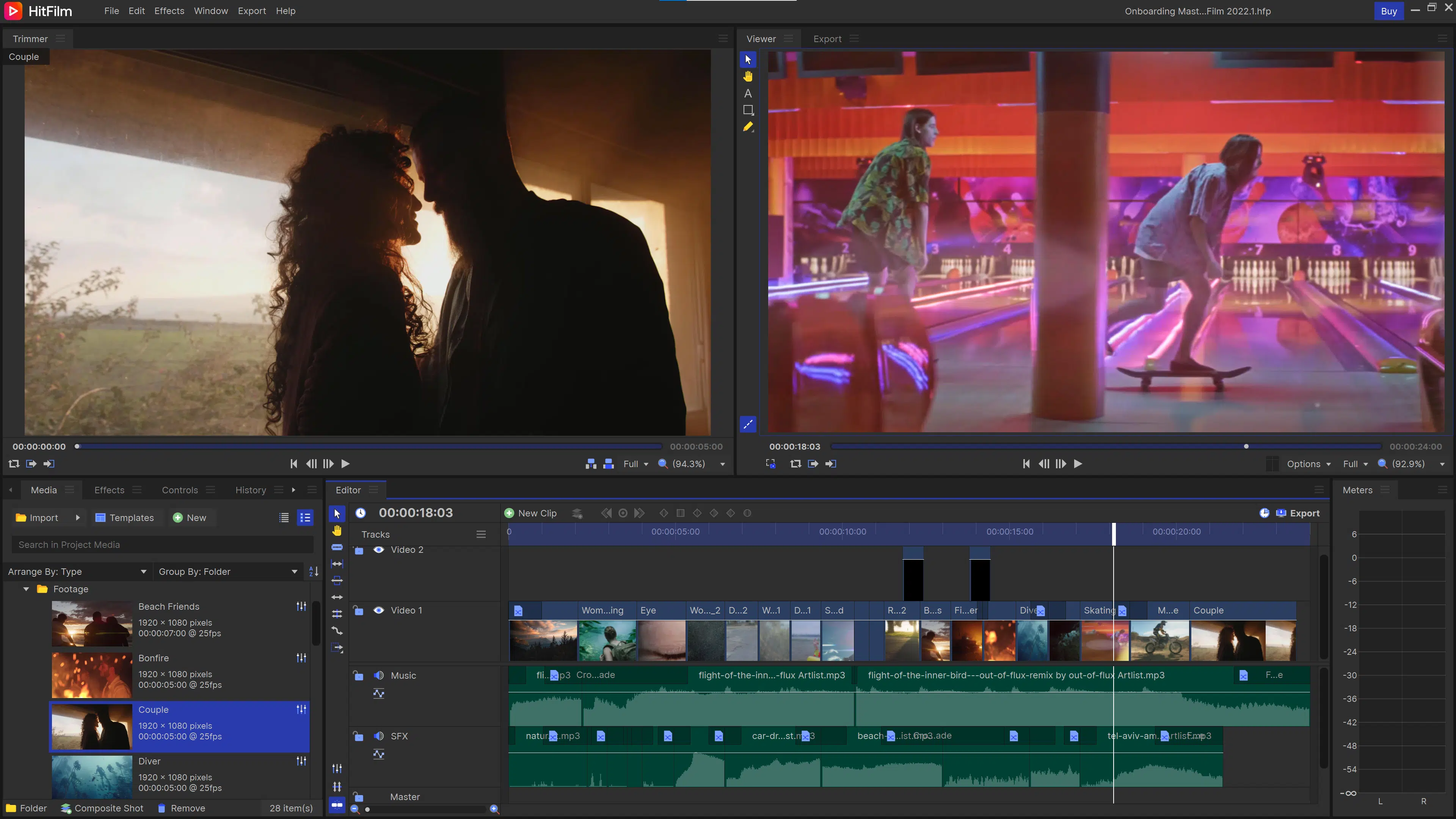
10+ Best FREE Video Editing Software In 2025
justcreative.com
Editing Video In Photoshop – Mental Ward Design
www.mental-ward.com
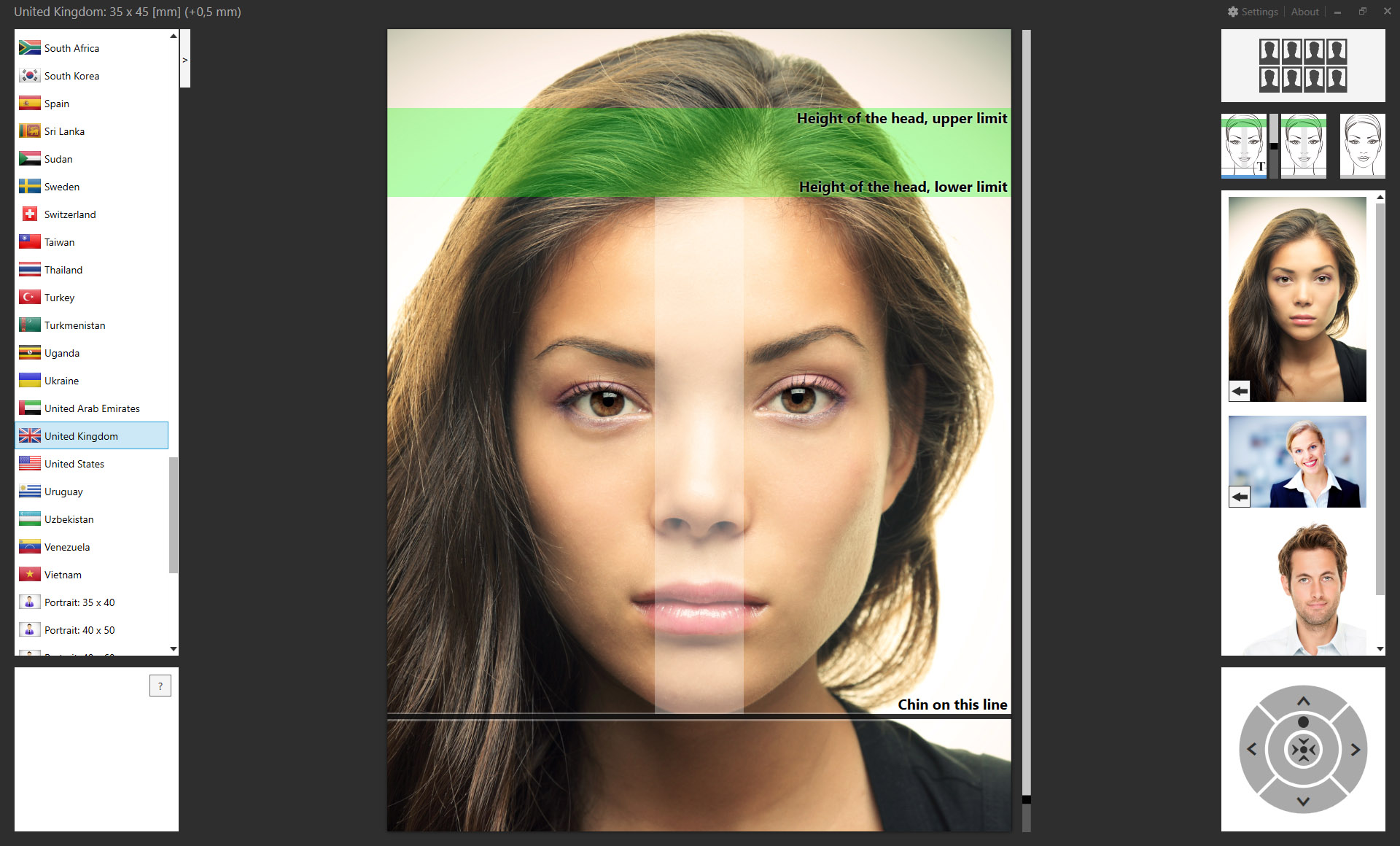
Codenia: Passport Photo Add-on For Adobe Photoshop And Adobe Lightroom
www.codenia.com
Adobe Photoshop – описание, скриншот, ссылка для скачивания, расширения
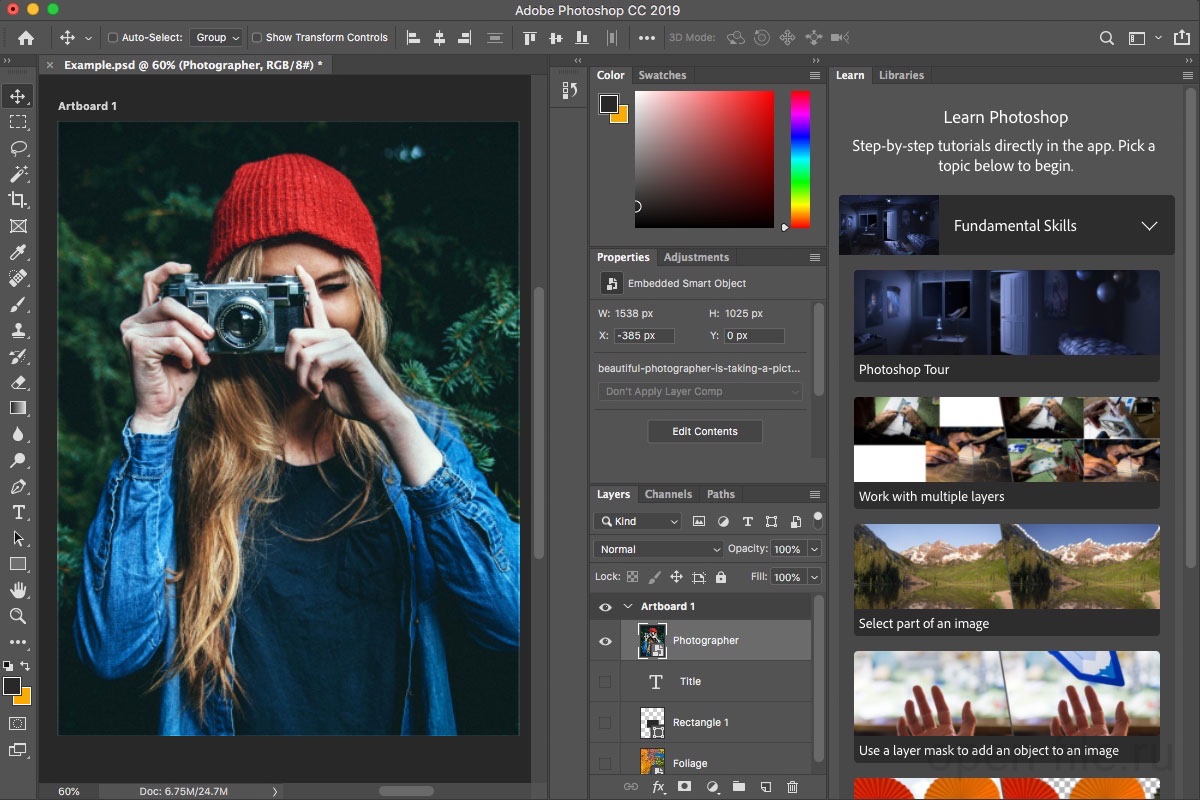
open-file.ru
Adobe Premiere Elements 2024 PC Code Software Download, 60% OFF

www.idropnews.com
Free Photoshop App – Ksemaine
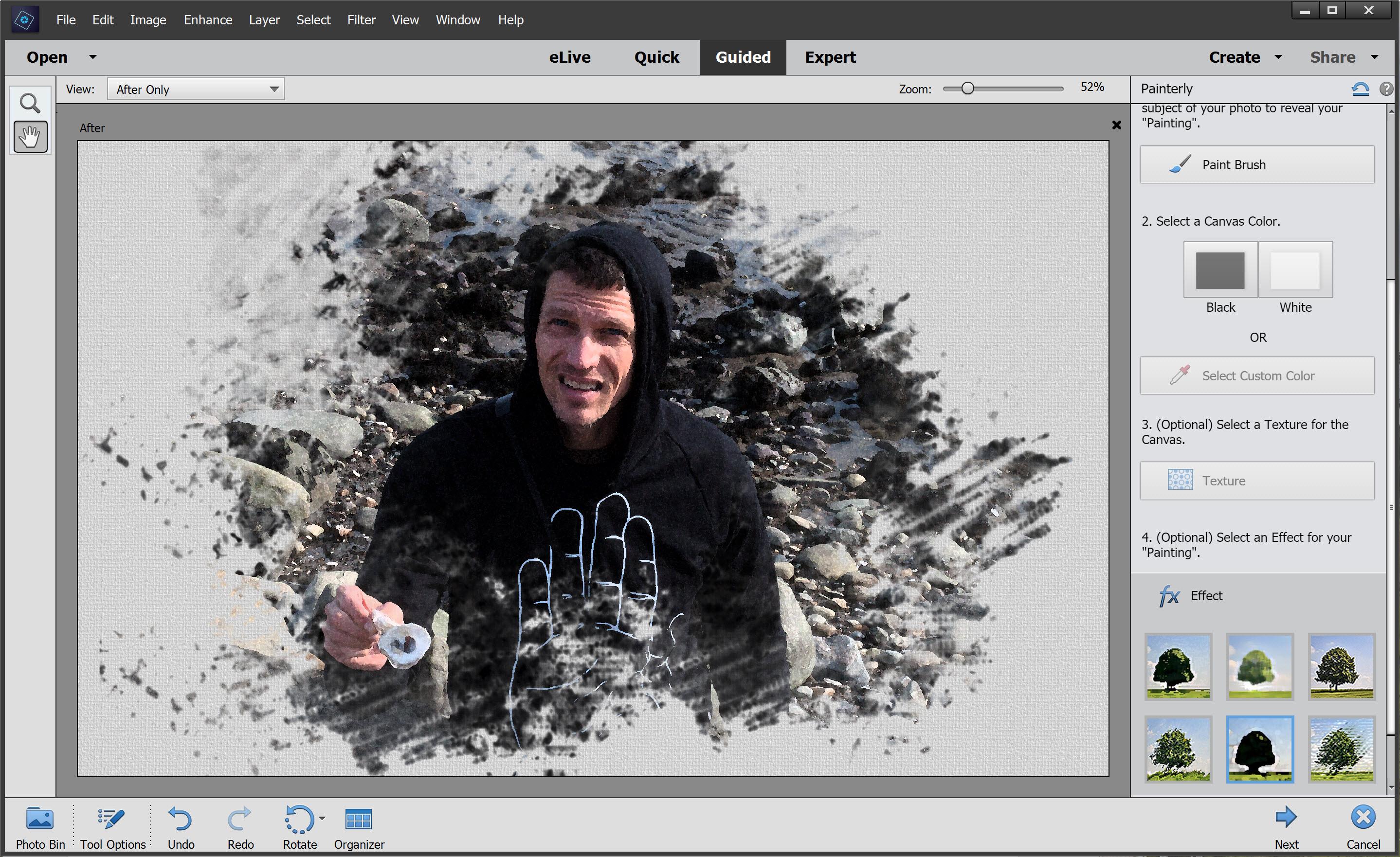
ksemaine.weebly.com
Photoshop software. adobe photoshop banner templates. Creating video slideshows in adobe photoshop: a step-by-step guide