Planning a fun event, classroom activity, or even a virtual game night? A blank bingo card template can be your best friend! Creating your own bingo cards from scratch can be time-consuming. Luckily, Microsoft Word offers a simple and efficient way to design and print customizable bingo cards. This post will guide you through using a blank bingo card template in Microsoft Word, helping you create professional-looking cards quickly and easily. Whether you’re hosting a birthday party, organizing a school event, or just looking for a fun way to engage a group, a well-designed bingo card can make all the difference.
Using a template allows you to focus on the content of your bingo game – the words, numbers, or images you want to include. It eliminates the tedious formatting work, ensuring that your cards are uniform and visually appealing. You can customize the template to match your specific needs, choosing the size of the grid, the font style, and even adding your own branding or thematic elements. This article will explore the various methods for accessing and customizing blank bingo card templates in Microsoft Word, empowering you to create the perfect bingo cards for any occasion.
How to Find and Use a Blank Bingo Card Template in Microsoft Word
Microsoft Word doesn’t always offer a readily available “Blank Bingo Card Template” in the truest sense. Instead, you often have to build a table and format it to resemble a bingo card. However, there are several methods to achieve the desired result:
Method 1: Creating a Bingo Card Using Tables
This is the most common and versatile method for creating a bingo card. Here’s how:
- Open Microsoft Word.
- Go to the “Insert” tab and click on “Table.”
- Decide on the size of your bingo card (e.g., a 5×5 grid for a standard bingo card). Drag your mouse over the grid options to select the appropriate number of rows and columns. A 5×5 grid means selecting 5 rows and 5 columns.
- The table will appear in your document. Now, you need to format the cells to be square. Select the entire table by clicking on the small square in the top-left corner of the table.
- Right-click within the selected table and choose “Table Properties.”
- In the Table Properties window, go to the “Row” tab and check the box next to “Specify height.” Enter a height value (e.g., 1 inch). Choose “Exactly” from the Row height is: dropdown.
- Go to the “Column” tab and check the box next to “Specify width.” Enter the same width value you used for the row height (e.g., 1 inch).
- Click “OK.” Your table should now have square cells.
- Add borders: Select the entire table again. Go to the “Design” tab (this tab appears when the table is selected). In the “Borders” group, select “All Borders.” You can also customize the border style, color, and thickness to your liking.
- Add a header: You can add a row at the top for the word “BINGO” with each letter above a column. Insert a row above the existing table. Type “BINGO” across the cells, one letter per cell. Center each letter.
- Add “Free Space”: Traditionally, the center square is a “Free Space.” Type “Free Space” (or draw a star, smiley face, etc.) in the middle cell of your bingo card.
- Now you can populate the remaining cells with your chosen words, numbers, or images.
Method 2: Downloading a Template Online
While Microsoft Word itself might not have a dedicated “Bingo Card” template readily available in its built-in template library, many websites offer free downloadable Word-compatible bingo card templates. Here’s how to find and use them:
- Use a search engine like Google to search for “free blank bingo card template Word.”
- Browse the search results and choose a reputable website offering templates. Be cautious about downloading from unfamiliar or suspicious sites.
- Download the template in a Word (.doc or .docx) format.
- Open the downloaded template in Microsoft Word.
- Customize the template as needed. You can change the size of the grid, the font, the colors, and add your own content.
Method 3: Utilizing Online Bingo Card Generators
While technically not using a *blank* template *within* Word, online bingo card generators can create ready-to-print bingo cards in PDF format. You can then insert these PDFs as images into a Word document for further customization or simply print them directly.
- Search online for “bingo card generator.” Many free options are available.
- Enter the words, numbers, or images you want to use in your bingo cards.
- Customize the layout and design if the generator allows.
- Generate and download the bingo cards (usually in PDF format).
- (Optional) Insert the PDF into a Word document: Go to the “Insert” tab in Word, click on “Object,” then choose “Adobe Acrobat Document.” Browse to and select your downloaded PDF. This will insert the PDF as an image. Note: Editting the bingo card content will now be difficult.
Customizing Your Blank Bingo Card Template
No matter which method you choose, customization is key to creating a bingo card that perfectly suits your needs. Here are some customization options:
* **Font and Style:** Choose a clear and readable font. Adjust the font size to fit comfortably within the cells. Use bolding or italics to highlight certain elements.
* **Colors:** Add color to the borders, the background, or the text to make your bingo card more visually appealing.
* **Images:** Instead of or in addition to words or numbers, you can insert images into the cells. This is especially useful for younger children or for themed bingo games.
* **Free Space Design:** Get creative with your “Free Space.” Use a fun icon, a logo, or a specific word related to your theme.
* **Number Range:** If using numbers, determine the appropriate number range for your bingo game. For standard bingo, this is 1-75.
* **Card Quantity:** Decide how many different bingo cards you need. If you’re using a table, you can copy and paste the table multiple times and manually change the numbers/words/images in each card. If using an online generator, it will typically generate multiple unique cards automatically.
* **Adding a Title:** Add a title to the top of your bingo card to indicate the theme or event.
By using these methods and customization tips, you can easily create professional-looking blank bingo card templates in Microsoft Word and design fun and engaging bingo games for any occasion.
If you are looking for Bingo Card Template – 13+ Word, PDF, Vector Format Download you’ve came to the right web. We have 22 Images about Bingo Card Template – 13+ Word, PDF, Vector Format Download like Blank Bingo Card Template Microsoft Word⚔️ Descubra o mundo de apostas, 28+ [ Blank Bingo Card Template Microsoft Word ] | Microsoft intended and also Blank Bingo Card Template Microsoft Word – Sampletemplate.my.id. Here you go:
Bingo Card Template – 13+ Word, PDF, Vector Format Download
www.template.net
Blank Bingo Card Template Microsoft Word – Mightyprintingdeals.com
www.mightyprintingdeals.com
Blank Bingo Card Template Microsoft Word – Mightyprintingdeals.com

www.mightyprintingdeals.com
Blank Bingo Card Template Microsoft Word – Sampletemplate.my.id
www.sampletemplate.my.id
Blank Bingo Card Template Microsoft Word – Sampletemplate.my.id
www.sampletemplate.my.id
Blank Bingo Card Template Microsoft Word – Atlantaauctionco.com
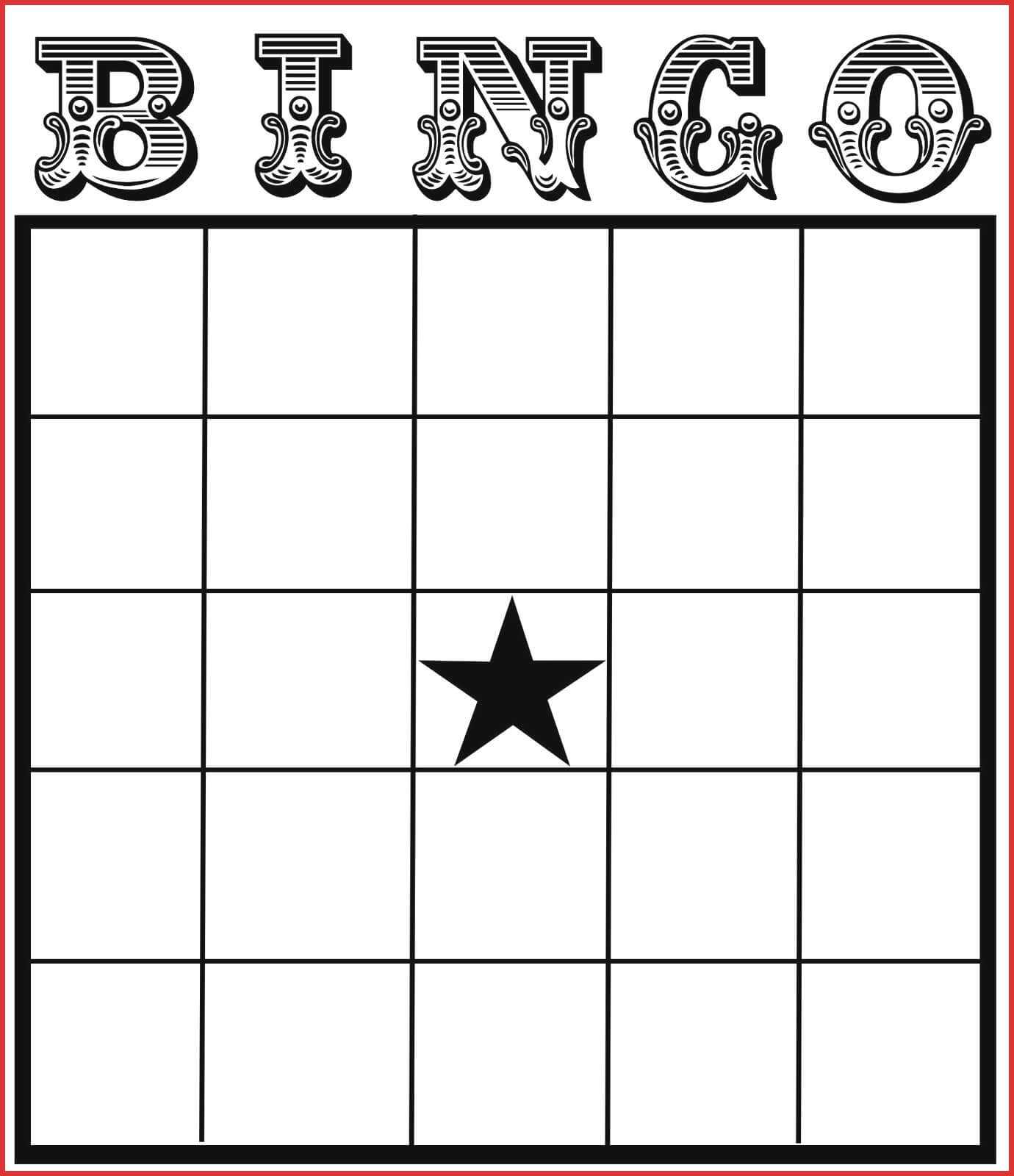
www.atlantaauctionco.com
Free Collection Blank Bingo Card Template Microsoft Word Blank Bingo

www.pinterest.com
Blank Bingo Card Template Microsoft Word – Sample.gelorailmu.com
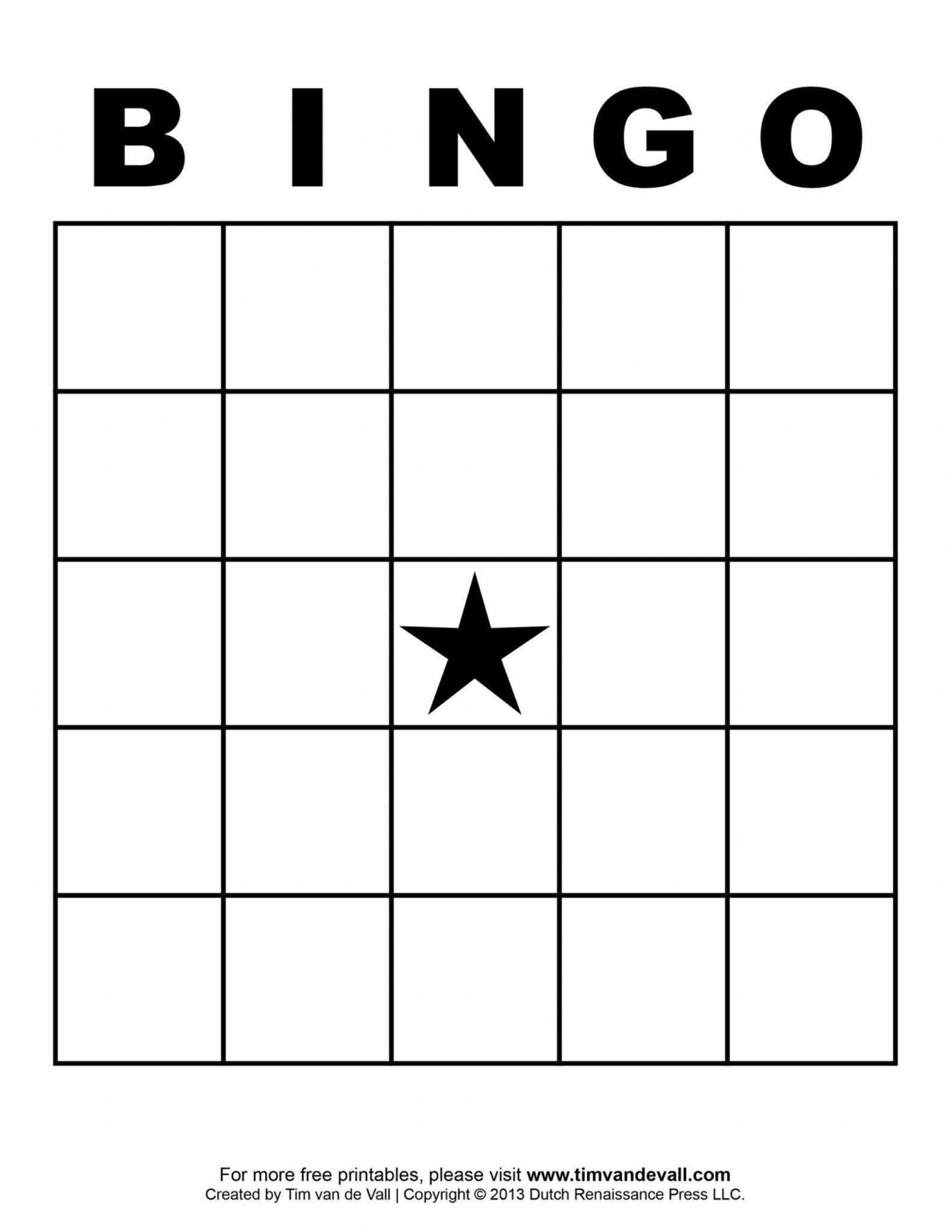
sample.gelorailmu.com
Free Printable Blank Bingo Template
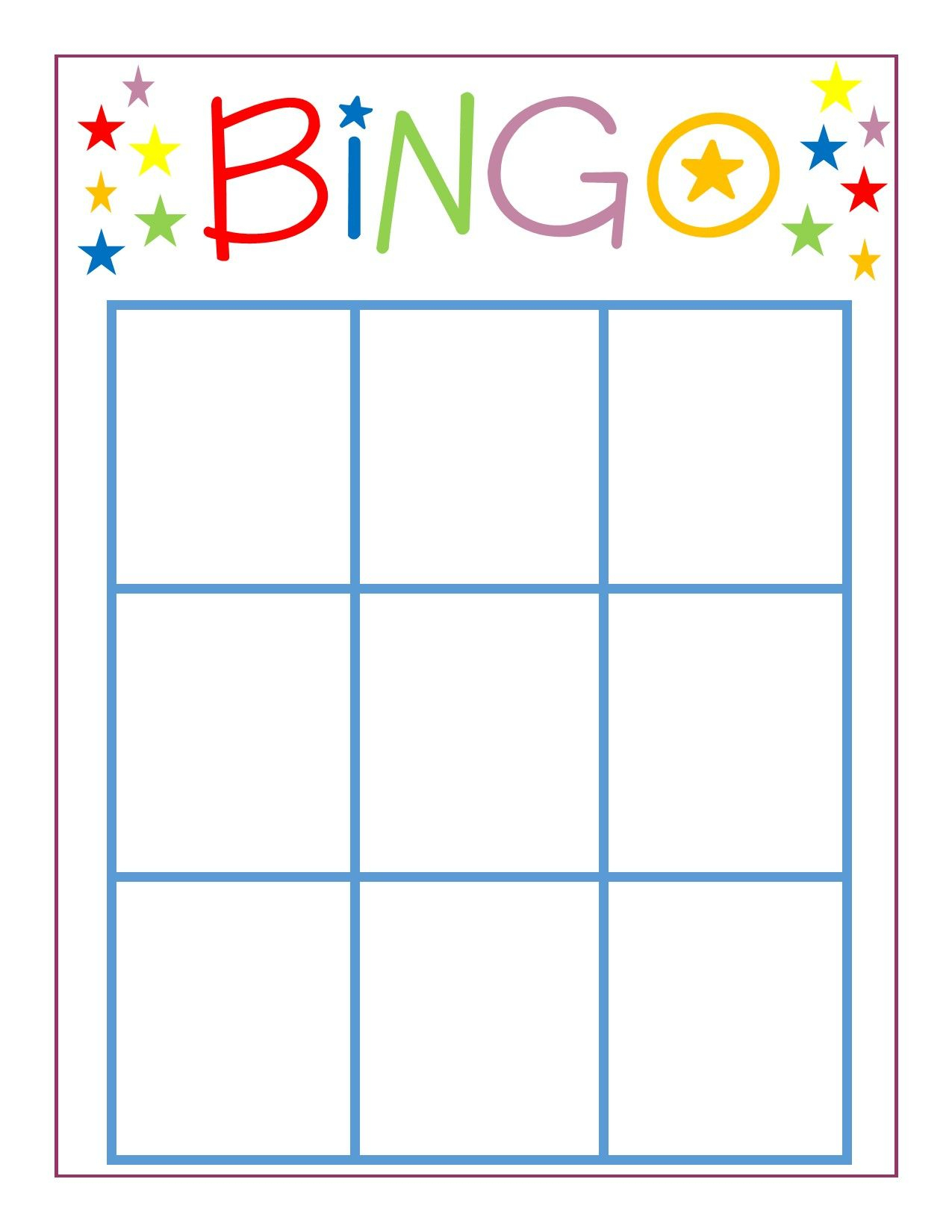
classifieds.independent.com
Printable Bingo Card Template Bingo Card Template Bingo Template – Free
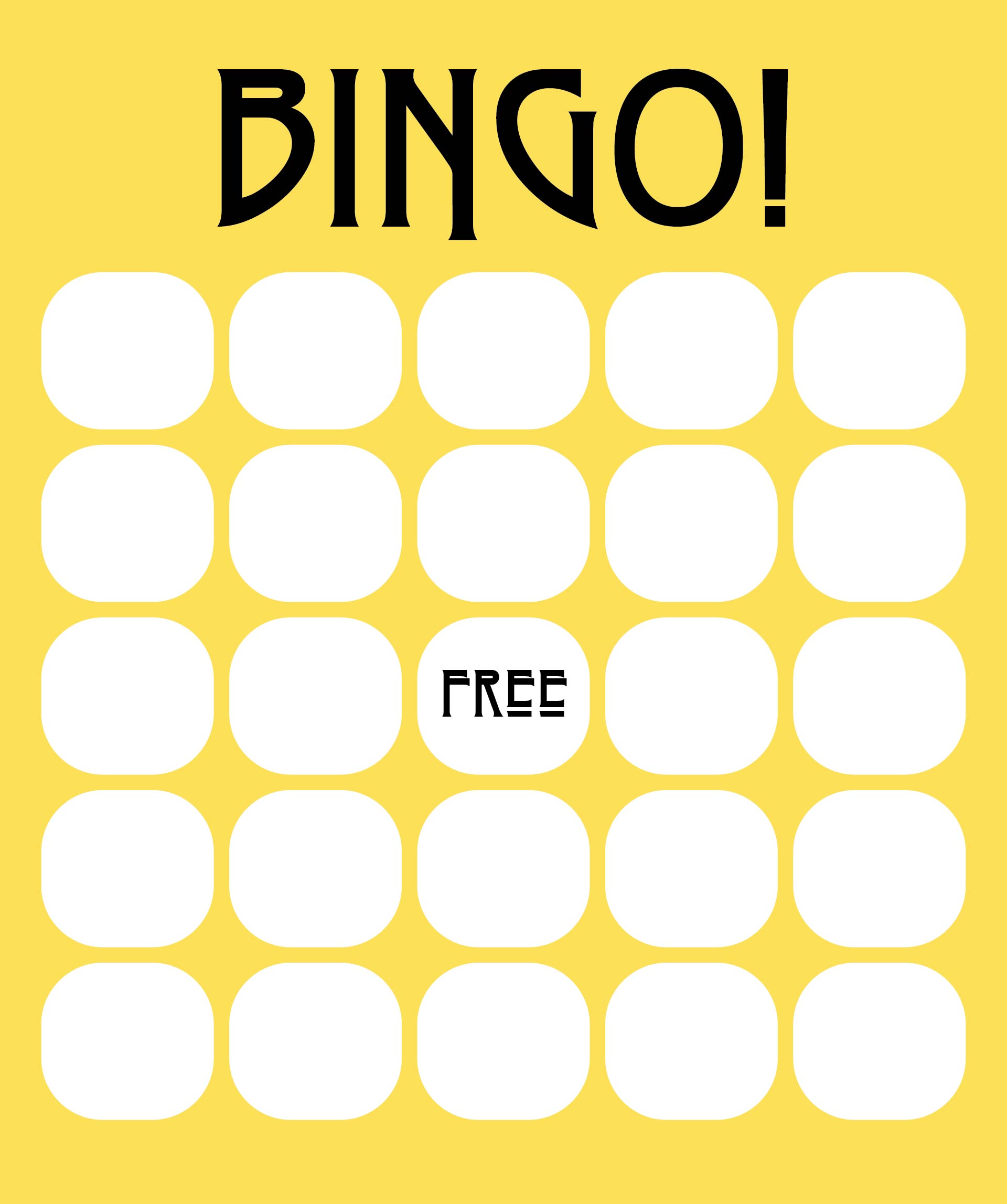
docs.cholonautas.edu.pe
Blank Bingo Card Template Microsoft Word⚔️ Descubra O Mundo De Apostas

www.cnss.gov.lb
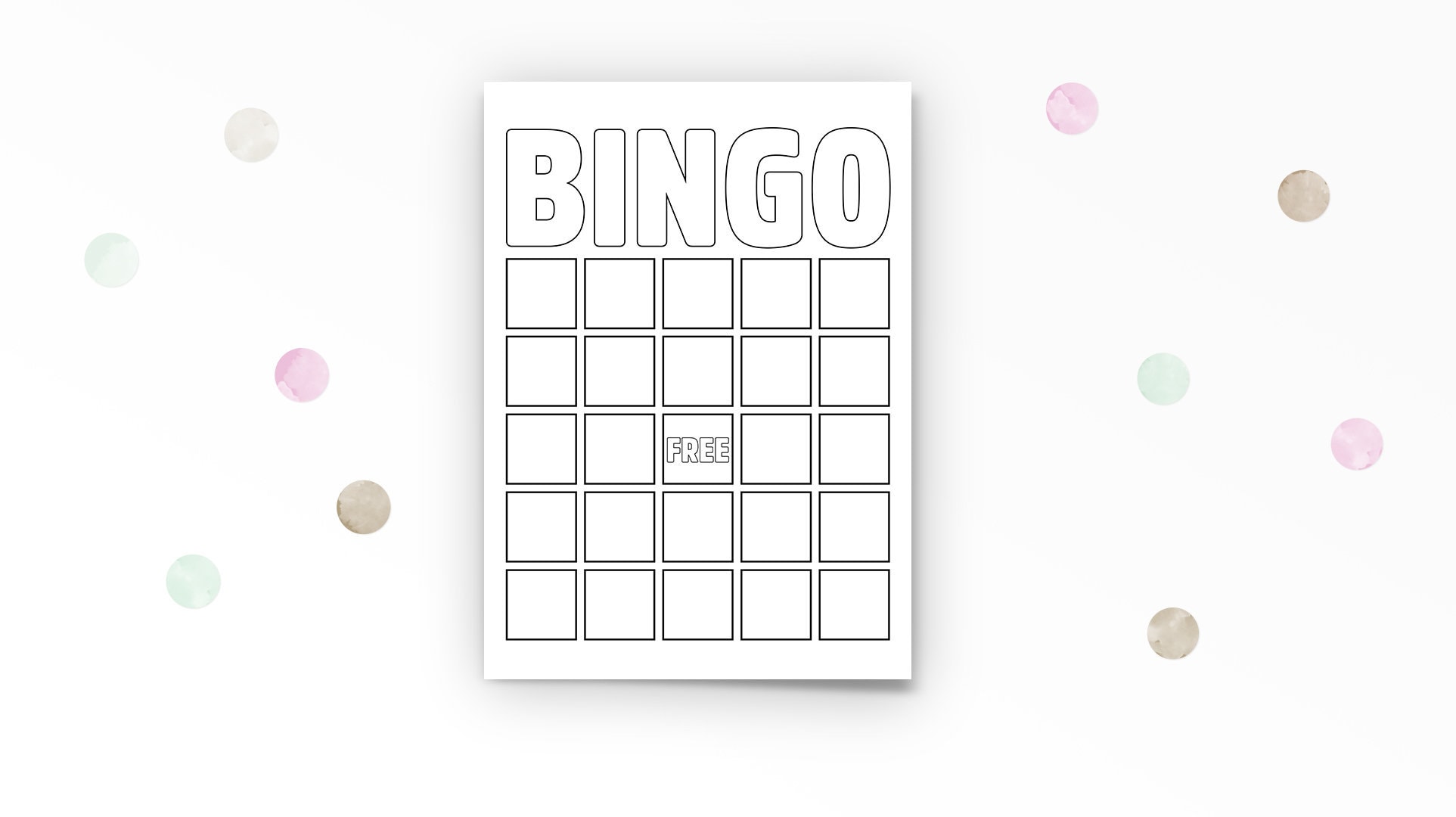
Blank Bingo Card Template Microsoft Word – Ccalcalanorte.com
www.ccalcalanorte.com
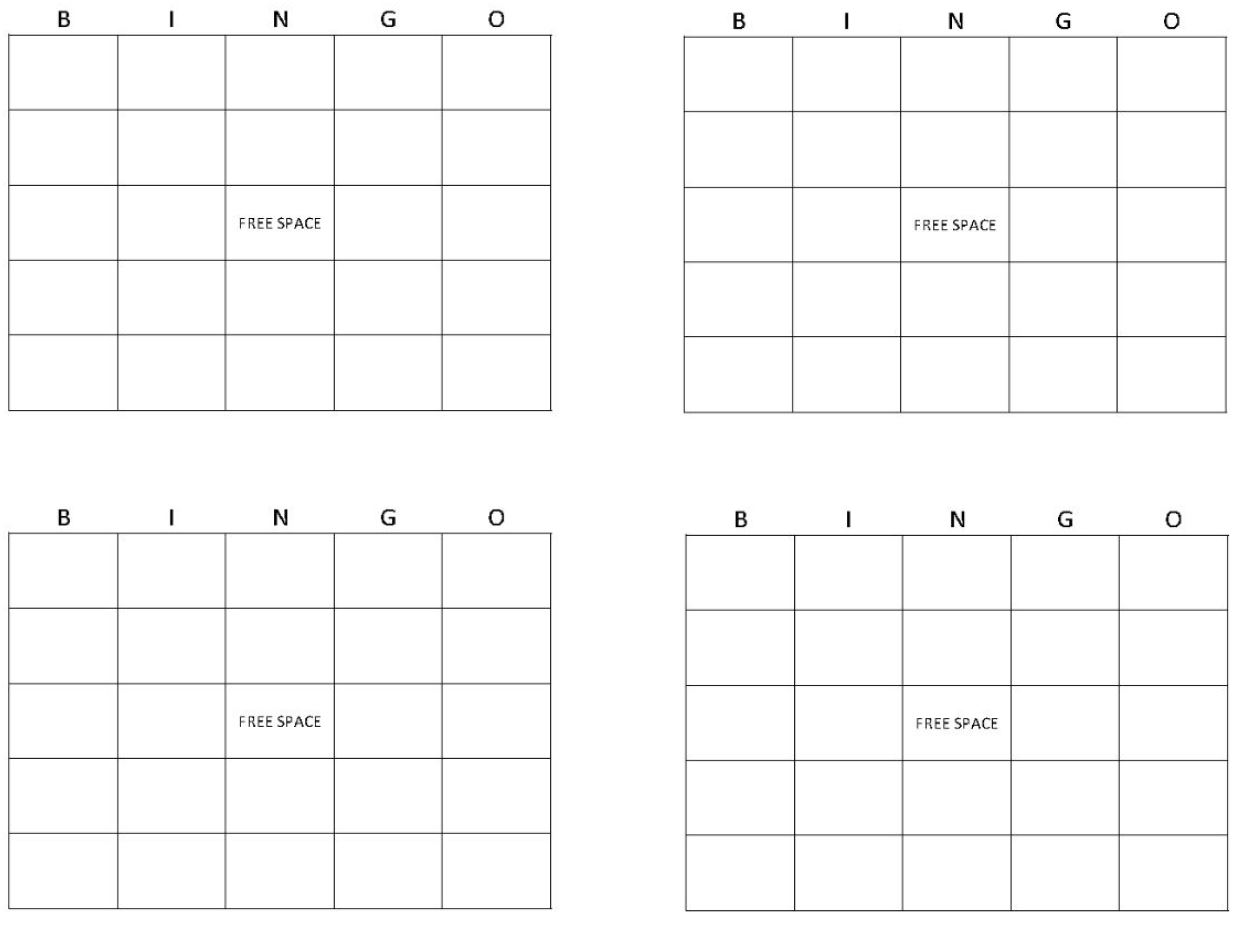
Blank Bingo Card Template Microsoft Word – KAESG BLOG
kaesg.com
Blank Bingo Card Template Microsoft Word | New Professional Template

newprofessional-template.blogspot.com
Free Printable Blank Bingo Template

classifieds.independent.com
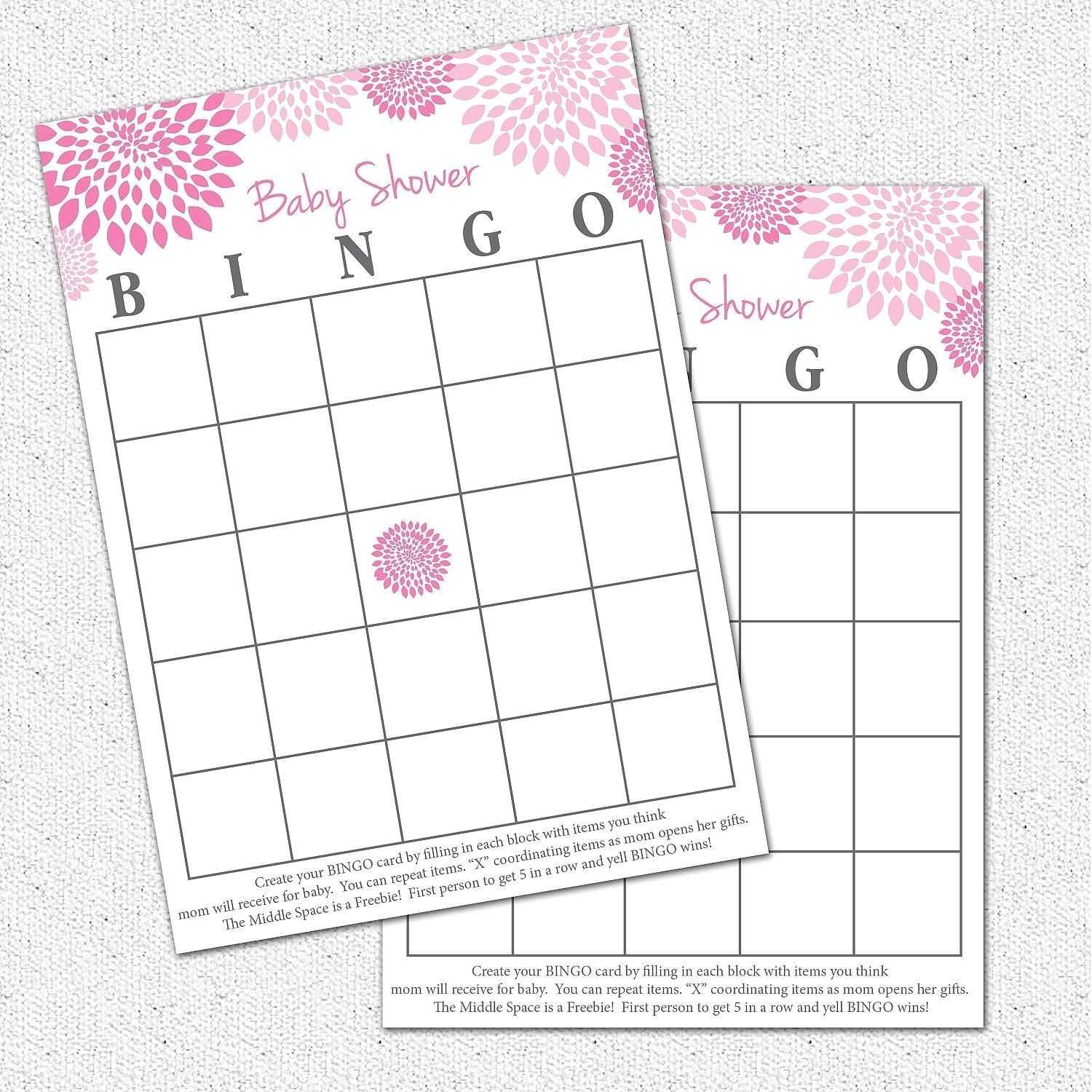
Blank Bingo Card Template Microsoft Word – Plancha With Blank Bingo
template.maexproit.com
Bingo Card Template Word – KAESG BLOG

kaesg.com
Blank Bingo Card Template Microsoft Word – Ccalcalanorte.com

www.ccalcalanorte.com
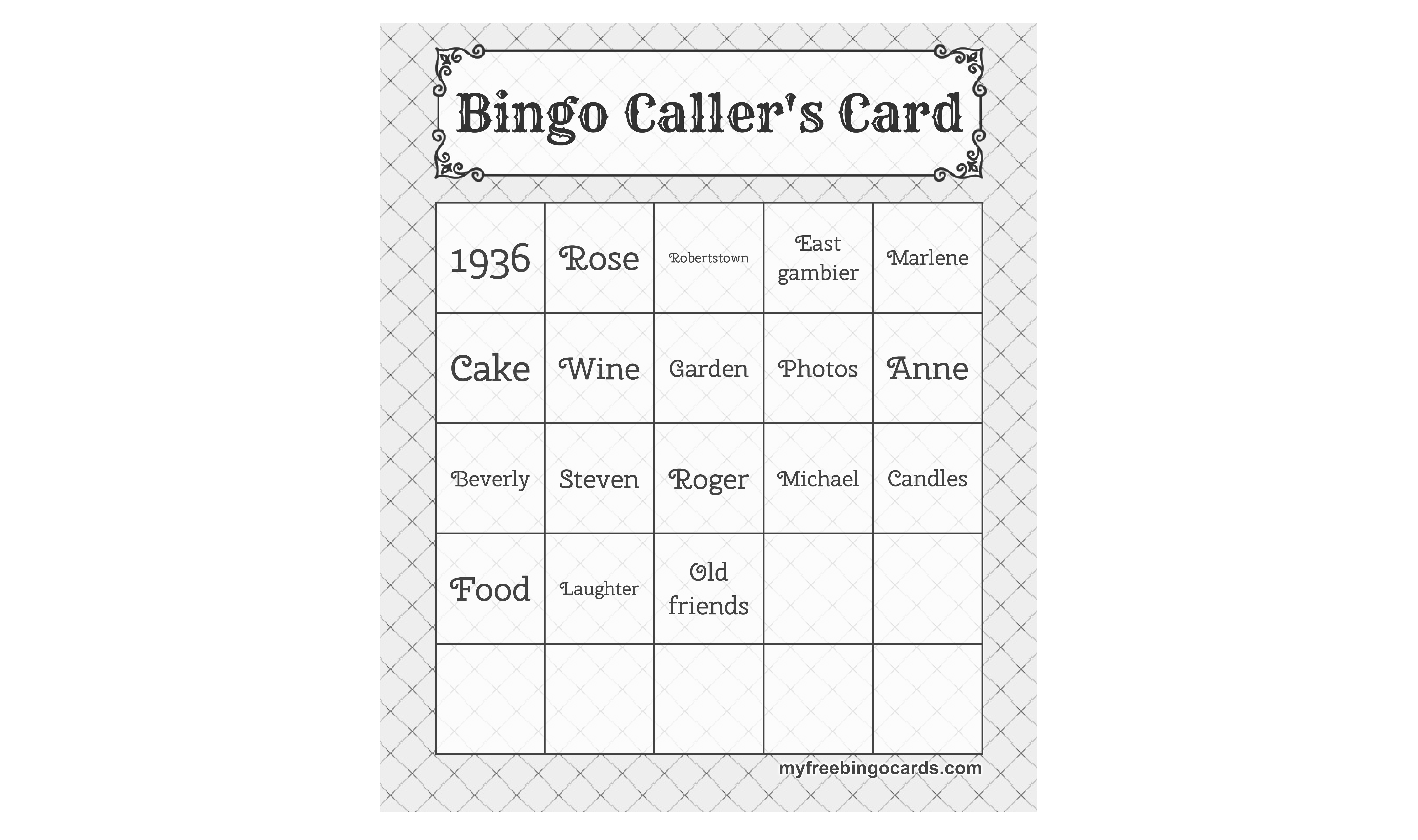
Blank Bingo Card Template Microsoft Word – Sampletemplate.my.id
www.sampletemplate.my.id
28+ [ Blank Bingo Card Template Microsoft Word ] | Microsoft Intended
![28+ [ Blank Bingo Card Template Microsoft Word ] | Microsoft intended](https://pray.gelorailmu.com/wp-content/uploads/2020/01/28-blank-bingo-card-template-microsoft-word-microsoft-intended-for-blank-bingo-template-pdf.jpg)
pray.gelorailmu.com
034 Template Ideas Blank Bingo Card Stirring 4X4 Excel With Regard To
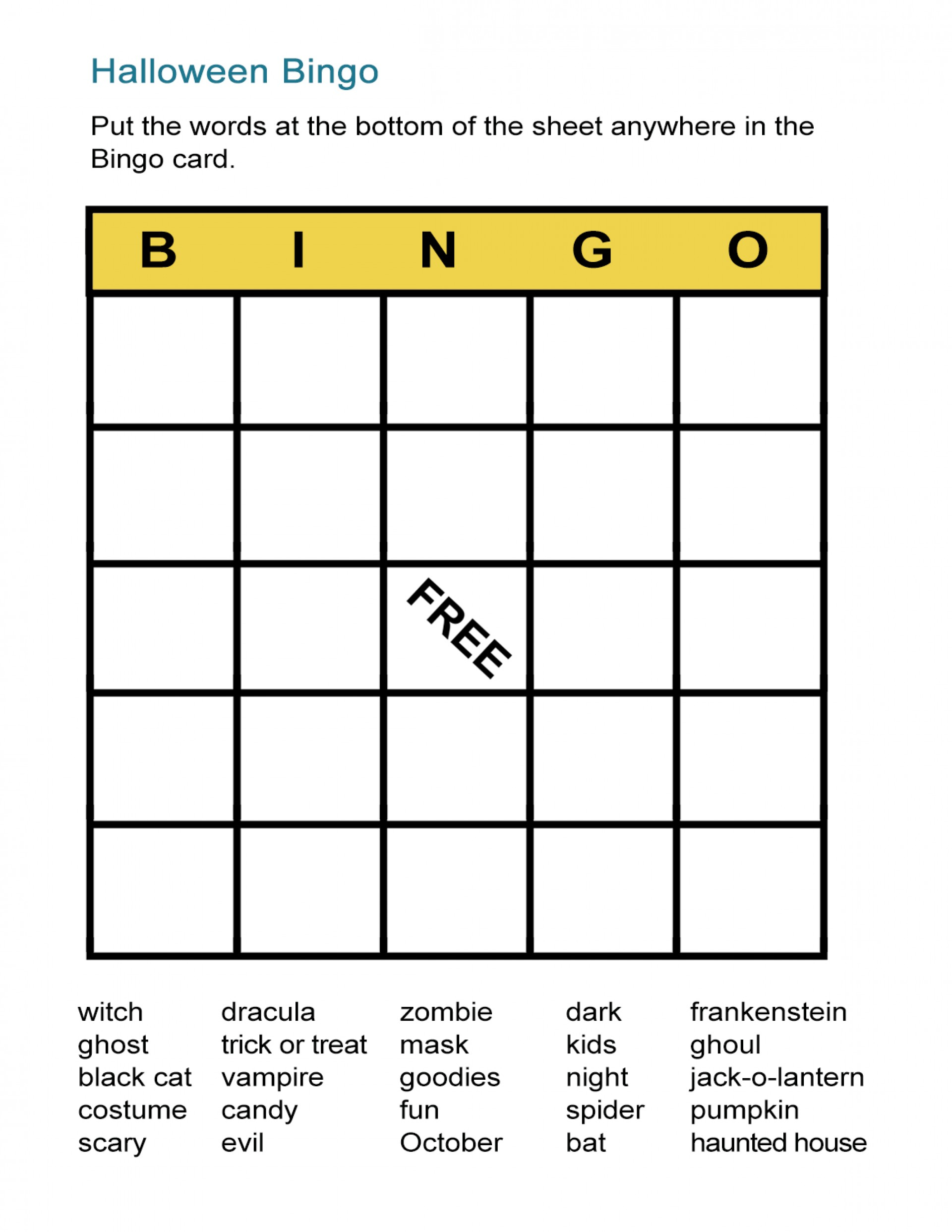
business.fromgrandma.best
Blank Bingo Card Template Microsoft Word – Mightyprintingdeals.com
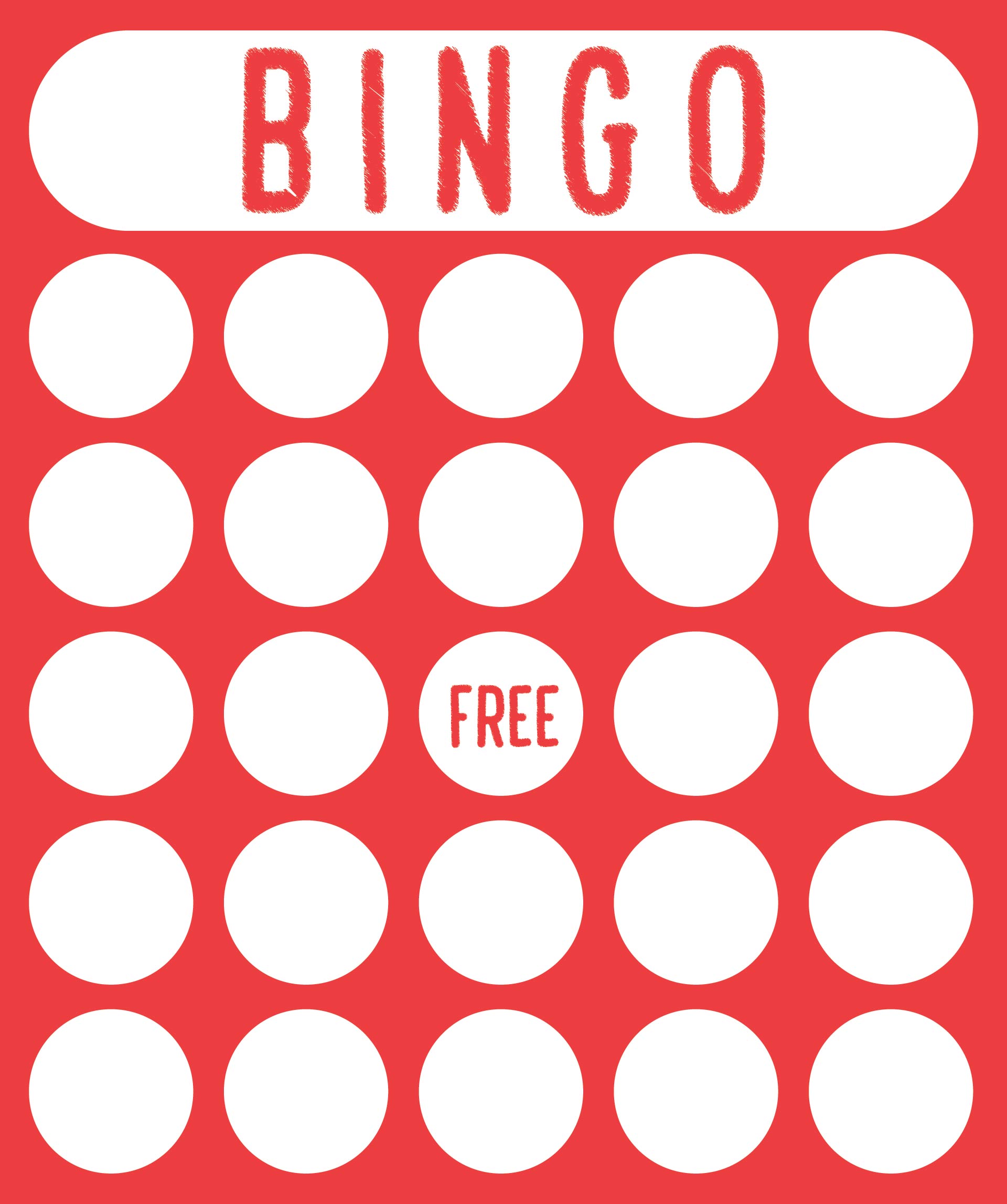
www.mightyprintingdeals.com
Blank bingo card template microsoft word. 28+ [ blank bingo card template microsoft word ]. blank bingo card template microsoft word – mightyprintingdeals.com