Creating a professional and memorable first impression is crucial in the business world, and a well-designed business card is an essential tool for achieving this. While modern graphic design software offers advanced features, you don’t always need those expensive tools. Microsoft Word 2007, while older, still provides a viable option for crafting effective business cards, especially with its built-in templates. This guide explores how to leverage Word 2007 business card templates and customize them to reflect your brand.
Utilizing Business Card Templates in Word 2007
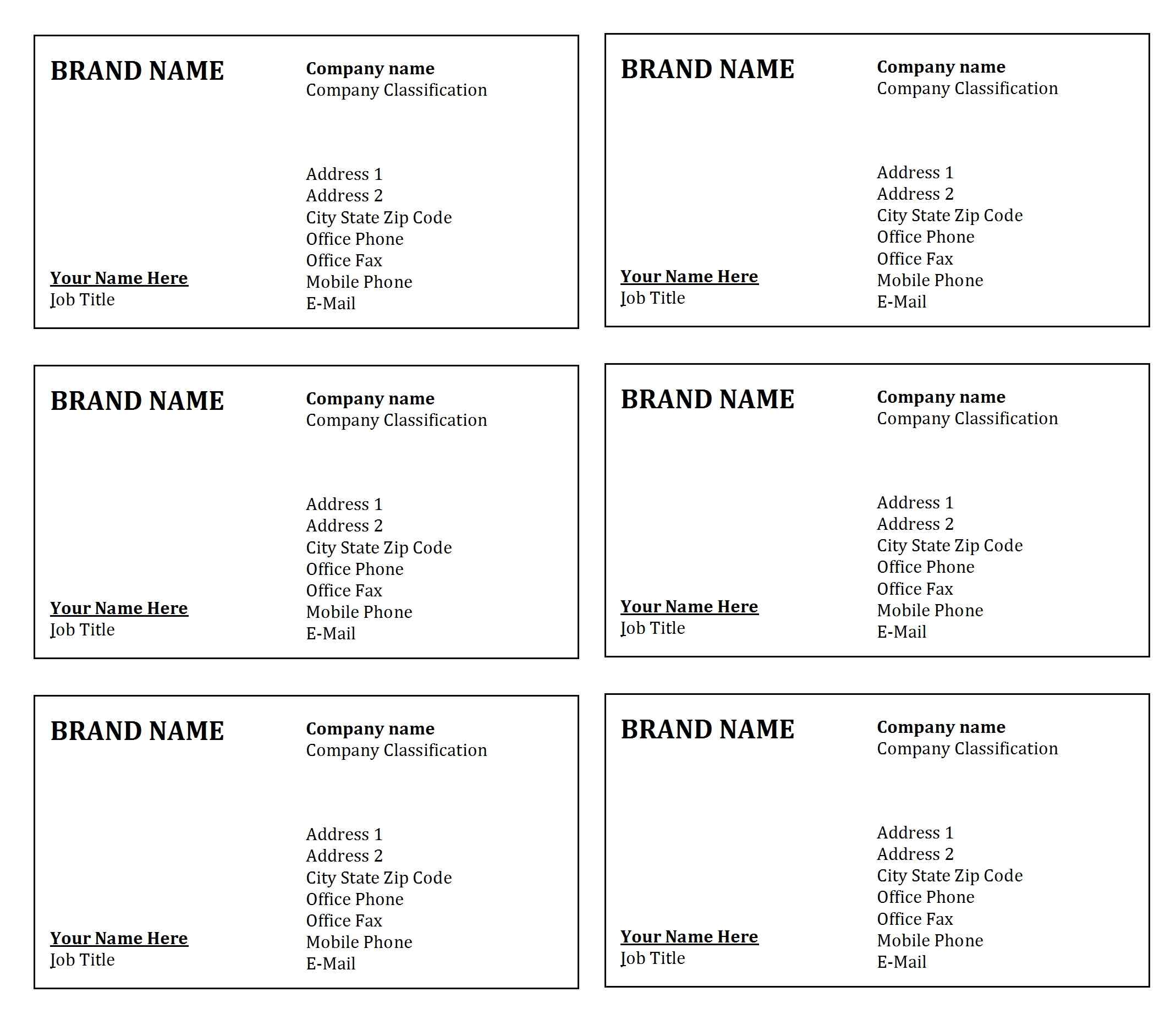
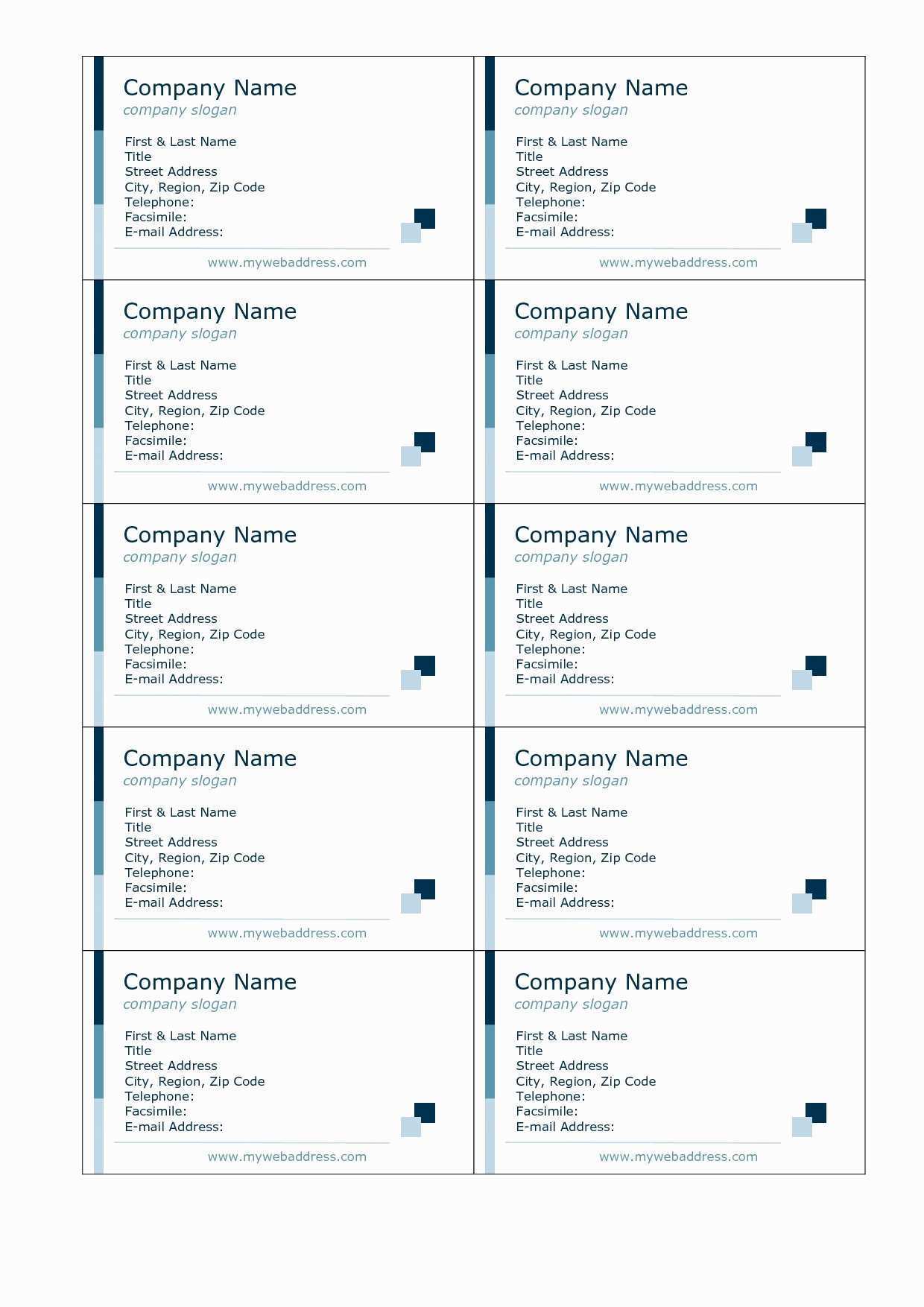
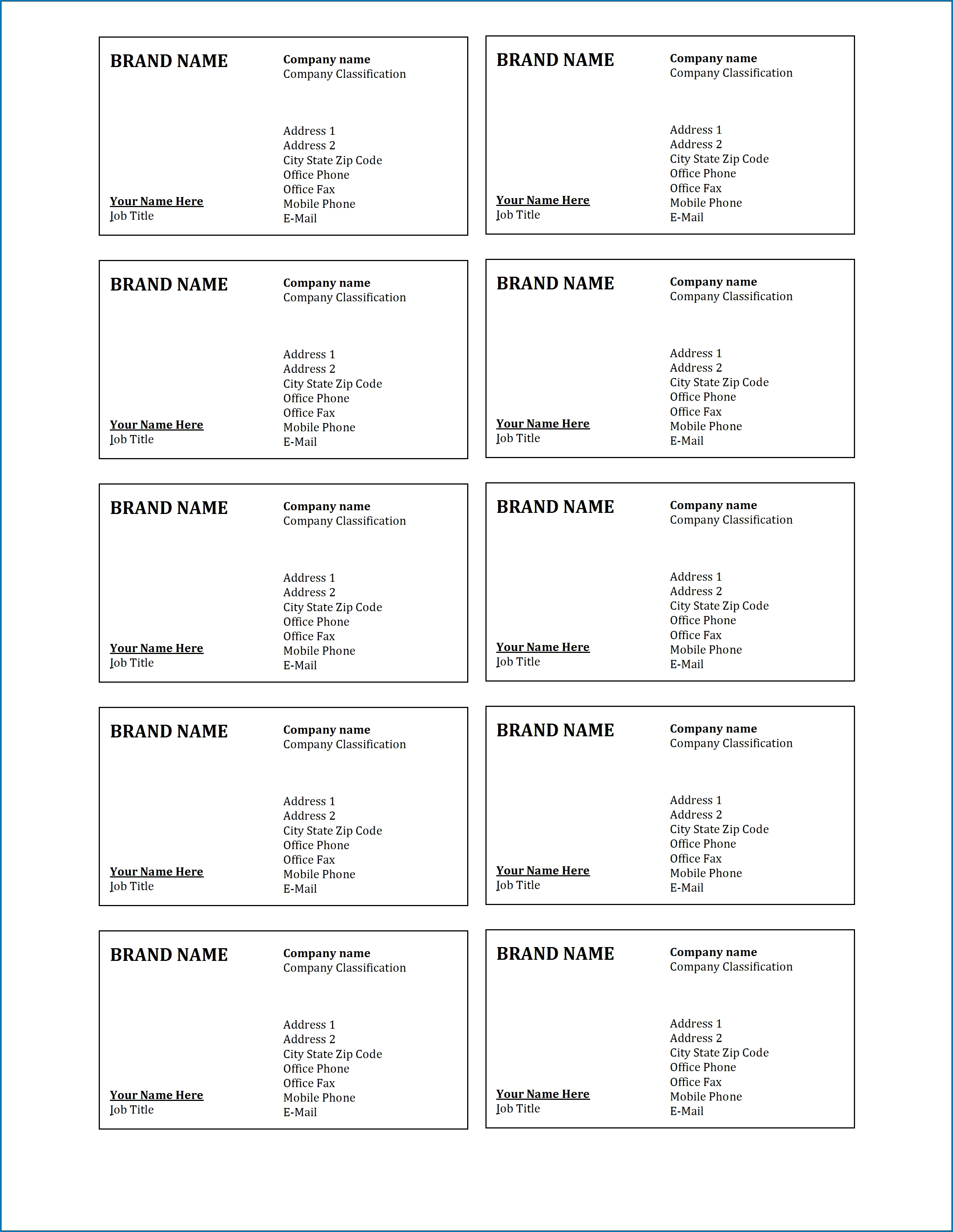
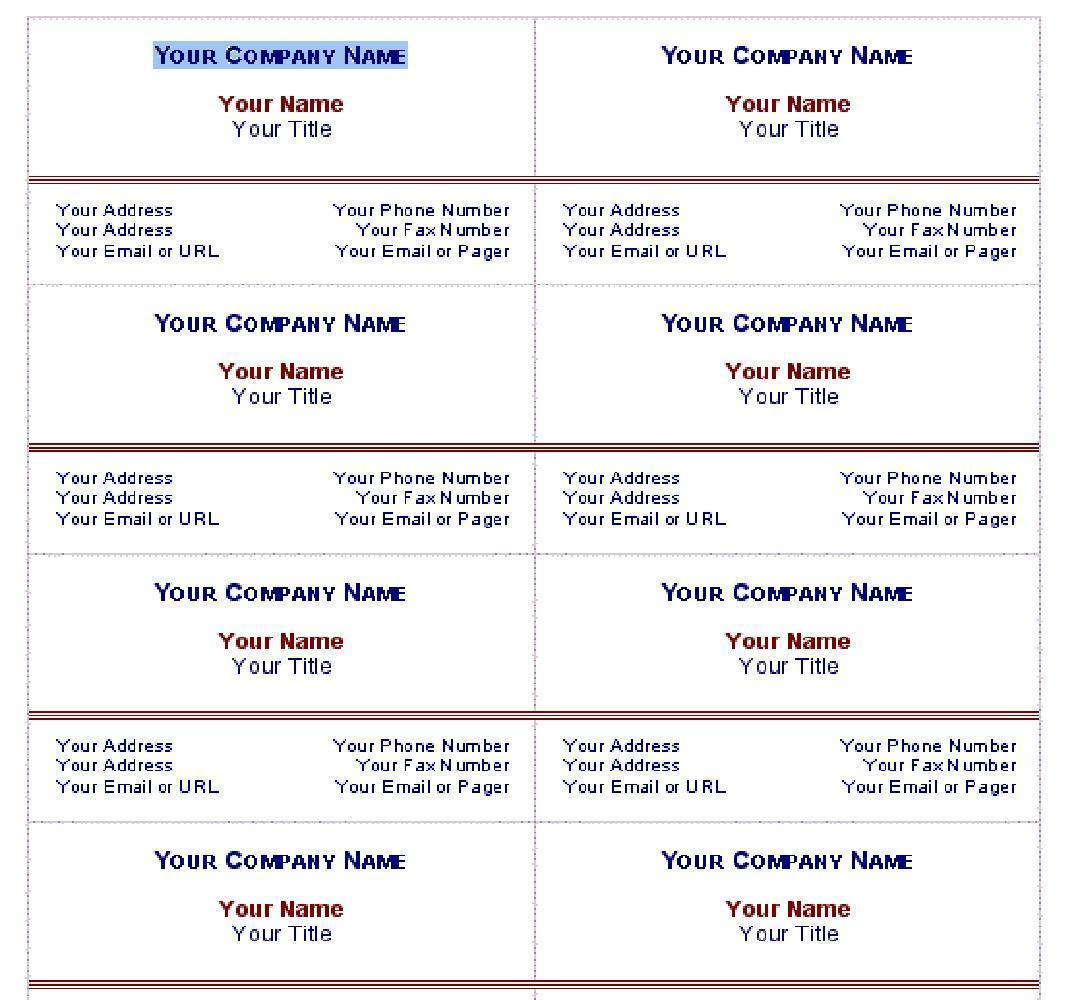
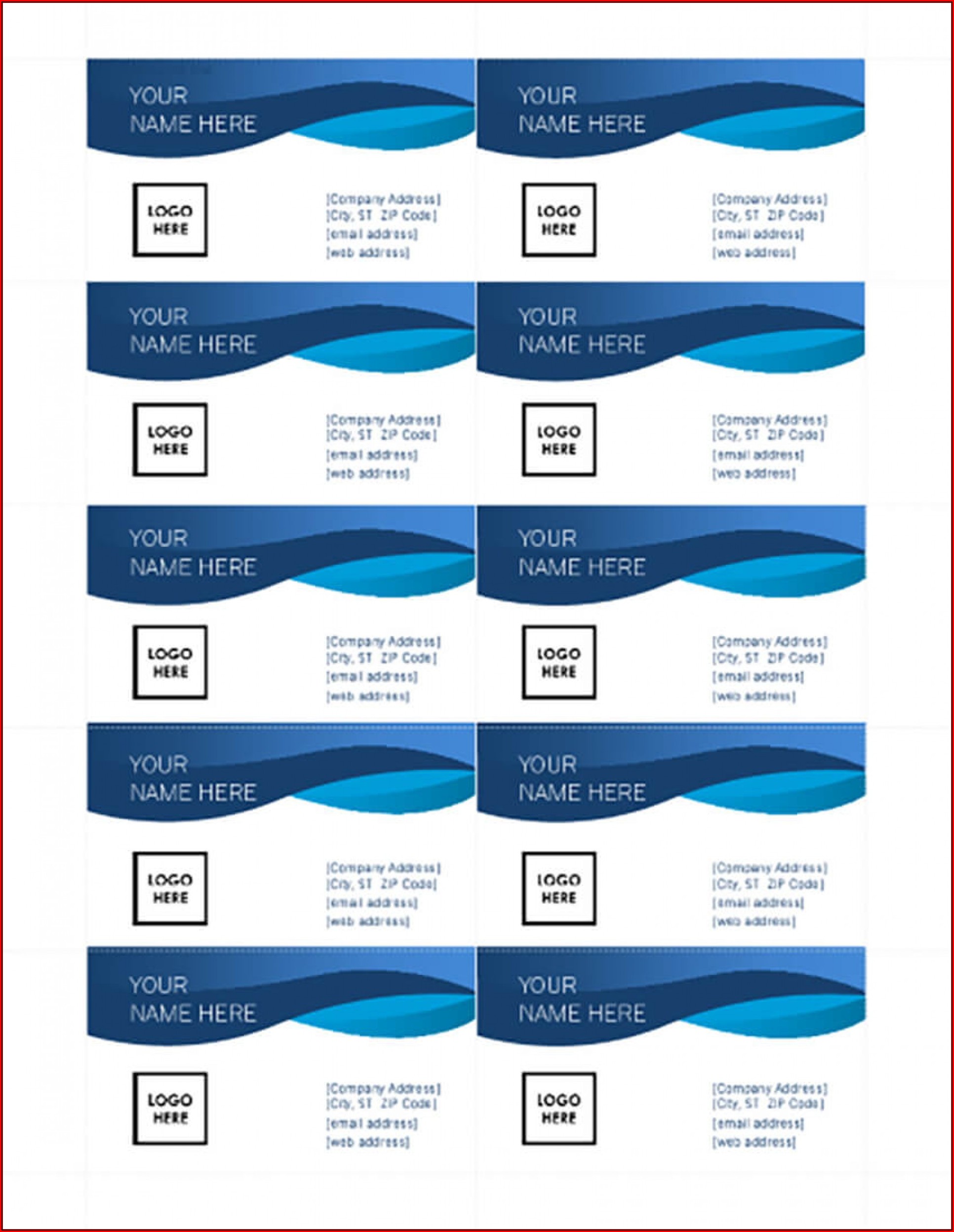
Word 2007 offers a selection of pre-designed business card templates that can serve as a great starting point. These templates provide a basic layout, often including placeholder text and graphics that you can easily replace with your own information and brand elements.
Accessing the Templates
To access the business card templates in Word 2007, follow these steps:
- Open Microsoft Word 2007.
- Click the “Office Button” (the round button in the top-left corner).
- Select “New.”
- In the “New Document” dialog box, look for the “Templates” section.
- Click on “Business Cards” (it may be listed under a different category, like “Cards” or “Other”).
- A selection of business card templates will appear. Browse through the options and choose one that suits your style and branding.
- Click “Download” to create a new document based on the selected template.
Customizing Your Business Card Template
Once you’ve selected a template, the real work begins: customization. This involves replacing the placeholder content with your own information and tailoring the design to match your brand identity.
Replacing Placeholder Text
The template will contain placeholder text for fields like name, title, company name, contact information, and website. Simply click on each text box and type in your own information. Ensure all information is accurate and up-to-date.
Changing Fonts and Colors
To maintain brand consistency, you’ll likely want to adjust the fonts and colors used in the template. You can modify these settings through the “Home” tab on the ribbon. Select the text you want to change and use the font and color dropdown menus to choose your preferred options. Be mindful of readability; choose fonts that are easy to read at a small size and colors that complement your brand.
Adding Your Logo and Graphics
A logo is a crucial element of your business card. To insert your logo, go to the “Insert” tab and click “Picture.” Browse to the location of your logo file and select it. You can then resize and reposition the logo within the template. Ensure your logo is high-resolution to avoid pixelation. You can also add other relevant graphics or images to enhance the design, but avoid overcrowding the card.
Adjusting the Layout
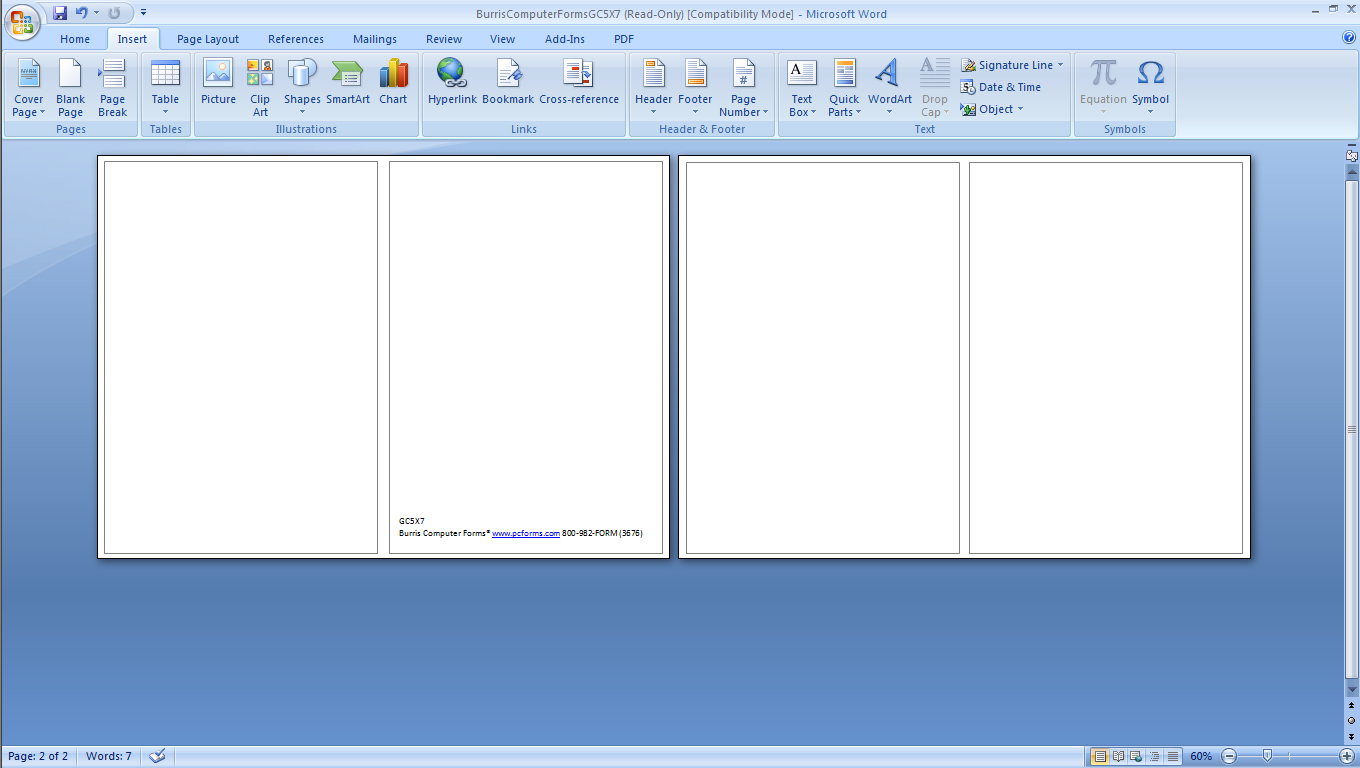
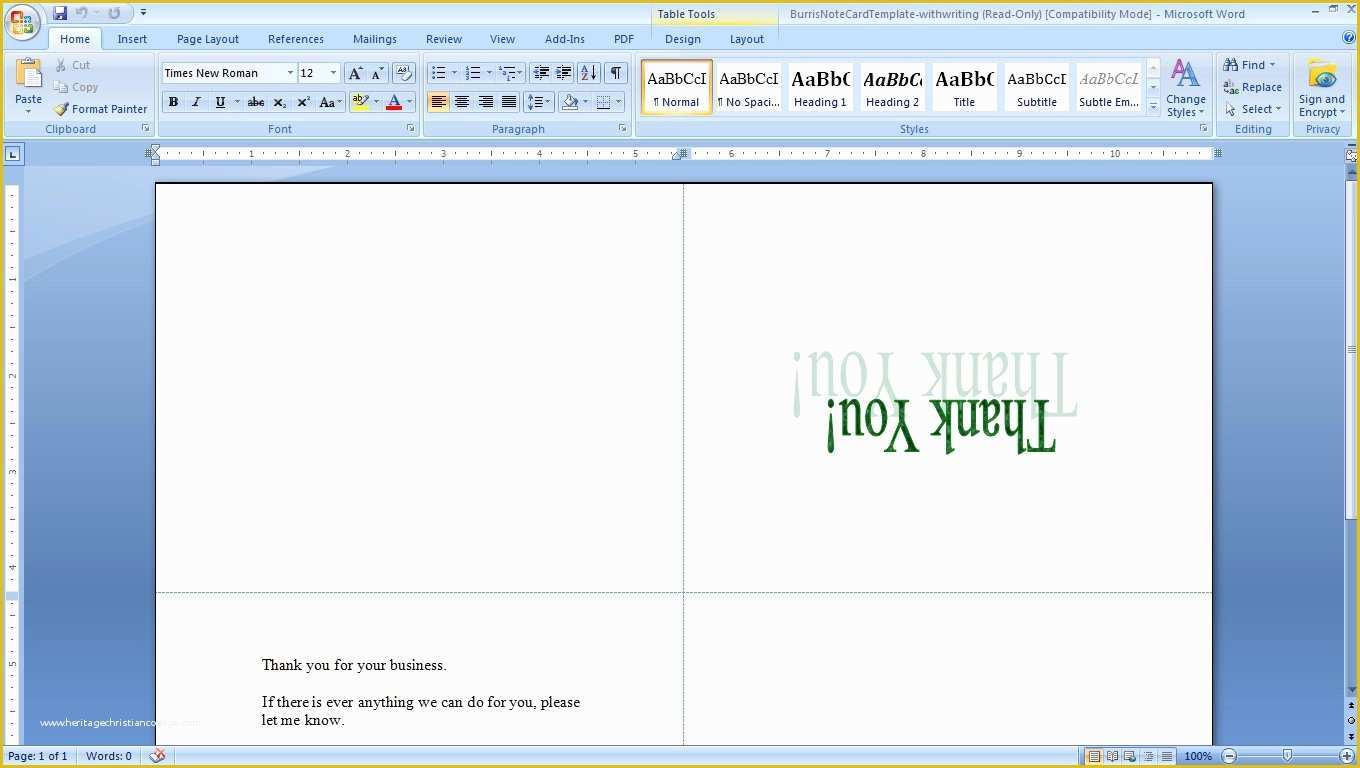
Word 2007 provides tools to adjust the layout of the template. You can move text boxes, resize shapes, and change the alignment of elements. Experiment with different arrangements to find a layout that is both visually appealing and functional. Remember to leave enough white space to prevent the card from feeling cluttered.
Considerations for Printing
Before printing your business cards, consider the following:
- Paper Stock: Choose a high-quality card stock that feels professional and durable.
- Printer Settings: Adjust your printer settings to ensure the best possible print quality. Select the correct paper type and resolution.
- Bleed: If your design extends to the edges of the card, ensure you set up a bleed area (extra space around the edges) to prevent white borders after trimming. This may require manual adjustments to the template layout.
- Test Print: Always print a test sheet before printing the entire batch to check for any errors or alignment issues.
Alternatives to Word 2007
While Word 2007 can be used for creating business cards, more modern and specialized software offers more advanced features and design options. Consider these alternatives if you need more sophisticated design capabilities:
- Canva: A user-friendly online design tool with a wide range of templates and design elements.
- Adobe Illustrator: A professional vector graphics editor ideal for creating complex designs and illustrations.
- Adobe Photoshop: A powerful image editing software that can be used to create visually stunning business cards with detailed graphics and effects.
- Microsoft Publisher: A desktop publishing application from Microsoft, specifically designed for creating marketing materials like business cards.
In conclusion, while Word 2007 might not be the most cutting-edge tool for business card design, it provides a workable solution for creating simple and effective cards, especially if you are on a budget or have limited access to more advanced software. By leveraging the built-in templates and customizing them to reflect your brand, you can create a professional-looking business card that helps you make a positive impression.
If you are looking for Ms Word Business Card Templates Free Download you’ve visit to the right place. We have 22 Pictures about Ms Word Business Card Templates Free Download like How To Create Business Cards In Microsoft Word 2007 Throughout Ms Word, Microsoft Word Business Card Template Free Of How to Create Business and also Free Avery Business Card Template 5376 – Cards Design Templates. Here you go:
Ms Word Business Card Templates Free Download

ar.inspiredpencil.com
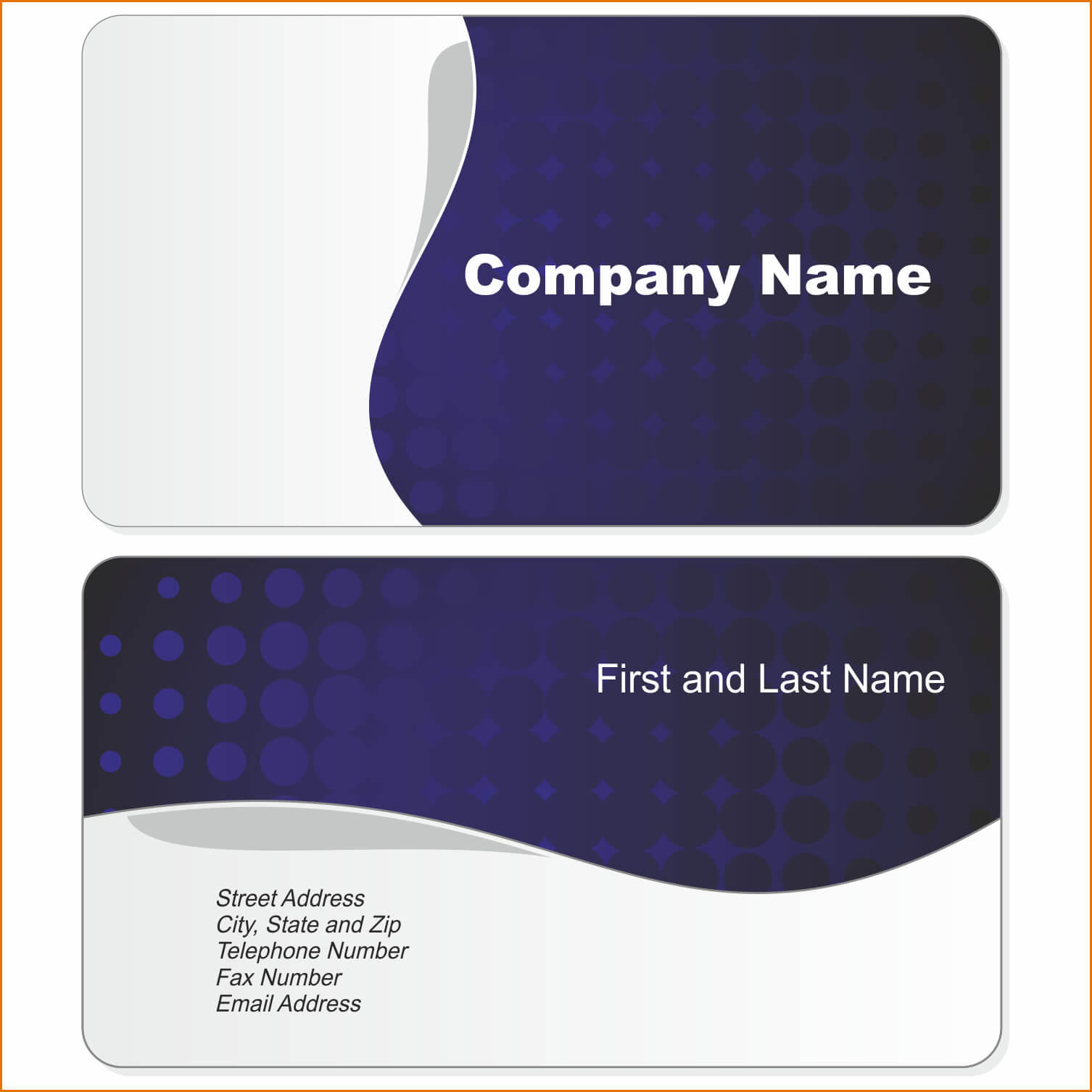
Microsoft Word Blank Business Card Templates Free For Sample With
www.atlantaauctionco.com
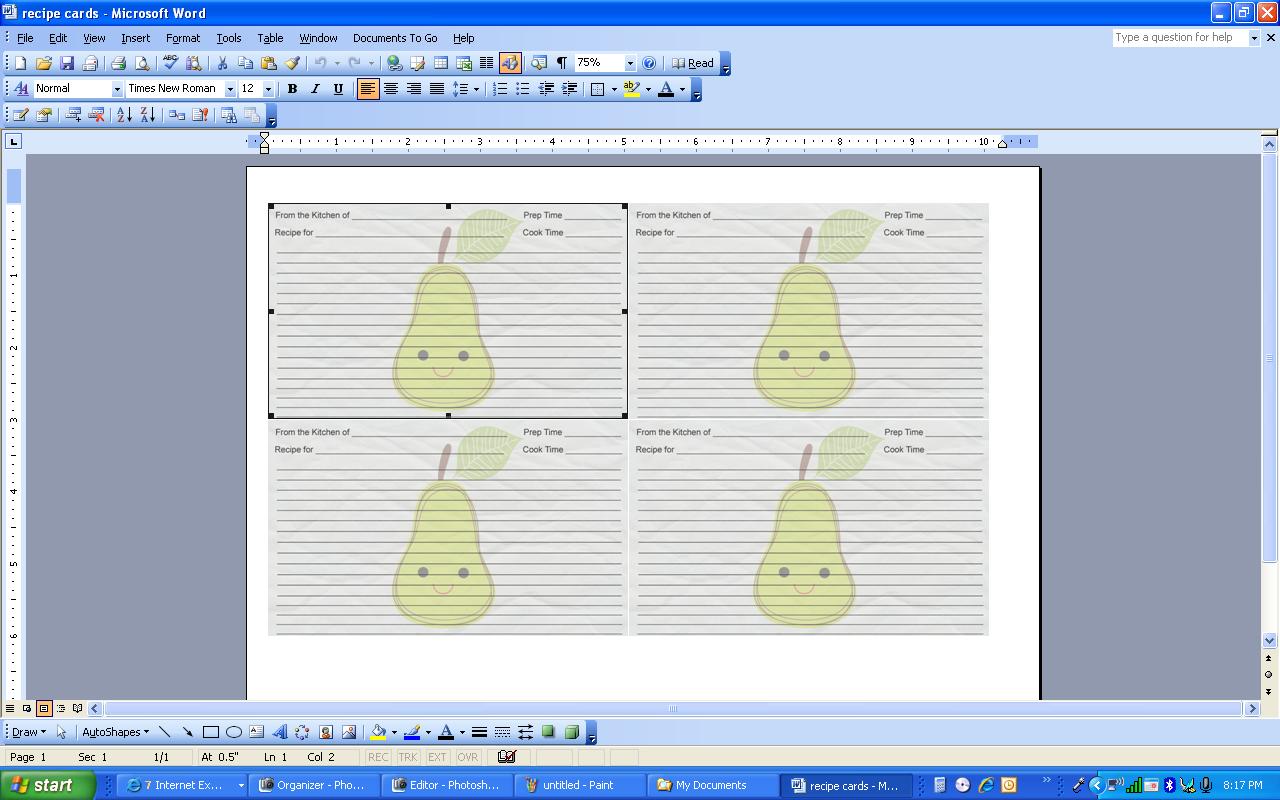
Business Card Template For Word 2007 – KAESG BLOG
kaesg.com
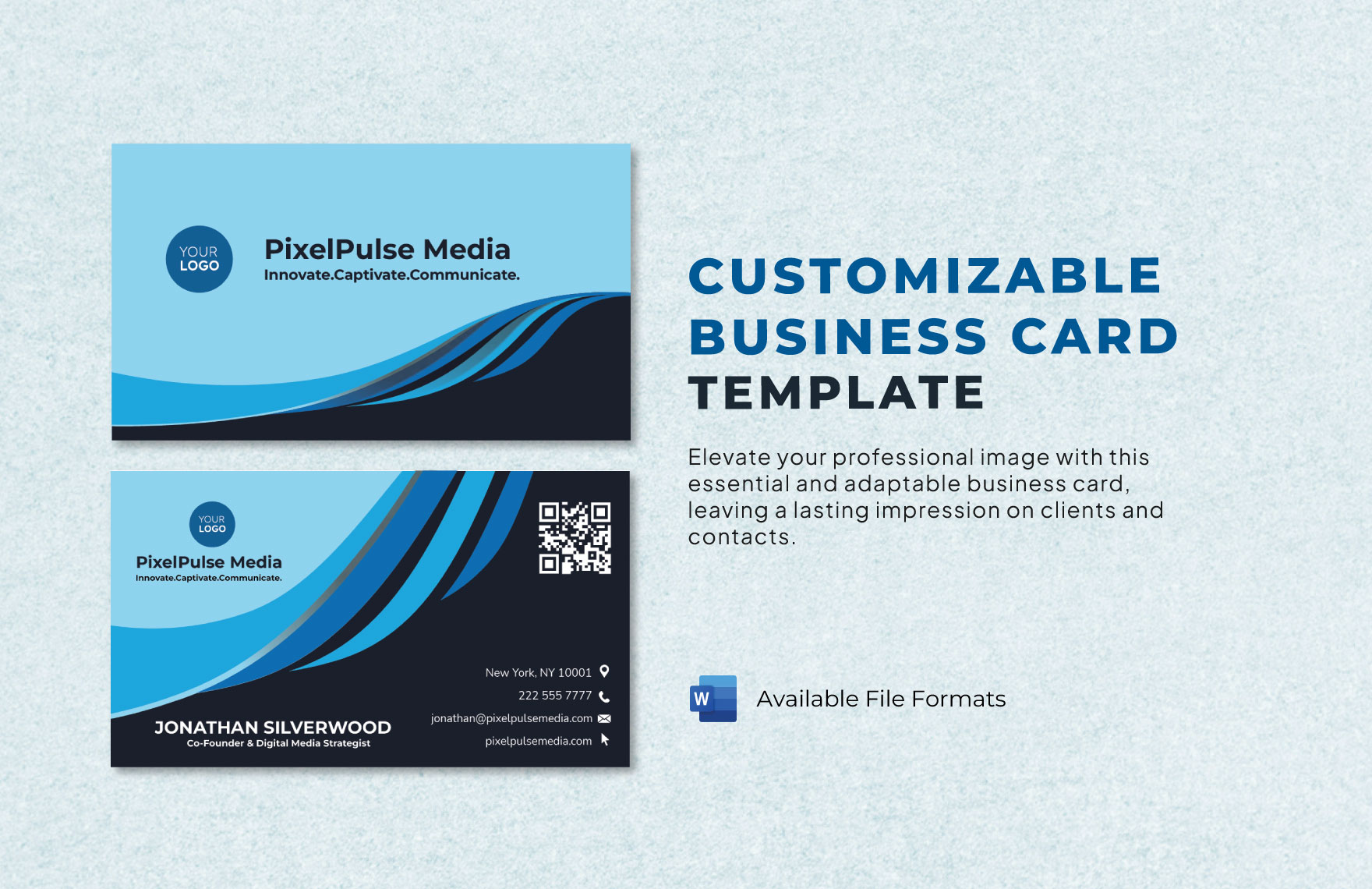
Free Editable Business Card Templates In Word To Download
www.template.net
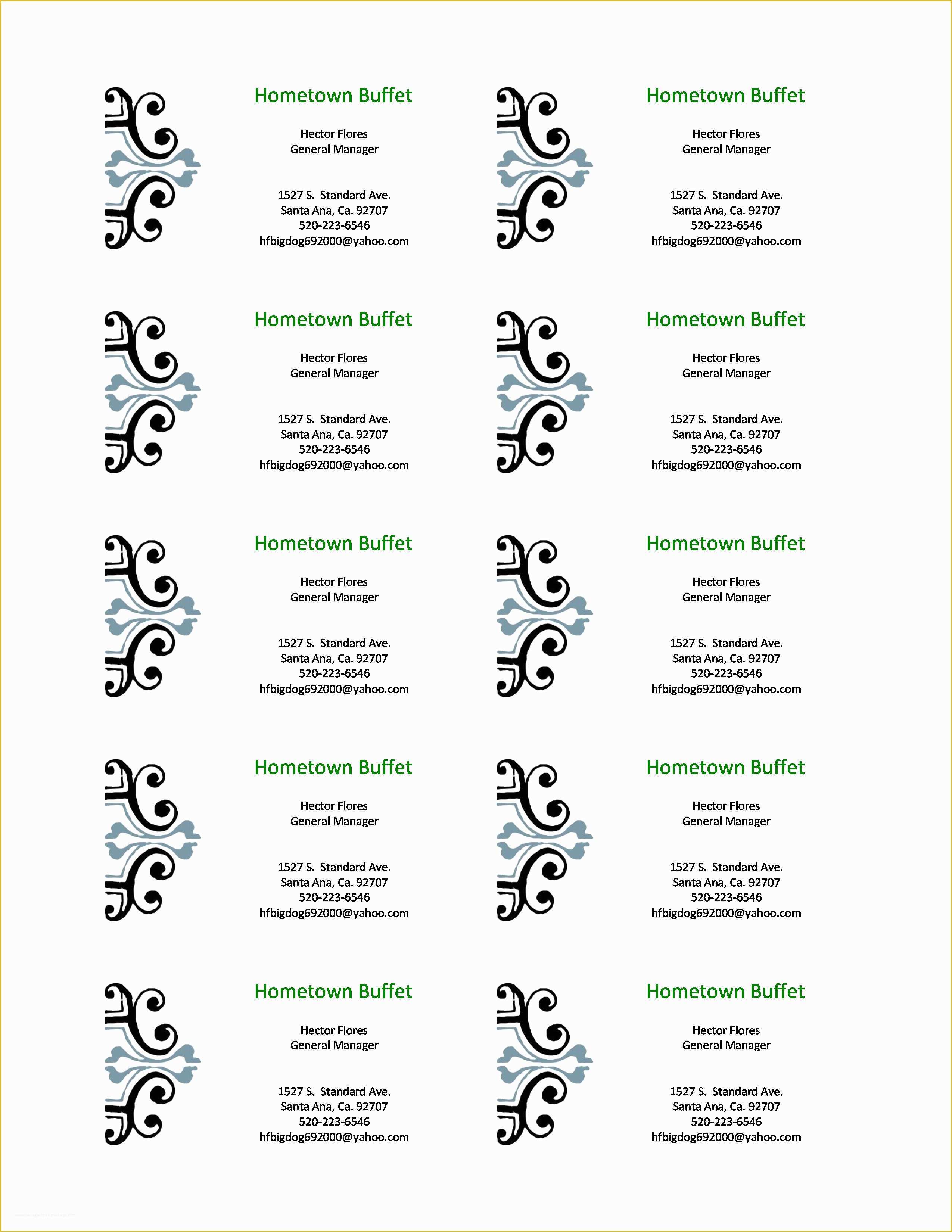
Microsoft Word Business Card Template Free Of How To Create Business
www.heritagechristiancollege.com
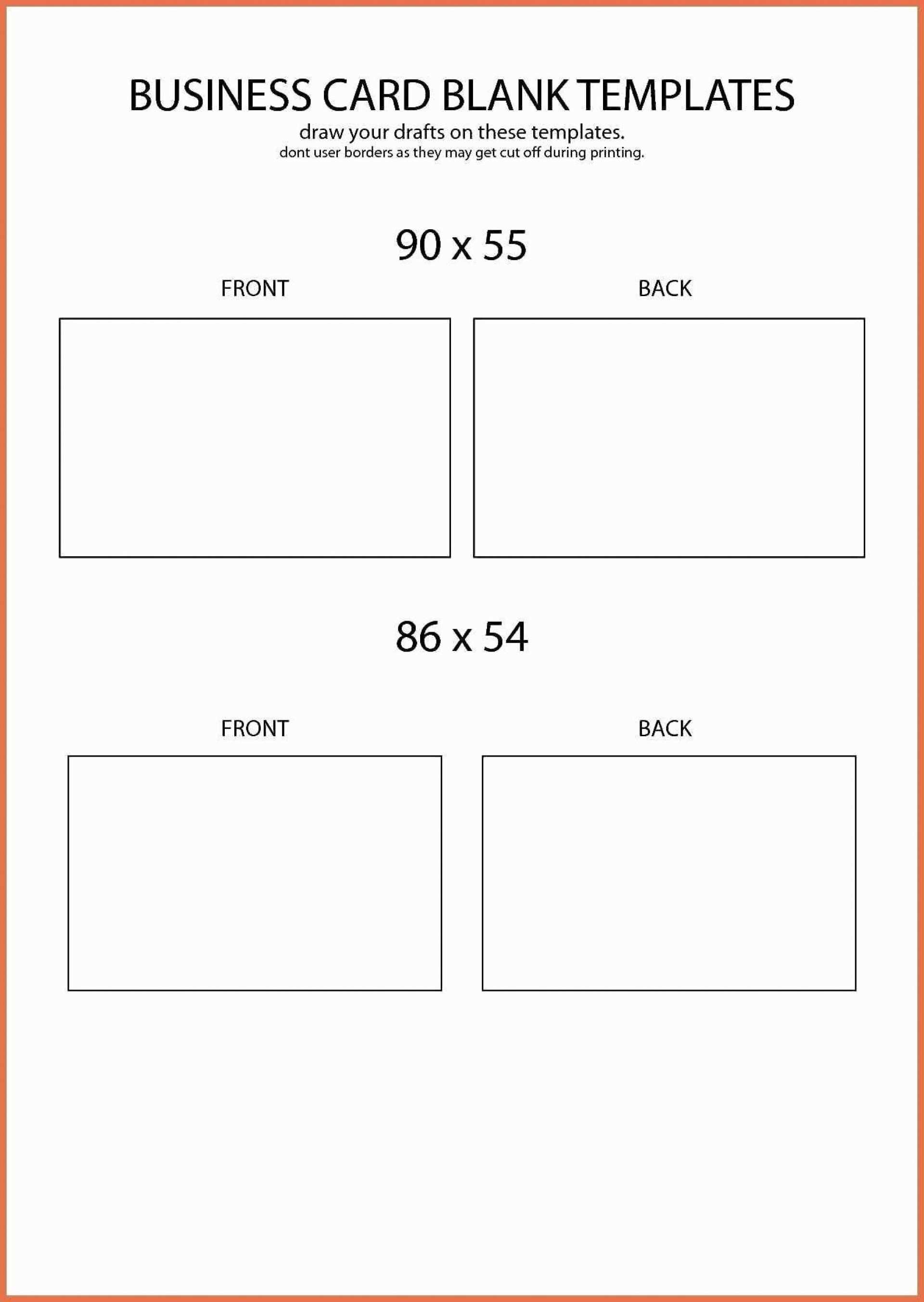
Blank Business Card Template Word 10 Per Sheet – Cards Design Templates
legaldbol.com
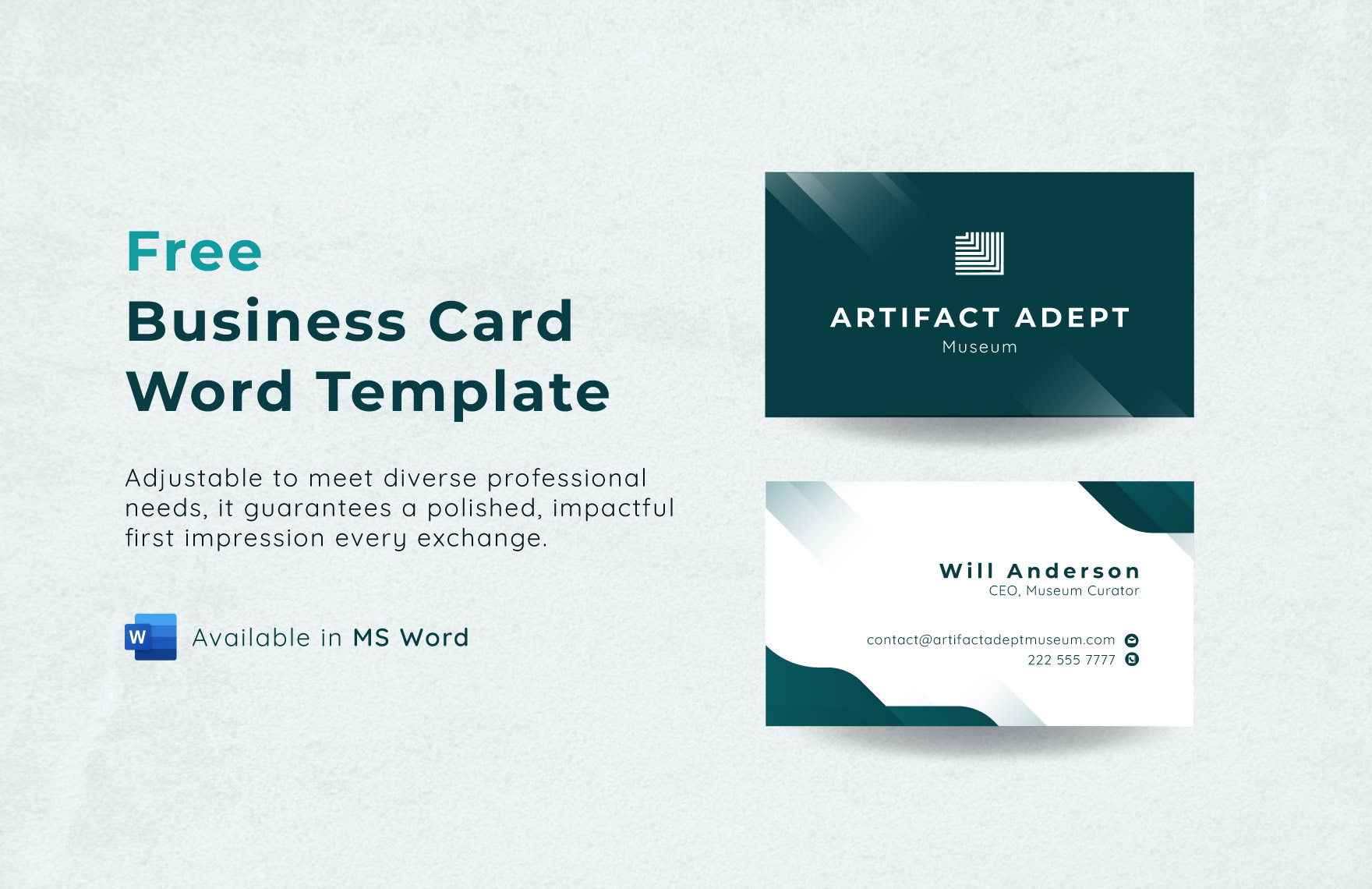
Business Card Word Template In Word, PDF – Download | Template.net
www.template.net
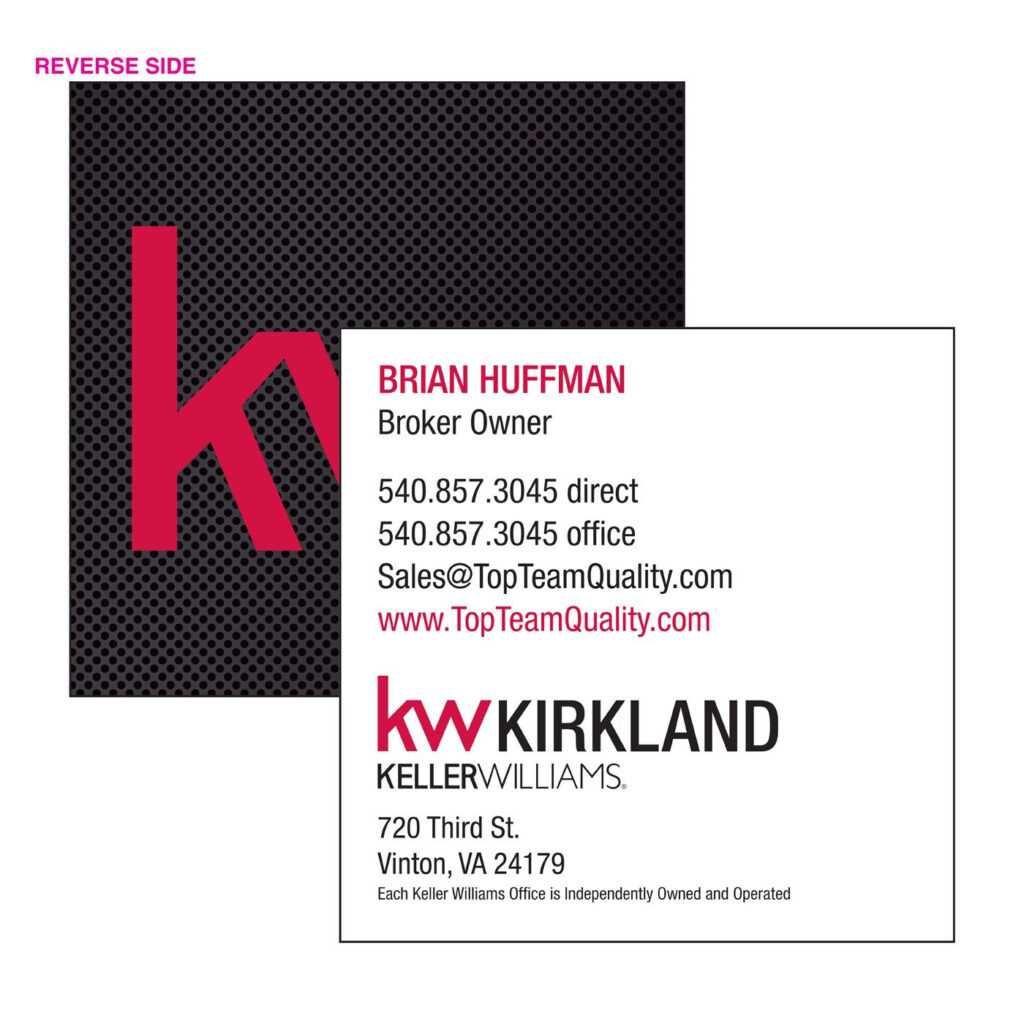
Microsoft Word Blank Business Card Templates Free For Sample With
www.atlantaauctionco.com
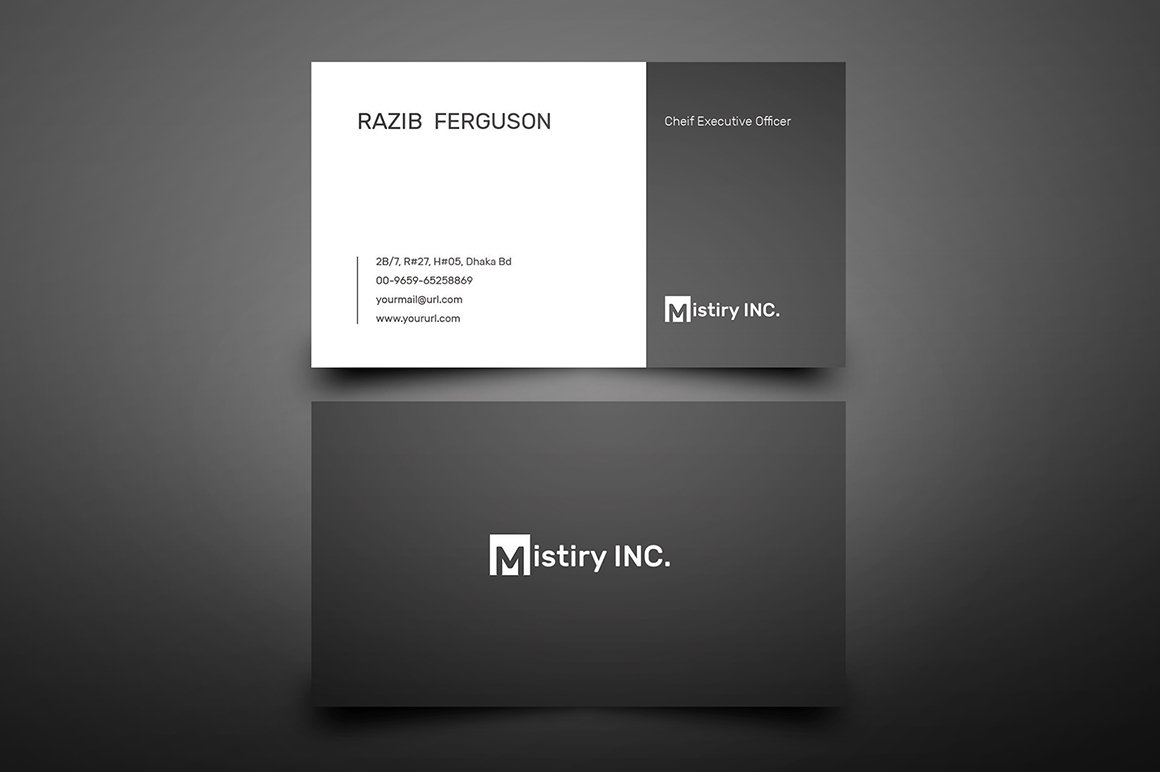
Microsoft Word 2007 Business Card Template
ar.inspiredpencil.com
Business Cards Templates Microsoft Word – Ccalcalanorte.com

www.ccalcalanorte.com
Business Card Template For Word 2007 – KAESG BLOG

kaesg.com
Simple Business Card » OFFICETEMPLATES.NET
officetemplates.net
Plain Business Card Template Word
www.animalia-life.club
Free Avery Business Card Template 5376 – Cards Design Templates
legaldbol.com
How To Create Business Cards In Microsoft Word 2007 Throughout Ms Word

www.pinterest.com
Business Card Templates For Ms Word 2007 – Lopitrax
lopitrax.weebly.com
Business Card Template For Word 2007 | Best Creative Template Ideas

bestcreativetemplateideas.blogspot.com
√ Free Printable Business Card Template Word
www.templateral.com
Business Cards Templates Microsoft Word – Cardtemplate.my.id
www.cardtemplate.my.id
How To Find Business Cards Templates In Microsoft Word 2007 – Free Word
docs.cholonautas.edu.pe
Free Printable Business Card Templates For Word
printable.rjuuc.edu.np
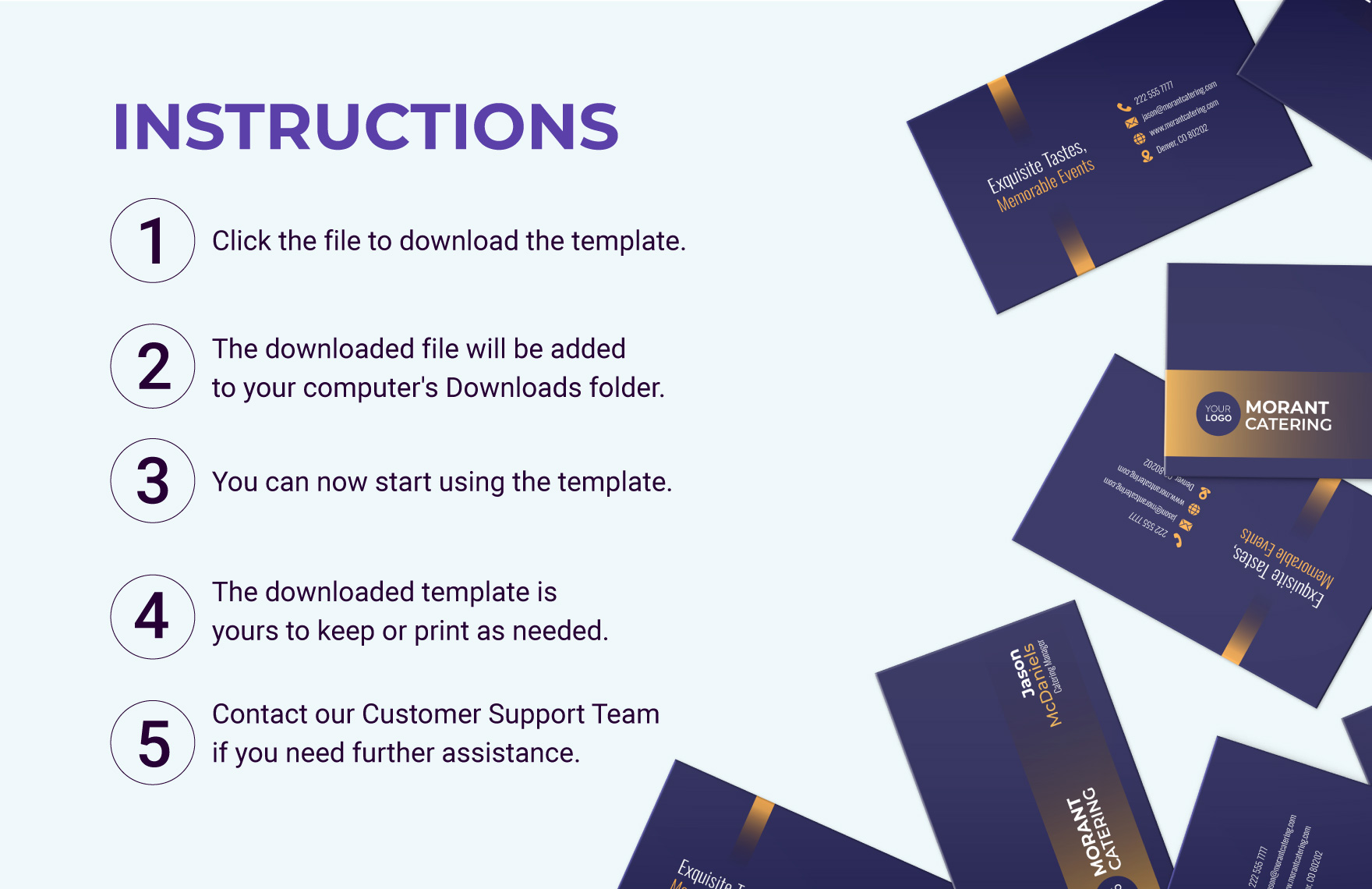
Free Double Sided Business Card Template – Download In Word
www.template.net
business card templates for ms word 2007. Free avery business card template 5376. Microsoft word business card template free of how to create business