Creating a lasting impression is paramount in the business world. A well-designed business card can be a powerful tool for networking and showcasing your brand. For Mac users, Apple’s Pages offers a convenient and accessible solution for crafting professional-looking business cards without requiring expensive design software. While Pages might not have the specialized features of dedicated graphic design applications, its user-friendly interface and pre-designed templates make it an excellent starting point for creating custom business cards. But navigating the options and finding the right template can sometimes be a challenge. This post will guide you through the process of finding and utilizing business card templates within Pages on your Mac.
Finding the Perfect Business Card Template in Pages for Mac
Pages provides a variety of built-in templates, covering a range of styles and industries. However, finding the specific “business card” template you’re looking for might not be immediately obvious. Here’s where you can find the resources you need:
Built-in Templates: Your Starting Point
- Launch Pages: Open the Pages application on your Mac.
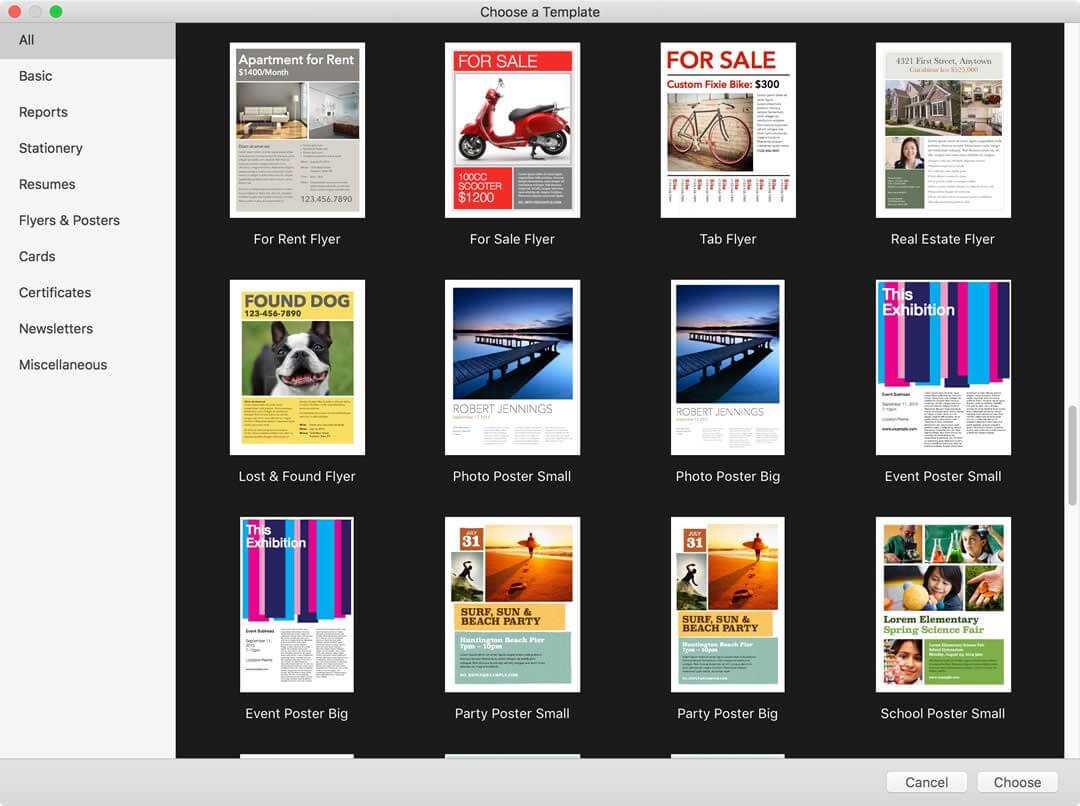
- Template Chooser: The Template Chooser should appear automatically. If not, go to File > New to open it.
- Search & Browse: Unfortunately, Pages doesn’t have a specific “Business Card” category. You’ll need to browse or search for templates that are suitable for adaptation. Keywords like “Brochure,” “Flyer,” or “Card” might help you find something that can be easily modified into a business card. Look for templates with a simple layout and a focus on contact information. Many templates designed for invitations or announcements can be easily repurposed.
- Preview and Choose: Click on a template to preview it. Once you find a template that suits your needs, click “Choose” to open it.
Customizing Your Chosen Template
Once you’ve selected a template, the real fun begins: customizing it to reflect your brand and information. Here’s a breakdown of the key elements you’ll likely need to modify:
- Text Boxes: Double-click on text boxes to edit the placeholder text with your name, job title, company name, phone number, email address, website URL, and other relevant contact information. Pay attention to font sizes and styles to ensure readability. Consider using a consistent font family that aligns with your brand.
- Logos and Images: Replace the placeholder images with your company logo. You can drag and drop image files directly into the Pages document. Resize and reposition the logo to fit the template appropriately. Be mindful of image resolution; using a high-resolution logo will prevent pixelation when printed.
- Colors and Backgrounds: Modify the color scheme to match your brand’s identity. You can change the background color, the color of text boxes, and the color of shapes. Use the Format panel (Format > Style) to access color palettes and customization options. A consistent color palette creates a professional and cohesive look.
- Shapes and Graphics: Add or remove shapes and graphics to enhance the design. Pages offers a variety of built-in shapes that you can use to create visual interest. Be careful not to overcrowd the design; simplicity is often more effective.
- Alignment and Spacing: Ensure that all elements are properly aligned and spaced. Use the alignment guides in Pages to help you position elements accurately. Consistent spacing between elements contributes to a clean and professional appearance.
External Resources: Expanding Your Template Options
While Pages’ built-in templates are a good starting point, you might want more variety and specific designs. Here are some external resources you can explore:
- Online Template Marketplaces: Websites like Envato Elements, Creative Market, and Template.net offer a vast selection of business card templates designed specifically for various software, including generic formats that can be imported and modified within Pages. Ensure the format is compatible (e.g., a generic .PSD or .AI file can sometimes be opened and its assets copied into Pages, but compatibility isn’t guaranteed).
- Google Search: A simple Google search for “business card templates Pages Mac” can yield numerous results, including free and paid templates from various sources. Be cautious when downloading templates from unknown sources to avoid potential security risks.
Printing Your Business Cards
Once you’ve finalized your design, it’s time to print your business cards. Here are some printing considerations:
- Print at Home: If you have a high-quality printer, you can print your business cards at home using perforated business card paper. Ensure that your printer settings are configured correctly for the paper size and type.
- Professional Printing Services: For the best results, consider using a professional printing service like Vistaprint, Moo, or Staples. They offer a wide range of paper stocks, finishes, and printing options. They’ll also ensure the colors are accurate and the print quality is excellent. Remember to export your Pages document as a PDF file before submitting it to the printer. PDF is a universally compatible format that preserves the design and fonts.
By following these steps, you can leverage Pages on your Mac to create professional and impactful business cards that represent your brand effectively. Remember to prioritize readability, visual appeal, and consistency with your overall brand identity.
If you are searching about Editable Business Card Templates you’ve visit to the right page. We have 22 Pics about Editable Business Card Templates like Business Card Template Pages Mac, 008 Template Ideas Ms Word Business Card Templates Free for Business and also Premium Vector | Business card design template. Here you go:
Editable Business Card Templates

ar.inspiredpencil.com
Free Business Card Templates For Mac Pages Template Of (Free Throughout
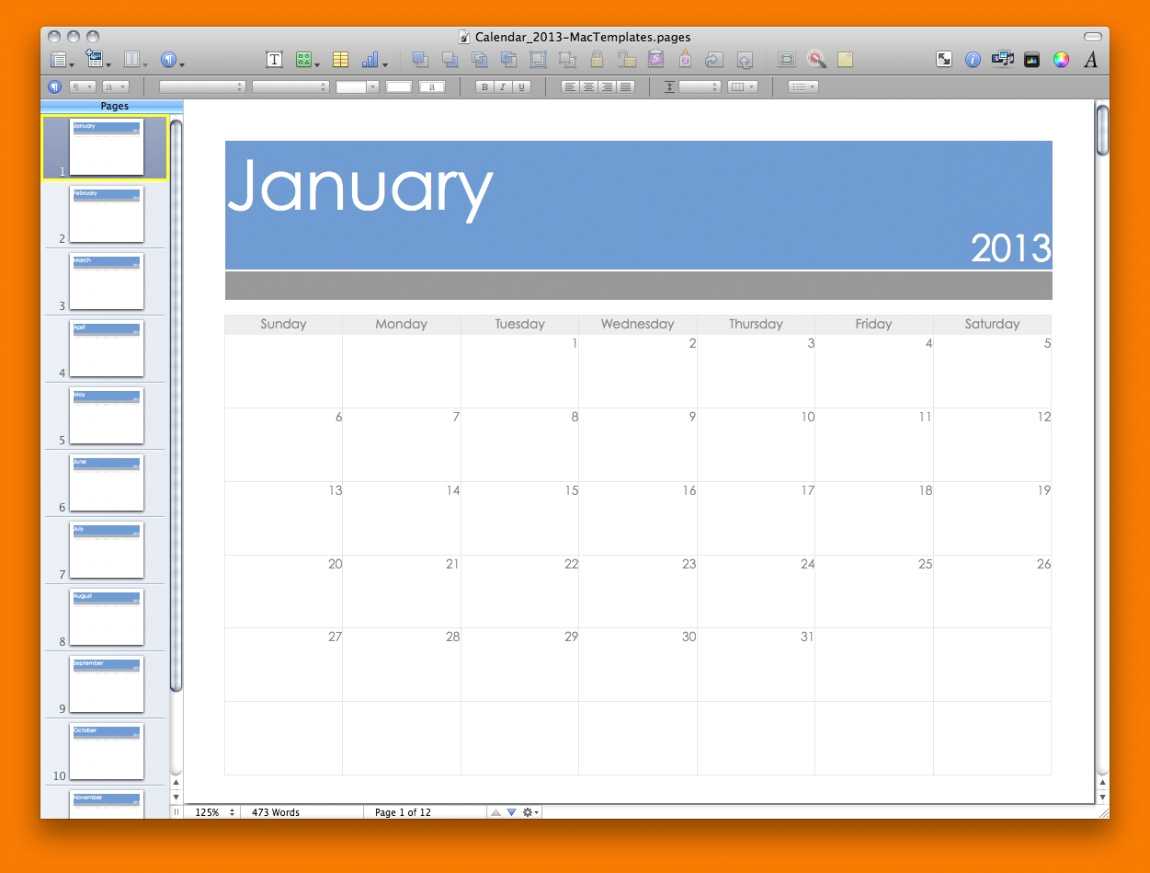
www.xfanzexpo.com
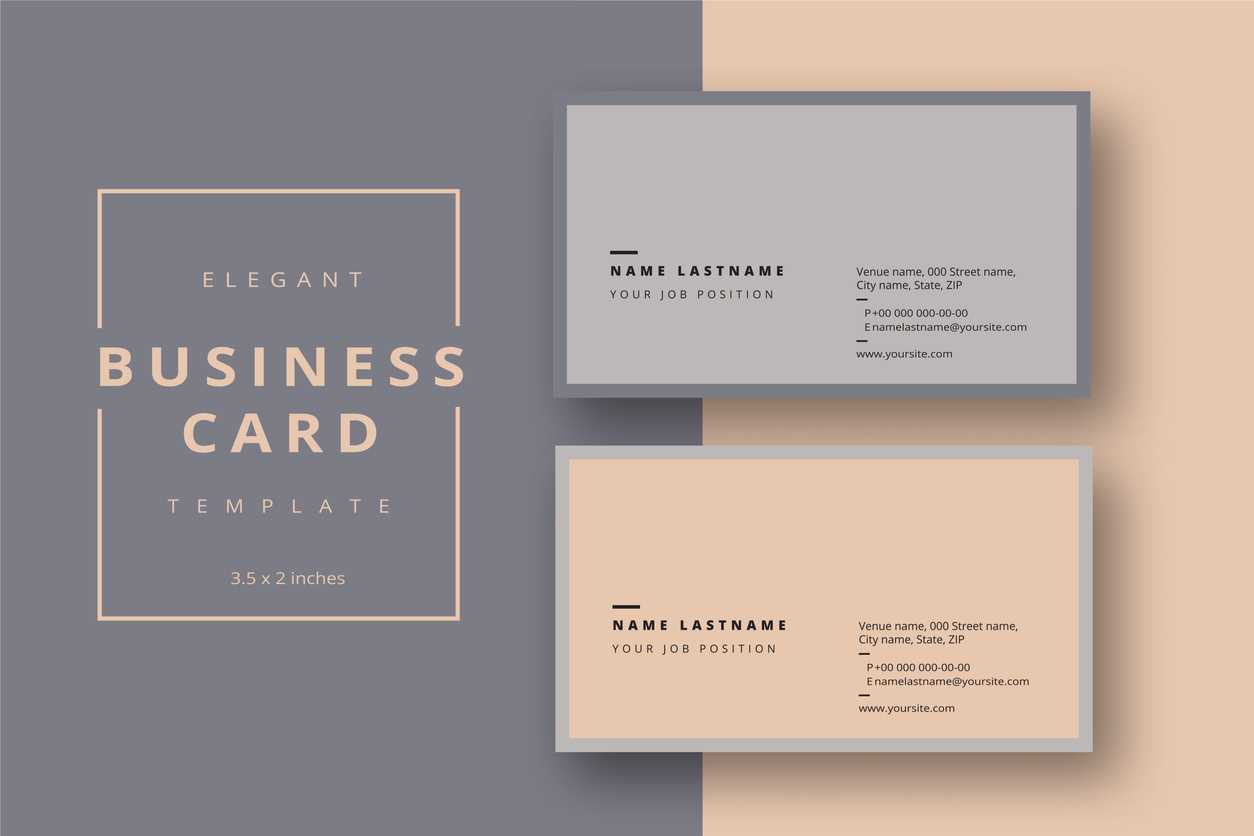
Business Card Template For Pages | Creative-Atoms Throughout Business
www.atlantaauctionco.com
Add Your Logo To A Business Card Using Microsoft Word Or Pertaining To
sample.gelorailmu.com
Business Cards Templates For Mac
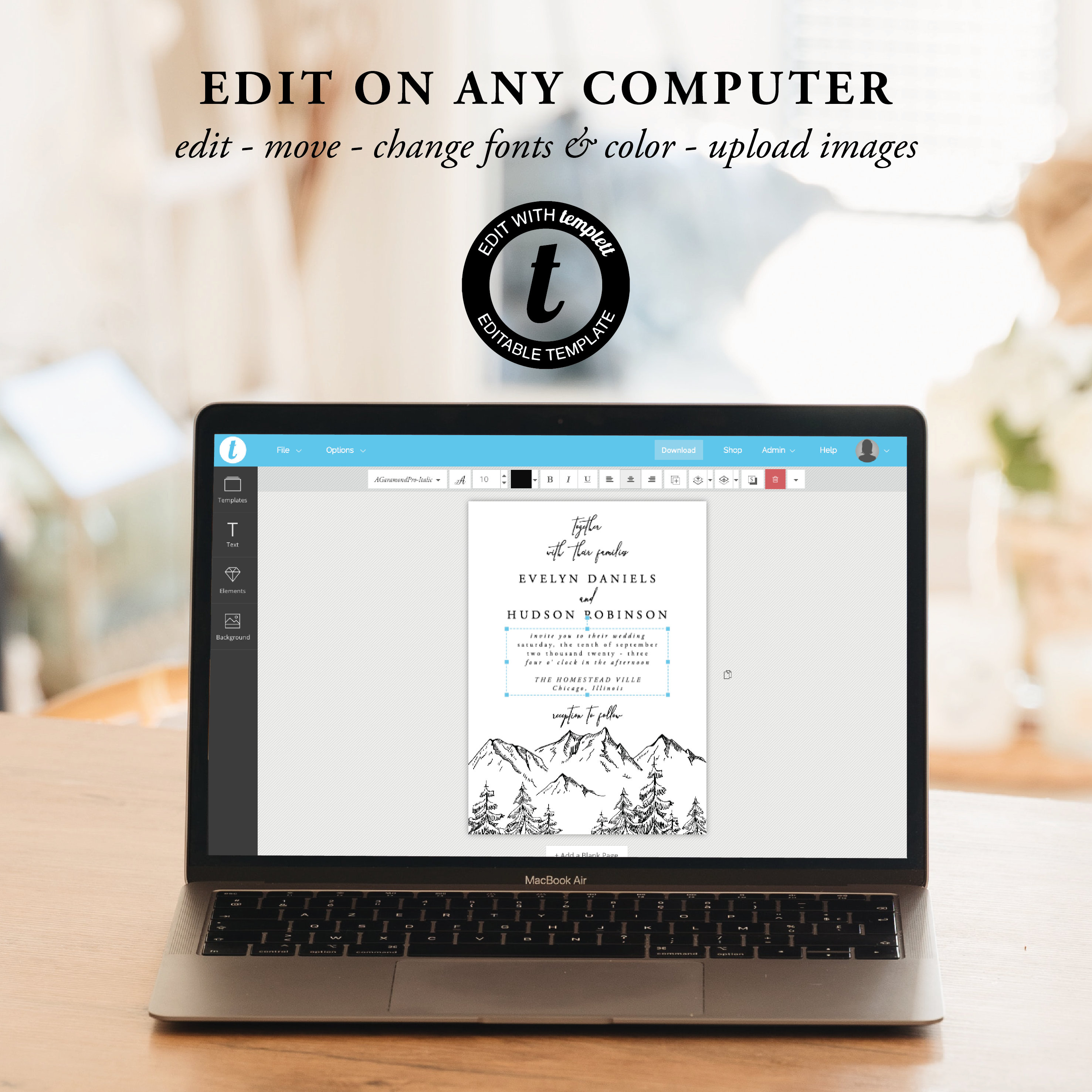
ar.inspiredpencil.com
Business Card Template Pages Mac
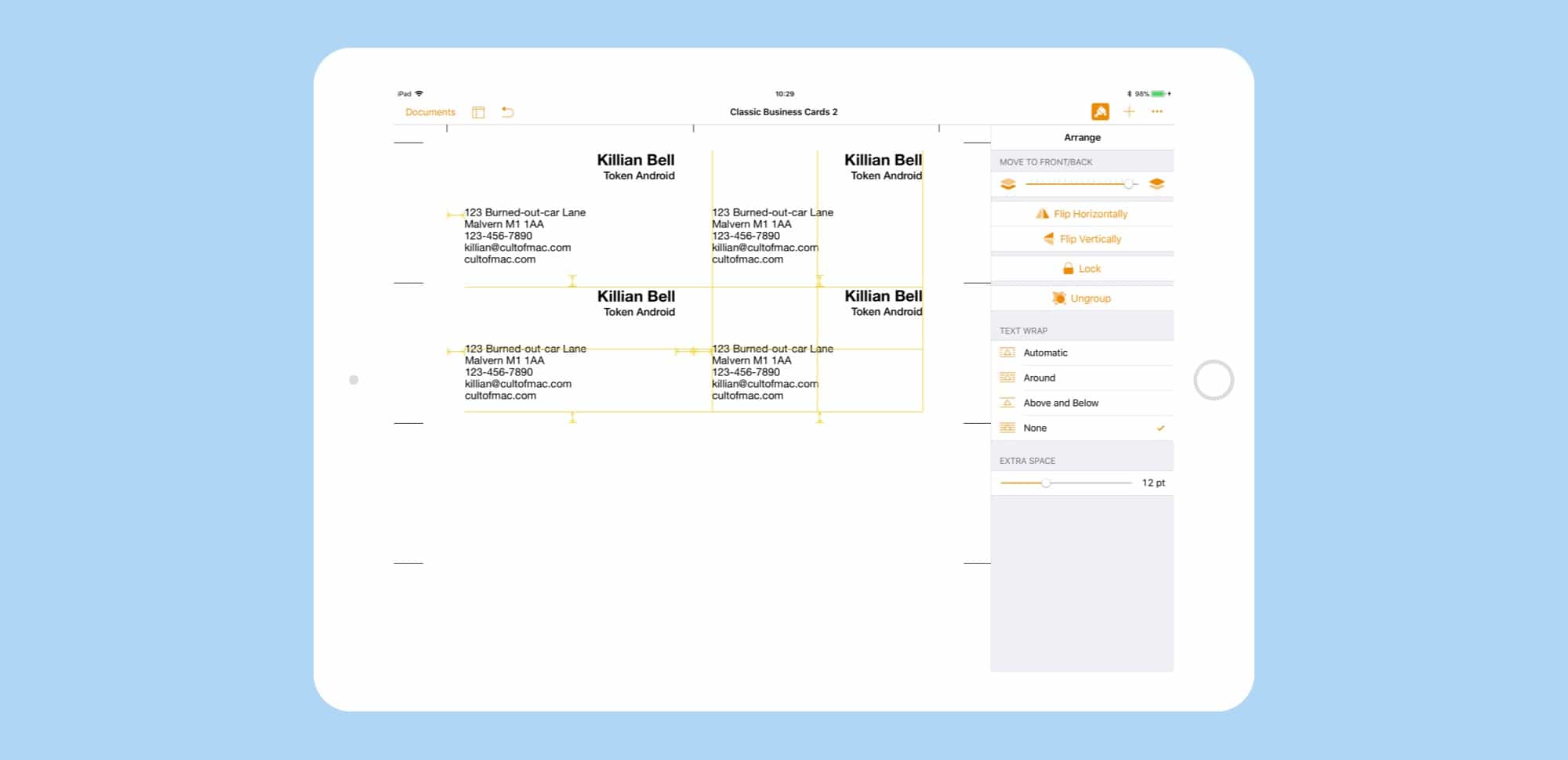
ar.inspiredpencil.com
Business Card Template Pages Mac
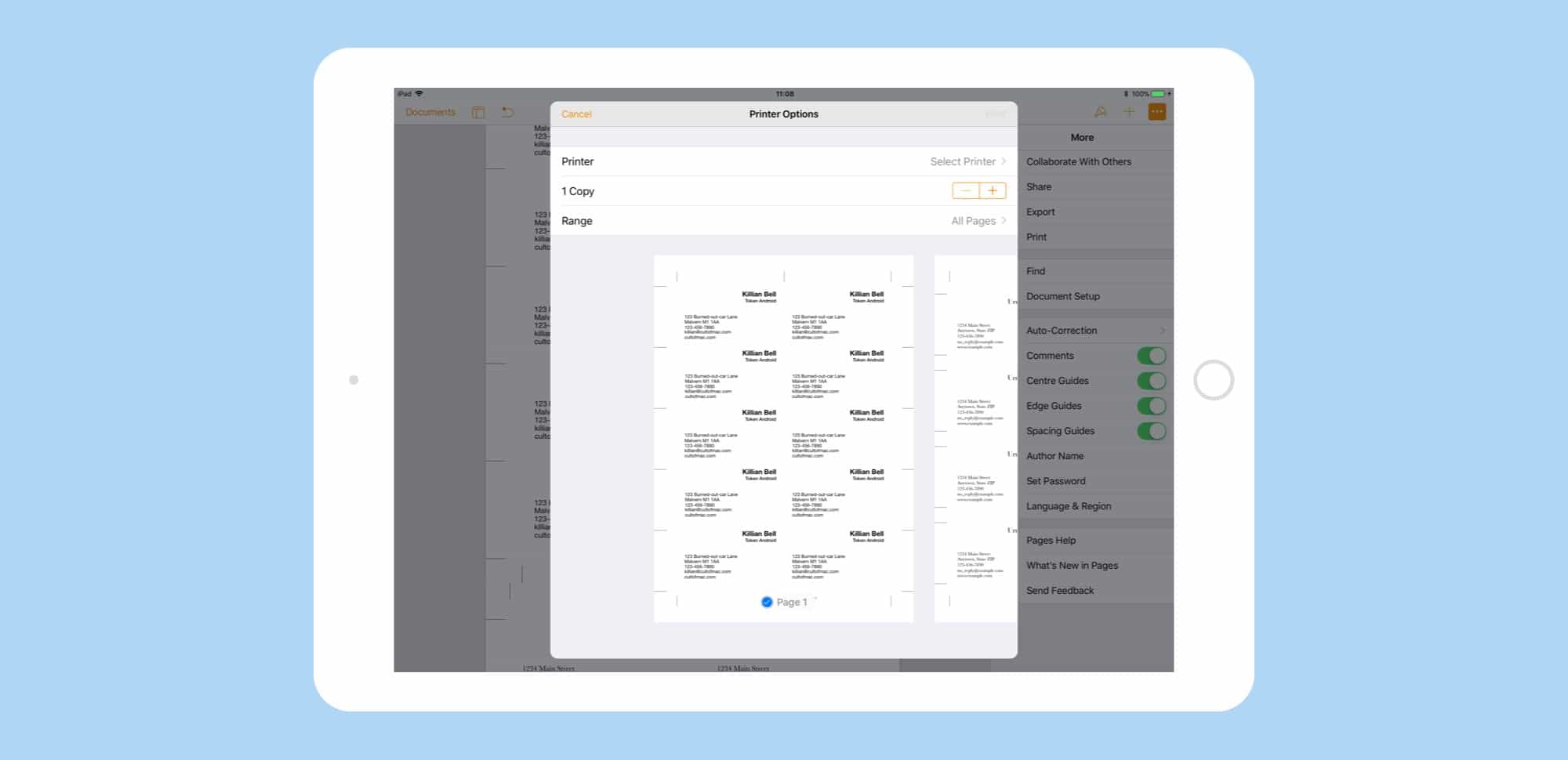
ar.inspiredpencil.com
Best Business Cards Templates
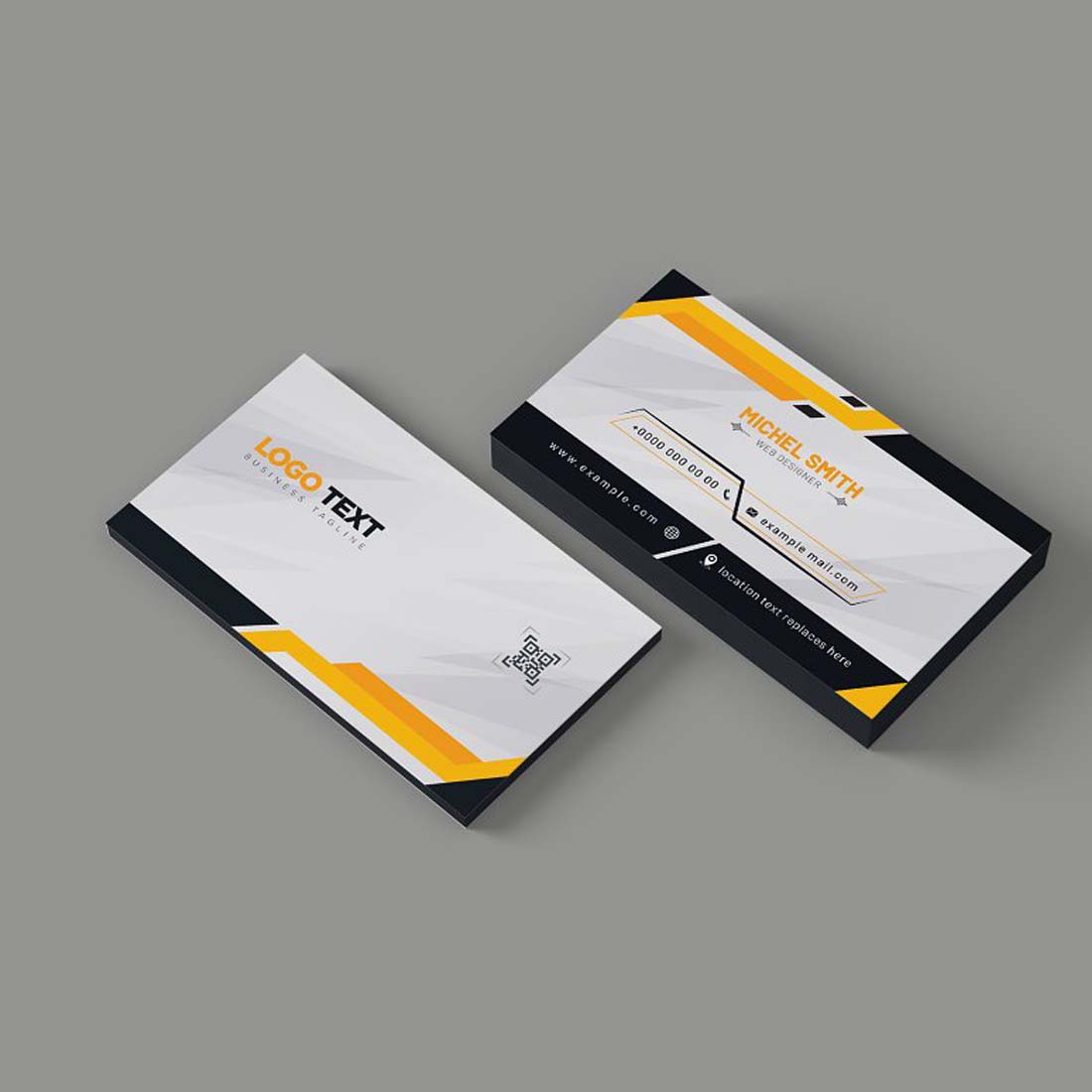
ar.inspiredpencil.com
Premium Vector | Business Card Design Template

www.freepik.com
40+ Free Business Card Templates – Template Lab

templatelab.com
Business Card Template Pages Mac
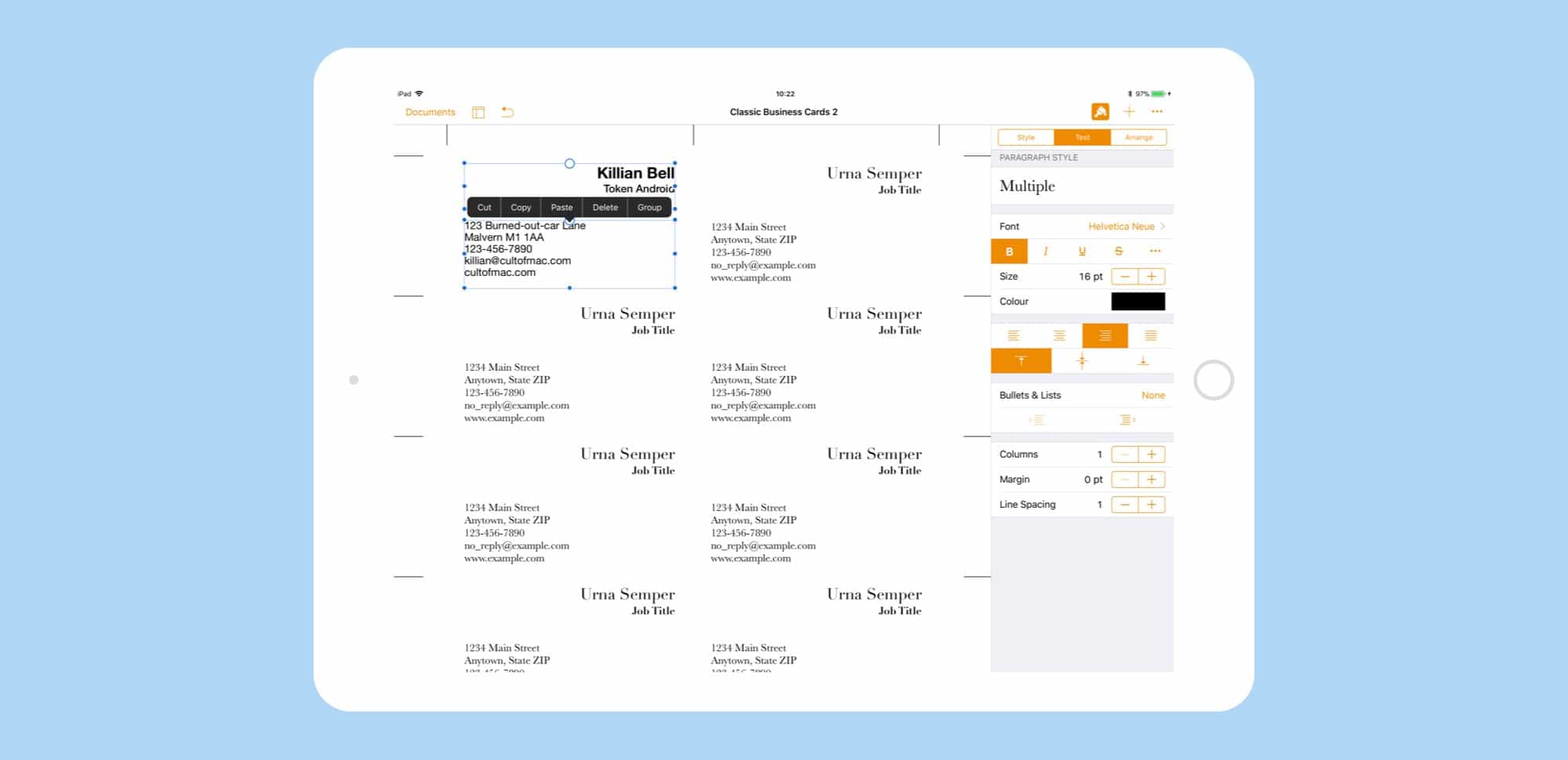
ar.inspiredpencil.com
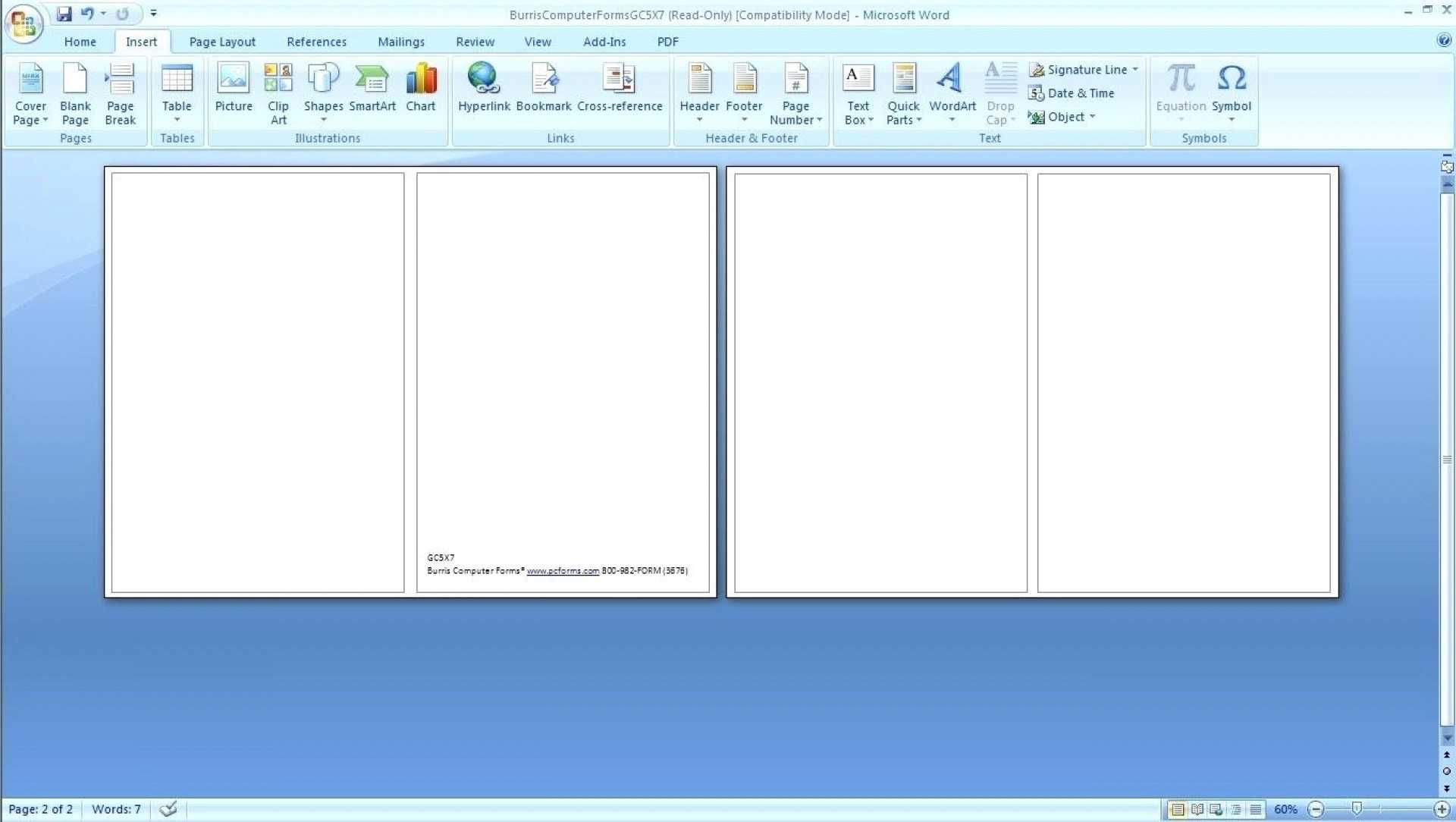
008 Template Ideas Ms Word Business Card Templates Free For Business
sample.gelorailmu.com
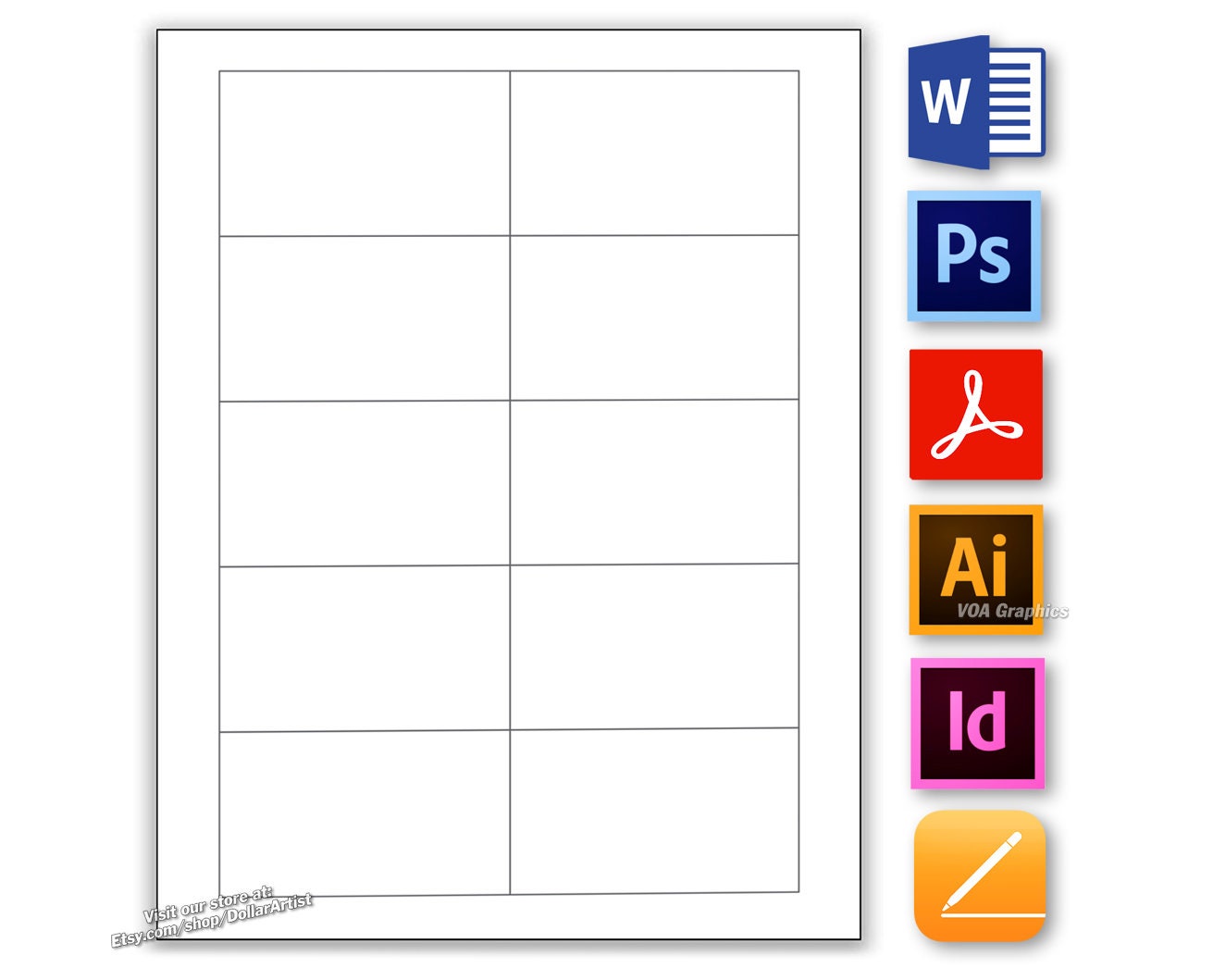
Business Card Template Pages
ar.inspiredpencil.com
Free Modern Business Card Templates

ar.inspiredpencil.com
Business Card Templates For Pages

ar.inspiredpencil.com
Free Postcard Templates For Mac Of Apple Business Card Templates New 8
www.heritagechristiancollege.com
Geometric Business Card Design Template Graphic By Shimulazad7

www.creativefabrica.com
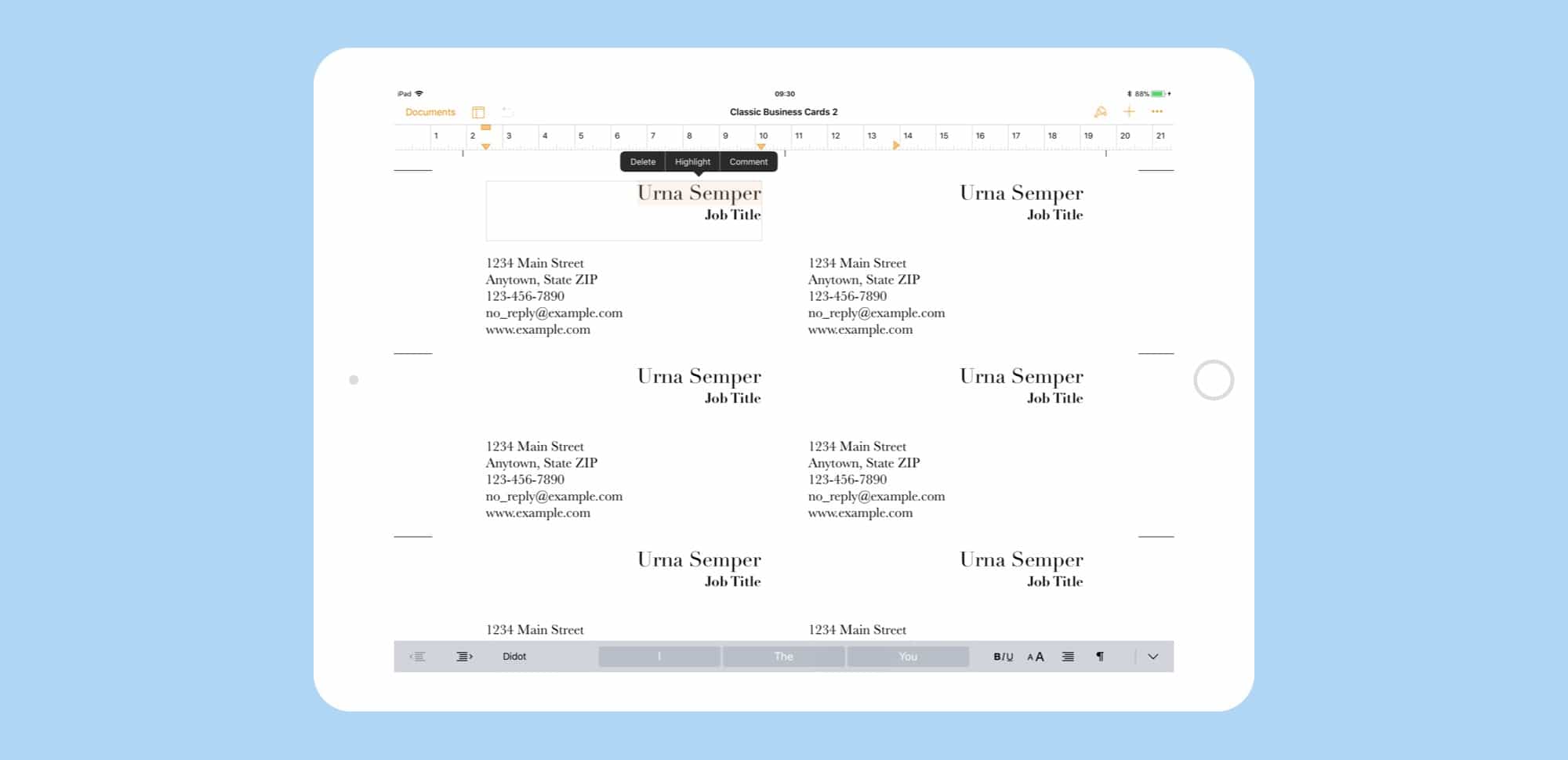
Business Card Template Pages Mac
ar.inspiredpencil.com
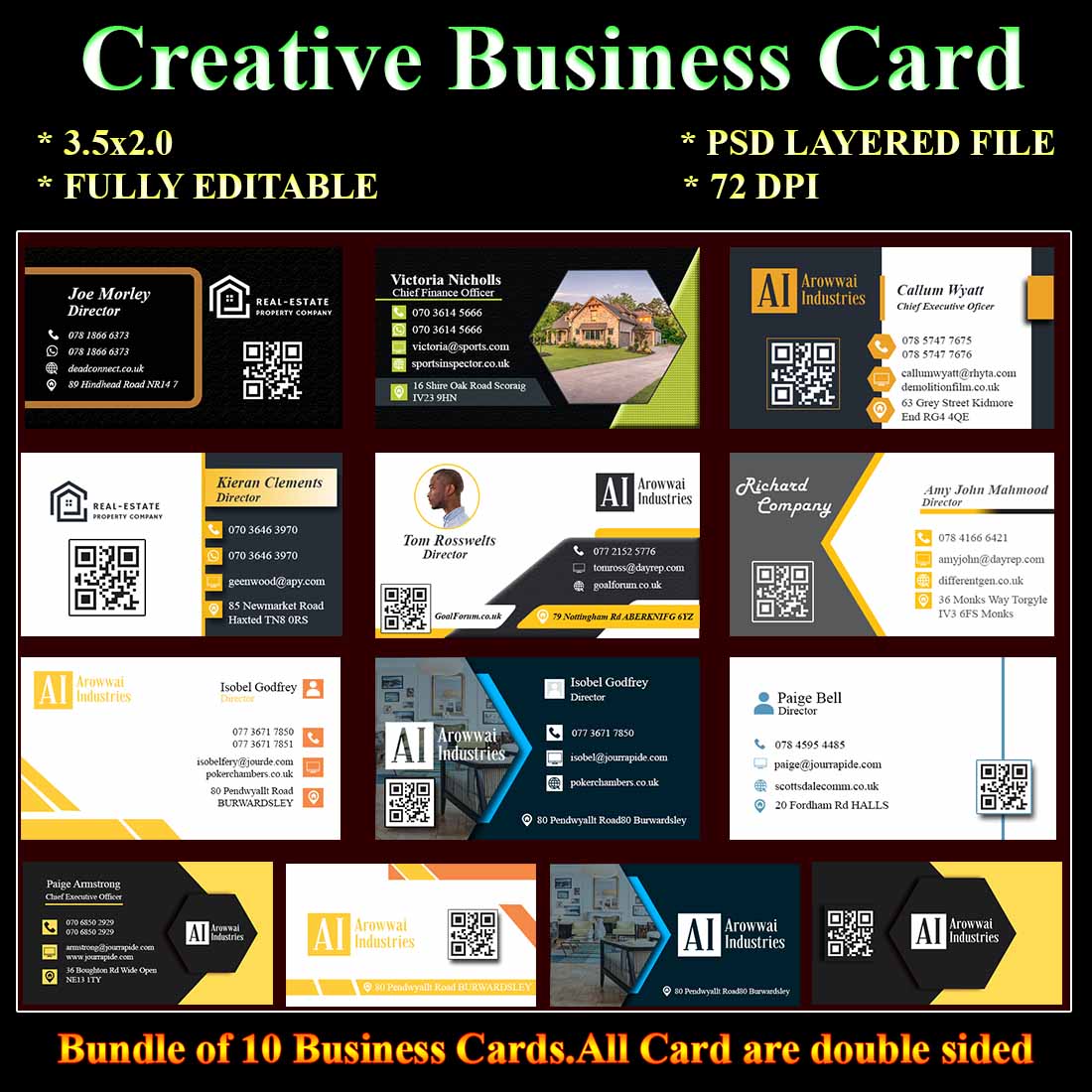
10 Business Card Template
ar.inspiredpencil.com
Business Cards Templates. Modern Business Cards. Business Card Layout

www.vecteezy.com
Modern Business Cards Template | Business Card Templates ~ Creative Market

creativemarket.com
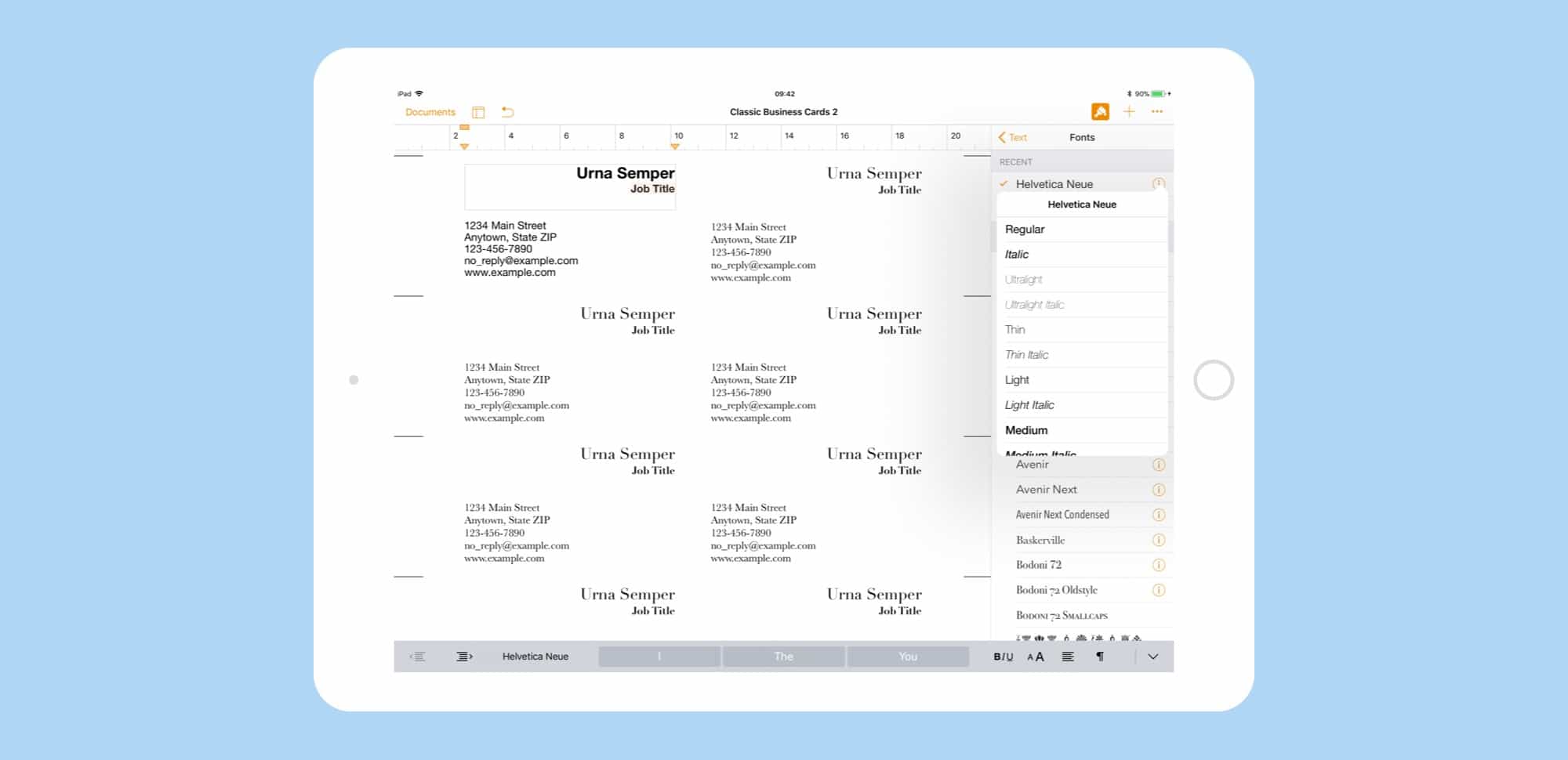
Business Card Template Pages Mac
ar.inspiredpencil.com
Premium vector. 40+ free business card templates. 10 business card template