Creating a professional and memorable business card is crucial for making a lasting first impression. While the design elements, font choices, and content are all important, the foundation lies in using the correct dimensions. Adobe Photoshop is a powerful tool for designing business cards, but understanding the proper template size is paramount to ensure a print-ready and visually appealing final product. Using the wrong dimensions can lead to pixelation, cropping issues, or an unprofessional appearance. This post will guide you through the recommended business card template size in Photoshop, addressing both the standard dimensions and the vital bleed area for professional printing.
Understanding Business Card Dimensions in Photoshop
Before diving into the specifics of setting up your Photoshop document, it’s essential to grasp the standard business card dimensions and their significance. Knowing this will ensure your card fits properly in wallets, card holders, and integrates seamlessly into professional networking.
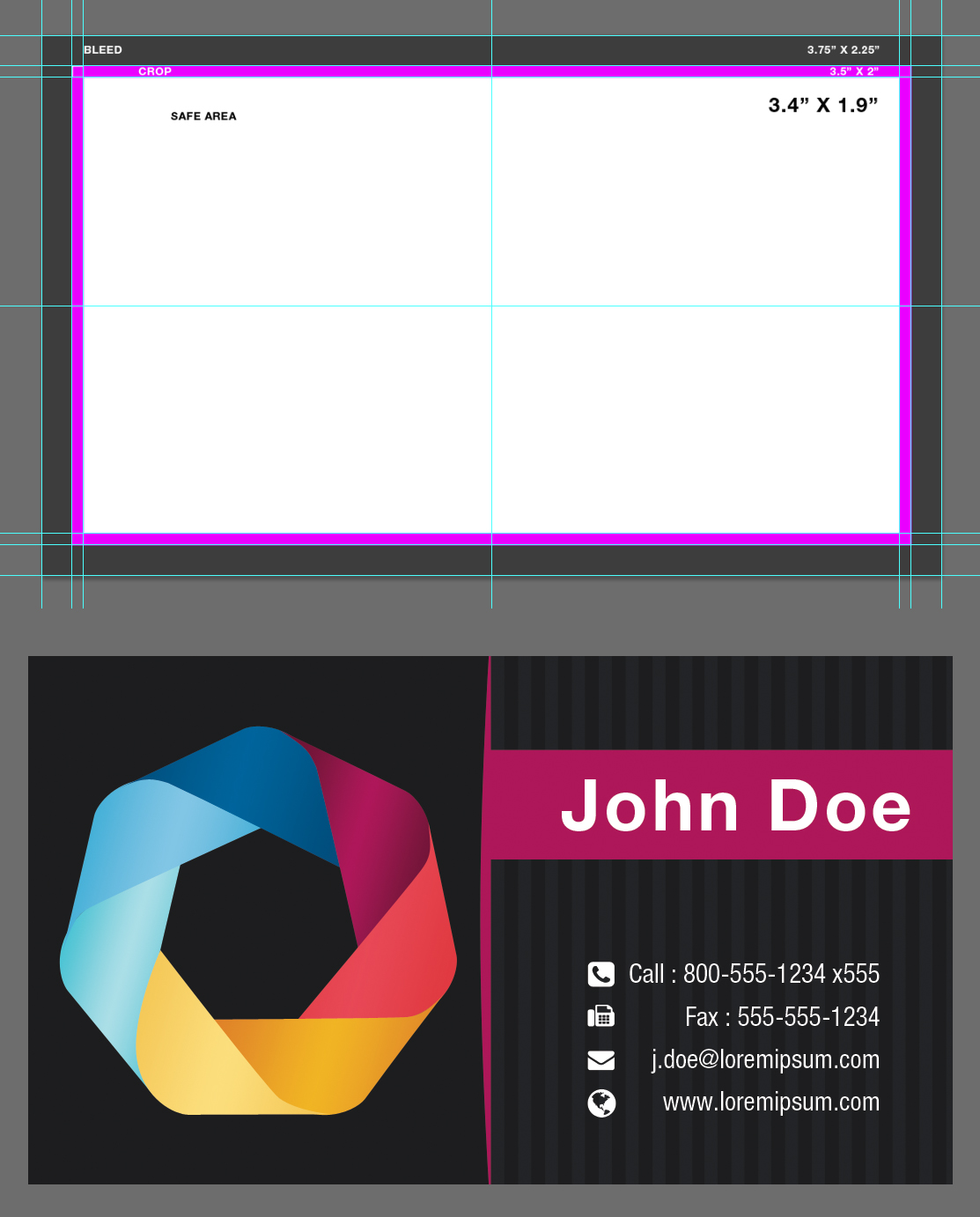
- Standard Business Card Size: The universally accepted standard size for a business card is 3.5 inches wide by 2 inches high (3.5″ x 2″). This translates to 88.9mm x 50.8mm in millimeters. This size is widely compatible and accepted across the printing industry.
While the finished size is 3.5″ x 2″, it’s crucial to account for a bleed area during the design process, as this prevents unwanted white edges when the cards are trimmed after printing.
Setting Up Your Photoshop Document for Business Cards
Now, let’s walk through the steps of setting up your Photoshop document to the correct size, including the bleed area, resolution, and color mode.
- Open Photoshop and Create a New Document: Go to File > New (or press Ctrl+N / Cmd+N).
- Set the Width and Height: This is where the bleed area comes in. Add at least 0.125 inches (1/8 inch) to each side of the standard dimensions. Therefore, your width should be 3.75 inches (3.5″ + 0.125″ + 0.125″) and your height should be 2.25 inches (2″ + 0.125″ + 0.125″). This accommodates for potential trimming discrepancies.
- Resolution: Set the resolution to 300 DPI (dots per inch). This ensures a high-quality print with sharp details. Lower resolutions can result in blurry or pixelated prints.
- Color Mode: Choose CMYK (Cyan, Magenta, Yellow, Key/Black) as your color mode. CMYK is the standard color model used for professional printing. Using RGB (Red, Green, Blue) can lead to color shifts when the file is converted for printing.
- Background Contents: Select “White” or “Transparent” as your background content, depending on your design preferences.
- Click “Create”: Your new Photoshop document is now set up with the correct dimensions, bleed area, resolution, and color mode.
Why Bleed Area is Essential
The bleed area is the extra space around the edges of your design that extends beyond the final trim line. This ensures that any color, image, or design element that extends to the edge of the card will print correctly without leaving a white border. Here’s why it’s so important:
- Preventing White Edges: Printing and cutting processes are not always perfectly precise. Minor variations in the cutting process can result in a sliver of white showing along the edge of your card if there’s no bleed area.
- Professional Finish: Using a bleed area provides a clean and professional finish to your business cards, demonstrating attention to detail.
- Consistent Results: Bleed ensures that your design looks consistent across all printed cards, regardless of minor variations in the cutting process.
When designing your business card, make sure to extend any background colors, images, or design elements that reach the edge of the card all the way to the edge of the bleed area. This ensures that when the card is trimmed to its final size of 3.5″ x 2″, the design will extend to the very edge without any white borders.
In conclusion, setting up your Photoshop document with the correct dimensions, including the bleed area, a 300 DPI resolution, and CMYK color mode, is crucial for creating professional and print-ready business cards. By following these guidelines, you can ensure that your business cards look polished, consistent, and effectively represent your brand.
Here is the answer in HTML list format:
- Standard Business Card Size (Finished Size): 3.5 inches wide x 2 inches high (3.5″ x 2″ or 88.9mm x 50.8mm)
- Photoshop Document Size (Including Bleed): 3.75 inches wide x 2.25 inches high (3.75″ x 2.25″)
- Bleed Area: Add 0.125 inches (1/8 inch) to each side of the standard dimensions.
- Resolution: 300 DPI (dots per inch)
- Color Mode: CMYK (Cyan, Magenta, Yellow, Key/Black)
If you are looking for Business Card Template Size Photoshop – Mightyprintingdeals.com you’ve visit to the right web. We have 22 Images about Business Card Template Size Photoshop – Mightyprintingdeals.com like Free Standard Business Card Size, Letterhead & Envelop Sizes Templates, Business Card Size Photoshop Template, Use Our Drag And Drop Editing and also Business Card Template For Photoshop. Here it is:
Business Card Template Size Photoshop – Mightyprintingdeals.com

www.mightyprintingdeals.com
Business Card Size Template Photoshop

ar.inspiredpencil.com
018 Business Card Template Psd Blank Download Visiting Throughout
sample.gelorailmu.com
Free Standard Business Card Size, Letterhead & Envelop Sizes Templates
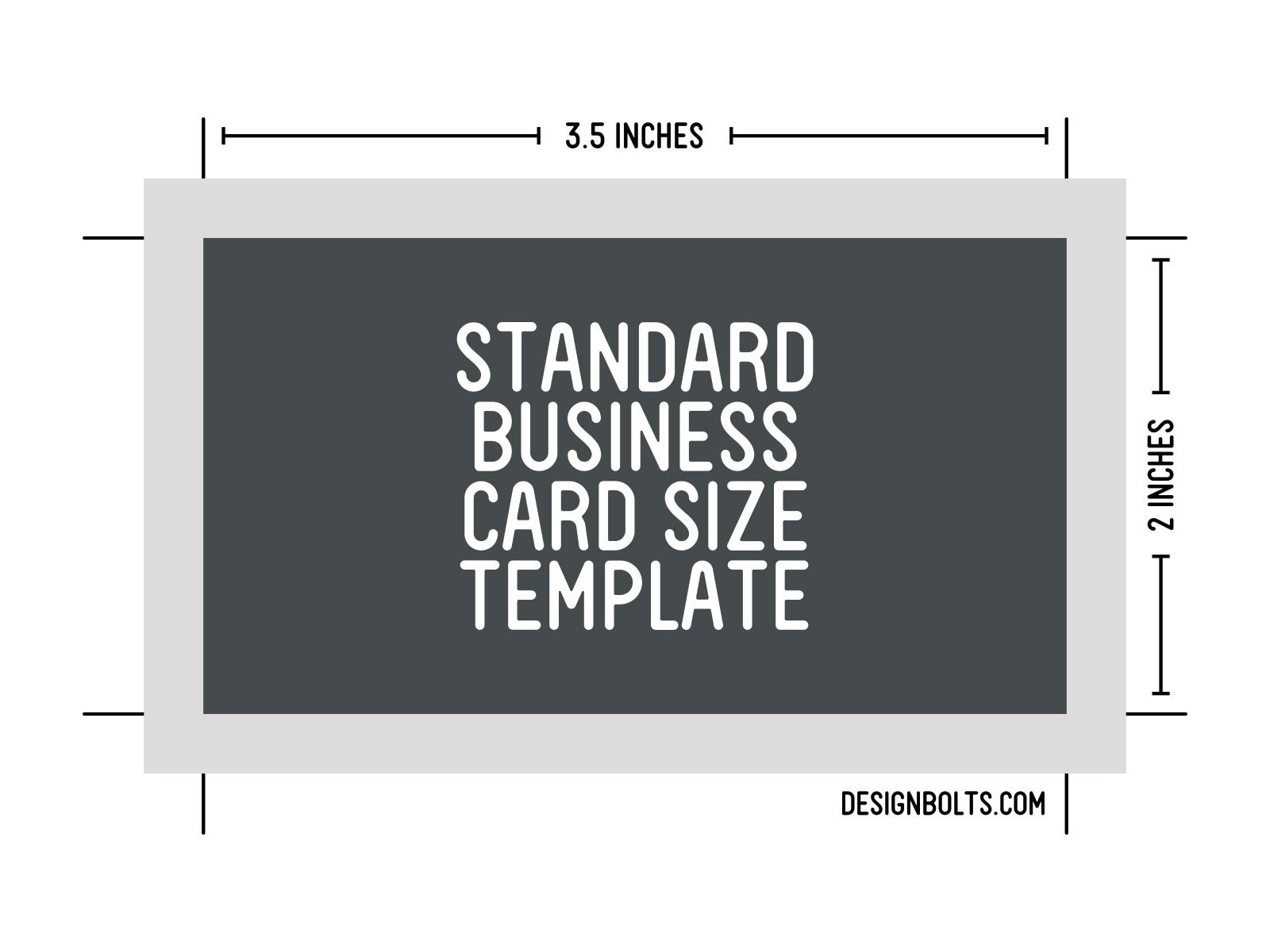
www.designbolts.com
15 Business Card Adobe Photoshop Template.psd Images – Adobe Photoshop
www.newdesignfile.com
Psd Business Card Template Design For Men Male Minimal Clean For
vancecountyfair.com
Free PSD Business Card Template :: Behance

www.behance.net
Business Card Template For Photoshop (11976) | Business Cards | Design
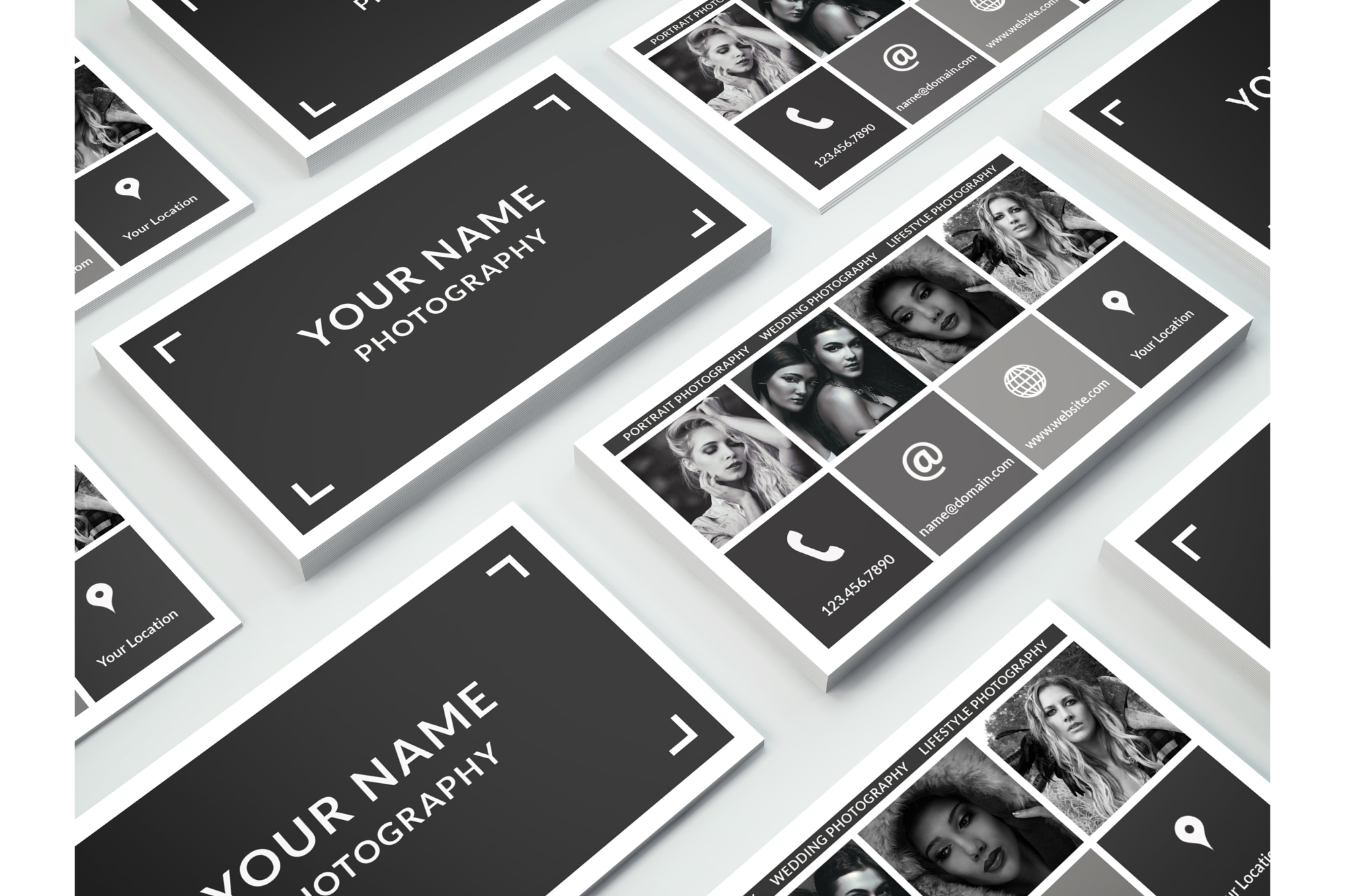
designbundles.net
Business Cards Photoshop Templates
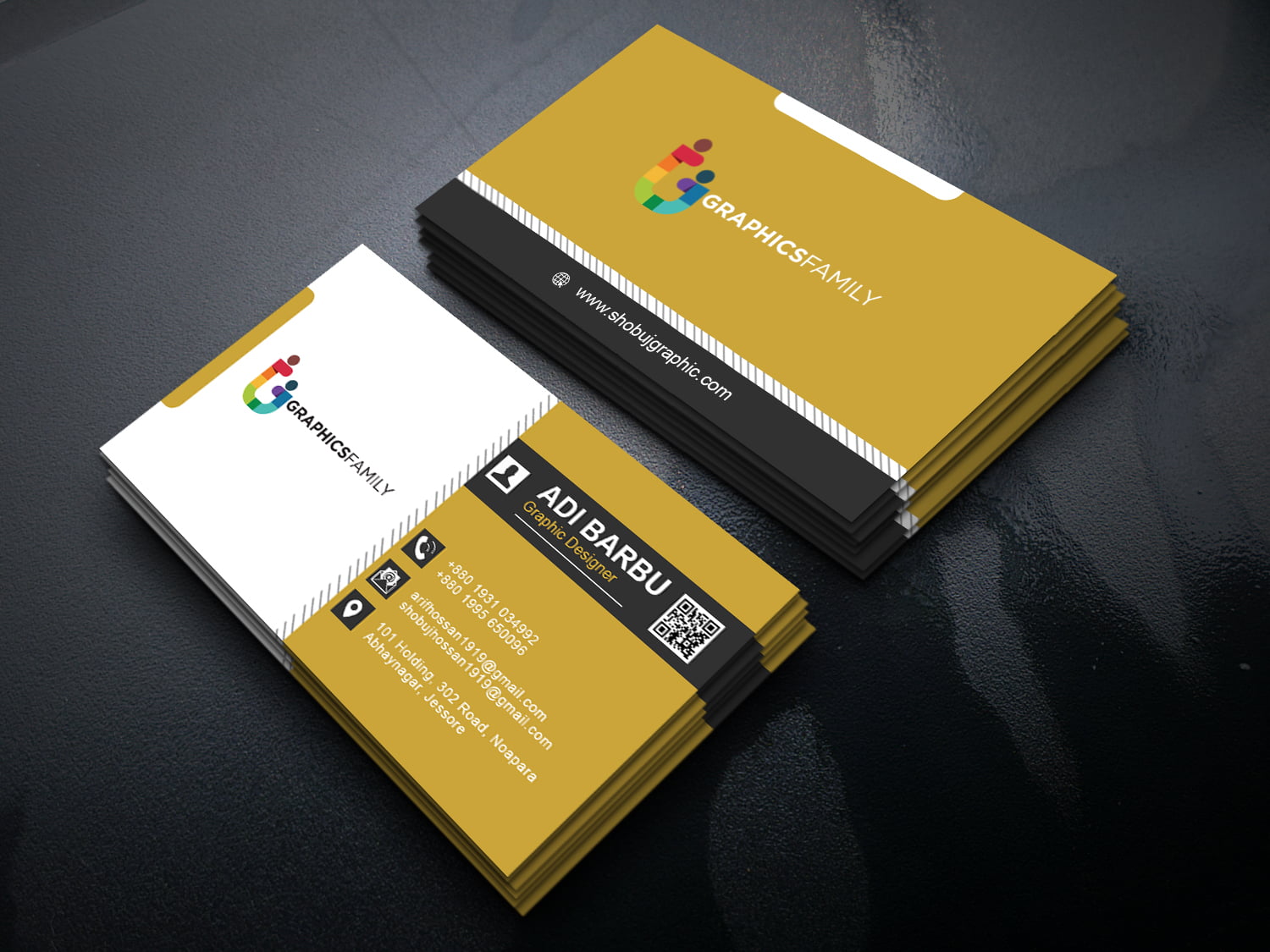
ar.inspiredpencil.com
Business Card Size Template Photoshop – PARAHYENA
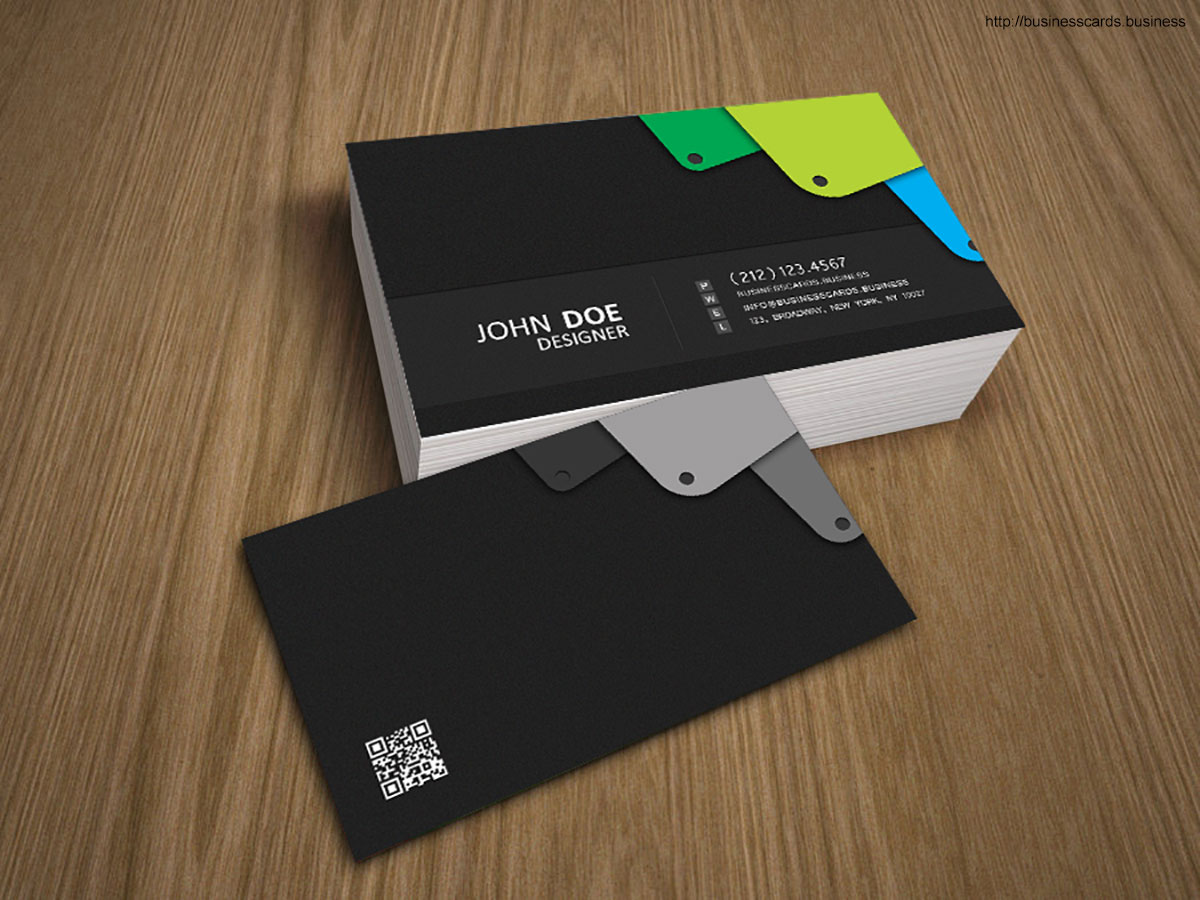
www.parahyena.com
Business Card Template For Photoshop
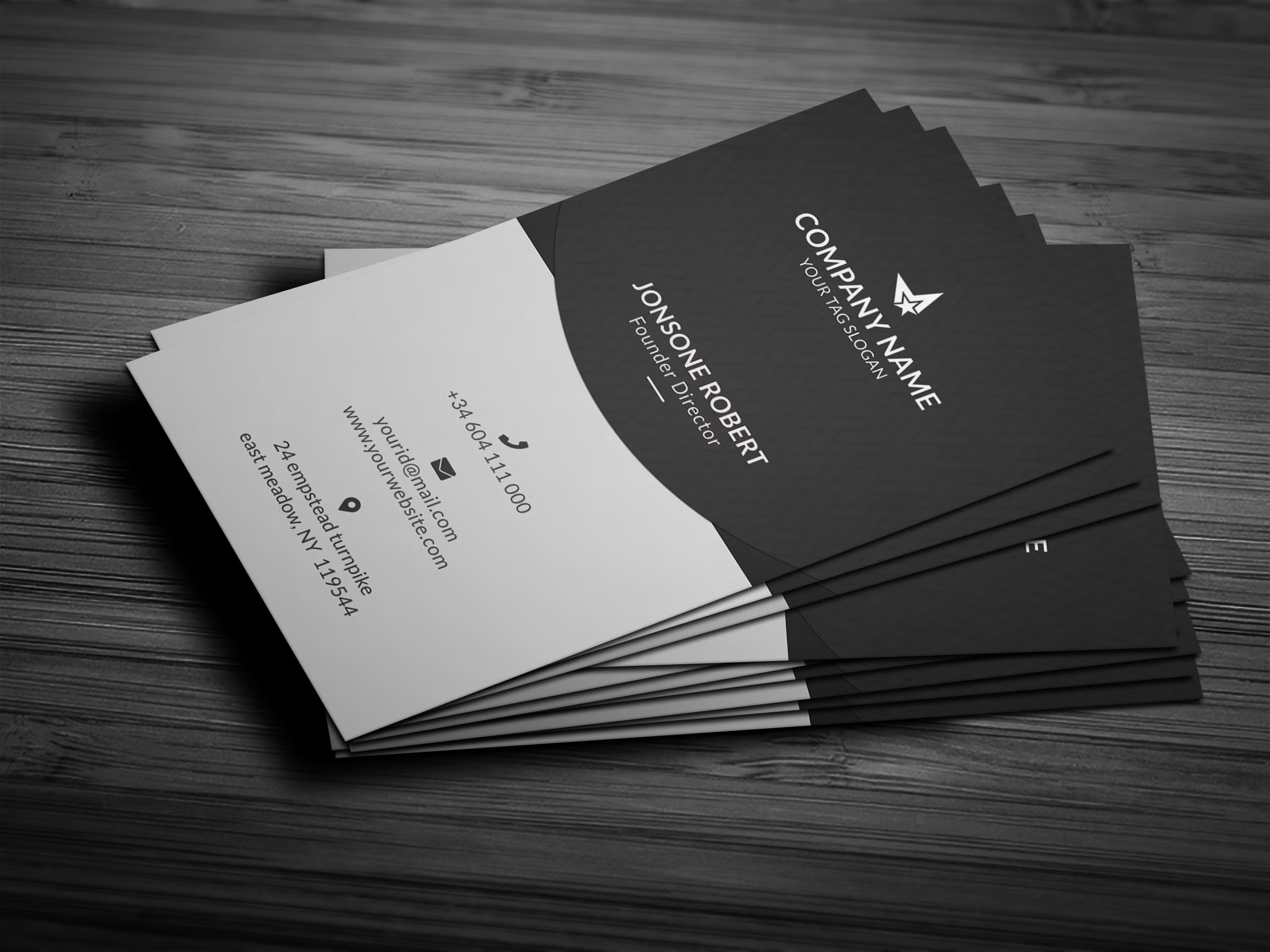
old.sermitsiaq.ag
Business Card Size Photoshop Template, Use Our Drag And Drop Editing

dev.youngvic.org
Business Cards Photoshop Templates
ar.inspiredpencil.com
Photoshop Template For Business Card

old.sermitsiaq.ag
200 Free Business Cards Psd Templates – Creativetacos Intended For
sample.gelorailmu.com
Business Card Template Size Photoshop – Midi-box.com

www.midi-box.com
Photoshop Cs 6 Business Card Template | Professional Design Template
professionaldesigntemplate.blogspot.com
Creative Modern Professional Business Card Design Template Stock Vector

www.dreamstime.com
Business Card Template Size Photoshop – Card Template

www.cardtemplate.my.id
Business Card Template Size Photoshop – Sfiveband.com

www.sfiveband.com
Corporate Professional Business Card Template, Size 3.5×2 11321045
www.vecteezy.com
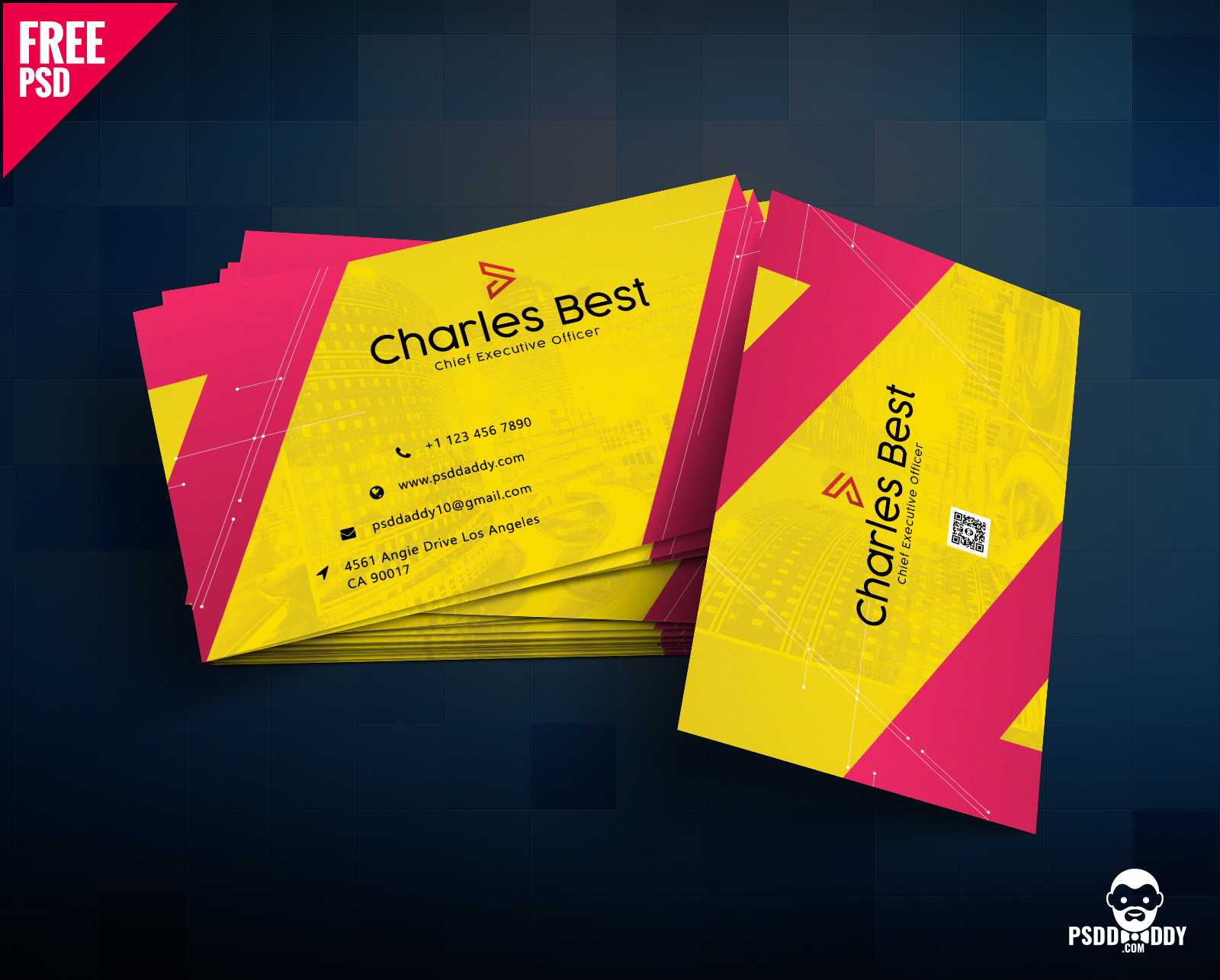
Business Card Size Photoshop Template – Sample.gelorailmu.com
sample.gelorailmu.com
200 free business cards psd templates – creativetacos intended for …. Photoshop template for business card. business card template size photoshop – midi-box.com