Creating a professional and memorable first impression is crucial in any business interaction. A well-designed business card is a key tool in achieving this, serving as a tangible reminder of you and your company. While professional design services offer bespoke solutions, they can often be expensive. Thankfully, Microsoft Word provides a readily accessible and cost-effective alternative with its variety of front and back business card templates. These templates offer a fantastic starting point, allowing you to customize them to perfectly reflect your brand’s identity and key contact information.
Using a front and back business card template effectively doubles the real estate available to you. You can leverage this extra space to include a wider range of information, enhance visual appeal, or even incorporate a call to action. For example, the front could feature your company logo, name, and title, while the back could include a brief description of your services, your company slogan, or even a QR code linking to your website or online portfolio.
This post will delve into the benefits of using front and back business card templates in Word, highlighting the flexibility they offer and guiding you through the process of finding, customizing, and preparing them for printing. We’ll also touch upon best practices to ensure your final product is polished and professional.
Front and Back Business Card Template Word: Your Quick Start Guide
Microsoft Word offers a surprising number of built-in business card templates, many of which support a front and back design. However, finding the *perfect* one might require a little searching. Here’s a breakdown of how to locate, customize, and print your business cards using Word:
Finding the Right Template
There are a few ways to find suitable templates in Word:
- Using the “New” Document Option: Open Microsoft Word and click on “File” then “New.” In the search bar, type “business card” or “business card front and back.” This will display a range of available templates. Browse through the results, paying attention to the layout, design style, and whether it explicitly supports a double-sided design. Preview the templates to get a better feel for their appearance.
- Searching Online: While Word offers built-in templates, you can also find free and premium templates online. Websites like Microsoft’s official template gallery, Canva, and Creative Market often offer a wider variety of options. Download the template in a format compatible with Word (usually a .docx file).
- Modifying Existing Templates: You can start with a single-sided template and adapt it to create a double-sided design. This gives you maximum control over the layout and content. Simply copy the elements of the front side and paste them onto a new page to create the back.
Customizing Your Chosen Template
Once you’ve selected a template, the real work begins: customization! Here’s how to tailor it to your specific needs:
- Replace Placeholder Text: The most basic step is to replace all the placeholder text with your own information, including your name, title, company name, contact details (phone number, email address, website), and any other relevant information.
- Incorporate Your Logo and Branding: Insert your company logo and adjust its size and placement to fit the design. Pay attention to the overall color scheme and ensure it aligns with your brand’s identity. You can change font colors, background colors, and even add your own images or graphics.
- Adjust the Layout: Don’t be afraid to experiment with the layout. You can move elements around, resize text boxes, and add or remove sections as needed. Consider the principles of visual hierarchy to ensure the most important information stands out.
- Utilize the Back of the Card: As mentioned earlier, the back of your business card offers valuable space. Consider including a brief description of your services, your company slogan, a QR code linking to your website or social media profiles, or even a customer testimonial.
- Choose the Right Fonts: Select fonts that are easy to read and complement your brand’s aesthetic. Avoid using too many different fonts, as this can make your business card look cluttered and unprofessional.
Preparing for Printing
Before printing, it’s crucial to ensure your business card is formatted correctly and ready for professional results:
- Set Margins and Bleed: Make sure the margins are set appropriately to prevent text or images from being cut off during printing. If you’re using a design that extends to the edge of the card (bleed), ensure the design extends slightly beyond the cut lines to avoid white borders.
- Proofread Carefully: Double-check all the text for spelling and grammatical errors. It’s a good idea to have someone else proofread it as well.
- Print a Test Page: Before printing a large batch, print a test page on plain paper to ensure the layout, colors, and text are all correct. This will also help you identify any potential problems with your printer settings.
- Choose the Right Paper Stock: The paper stock you choose can significantly impact the final appearance of your business card. Consider using a thicker, heavier paper stock for a more professional feel. Matte or glossy finishes are also available, depending on your preference.
- Use Business Card Paper or Templates: Invest in business card paper designed for inkjet or laser printers. These papers often have pre-cut cards that are easy to separate. Alternatively, you can print on regular paper and cut the cards out yourself using a paper cutter. Word’s business card template settings usually align with standard business card paper sheets.
By following these steps, you can create professional-looking front and back business cards using Microsoft Word without breaking the bank. Remember to prioritize clarity, readability, and a design that accurately reflects your brand’s identity. Good luck!
If you are looking for Business card front and back design template. 3041705 Vector Art at you’ve came to the right place. We have 22 Pictures about Business card front and back design template. 3041705 Vector Art at like Free Business Card Templates To Print At Home, Business Card Template Word Front And Back – Cards Design Templates and also Business card front and back design template. 3041701 Vector Art at. Here you go:
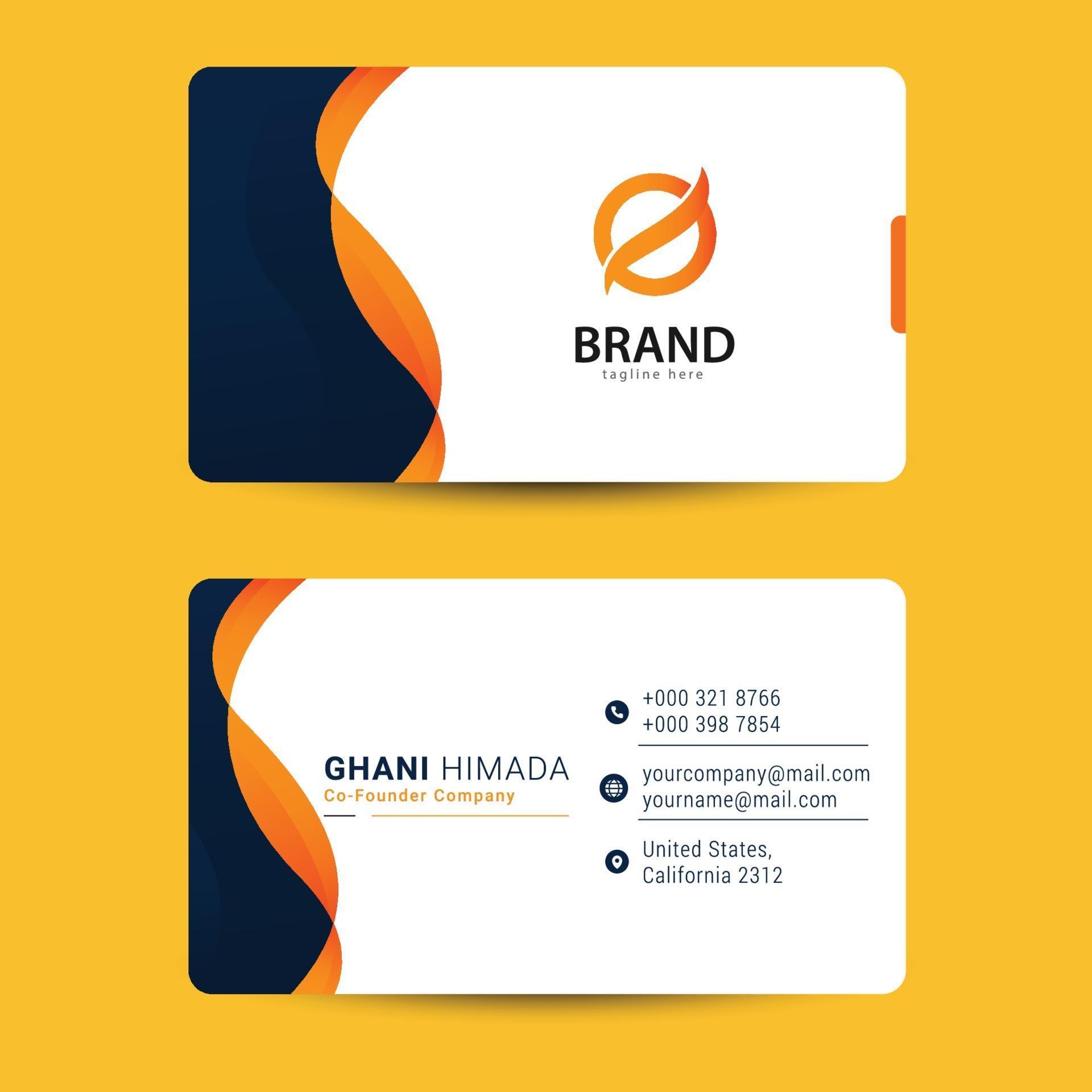
Business Card Front And Back Design Template. 3041705 Vector Art At
www.vecteezy.com
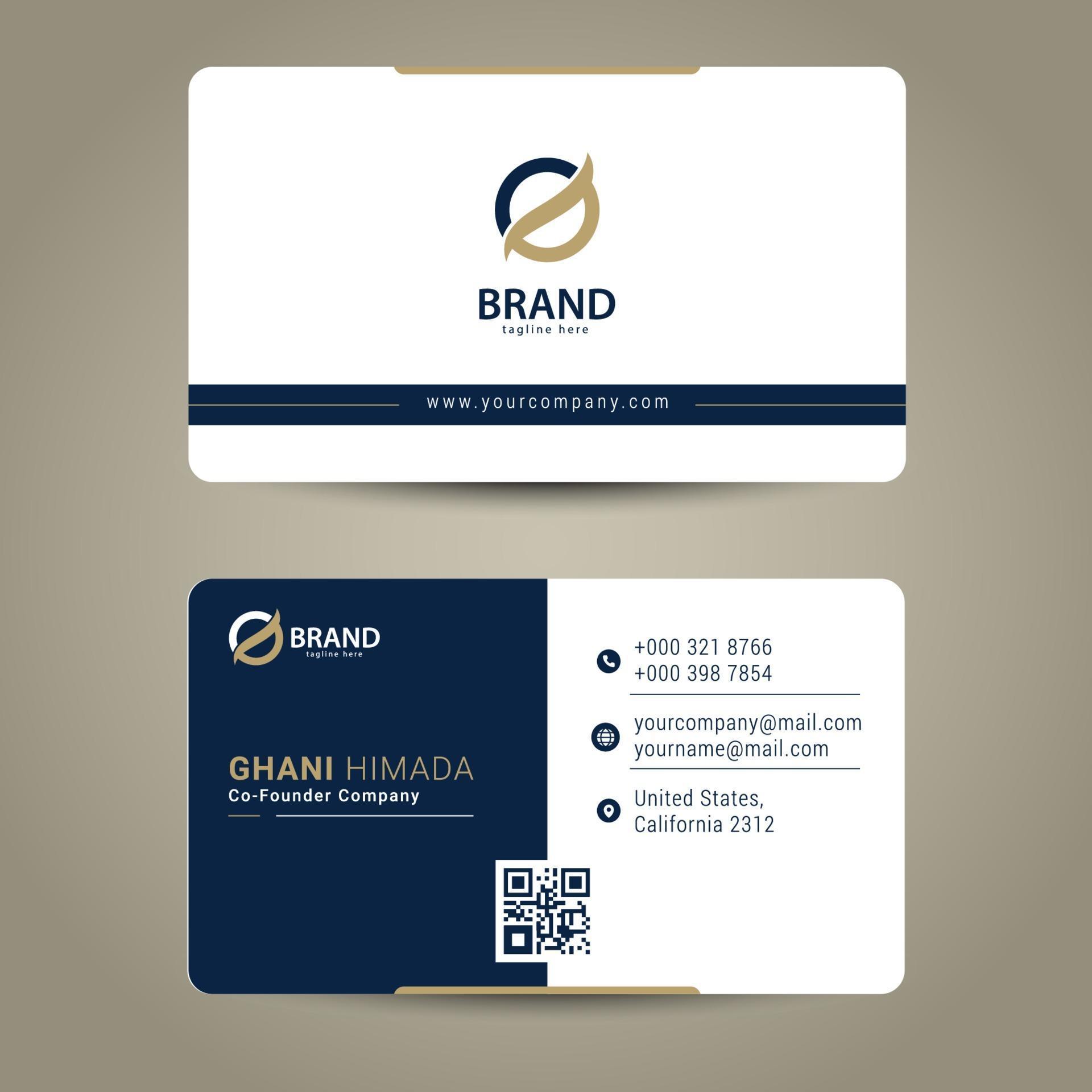
Business Card Front And Back Design Template. 3041708 Vector Art At
www.vecteezy.com
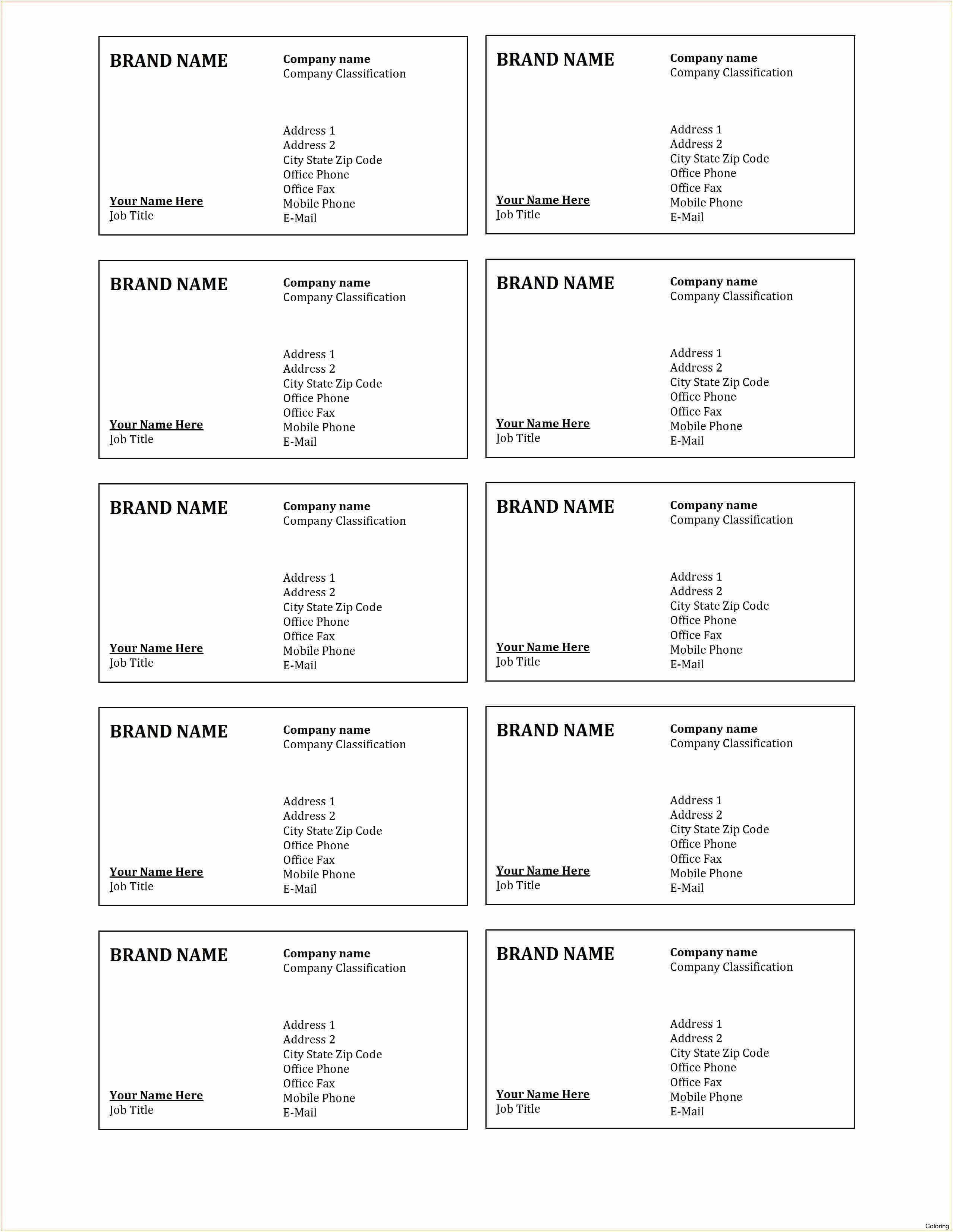
Business Card Template Word Front And Back – Cards Design Templates
legaldbol.com
Front And Back Business Card Template

ar.inspiredpencil.com
Business Card Template Front And Back Vector | Free Image By Rawpixel

in.pinterest.com
Free Business Card Templates To Print At Home

ar.inspiredpencil.com
Vector Business Card Template Front And Back 310725 Vector Art At Vecteezy

www.vecteezy.com
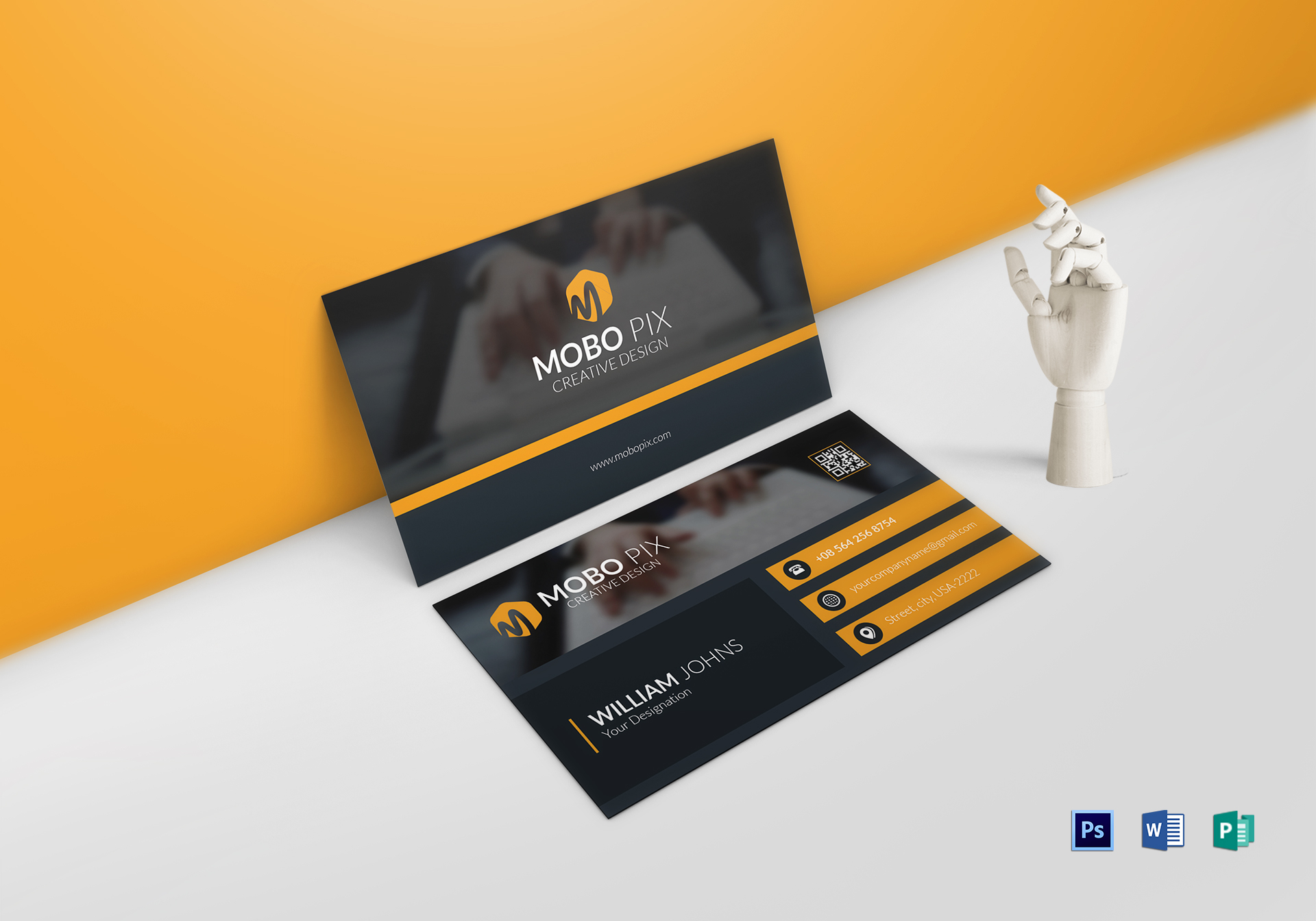
Front And Back Business Card Template Word – Mightyprintingdeals.com
www.mightyprintingdeals.com
Vector Business Card Template Front And Back 310228 Vector Art At Vecteezy

www.vecteezy.com
Vector Business Card Template Front And Back 309972 Vector Art At Vecteezy

www.vecteezy.com
Front And Back Business Card Template Word – Caquetapositivo Within
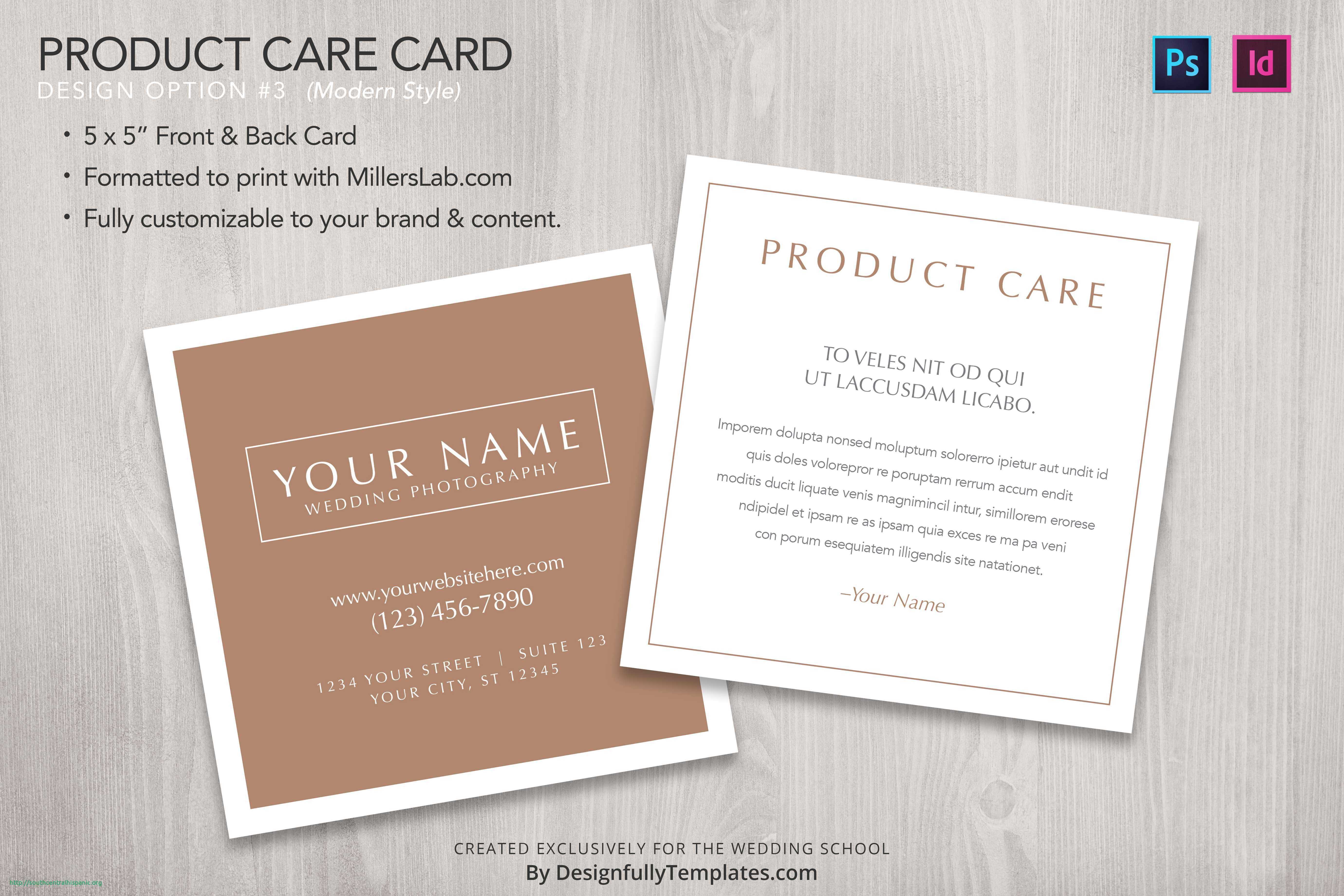
www.xfanzexpo.com
Front And Back Side Business Card Template 2037310 Vector Art At Vecteezy
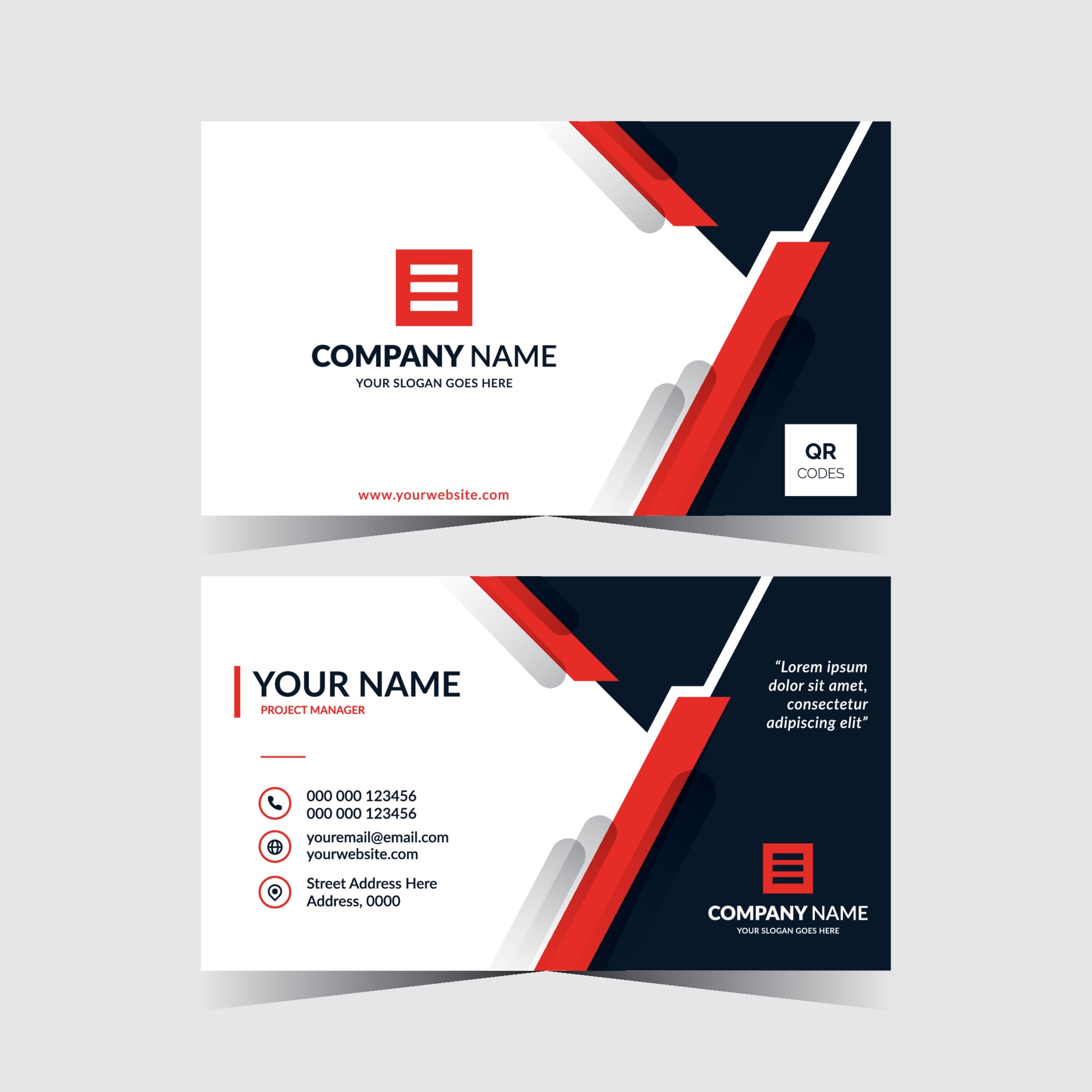
www.vecteezy.com
Vector Business Card Template Front And Back 310480 Vector Art At Vecteezy

www.vecteezy.com
Front And Back Business Card Template Word
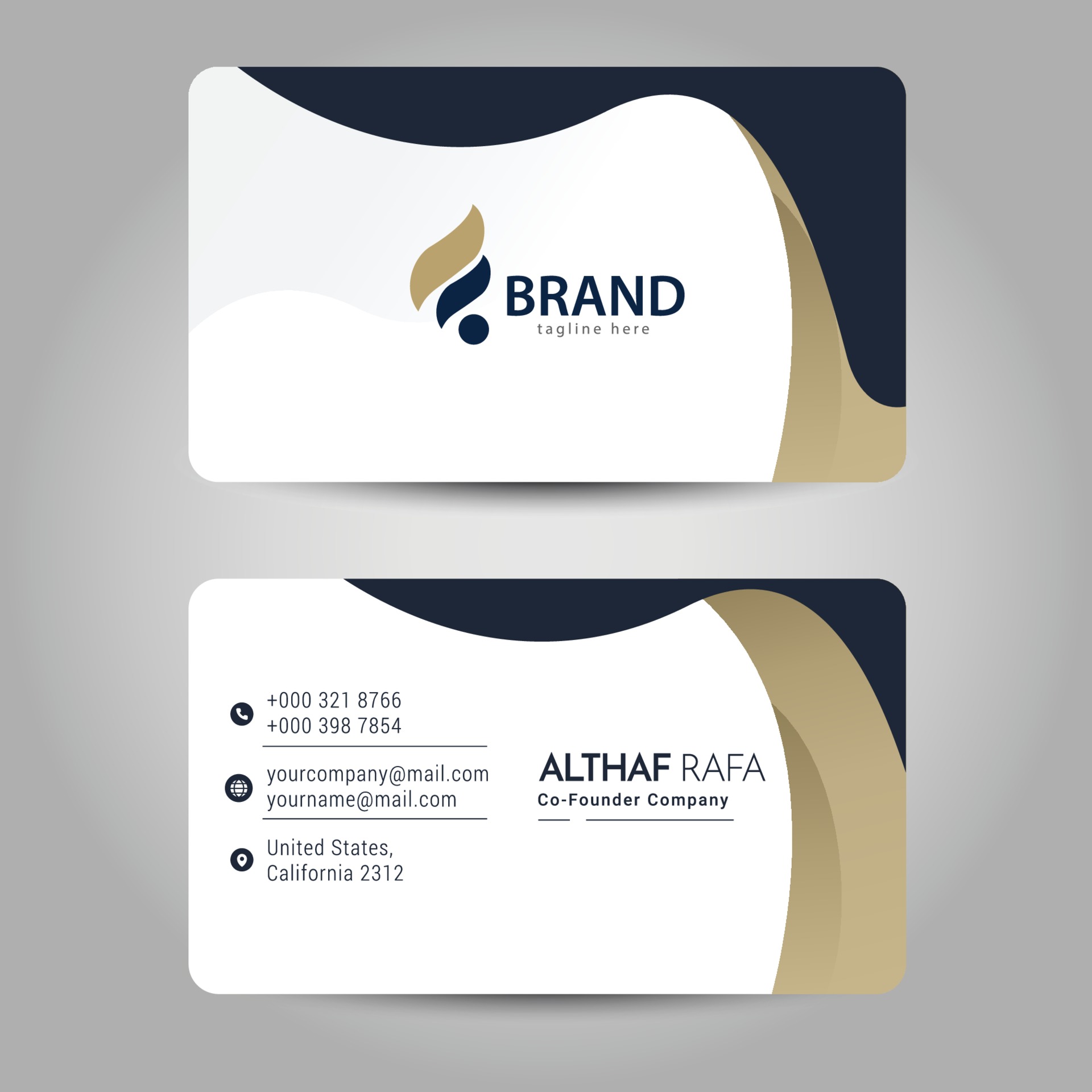
ar.inspiredpencil.com
Front And Back Business Card Template Word – Caquetapositivo With Front
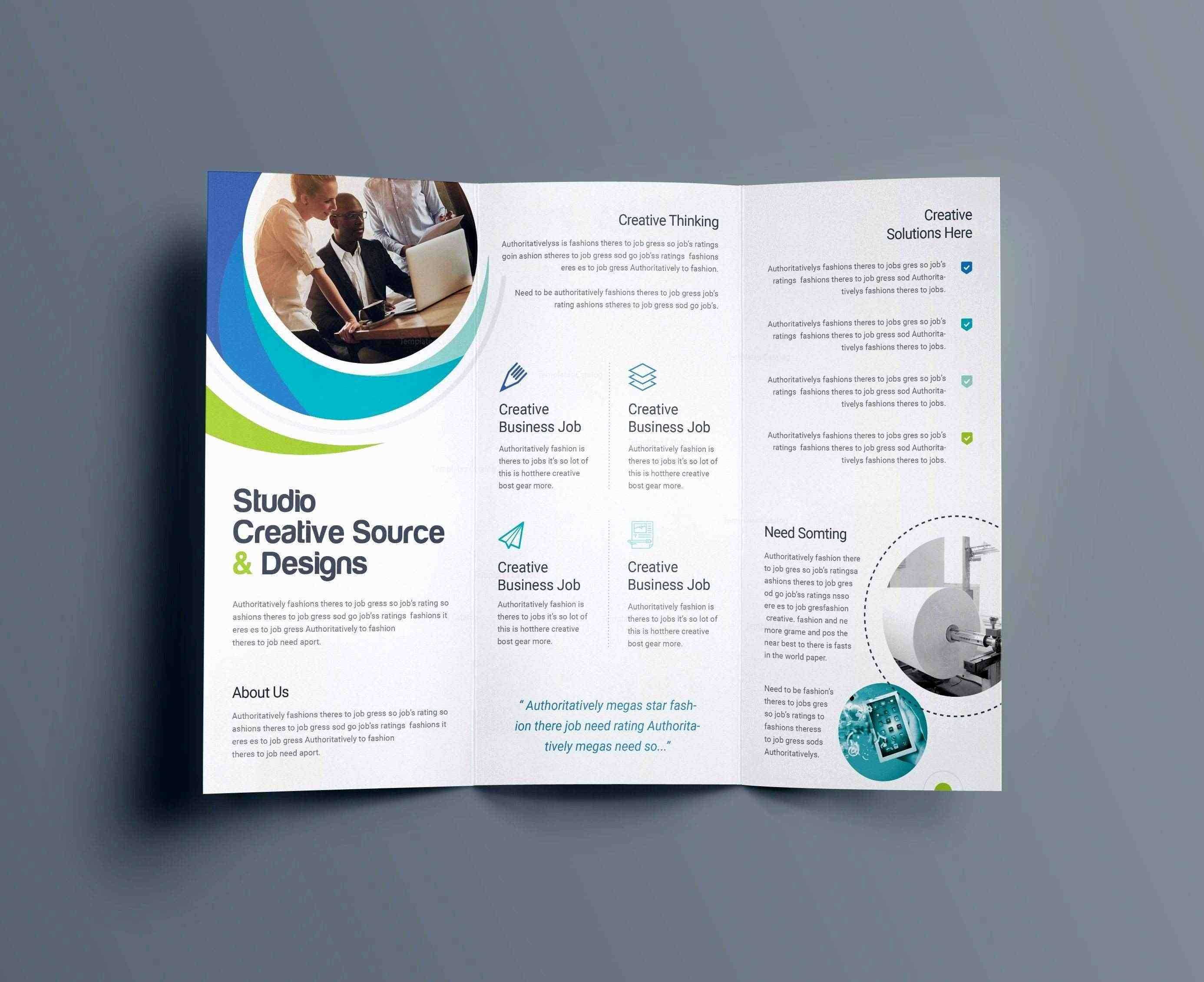
www.xfanzexpo.com
Premium PSD | Template Business Card For Your Company With Front And Back

www.freepik.com
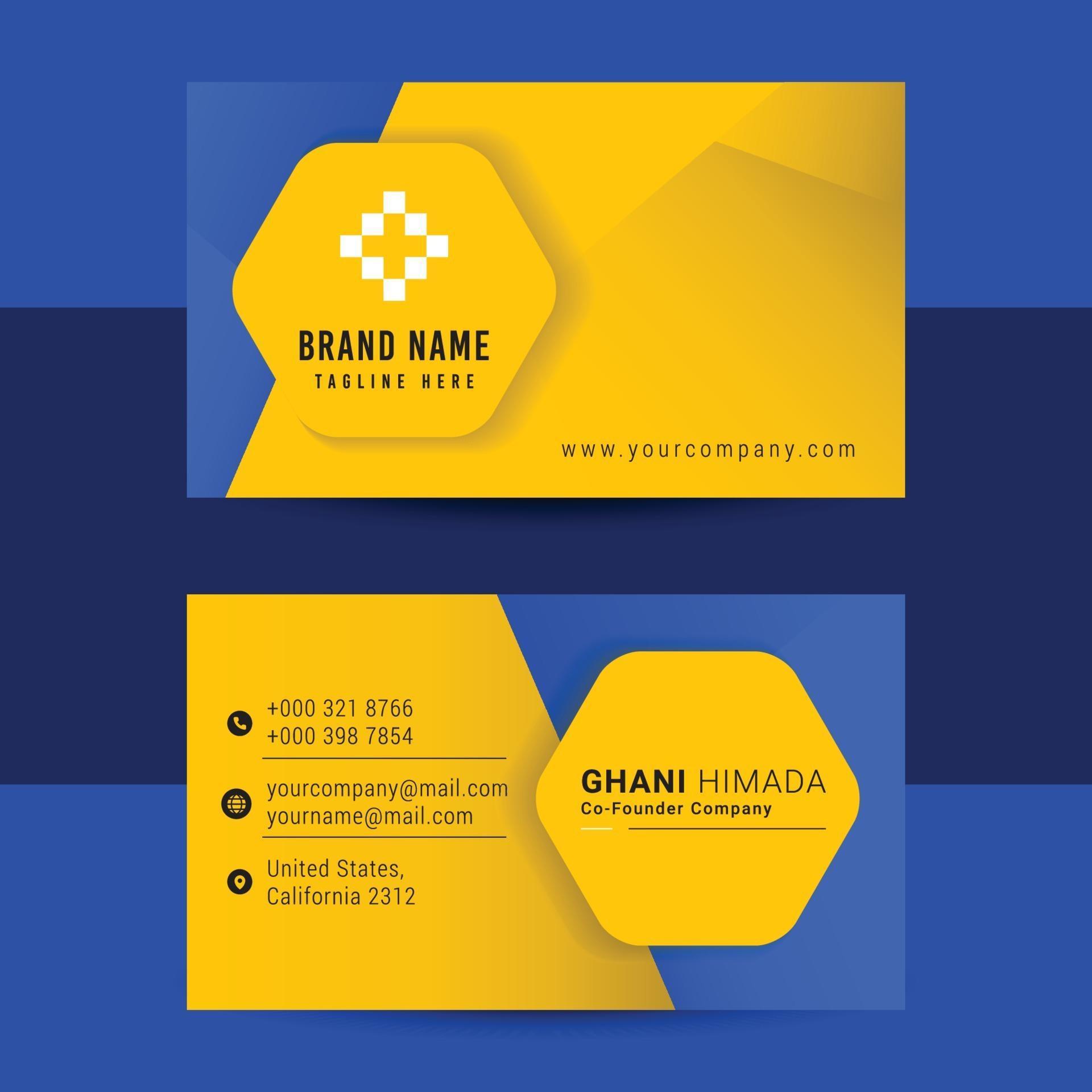
Business Card Front And Back Design Template. 3031095 Vector Art At
www.vecteezy.com
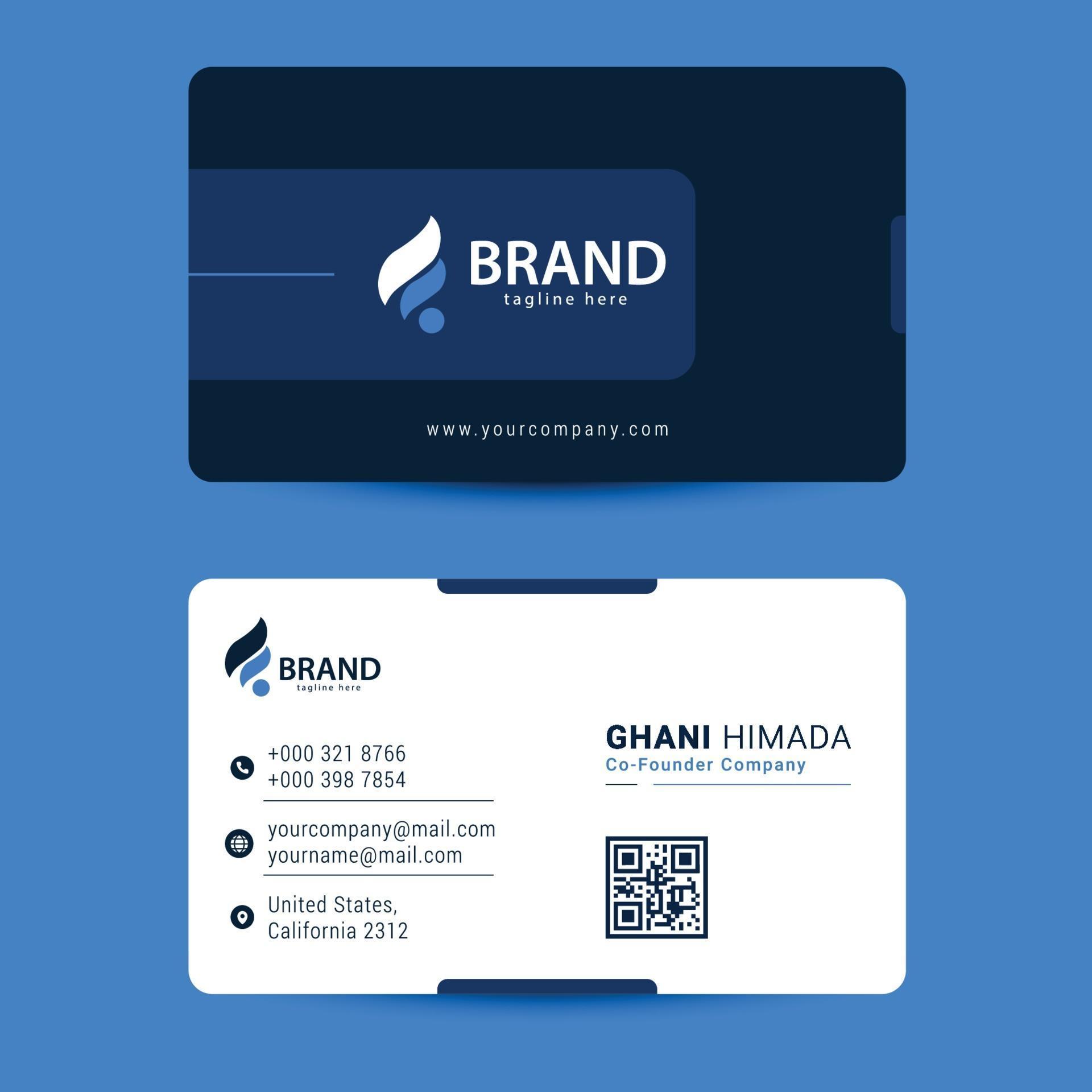
Business Card Front And Back Design Template. 3041701 Vector Art At
www.vecteezy.com
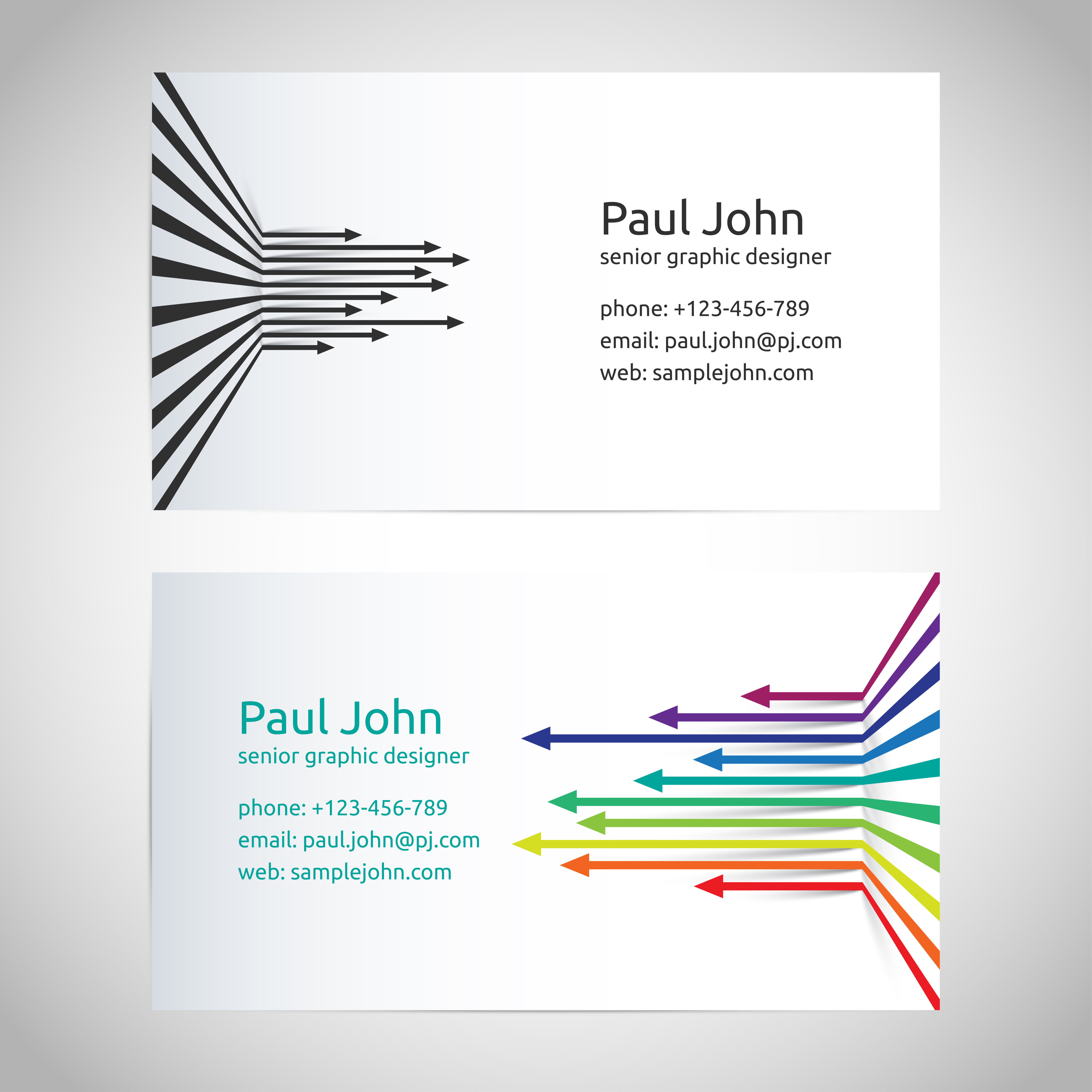
Vector Business Card Template Front And Back 310349 Vector Art At Vecteezy
www.vecteezy.com
Front And Back Business Card Template

ar.inspiredpencil.com
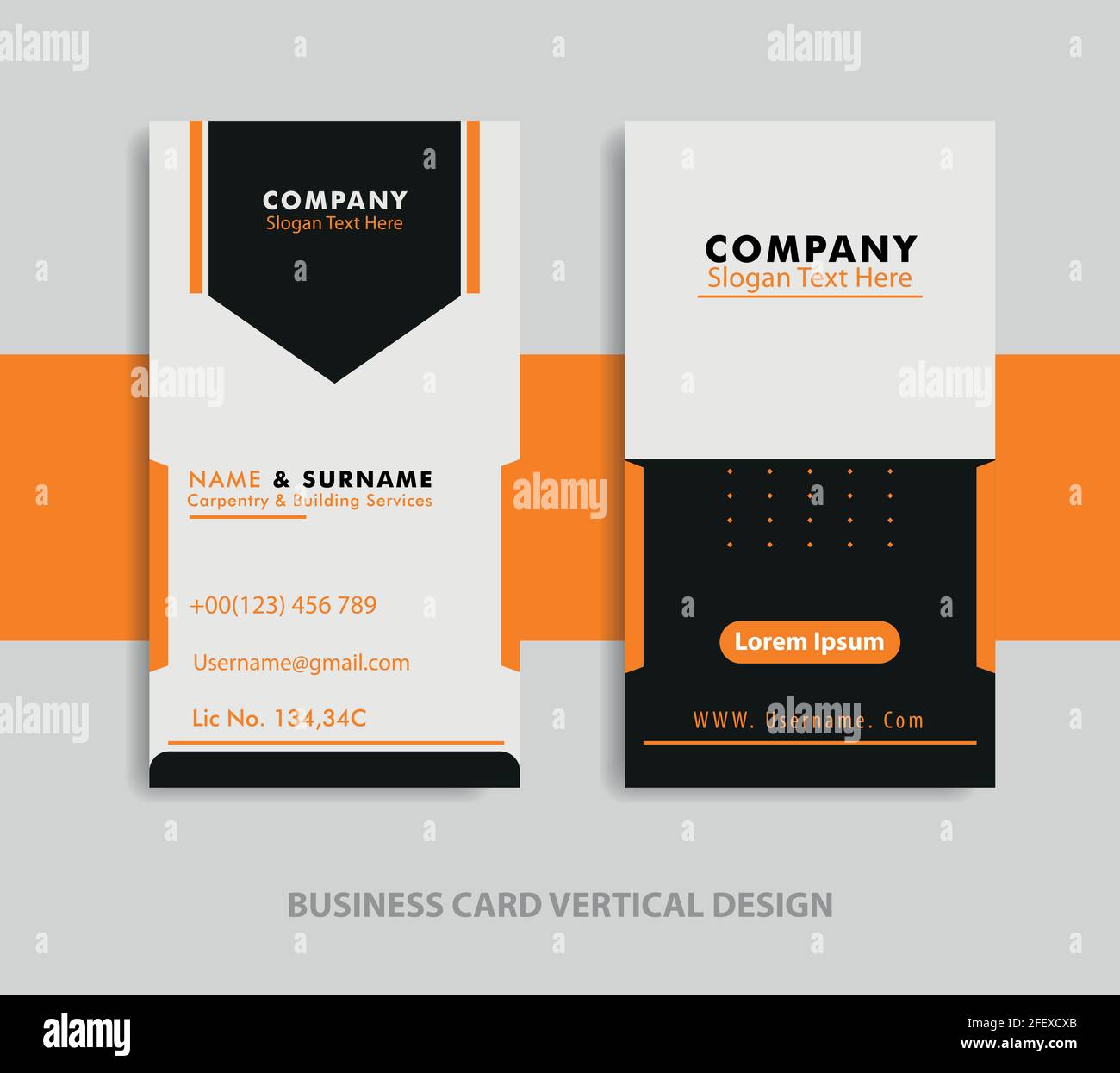
Front And Back Business Card Template Stock Vector Image & Art – Alamy
www.alamy.com
Premium Vector | Abstract Front And Back Business Card Template

www.freepik.com
Vector business card template front and back 310725 vector art at vecteezy. Business card front and back design template. 3031095 vector art at. Free business card templates to print at home