Are you a baseball card enthusiast looking for a way to create custom cards for your collection, fantasy league team, or even as a fun gift? Look no further than Microsoft Word! While it might not be the first program that comes to mind for graphic design, Word can be surprisingly versatile when it comes to creating simple, customizable templates. Creating your own baseball card template in Word offers numerous advantages. You have complete control over the design, layout, and information included on the card. This allows you to personalize the cards to your exact specifications, whether you want to commemorate a special player, celebrate a team victory, or simply create a unique collectible.
Why Use Microsoft Word for Baseball Card Templates?
Microsoft Word is readily accessible to many computer users. It’s a common program found in many homes and offices, eliminating the need to purchase expensive specialized software. Furthermore, Word’s user-friendly interface makes it easy to learn and use, even for those with limited graphic design experience. The program also provides a wide range of formatting options, allowing you to customize the text, images, and overall layout of your card. You can insert and manipulate pictures, change fonts, add borders, and adjust colors to create a professional-looking design. Another great advantage is the ease with which you can modify and reuse your templates. Once you’ve created a basic template, you can easily change the player’s name, stats, and photo to create new cards quickly and efficiently.
Key Features of a Good Baseball Card Template
Before diving into creating your template, it’s helpful to understand the essential features that make a good baseball card. These include:
- Image Area: A designated space for a clear, high-quality photo of the player. Consider the photo’s angle and composition to ensure it looks visually appealing on the card.
- Player Information: Fields for the player’s name, team, position, and other relevant details. Choose a legible font that complements the overall design.
- Statistics (Optional): Space to include key statistics like batting average, home runs, ERA, or other relevant performance metrics. Keep this information concise and easy to read.
- Team Logo (Optional): Incorporation of the team logo adds a touch of authenticity and professionalism to the card.
- Card Back (Optional): The back of the card can be used for additional information, such as a player biography, career highlights, or even a short quote.
- Design Elements: Consider adding borders, background colors, or other graphic elements to enhance the overall aesthetic appeal of the card.
Now, let’s get to the heart of the matter – finding existing baseball card templates for Microsoft Word and exploring how to create your own.
Finding Baseball Card Templates for Microsoft Word
While Microsoft Word doesn’t have a built-in baseball card template, several online resources offer free or premium templates that you can download and customize. A quick Google search for “baseball card template Microsoft Word” will reveal numerous options. Here are some places to look:
- Template Websites: Websites like Canva, Etsy, and Creative Market often have designers who offer Word-compatible baseball card templates. These templates can range from simple designs to more elaborate creations, and some may require a purchase.
- Online Communities: Check out online forums or communities dedicated to baseball card collecting or graphic design. Members may share their own templates or provide links to useful resources.
- DIY with Word Features: You can always build your own template from scratch within Word, using shapes, text boxes, and image placeholders. This offers maximum customization.
No matter where you find your template, be sure to check the licensing agreement to ensure you can use it for your intended purpose, especially if you plan to sell the cards you create. Remember to save the template as a “.docx” file to maintain compatibility with Microsoft Word.
Creating Your Own Baseball Card Template in Microsoft Word
Building a baseball card template from scratch in Word allows for maximum flexibility and personalization. Here’s a general outline of how to proceed:
- Set Up Your Document: Open a new Word document and adjust the page size to match the desired dimensions of your baseball card. A common size is 2.5 inches by 3.5 inches. You can adjust this under the “Layout” tab, in the “Size” dropdown menu, by choosing “More Paper Sizes…”
- Insert a Shape: Insert a rectangle shape to represent the outline of the card. This will serve as the basic structure for your design.
- Add Image Placeholder: Insert another shape, such as a rectangle or oval, to serve as a placeholder for the player’s photo. Format this shape with a border and adjust its position on the card.
- Insert Text Boxes: Insert text boxes for the player’s name, team, position, and other relevant information. Choose appropriate fonts, sizes, and colors to ensure readability.
- Add Design Elements: Incorporate borders, background colors, or other graphic elements to enhance the overall design. You can use Word’s built-in shape tools and formatting options to create these elements.
- Duplicate and Customize: Once you’re satisfied with the basic template, you can easily duplicate it to create multiple cards. Simply copy and paste the entire design, then update the player information and photo for each card.
By following these steps, you can create custom baseball card templates in Microsoft Word that perfectly suit your needs and preferences. Experiment with different designs, fonts, and images to create unique and personalized cards that you’ll be proud to add to your collection!
Baseball Card Template Microsoft Word: Summary
- Ease of Access: Microsoft Word is a common program, often readily available on computers.
- Customization: Offers a high degree of customization, allowing you to control the layout, design, and information included on the card.
- Cost-Effective: Eliminates the need to purchase specialized graphic design software.
- User-Friendly: Relatively easy to learn and use, even for those with limited graphic design experience.
- Template Resources: Numerous online resources offer free or premium baseball card templates for Microsoft Word.
- DIY Option: You can create your own templates from scratch using Word’s built-in features.
- Essential Features: A good template includes an image area, player information fields, optional statistics, team logo space, a potential card back section, and design elements.
If you are looking for Baseball Card Template Psd – Sarseh.com you’ve visit to the right web. We have 22 Pictures about Baseball Card Template Psd – Sarseh.com like Free Baseball Card Template Word – Printable Templates, Baseball Card Templates in Word – FREE Download | Template.net and also Free Baseball Card | Card Templates & Designs 2019 Inside Baseball Card. Here it is:
Baseball Card Template Psd – Sarseh.com
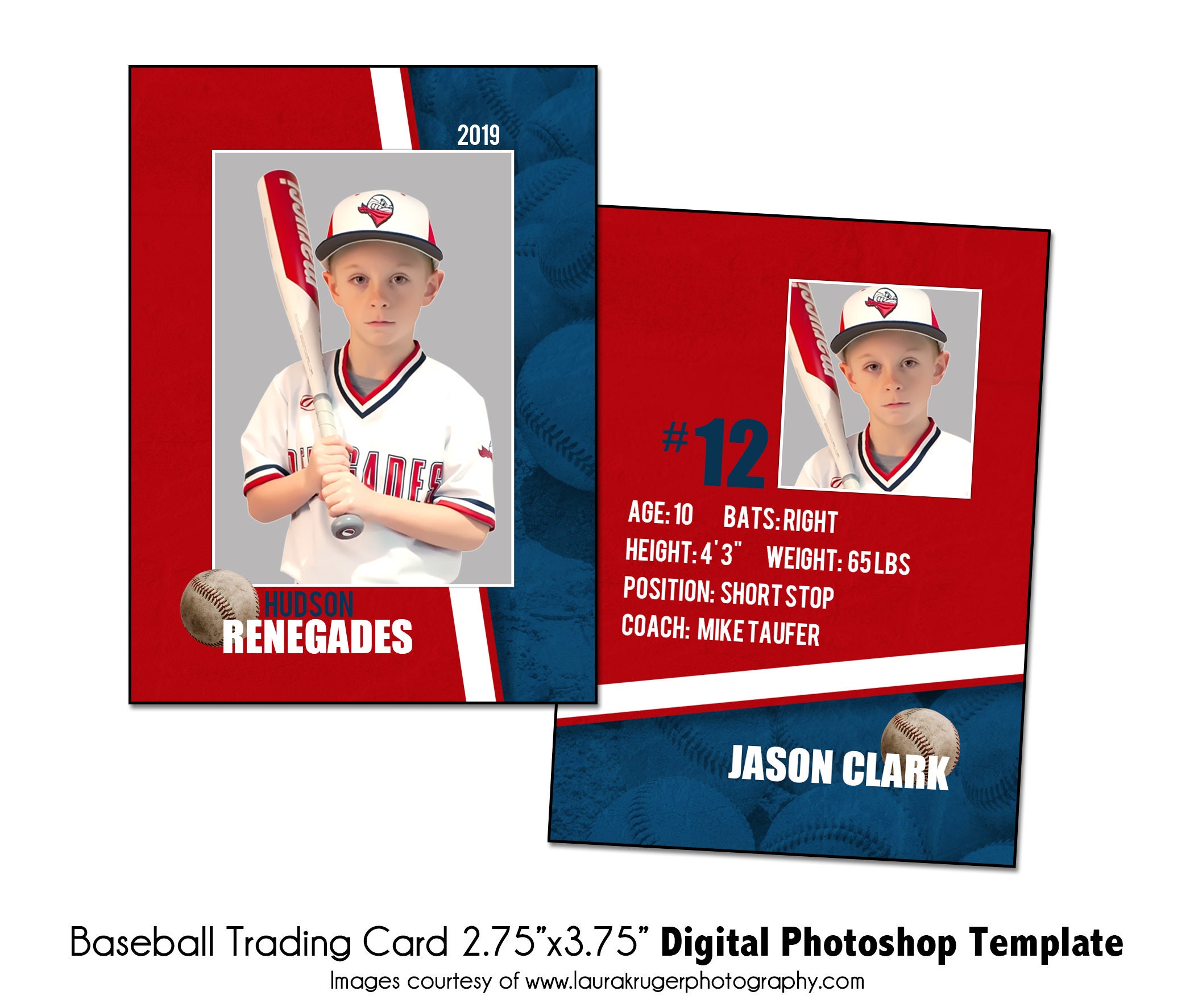
sarseh.com
Baseball Trading Cards Editable Template, Customizable DIY Sports Card
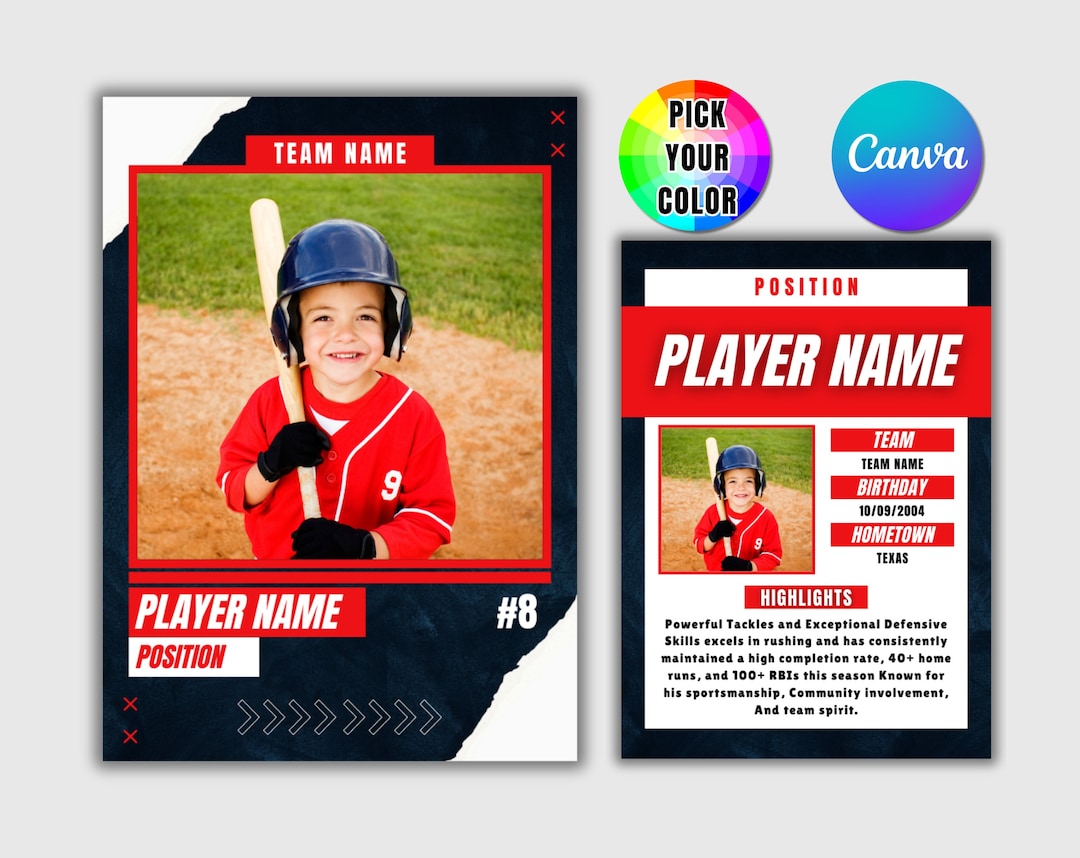
www.etsy.com
Free Sports Card Templates, Editable And Printable
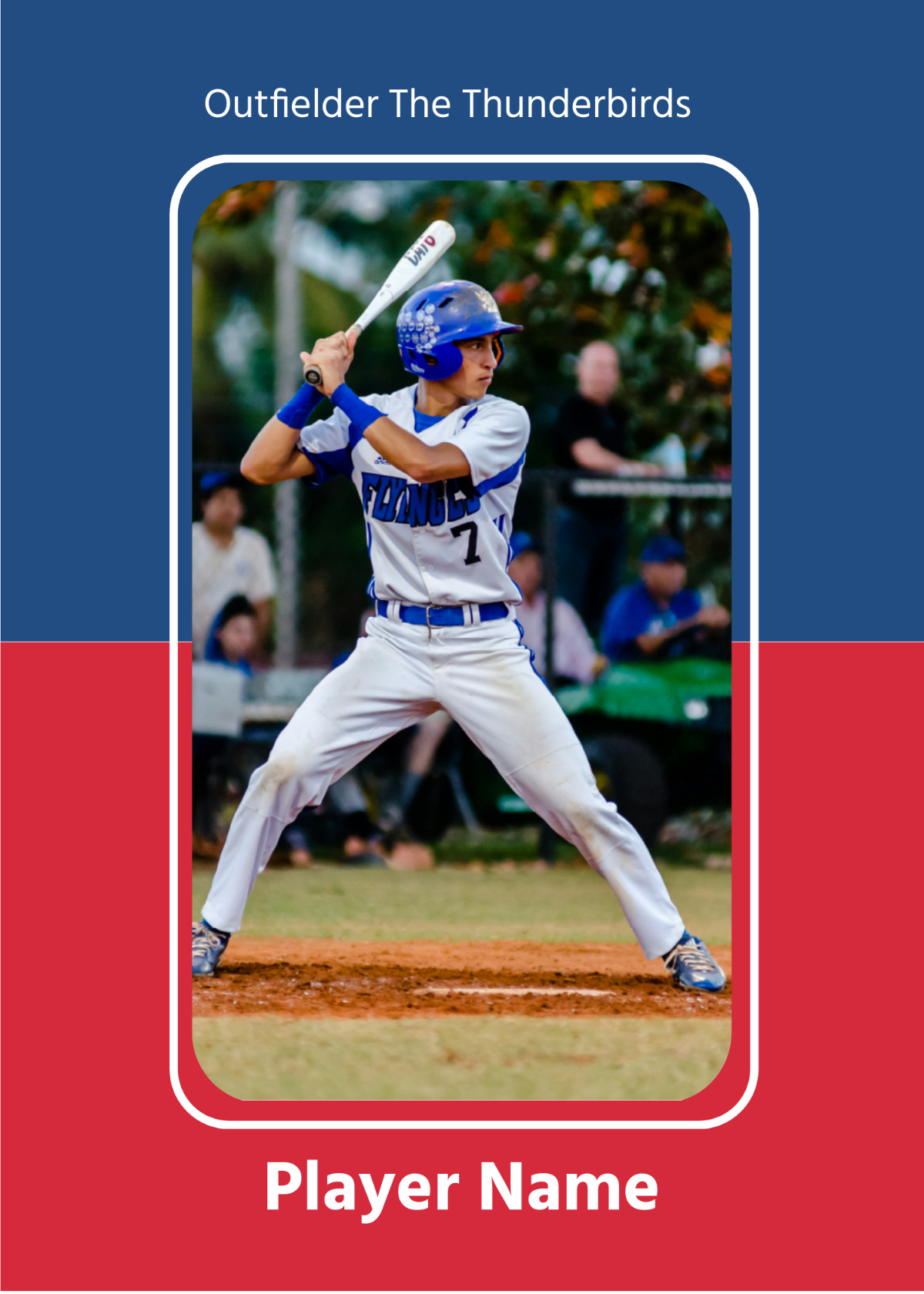
www.template.net
Colored Baseball Card Template Free Download

www.formsbirds.com
Free Modern Baseball Card Template To Edit Online
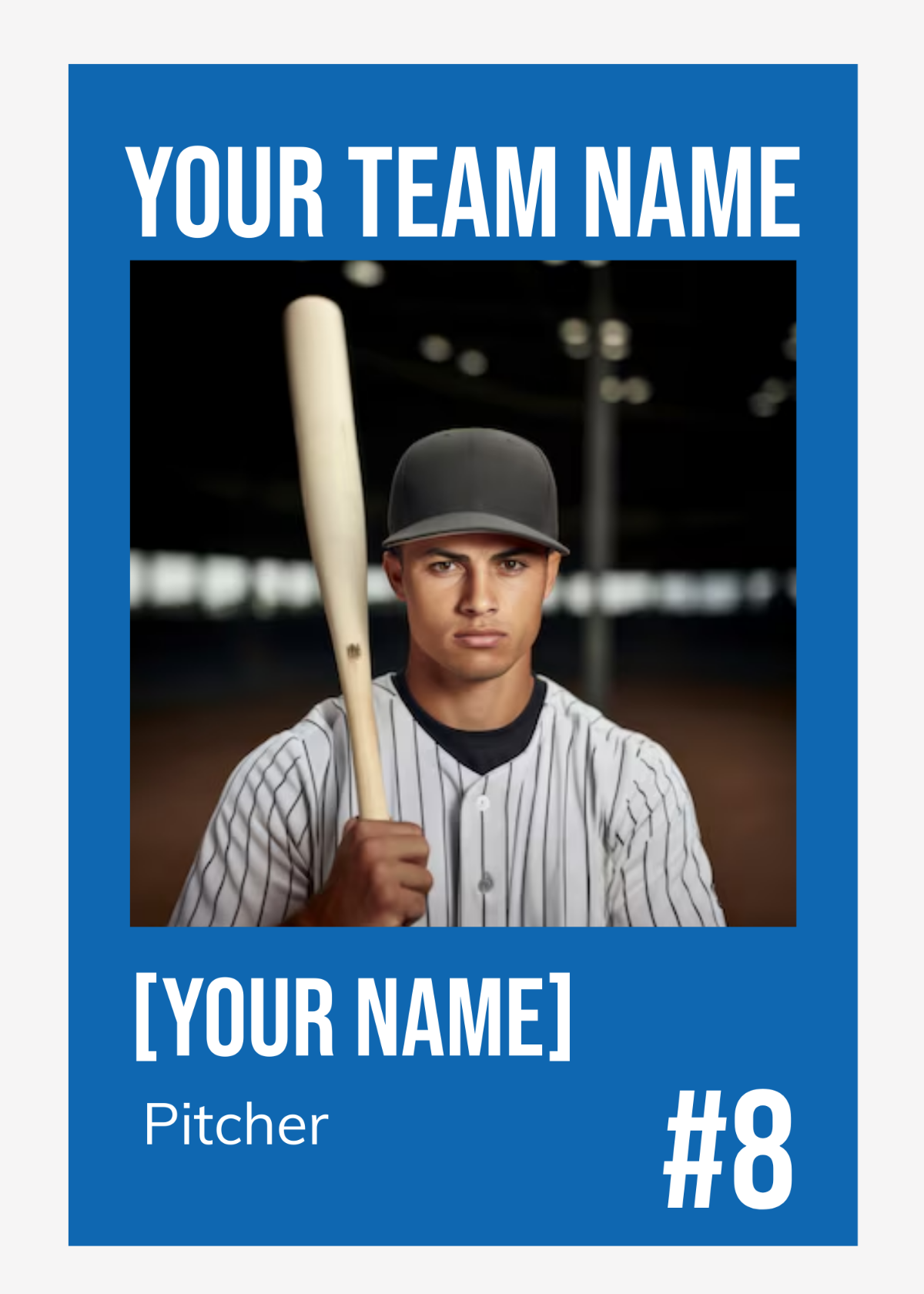
www.template.net
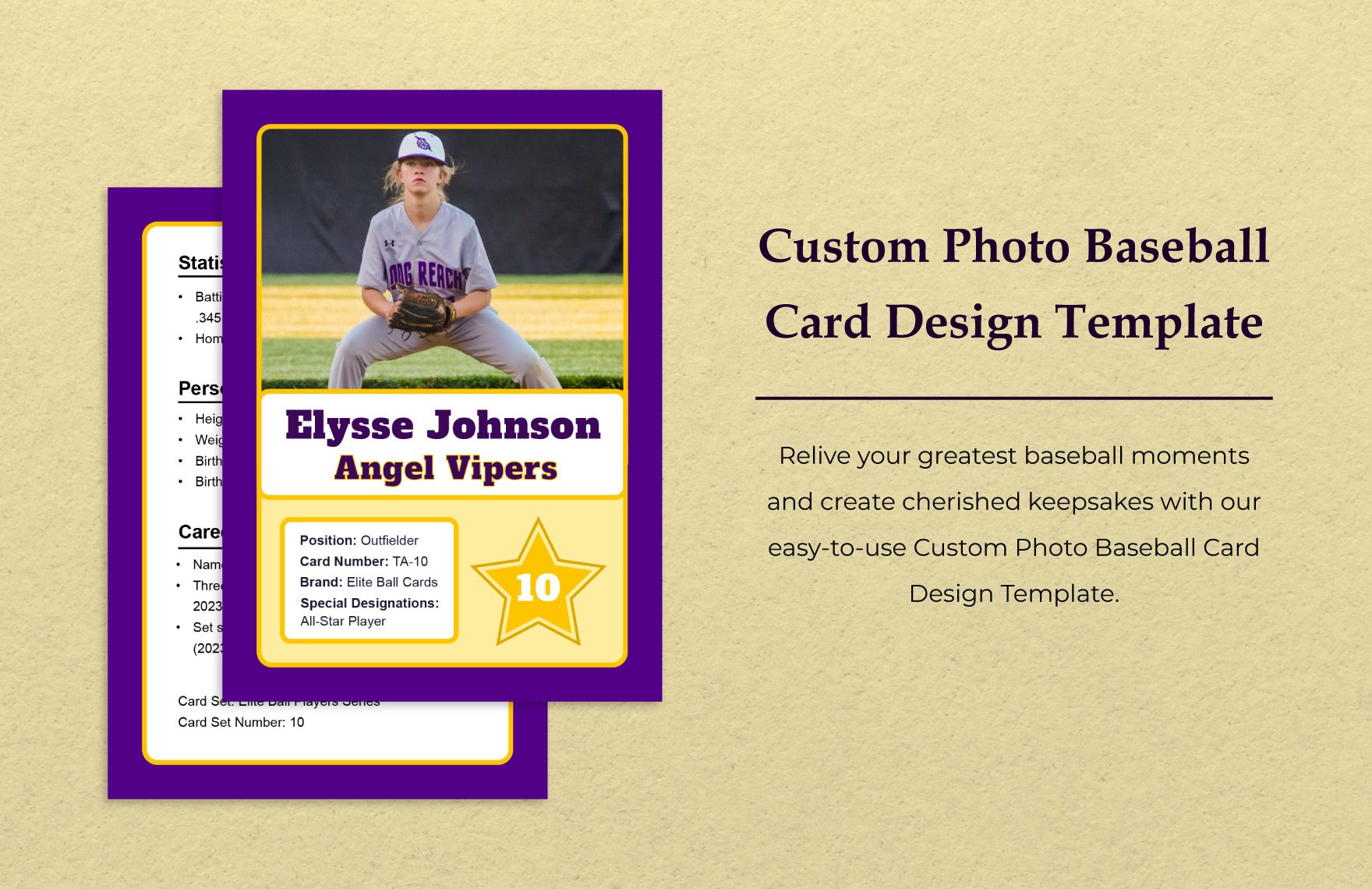
Baseball Card Templates In Word – FREE Download | Template.net
www.template.net
Free Baseball Card Template Word – Printable Templates

templates.udlvirtual.edu.pe
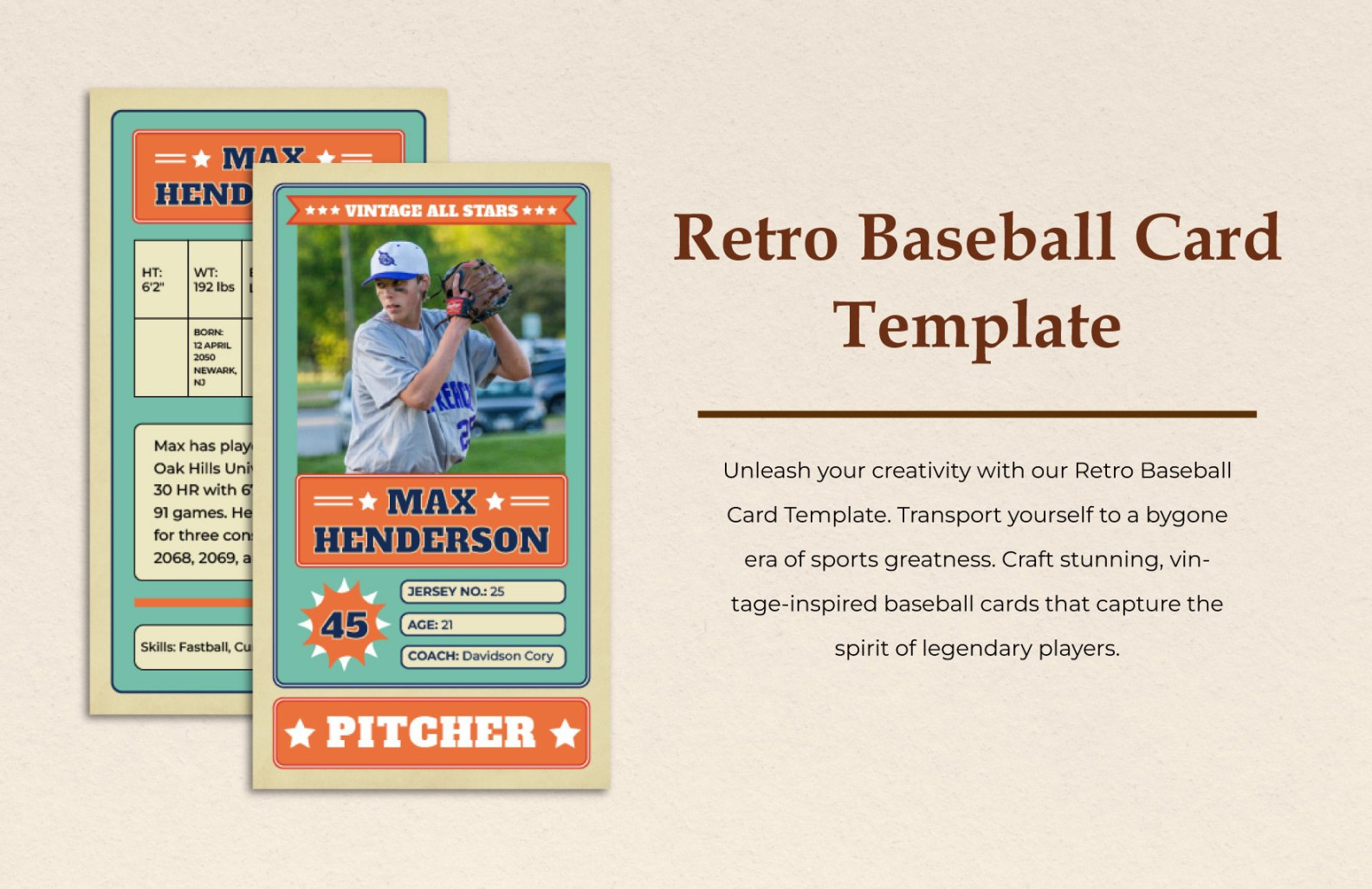
Baseball Card Template Microsoft Word: A Guide To Creating Personalized
thecolourgrey.com
Baseball Card Template Microsoft Word
www.nwavwa.com
Free Classic Baseball Card Template To Edit Online

www.template.net
Free Sports Card Templates, Editable And Printable

www.template.net
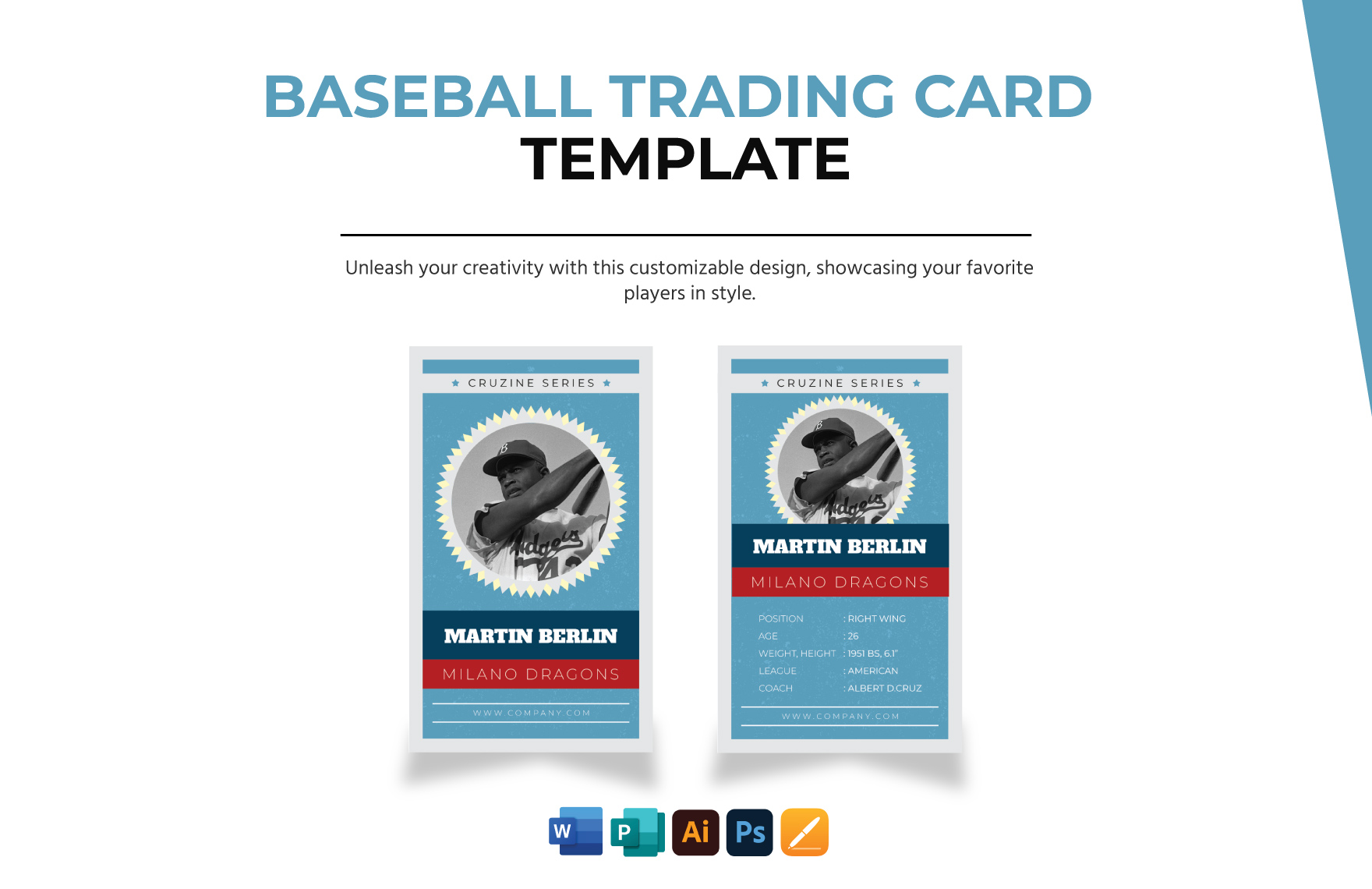
Baseball Card Templates In Word – FREE Download | Template.net
www.template.net
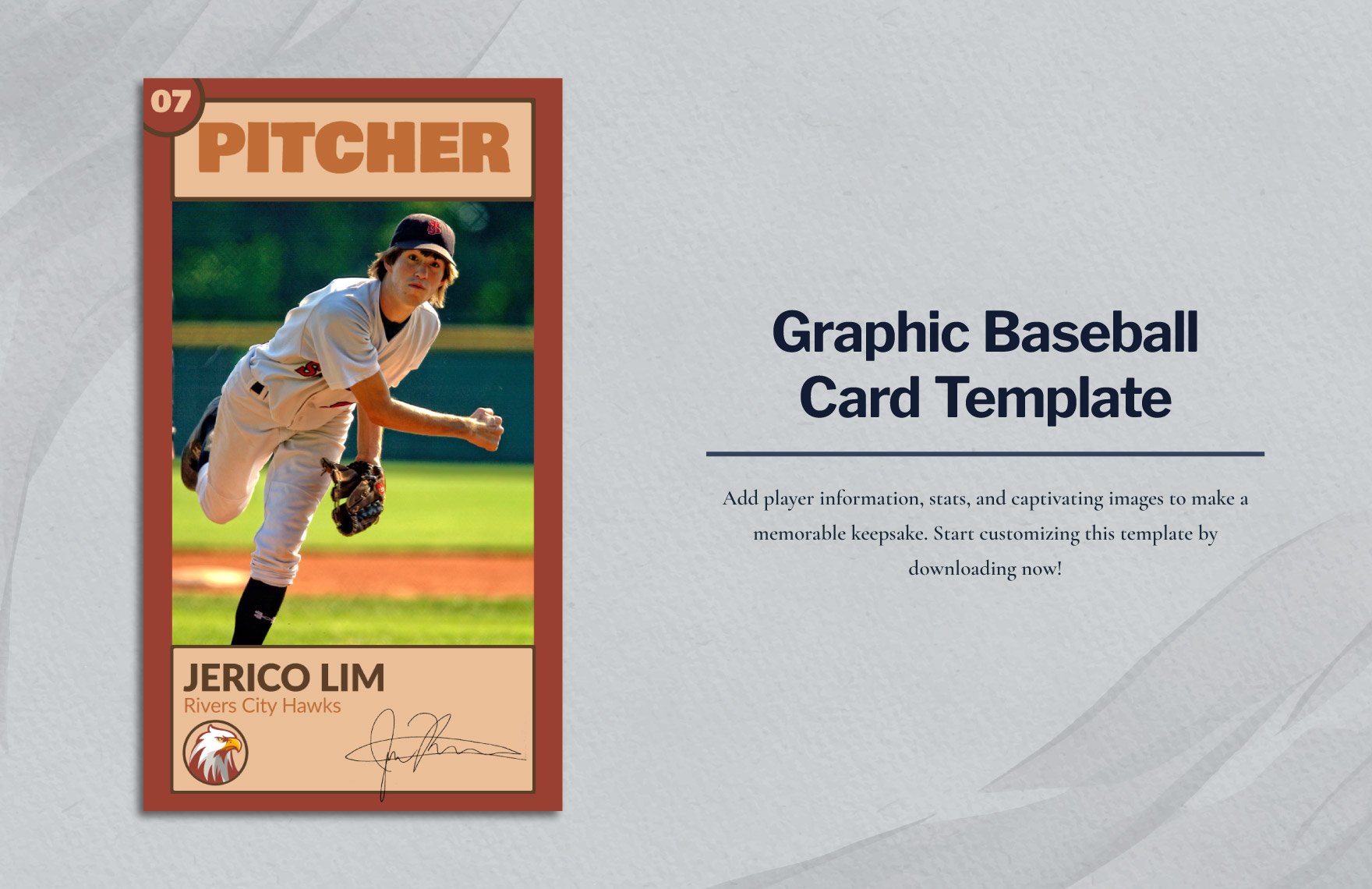
Baseball Card Templates In Word – FREE Download | Template.net
www.template.net
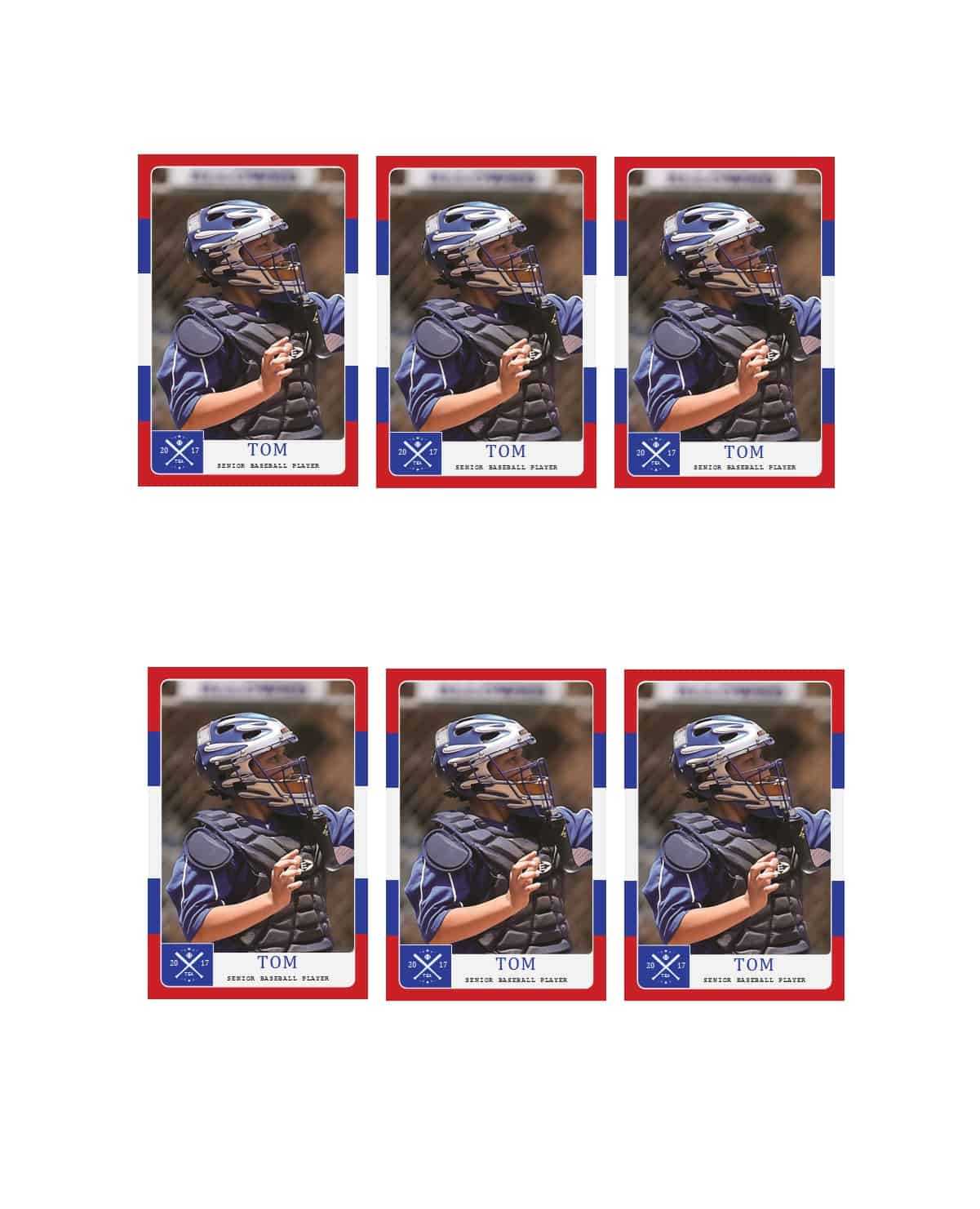
33 Free Trading Card Templates (Baseball, Football, Etc Inside Baseball
sample.gelorailmu.com
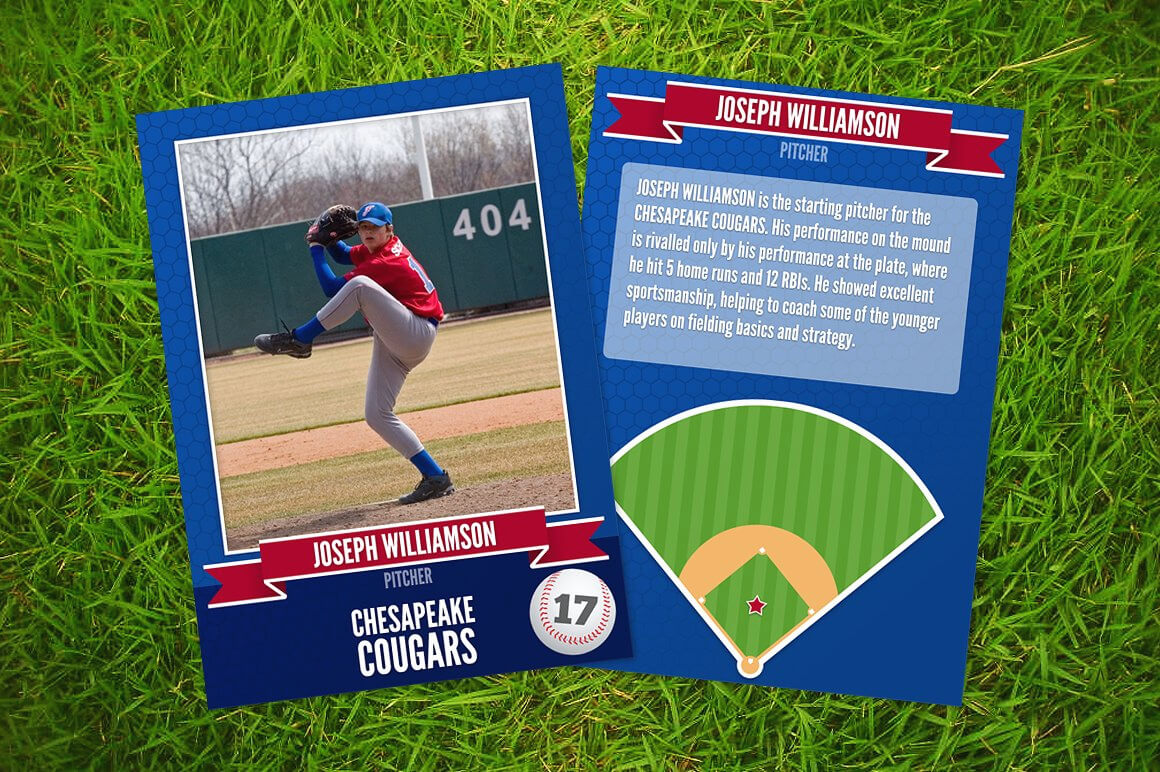
Baseball Card Template Word The Worst Advices We've Heard Throughout
www.atlantaauctionco.com
015 Kindergarten Flash Cards Unique Baseball Card Template With
www.atlantaauctionco.com
FREE Baseball Card Templates & Examples – Edit Online & Download

www.template.net
Baseball Card Template Microsoft Word | Trading Card Template, Baseball

www.pinterest.com
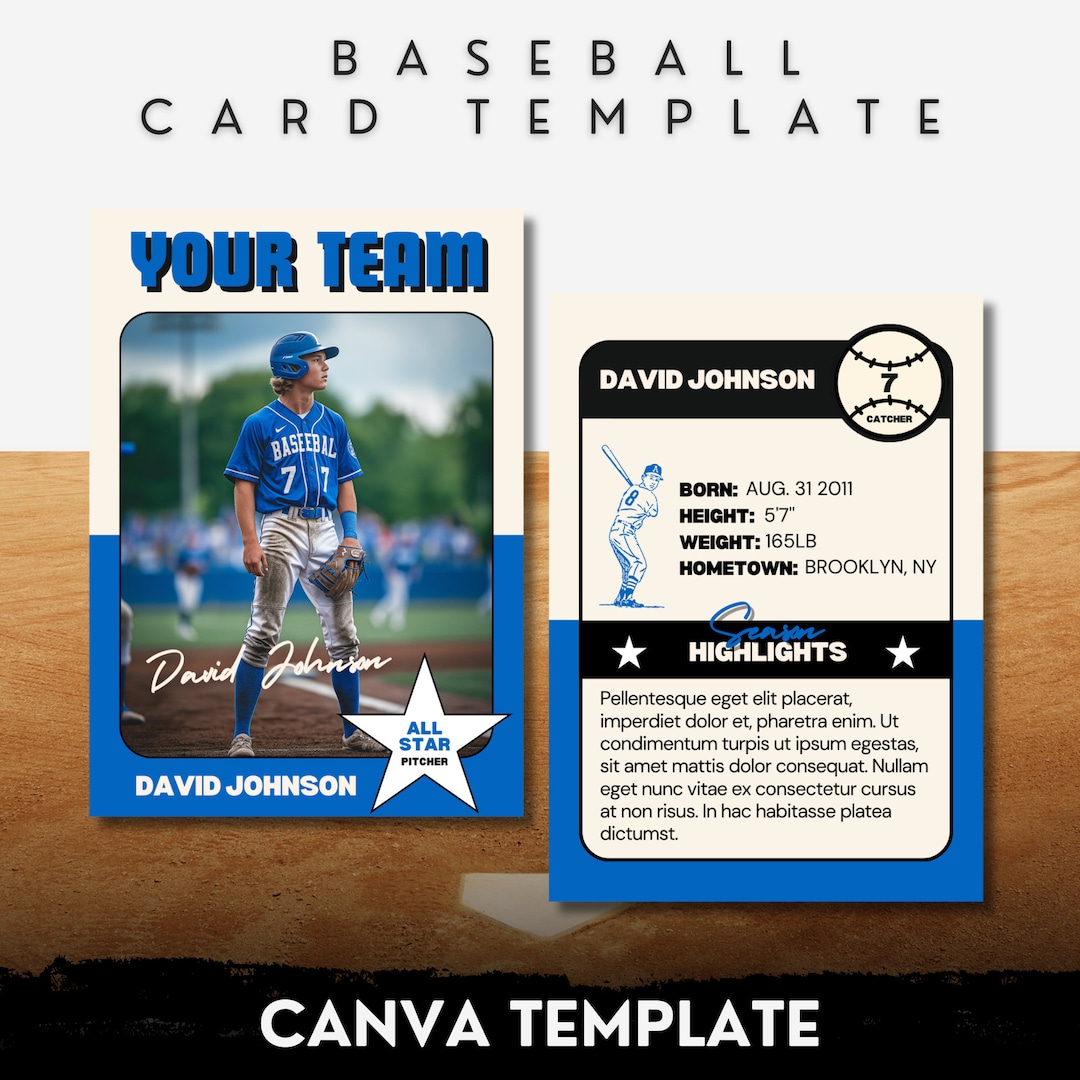
Baseball Card Template Fully Editable Canva Template Personalized
www.etsy.com
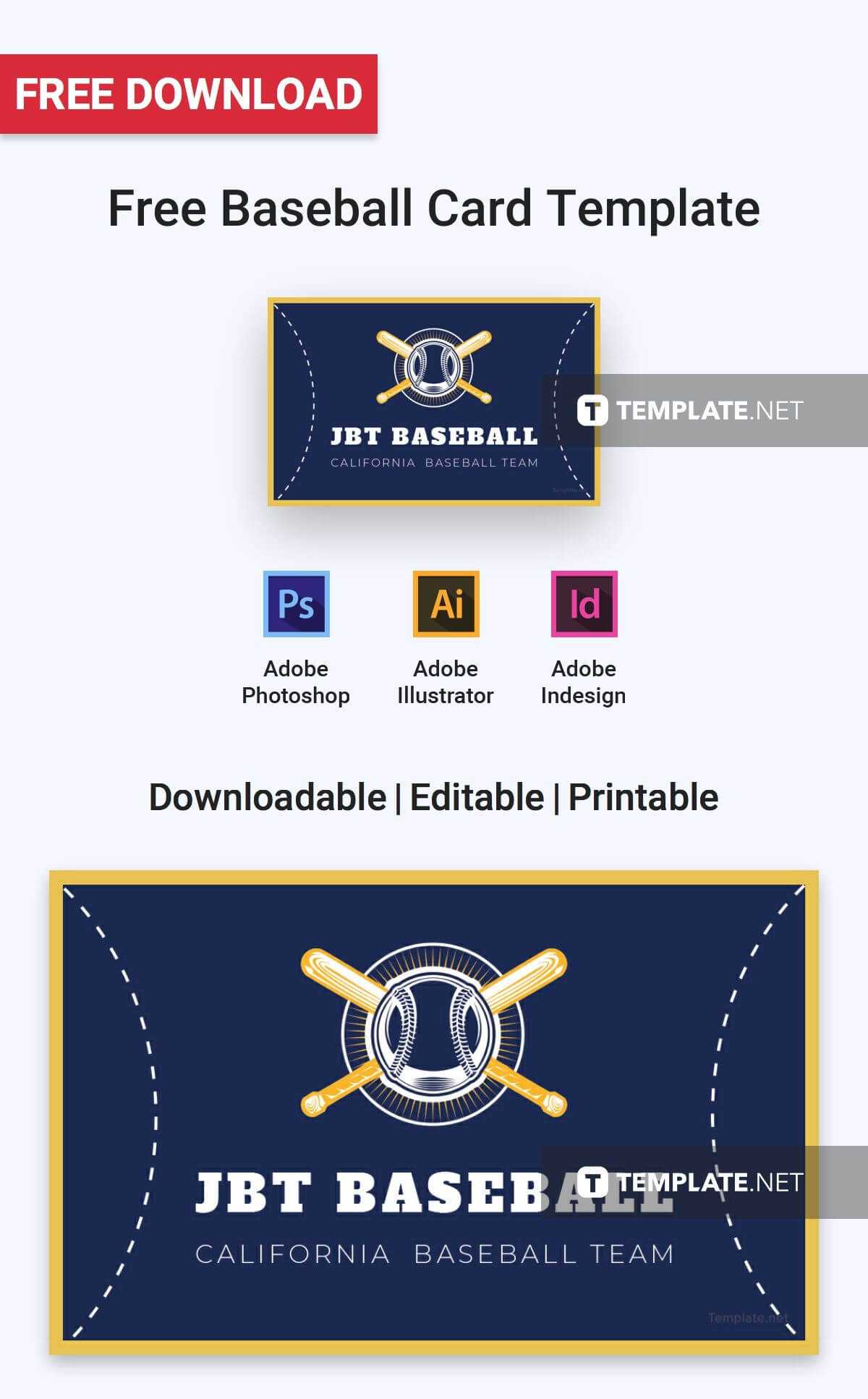
Free Baseball Card | Card Templates & Designs 2019 Inside Baseball Card
www.atlantaauctionco.com
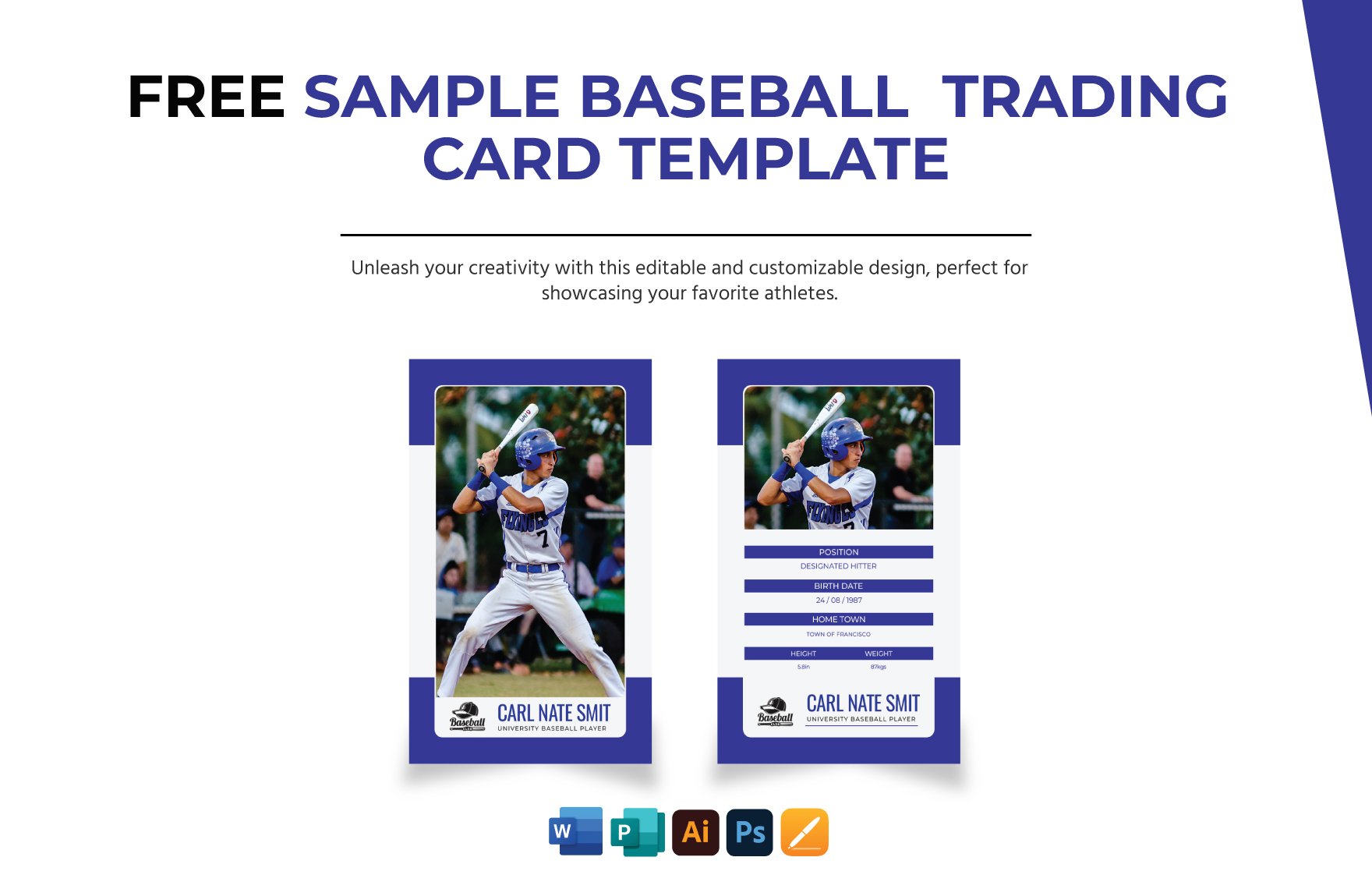
Editable Baseball Card Templates In Word To Download
www.template.net
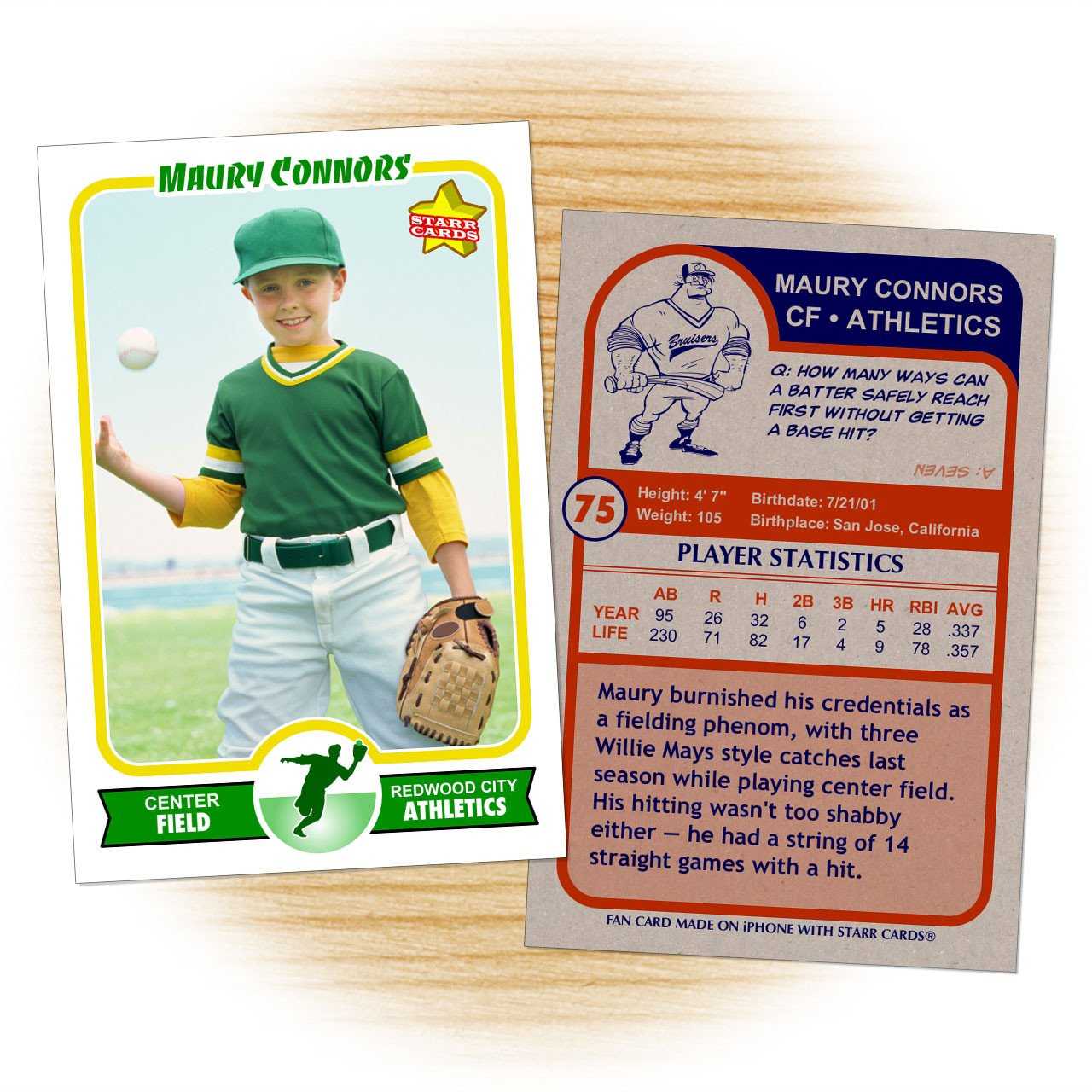
30 Baseball Card Template Word | Simple Template Design Inside Baseball
www.xfanzexpo.com
baseball card template fully editable canva template personalized …. Free baseball card. baseball card templates in word