Planning a birthday celebration and want to add a personal touch? Forget generic store-bought cards – create a beautiful and heartfelt birthday card using Microsoft Word! It’s easier than you might think, and with the right template, you can craft a unique greeting that truly reflects your relationship with the birthday person. Word offers a surprising array of customizable templates, and even if you don’t find the *perfect* starting point, you can easily adapt one to suit your needs. From classic designs to modern and playful styles, a personalized card made with Microsoft Word adds a thoughtful touch that will be cherished. This post explores the world of birthday card templates in Microsoft Word and provides you with everything you need to get started!
Exploring Birthday Card Templates in Microsoft Word
Microsoft Word offers a variety of built-in templates that can be a great starting point for your birthday card creation. To access these templates, simply open Word and search for “birthday card” in the template search bar. You’ll find an assortment of designs, from simple and elegant to more elaborate and colorful options. The key is to browse and find a template that resonates with your personal style and the recipient’s taste. Consider the recipient’s age, personality, and your relationship with them when making your selection. A template with vibrant colors and playful fonts might be perfect for a child, while a more sophisticated design with subtle colors and elegant typography might be more appropriate for an adult.
Key Features to Look for in a Birthday Card Template:
- Customizable Text Fields: Look for templates that allow you to easily edit the text fields. This includes the birthday message, recipient’s name, and your own signature. The ability to change the font, size, and color of the text is also important.
- Image placeholders: Many templates include image placeholders where you can insert your own photos. This adds a personal touch to the card and allows you to create a truly unique design. Consider using photos of the birthday person, or photos that hold special meaning for both of you.
- Flexible Design Elements: A good template should allow you to easily adjust the size, position, and color of design elements such as borders, shapes, and graphics. This gives you the flexibility to customize the card to your liking.
- Print-Ready Format: Ensure the template is designed for printing. This means it should be properly formatted for the standard card size and have adequate margins to avoid cutting off any important elements. Consider templates designed for printing on standard letter-sized paper that can be folded in half or quartered.
Beyond Built-In Templates: Expanding Your Options
While Microsoft Word offers a decent selection of birthday card templates, you might find yourself wanting something more unique or specific. Fortunately, there are several online resources where you can find free or premium birthday card templates for Microsoft Word. Websites like Canva, Creative Market, and even Etsy offer a wide variety of designs that can be downloaded and edited in Word. When downloading templates from external sources, be sure to check the licensing terms to ensure they are suitable for your intended use. Some templates may require a commercial license if you plan to use them for anything beyond personal use.
Even if you don’t find a perfect template, you can always start with a blank document and create your own design from scratch. Word provides a range of tools and features that allow you to create custom shapes, add images, and format text to your liking. This option requires more time and effort, but it gives you complete control over the design and allows you to create a truly one-of-a-kind birthday card. Consider using online design resources for inspiration and guidance. Websites like Pinterest and Behance are excellent sources for visual inspiration and can help you generate ideas for your own designs.
Tips for Customizing Your Birthday Card Template:
- Choose a Font That Reflects the Recipient’s Personality: Consider the birthday person’s style when selecting a font. A playful font might be suitable for a child, while a more elegant font might be better for an adult.
- Add a Personal Message: Don’t just use a generic birthday greeting. Write a heartfelt message that expresses your feelings and conveys your best wishes.
- Incorporate Personal Photos: Adding photos of the birthday person or of special moments you’ve shared together will make the card even more meaningful.
- Use Color Strategically: Use colors that complement the overall design and evoke the desired mood. Consider the birthday person’s favorite colors.
- Proofread Carefully: Before printing your card, be sure to proofread it carefully for any spelling or grammar errors.
Creating a birthday card in Microsoft Word is a simple and cost-effective way to show someone you care. By using a template as a starting point and customizing it to your liking, you can create a unique and heartfelt greeting that will be cherished for years to come. So, ditch the generic store-bought cards and start designing your own personalized birthday cards today!
If you are searching about 49 Free Printable Birthday Card Layout Microsoft Word For For Birthday you’ve came to the right page. We have 22 Pictures about 49 Free Printable Birthday Card Layout Microsoft Word For For Birthday like Microsoft Word Birthday Card Template, Microsoft Word Birthday Card Template and also 001 Template Ideas Microsoft Word Birthday Card Best with regard to. Read more:
49 Free Printable Birthday Card Layout Microsoft Word For For Birthday
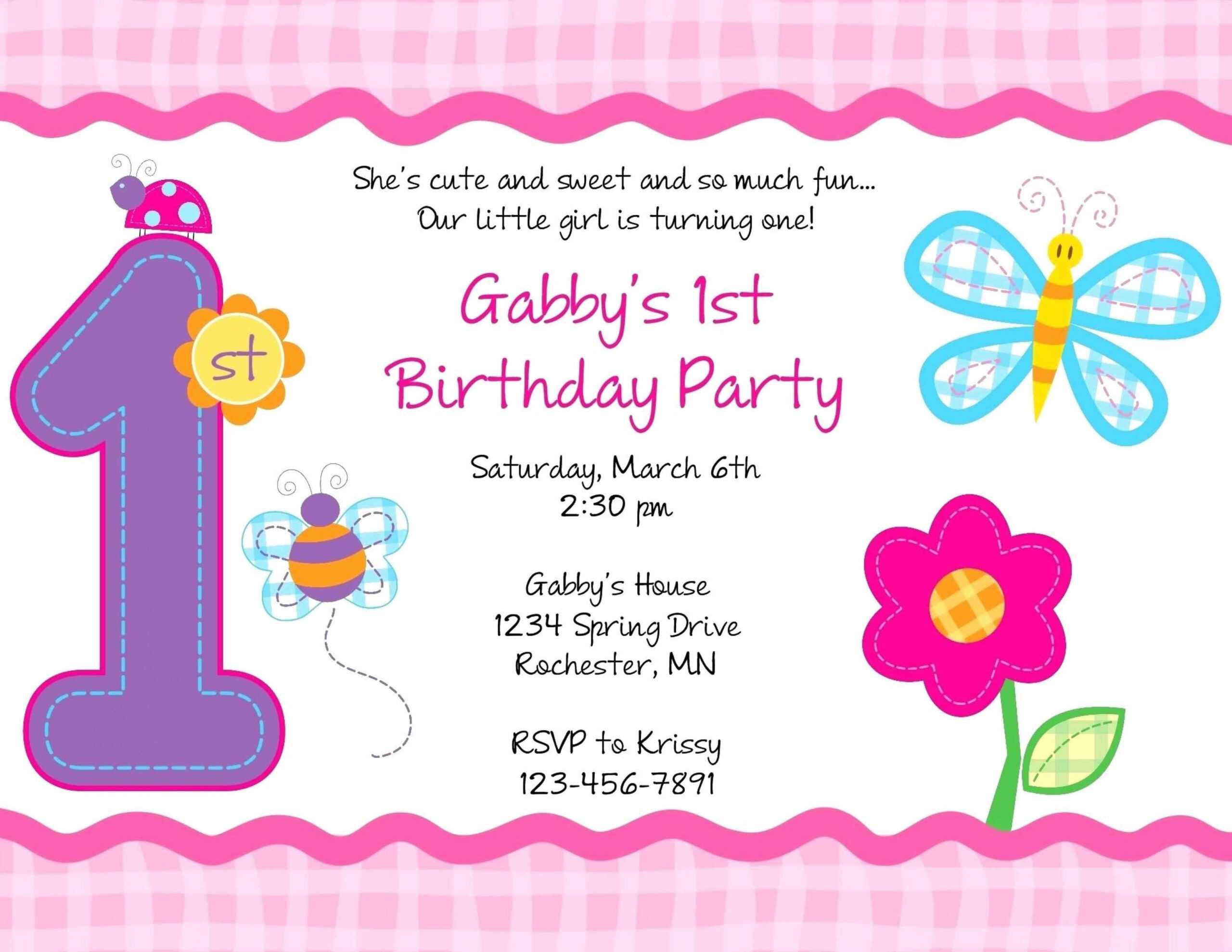
business.maexproit.com
Birthday Card Templates Microsoft Word
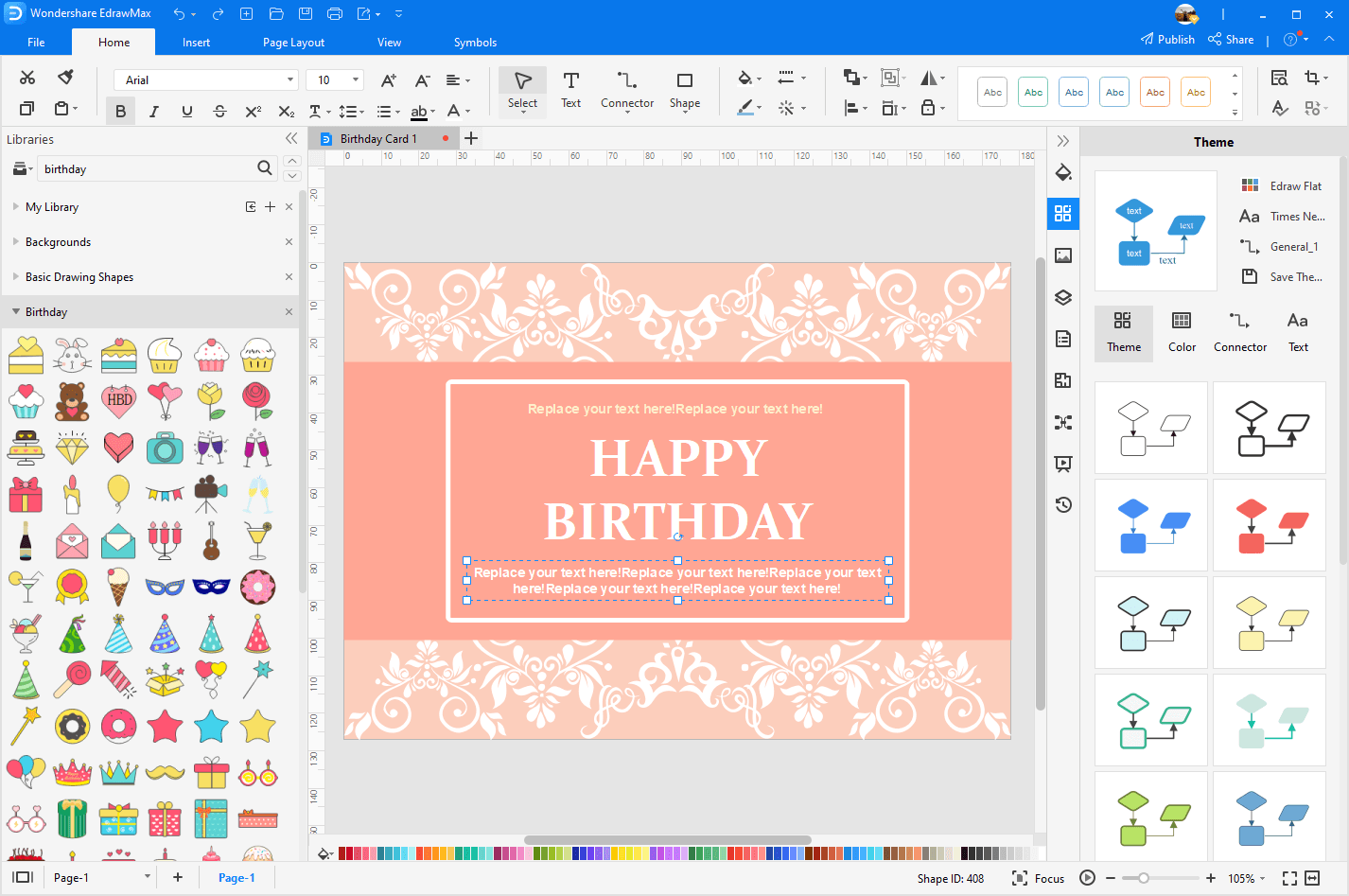
ar.inspiredpencil.com
Microsoft Word Birthday Card Template

data1.skinnyms.com
Free Editable Birthday Card Templates In Microsoft Word To Download
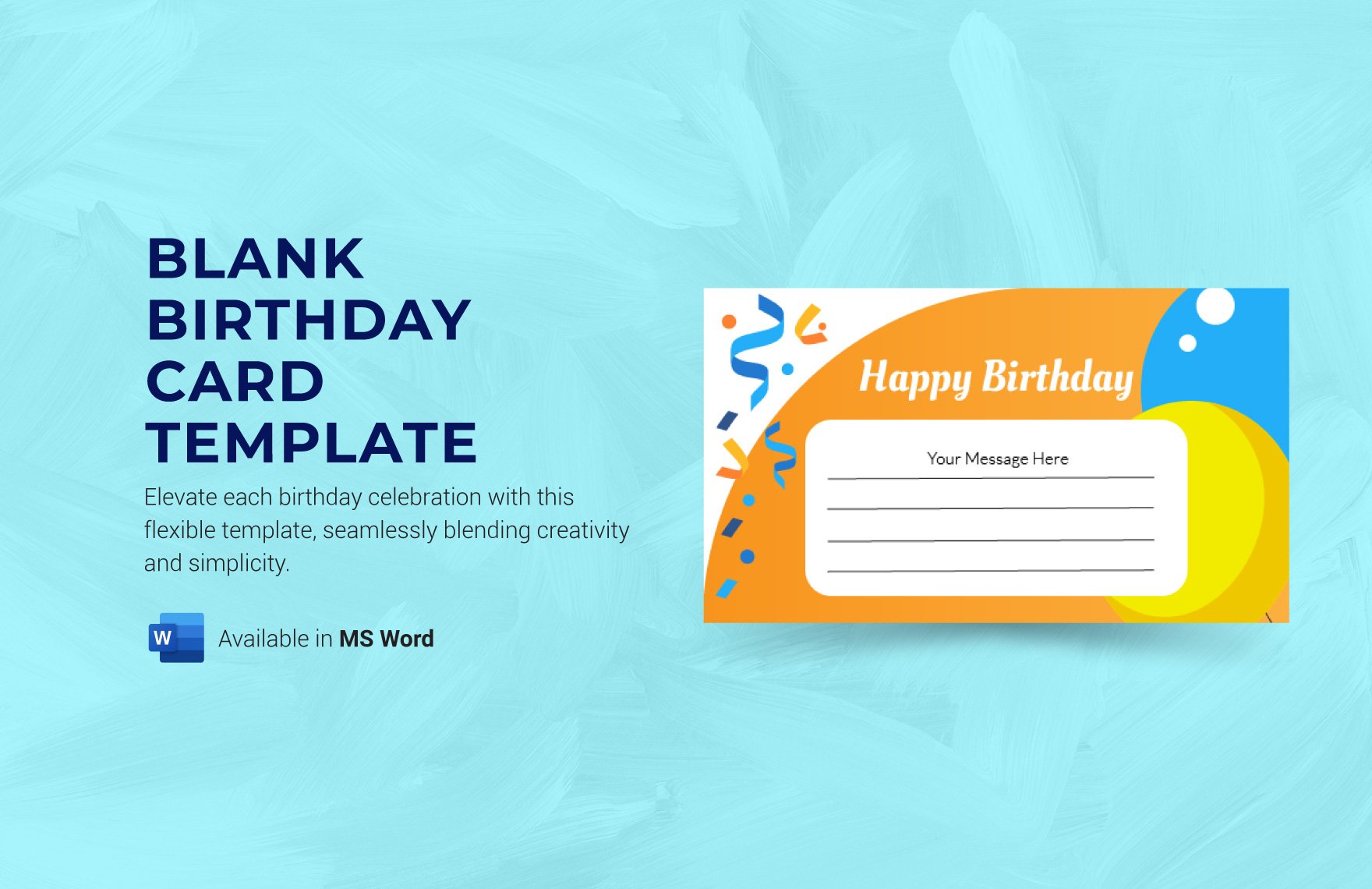
www.template.net
001 Template Ideas Microsoft Word Birthday Card Best With Regard To
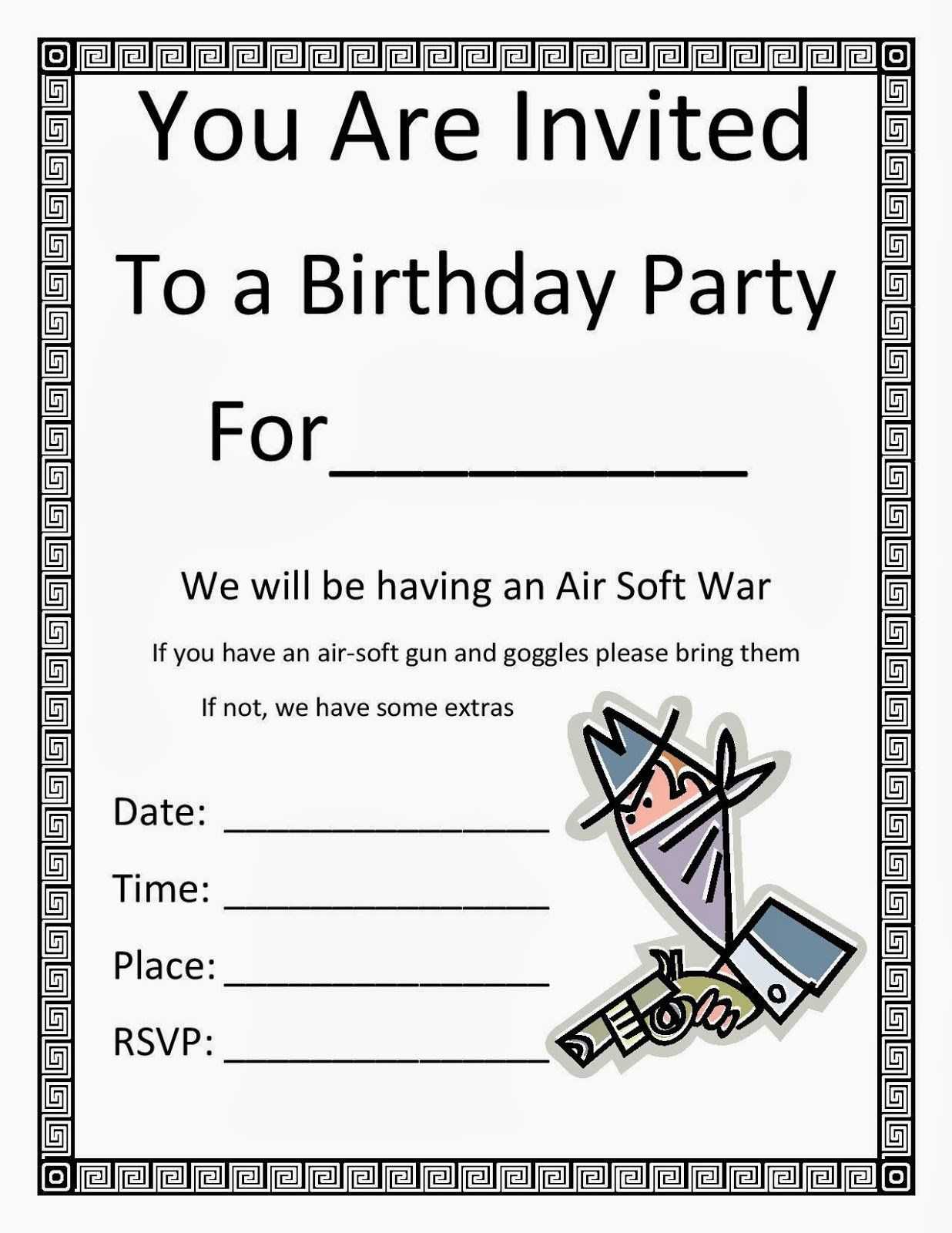
sample.gelorailmu.com
Microsoft Word Birthday Card Template

www.ccalcalanorte.com
Birthday Card Microsoft Word Template – Microsoft Word Birthday Card

meyerjeremy.blogspot.com
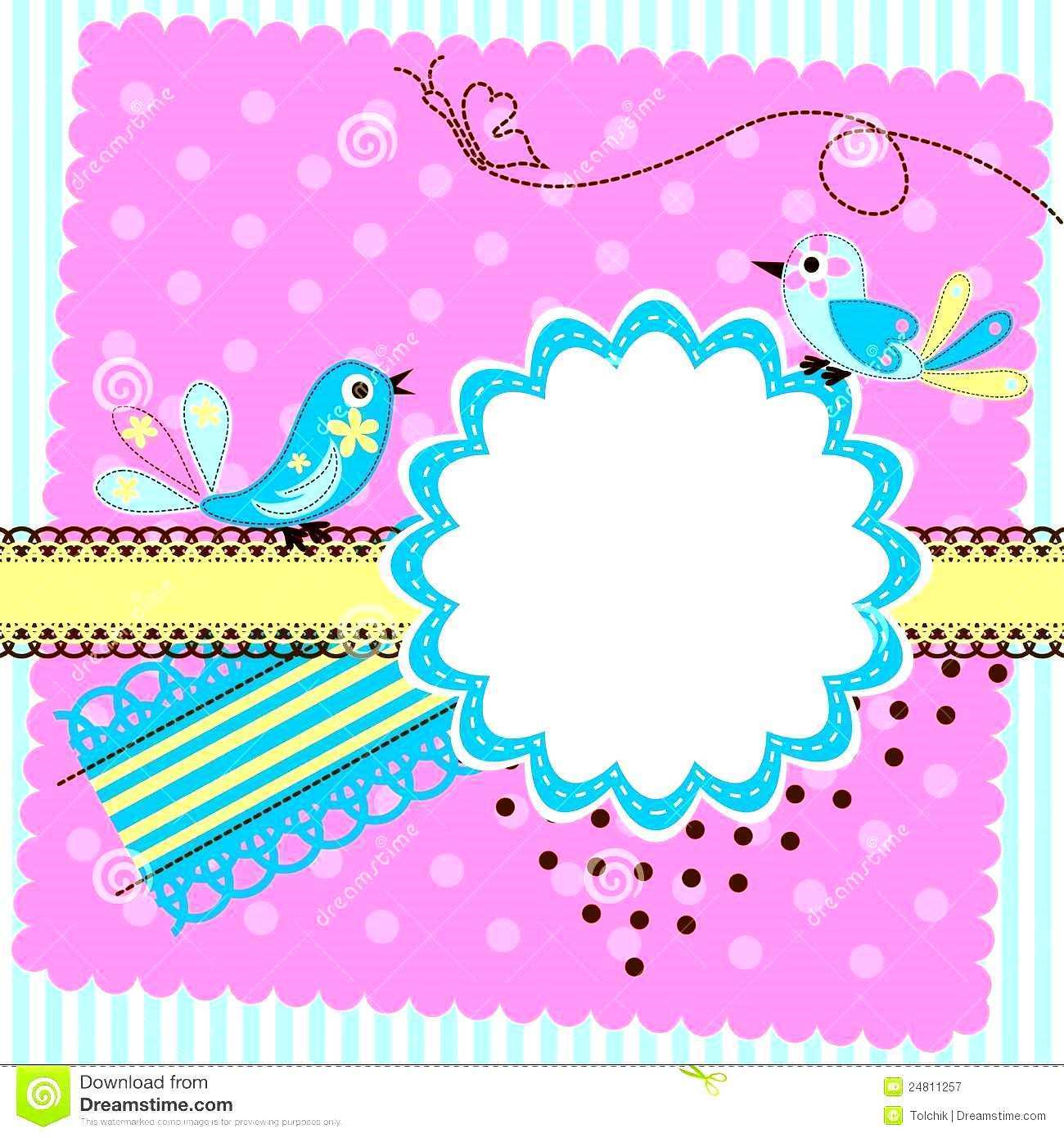
Happy Birthday Card Template Microsoft Word – Cards Design Templates
legaldbol.com
8 Free Birthday Card Templates In Word Word Excel Formats – 21 Free 41

conanlaing646i.blogspot.com
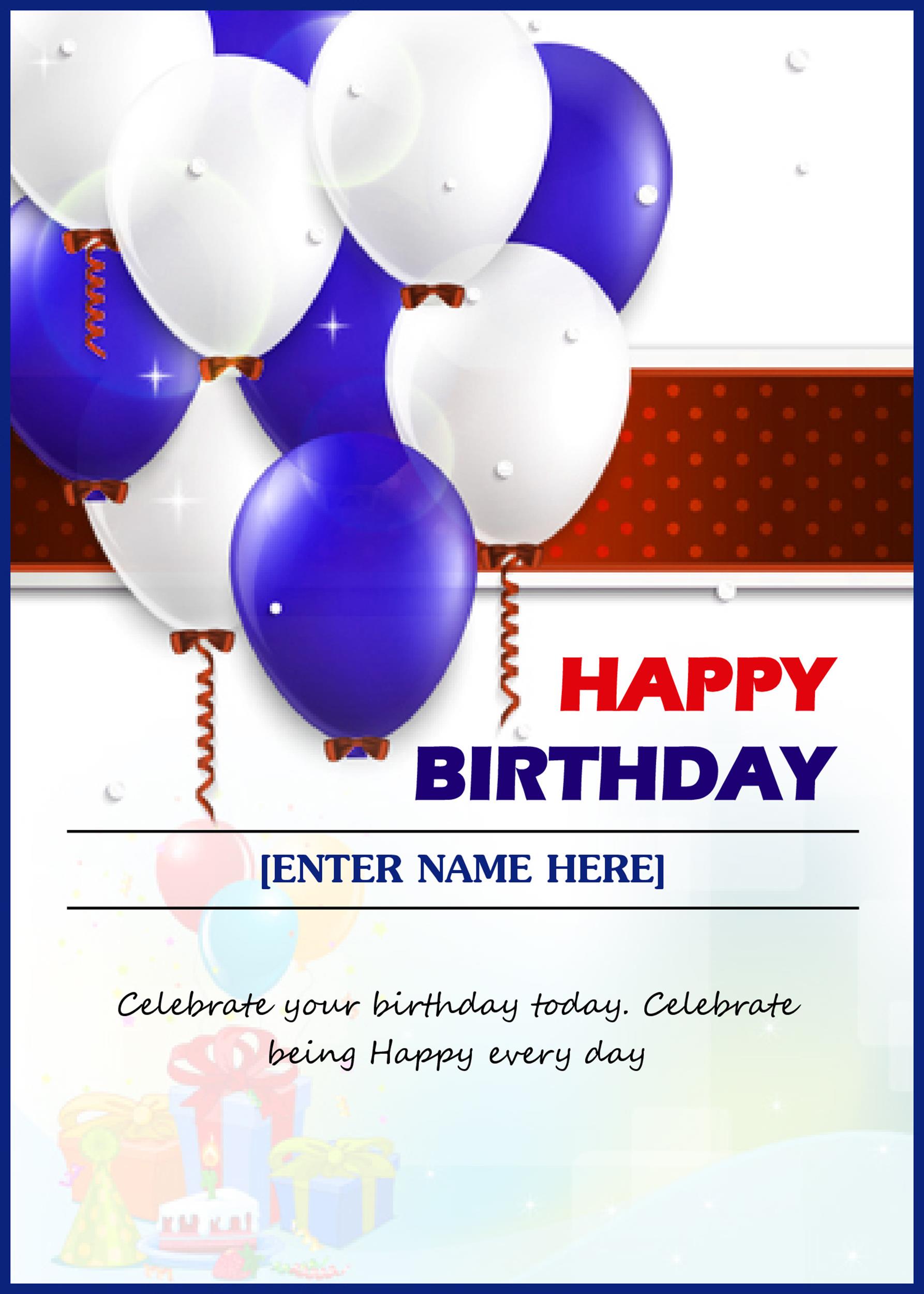
Microsoft Word Birthday Card Template Download – Free Word Template
docs.cholonautas.edu.pe
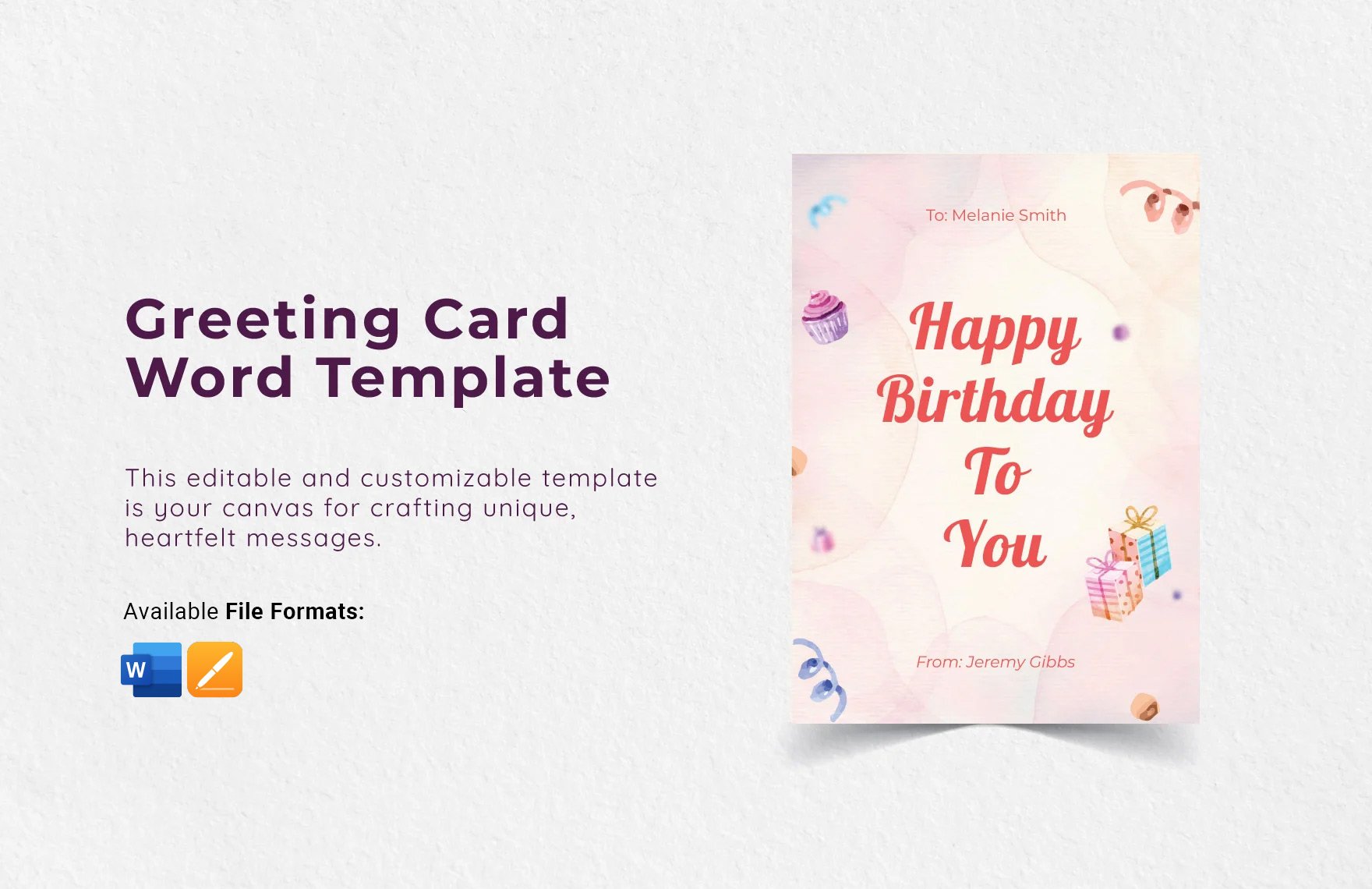
Birthday Card Templates Microsoft Word
animalia-life.club
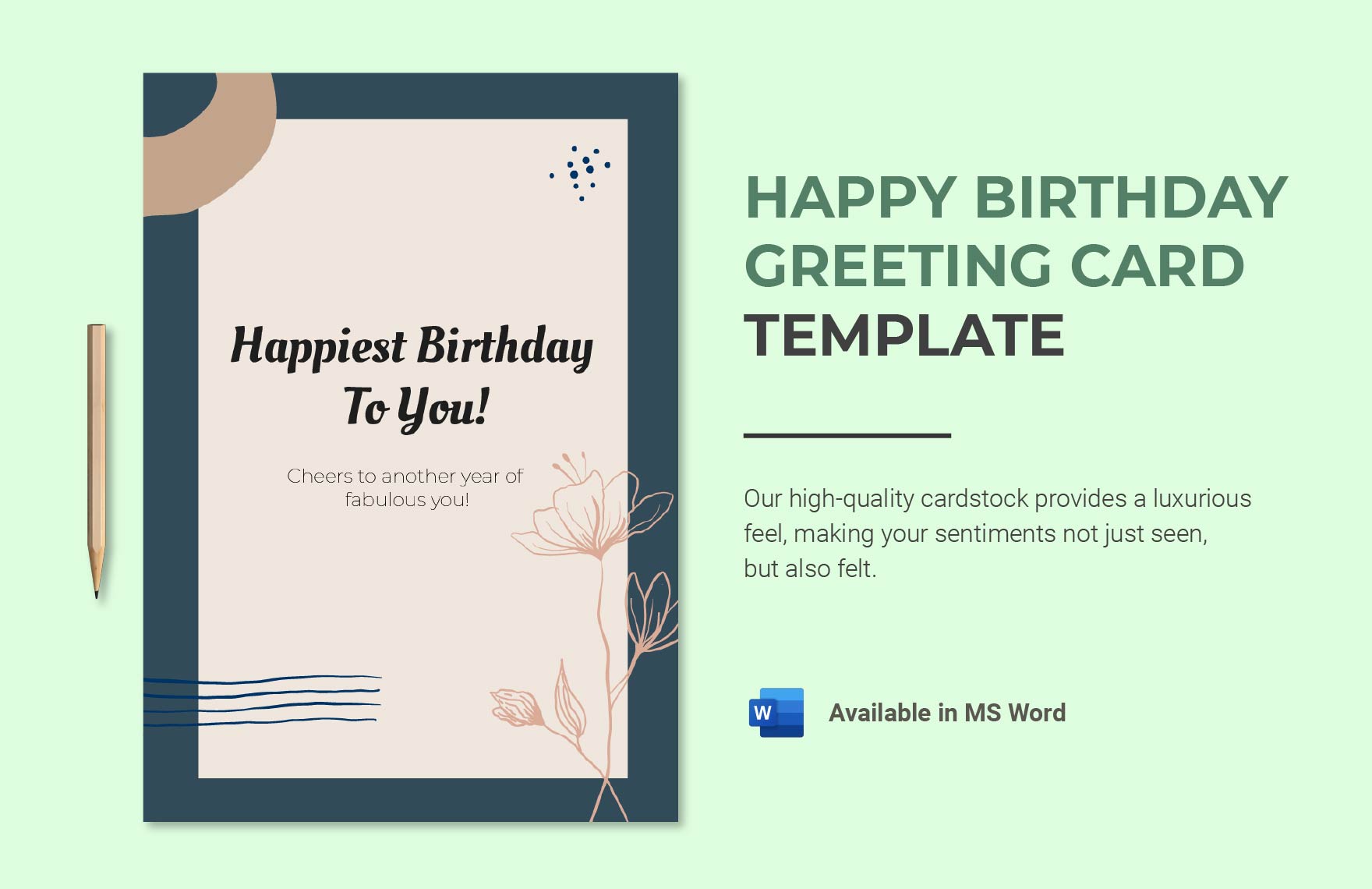
Birthday Card In Word Template At Teresa Huffman Blog
storage.googleapis.com
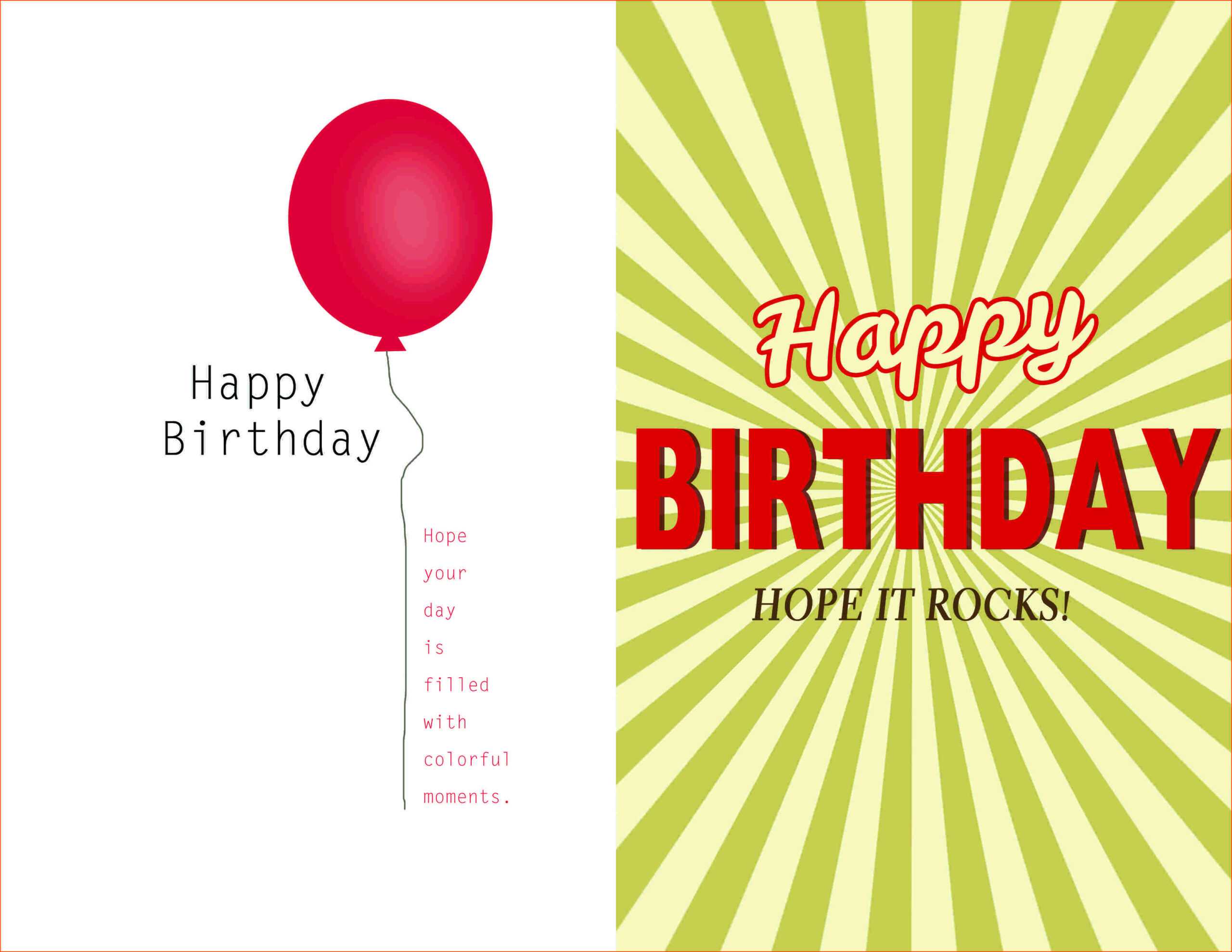
Microsoft Word Birthday Card Template Fresh Template Happy Birthday
katrinageorge19.blogspot.com
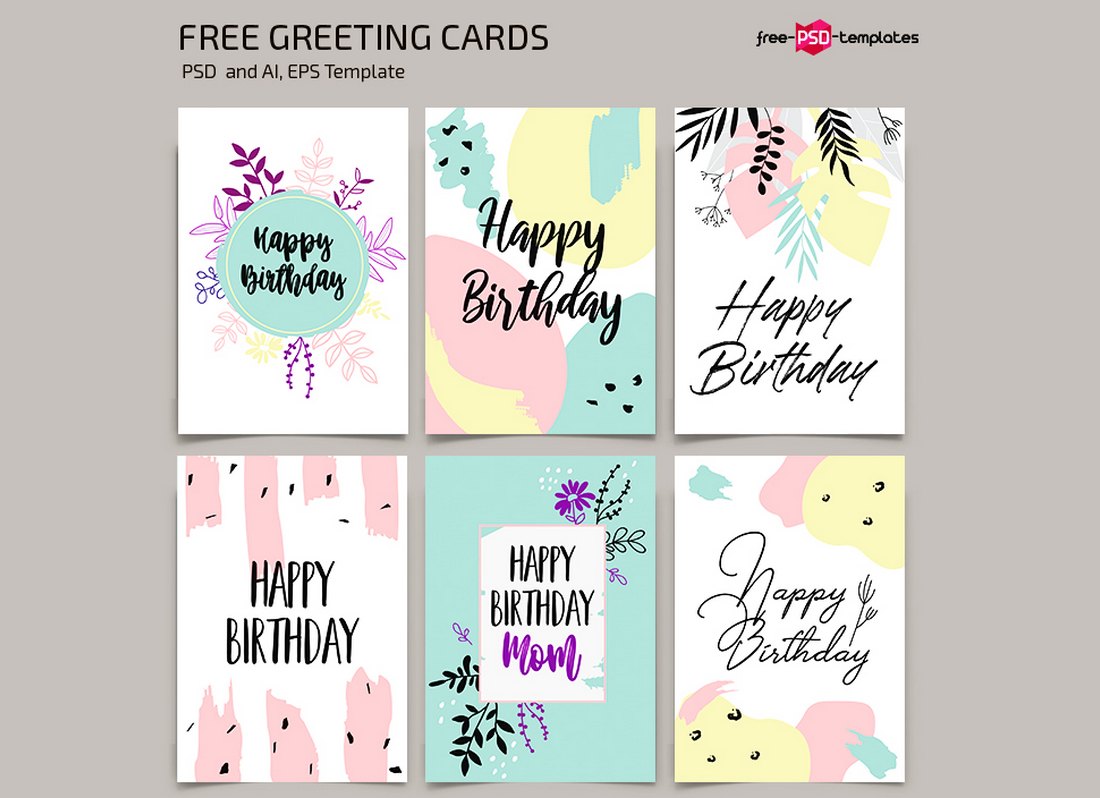
Microsoft Word Birthday Card Template
kaesg.com
50 Free Birthday Card Templates Microsoft Word In Photoshop By Birthday
legaldbol.com
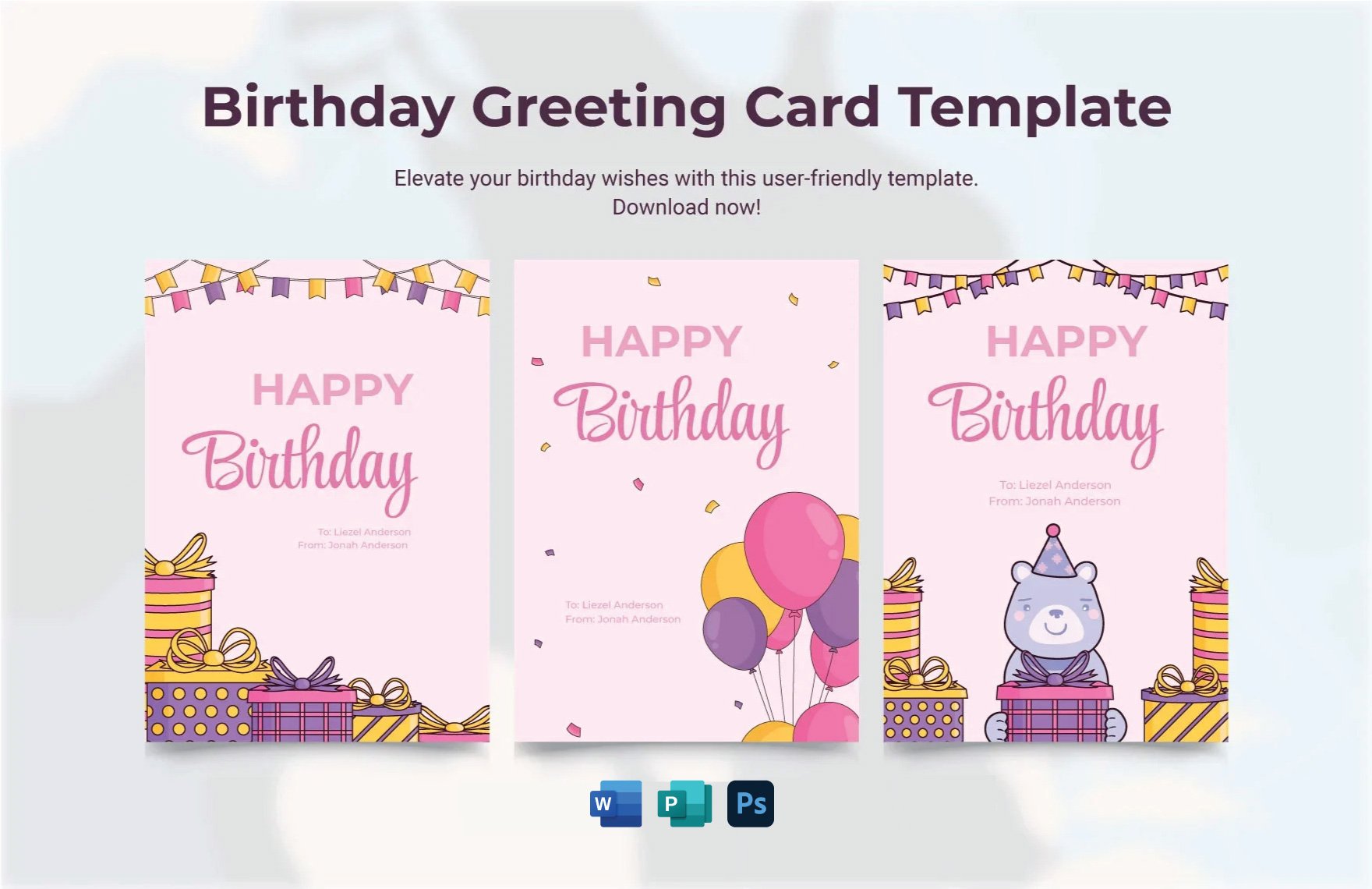
Free Editable Birthday Card Templates In Microsoft Word To Download
www.template.net
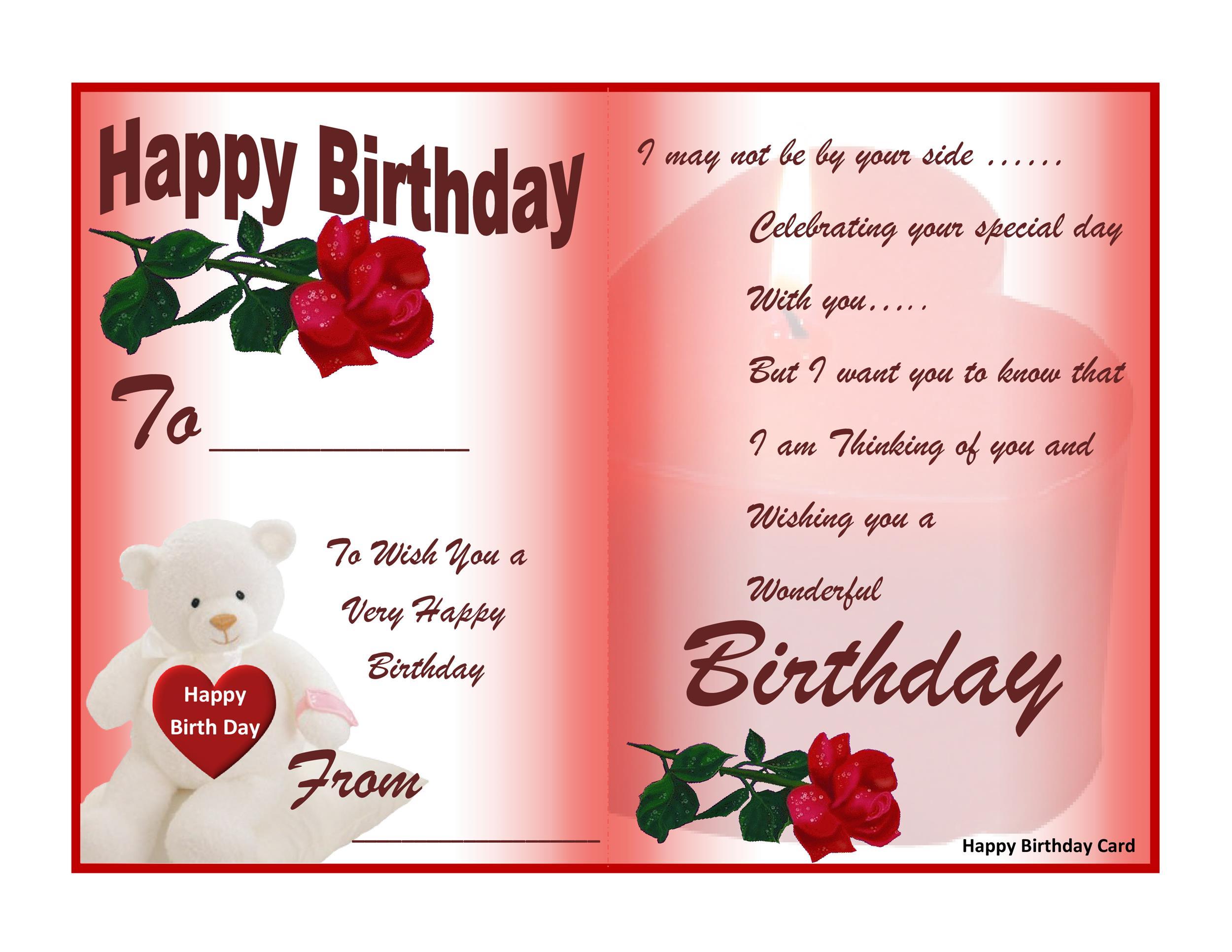
8 Free Birthday Card Templates In Word Word Excel Formats – 21 Free 41
gillmatt.blogspot.com
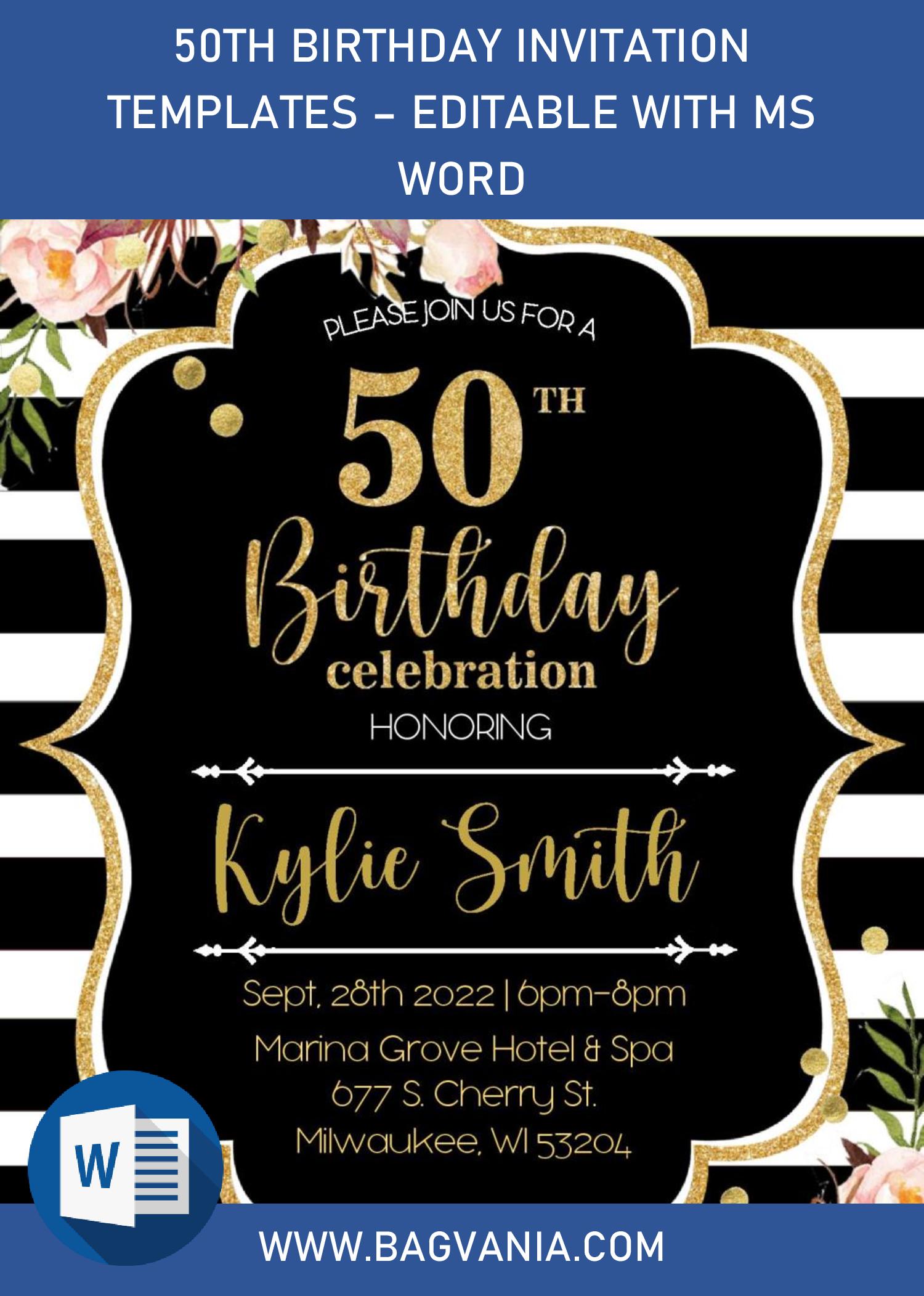
Microsoft Word Birthday Card Template – Cardtemplate.my.id
www.cardtemplate.my.id
Birthday Card Template Microsoft Word – Sarseh.com

sarseh.com
Birthday Card Templates Microsoft Word

animalia-life.club
Free Printable Birthday Card Templates | Microsoft Create

create.microsoft.com
Microsoft Word Birthday Invitation Template In 2020 Party Invite – Pin

kadencewagner.blogspot.com
50 free birthday card templates microsoft word in photoshop by birthday. Birthday card in word template at teresa huffman blog. Microsoft word birthday card template download