Creating sheet music can feel daunting, especially if you’re just starting out or need a quick way to jot down musical ideas. While dedicated music notation software is powerful, sometimes a simple and readily available tool like Microsoft Word is all you need. The good news is that crafting your own blank sheet music template in Word is entirely possible, and it offers surprising flexibility for basic music writing. This post will guide you through the process of creating and utilizing a blank sheet music template directly within Word, offering a convenient solution for musicians of all levels.
Creating Your Blank Sheet Music Template in Word
Let’s dive into how to create a customizable and reusable blank sheet music template within Microsoft Word. This method leverages Word’s table functionality to mimic the staves and measure lines commonly found in sheet music.
Step-by-Step Guide to Making Your Template
- Open Microsoft Word: Begin by opening a new, blank document in Microsoft Word.
- Insert a Table: Go to the “Insert” tab in the ribbon and click on “Table.” Choose “Insert Table…” from the dropdown menu.
- Define the Table Dimensions: A crucial step! Determine how many staves you want per page. Remember each stave needs 5 lines. For example, if you want 6 staves, and each stave requires 5 rows, and you want an additional row for measure numbers, you’ll need 31 rows (6 * 5 +1). For the number of columns, decide how many measures you usually write per line. A standard might be 4 or 5. So, a good starting point would be 5 columns. Adjust these values based on your preferences.
- Adjust Row Height: Select the entire table by clicking the little cross icon in the top-left corner. Then, right-click and choose “Table Properties.” Go to the “Row” tab. Check the box that says “Specify height” and set a precise height. A value around 0.15″ to 0.2″ (or the metric equivalent) usually works well for standard staff lines. Choose “Exactly” in the Row Height is dropdown. This ensures uniform stave line spacing.
- Remove Table Borders: Select the entire table again. Go to the “Design” tab (it appears when the table is selected). In the “Table Styles” group, click the dropdown arrow next to the border styles. Choose “No Border.”
- Add Stave Lines (Manually): This is the most tedious, but crucial part. Select the first five rows. Go to the “Home” tab. In the “Paragraph” group, click the border options dropdown and select “Inside Horizontal Border.” Repeat this for every set of 5 rows that represent a stave. This will create the horizontal lines that form your staff. If you are creating a template with measure numbers, leave row 6 empty for this purpose.
- Add Measure Numbers (Optional): In row 6, add numbers to identify measures. This assists in following the music structure. You can format the numbers with a small font size and align them to the center of each cell. Duplicate this row for subsequent groups of staves.
- Save as a Template: Go to “File” > “Save As.” In the “Save as type” dropdown, choose “Word Template (*.dotx).” Give your template a meaningful name (e.g., “BlankSheetMusic.dotx”) and save it in a location where you can easily find it.
Using Your Template
Now that you have created your template, you can use it anytime you need to write music. To use the template, go to “File” > “New.” Look for a section that says “Personal,” “Custom,” or something similar. Your saved template should be listed there. Click on your template to open a new document based on it. You can then start adding notes, rests, clefs, and other musical symbols to your blank sheet music.
Advantages of Using Word for Sheet Music
While Word isn’t a dedicated music notation software, it offers several advantages for basic sheet music creation:
- Accessibility: Most computers already have Microsoft Word installed, making it a readily available option.
- Simplicity: For simple melodies and exercises, Word provides a straightforward way to jot down your ideas without the complexity of professional notation software.
- Customization: You have control over the layout and appearance of your sheet music.
- Text Integration: Word makes it easy to add lyrics, chord symbols, and other textual information.
- Cost-Effective: Using Word for sheet music avoids the cost associated with purchasing specialized software.
Limitations to Consider
It’s important to acknowledge the limitations of using Word for sheet music:
- Limited Symbol Library: Word doesn’t offer a comprehensive library of musical symbols. You may need to rely on inserting images or creating your own symbols using shapes.
- Manual Placement: Positioning notes and other symbols precisely can be time-consuming and require manual adjustments.
- Lack of Playback: Word cannot play back your sheet music.
- Not Ideal for Complex Scores: For complex arrangements with multiple instruments or advanced notation, dedicated music notation software is far more suitable.
In conclusion, creating a blank sheet music template in Microsoft Word can be a surprisingly effective solution for basic music writing and notation. While it has its limitations compared to dedicated music notation software, its accessibility, simplicity, and cost-effectiveness make it a valuable tool for musicians who need a quick and easy way to jot down musical ideas.
Downloadable Templates (Alternatives to Creating Your Own)
While the above instructions allow you to create a template from scratch, numerous blank sheet music templates are available for free download online that you can directly use within Word. These pre-made templates often offer various layouts and styles to suit different needs.
- Microsoft Office Templates: Check the official Microsoft Office template library. Sometimes, they offer simple sheet music templates. Access it via “File” -> “New” and searching for “sheet music.”
- Online Template Websites: Several websites offer free Word templates, including sheet music templates. Just be cautious about the source to avoid downloading any malicious files. Search for phrases like “free blank sheet music template Word.”
Summary of Creating and Using a Blank Sheet Music Template in Word
- Open Word and create a new document.
- Insert a table with appropriate rows and columns (rows based on number of staves multiplied by 5, plus space for measure numbers).
- Adjust row height for consistent stave spacing.
- Remove table borders.
- Add stave lines by applying inside horizontal borders to sets of five rows.
- Add measure numbers if desired.
- Save the document as a Word template (.dotx).
- To use the template, open a new document from your saved template file.
If you are searching about Blank Sheet Music Template For Word – Ccalcalanorte.com you’ve visit to the right page. We have 22 Pictures about Blank Sheet Music Template For Word – Ccalcalanorte.com like Blank Sheet Music Template For Word – Ccalcalanorte.com, Blank Sheet Music Template For Word – Sampletemplate.my.id and also One Sheet Music Template at Joe Alvarez blog. Here you go:
Blank Sheet Music Template For Word – Ccalcalanorte.com
www.ccalcalanorte.com
Music Blank Template
ar.inspiredpencil.com
Sheet Music Template

data1.skinnyms.com
10 Best Free Printable Staff Paper Blank Sheet Music – Printablee
www.rebeccachulew.com
Blank Note Sheets – 10 Free PDF Printables | Printablee
www.printablee.com
10 Best Free Printable Staff Paper Blank Sheet Music – Printablee
www.rebeccachulew.com
Blank Sheet Music Template For Word – Ccalcalanorte.com
www.ccalcalanorte.com
Blank Sheet Music Template For Word – Business.fromgrandma.best
business.fromgrandma.best
Blank Printable Music Sheets Free Printable Music Sheet Paper

www.printable-piano.ozeeya.com
Blank Sheet Music Template For Word – Rebeccachulew.com

www.rebeccachulew.com
Bladmuziek Met G-sleutel | Templates At Allbusinesstemplates.com
www.allbusinesstemplates.com
Blank Sheet Music Template For Word – Ccalcalanorte.com

www.ccalcalanorte.com
SHEET MUSIC TEMPLATE, Blank Music, Blank Piano Music, Music Template
www.etsy.com
One Sheet Music Template At Joe Alvarez Blog

storage.googleapis.com
Blank Sheet Music Template For Word – Ccalcalanorte.com

www.ccalcalanorte.com
Printable Blank Sheet Music With Bar Lines – Actionmery
actionmery.weebly.com
Sheet Music Template

data1.skinnyms.com
Blank Sheet Music Template For Word – Sampletemplate.my.id
www.sampletemplate.my.id
Music Paper Printable

data1.skinnyms.com
Printable Music Sheets
classzonecombatant.z14.web.core.windows.net
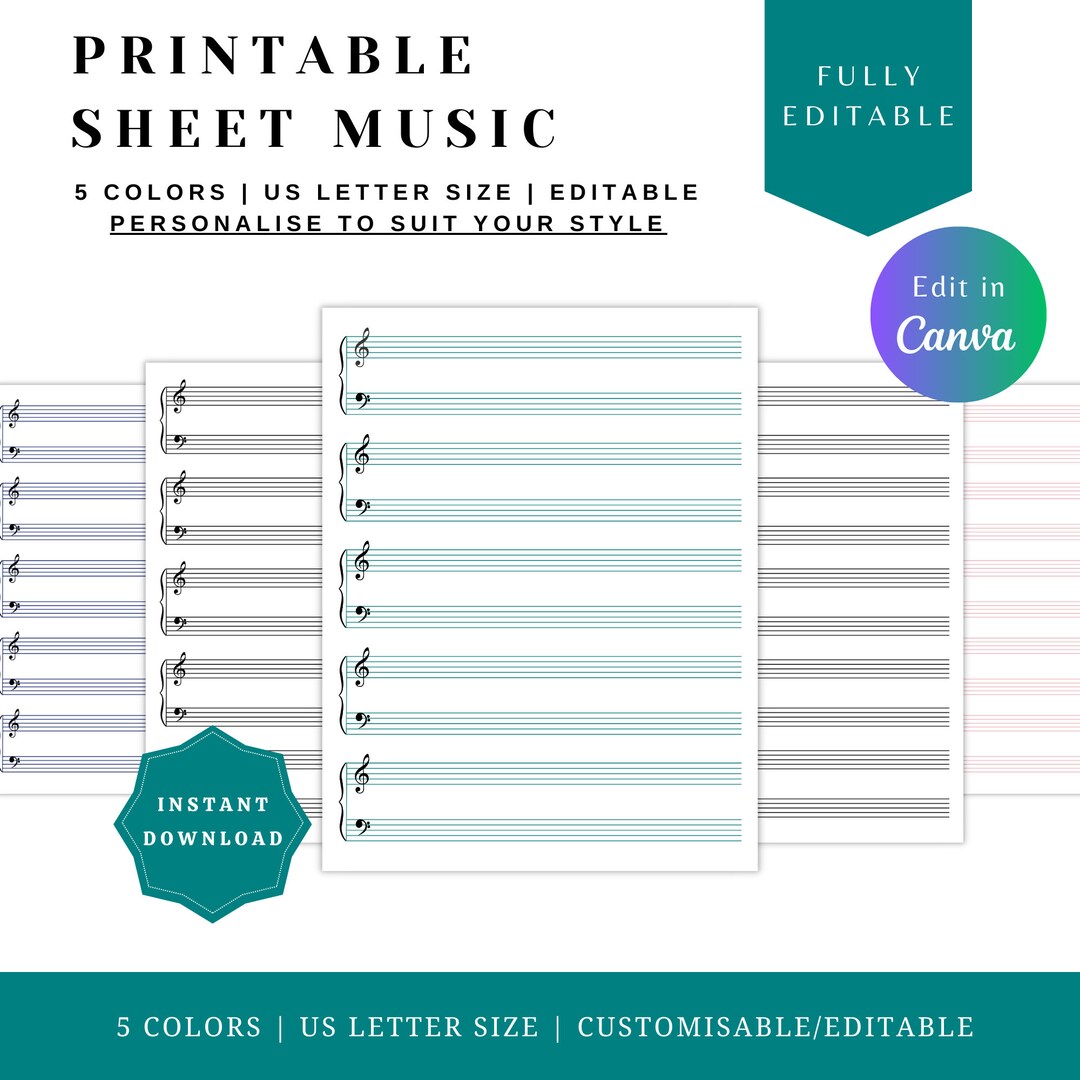
SHEET MUSIC TEMPLATE, Blank Music, Blank Piano Music, Music Template
www.etsy.com
Pin On Blank Template

www.pinterest.com.au
Bladmuziek met g-sleutel. Sheet music template. Sheet music template, blank music, blank piano music, music template