Creating a professional and impactful first impression is crucial in the business world, and your business card is often the first physical representation of your brand that potential clients or partners receive. While fancy printing services can be tempting, sometimes all you need is a simple, effective, and free solution. That’s where leveraging Google Docs for your business card design comes in. You might be surprised how versatile Google Docs can be, especially when you’re on a budget or need to make quick changes. Forget expensive design software; you can craft perfectly presentable business cards directly within a familiar environment.
Business Card Templates in Google Docs: A Practical Guide
Google Docs might not be the first program that springs to mind when thinking about design, but its accessibility and collaborative features make it a surprisingly useful tool for creating business cards. Here’s how you can find and utilize business card templates within Google Docs, along with some tips to make your cards stand out.
Finding Pre-Designed Templates
While Google Docs doesn’t have a built-in library specifically labeled “Business Card Templates,” you can utilize the existing table and formatting options to simulate the layout of a standard business card sheet. You can also find numerous free templates online that you can copy and paste into a Google Docs document. These templates often provide a starting point with placeholders for your name, contact information, and company logo.
Creating Your Own Template from Scratch
If you prefer a more custom approach, creating your own template offers complete control over the design. Here’s a step-by-step guide:
- Set up the document: Open a new Google Docs document. Go to “File” > “Page Setup” and adjust the margins. Business cards are typically 3.5 x 2 inches, so you’ll want to factor that in when considering how many cards you can fit on a standard letter-sized (8.5 x 11 inches) page.
- Insert a Table: Go to “Insert” > “Table” and create a table with the number of rows and columns that will allow you to fit your desired number of business cards per sheet. A common arrangement is 2 columns and 5 rows.
- Adjust Table Dimensions: Carefully adjust the width and height of the table cells to match the approximate dimensions of a business card (3.5 x 2 inches). This might require some trial and error.
- Add Your Information: Within each table cell, enter your name, title, contact information (phone number, email address, website), and company logo (if you have one).
- Formatting and Design: Use the formatting tools in Google Docs to adjust the font, size, color, and alignment of the text. You can also add borders to the table cells to create a more defined look. Consider adding a background color or a subtle image to enhance the design.
- Duplicate and Populate: Once you’re satisfied with the design of one business card, copy and paste the content to the other table cells. Then, customize the information in each cell if needed (for different employees, for example).
Tips for Effective Business Card Design in Google Docs
- Keep it Simple: Avoid cluttering your business card with too much information. Focus on the essentials: name, title, contact details, and company logo.
- Choose Readable Fonts: Select fonts that are easy to read at a small size. Stick to a maximum of two font families for a clean and professional look.
- Utilize White Space: Don’t overcrowd the card. White space helps to create a sense of balance and makes the information easier to digest.
- Consider Color: Use colors that align with your brand identity. Be mindful of color contrast to ensure that the text is legible.
- Proofread Carefully: Double-check all the information for accuracy. A typo can ruin a first impression.
- Print Settings: When printing, ensure your printer settings are configured correctly to avoid scaling issues. Consider using card stock paper for a more professional feel.
HTML List of Key Business Card Template Considerations:
- Template Availability: Limited built-in business card specific templates; rely on table manipulation or copying online templates.
- Customization: Offers good customization options for text, fonts, colors, and basic design elements.
- Collaboration: Excellent for collaborative editing and sharing with team members.
- Accessibility: Easily accessible on any device with internet access and a Google account.
- Cost: Completely free to use.
- Print Quality: Dependent on your printer and paper quality.
- File Format: Google Docs (.gdoc) – requires conversion to PDF for printing.
- Design Limitations: More complex designs may be challenging to achieve compared to dedicated design software.
In conclusion, while Google Docs might not be the most sophisticated design tool, it offers a viable and cost-effective solution for creating basic business cards. By following the steps outlined above and adhering to good design principles, you can create professional-looking cards that effectively represent your brand.
If you are searching about Google Docs Business Card Template – Best Business Templates you’ve visit to the right place. We have 22 Images about Google Docs Business Card Template – Best Business Templates like Google Docs Business Card Template [ FREE ] – Edutechspot .com, Free Printable Business Card Templates For Google Docs and also Google Docs Business Card Template – Best Business Templates. Here you go:
Google Docs Business Card Template – Best Business Templates
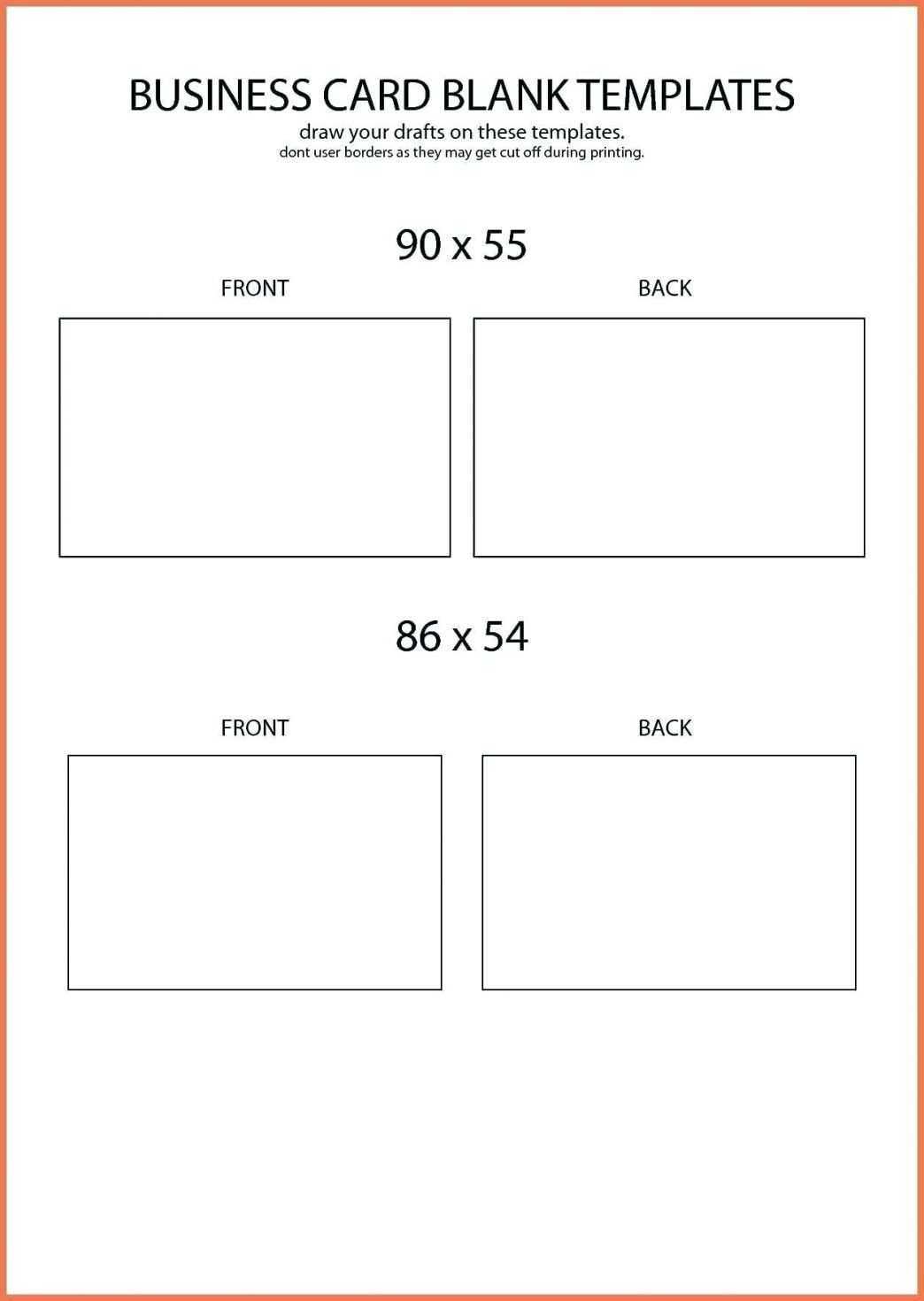
business.maexproit.com
Google Docs Business Card Template [ FREE ] – Edutechspot .com
![Google Docs Business Card Template [ FREE ] - Edutechspot .com](https://i0.wp.com/edutechspot.com/wp-content/uploads/2022/02/Google-Docs-Business-Card-Template.png?fit=2240%2C1260&ssl=1)
edutechspot.com
Free Business Cards You Can Edit In Google Docs

www.manypixels.co
Blue And Yellow Business Card Template – Word | Google Docs – Highfile

www.highfile.com
Gold And Black Business Card Template – Word | Google Docs – Highfile

www.highfile.com
Google Docs Business Card Template: Thomas Paine By MioDocs
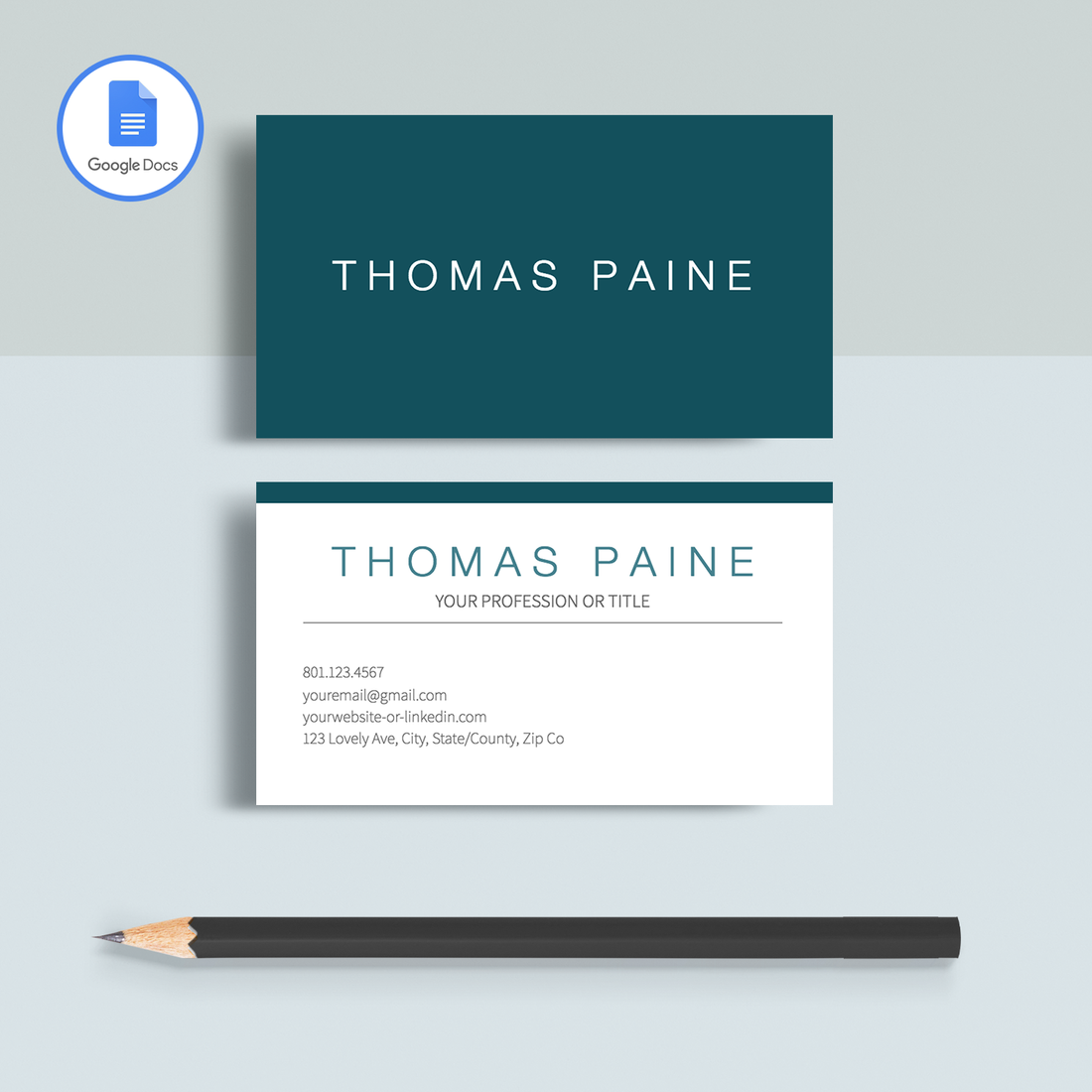
miodocs.com
Modern Floral Business Card Template – Word | Google Docs – Highfile

www.highfile.com
Google Docs Business Card Template
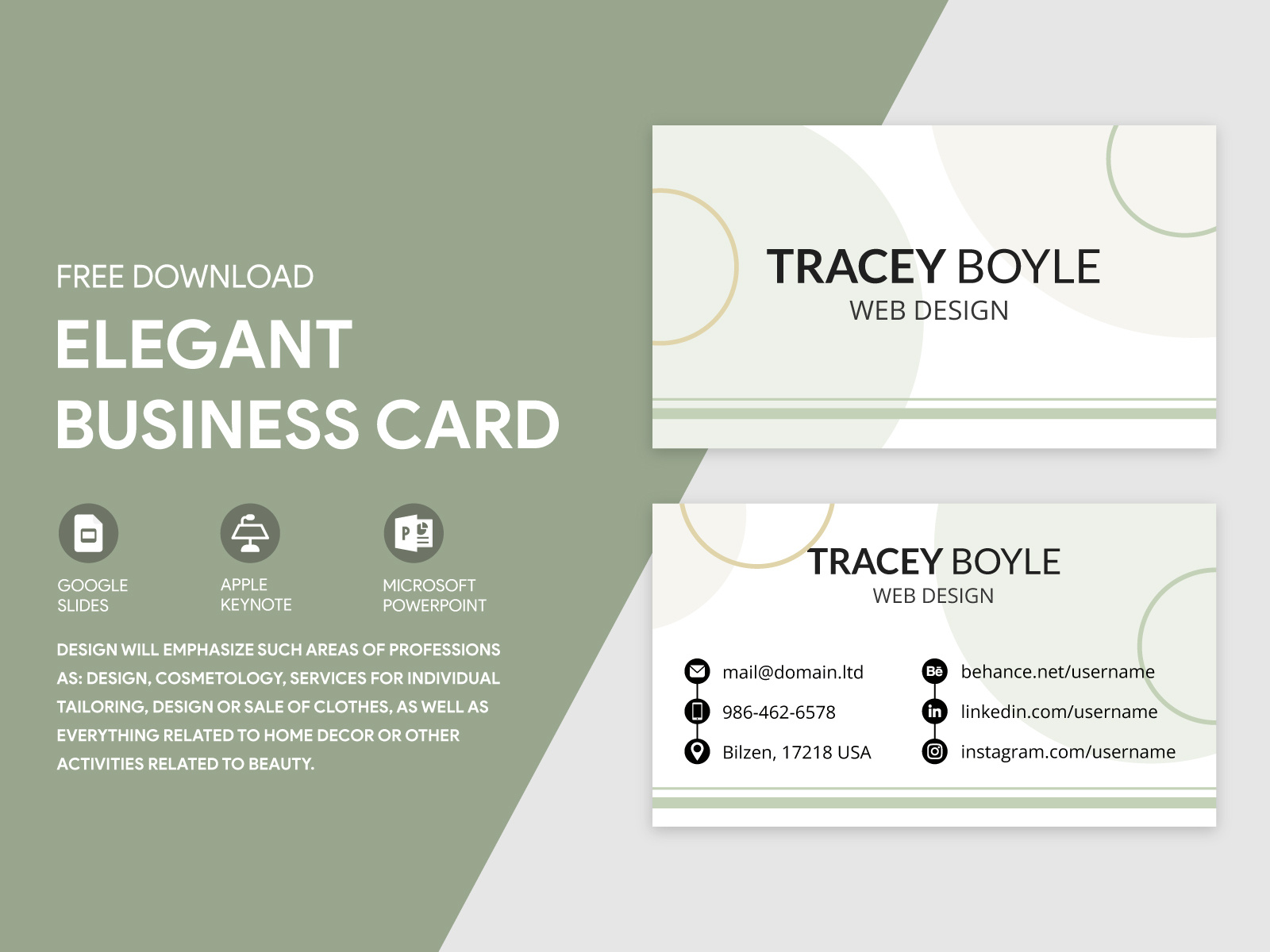
ar.inspiredpencil.com
Navy And Gold Business Card Template – Word | Google Docs – Highfile

www.highfile.com
Gray And Yellow Business Card Template – Word | Google Docs – Highfile

www.highfile.com
Free Printable Business Card Templates For Google Docs

printable.rjuuc.edu.np
Purple, Pink And Blue Business Card Template – Word | Google Docs

www.highfile.com
Professional Business Cards Template For Google Docs | Mila Friedman

miodocs.com
Elegant Business Card Template – Word | Google Docs – Highfile

www.highfile.com
Professional Business Cards Template For Google Docs | Jane Hancock

miodocs.com
White And Brown Business Card Template – Word | Google Docs – Highfile

www.highfile.com
Colorful Business Card Template – Word | Google Docs – Highfile

www.highfile.com
Business Card Templates For Google Docs – Cards Design Templates
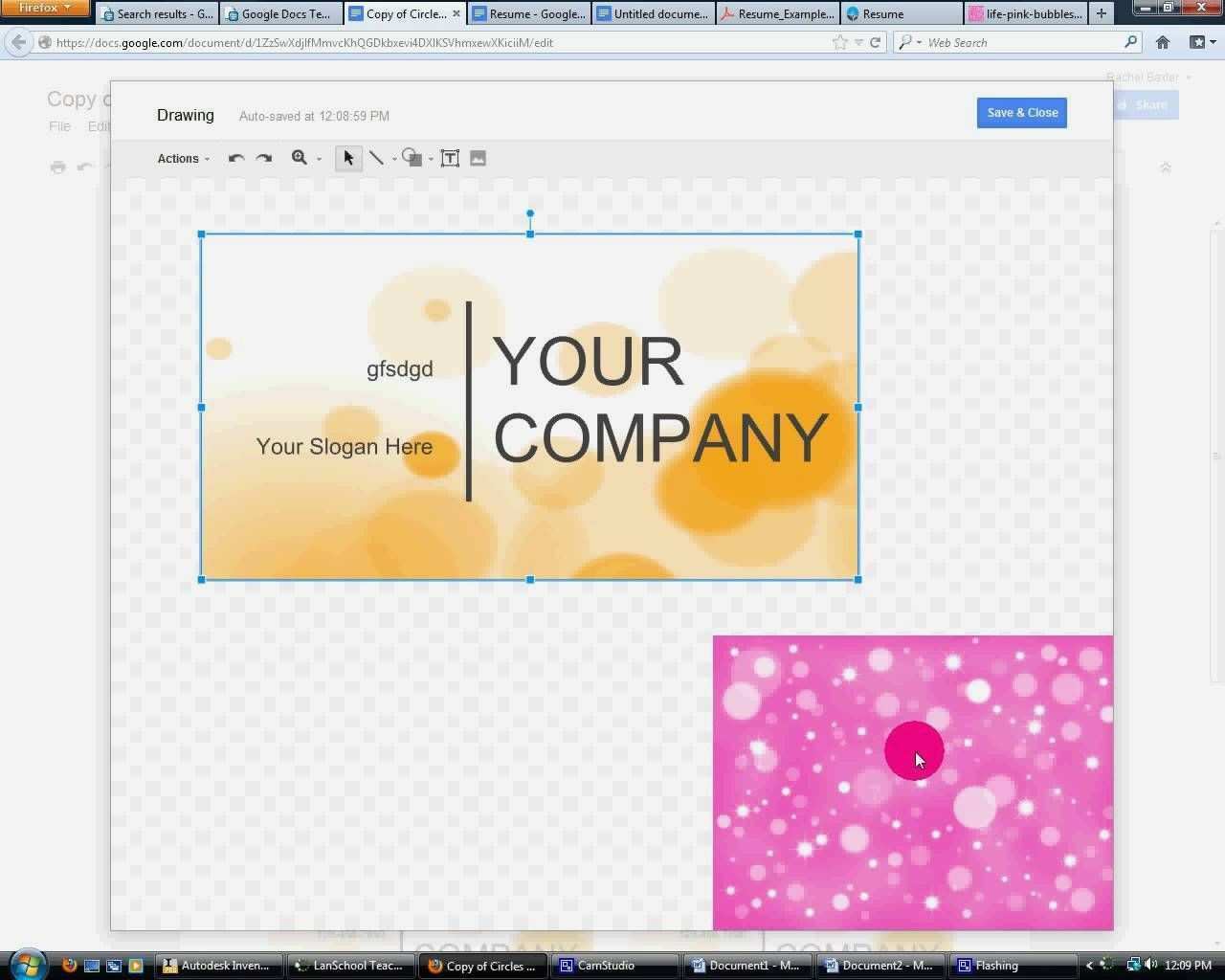
legaldbol.com
Minimal Modern Blue Business Card Template – Word | Google Docs – Highfile

www.highfile.com
Blue And Pink Modern Business Card Template – Word | Google Docs – Highfile

www.highfile.com
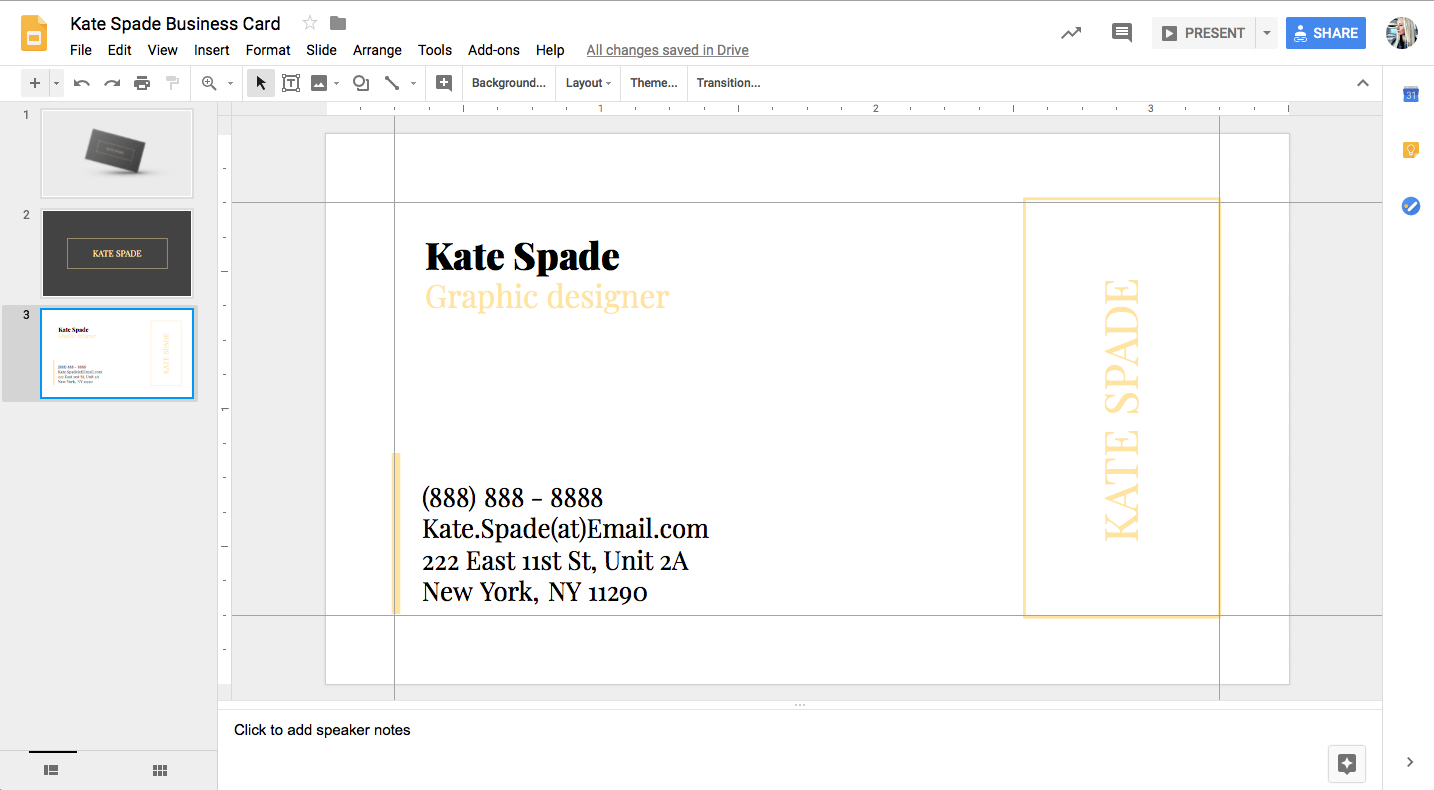
Google Docs Business Card Template – Best Business Templates
business.kontenterkini.com
Black Minimal Business Card Template – Word | Google Docs – Highfile

www.highfile.com
White and brown business card template. Google docs business card template. Blue and yellow business card template