For writers, students, researchers, and anyone needing to organize information, index cards offer a time-tested and highly effective method. Their portability and flexibility make them ideal for brainstorming, outlining, note-taking, and organizing research. Apple Pages, the powerful word processor available on macOS and iOS devices, doesn’t natively offer a dedicated “index card” template. However, you can easily create one or adapt an existing template to suit your needs. This guide will explore how to construct your own index card template in Pages, allowing you to harness the power of this organizational tool in a digital environment.
Creating an Index Card Template in Pages
Crafting a custom index card template in Pages involves setting up the page size and layout to mimic the dimensions and functionality of physical index cards. Here’s a step-by-step approach:
-
Step 1: Define Page Size
The most common index card size is 3×5 inches. While Pages doesn’t offer this as a standard size, you can define a custom size in the Document Setup. Open Pages, go to File > Page Setup. In the “Paper Size” dropdown, select “Manage Custom Sizes…”. Click the “+” button to add a new custom size. Set the width to 3 inches and the height to 5 inches. Give your custom size a descriptive name, like “Index Card”. Remember to set the “Non-Printable Area” to minimal values to maximize the writing space.
-
Step 2: Adjust Margins
After setting the page size, adjust the margins to provide some breathing room around the text. Go to Document > Document in the Format sidebar (right side of the screen). Adjust the “Document Margins” to a small value, such as 0.25 inches on all sides. This provides a comfortable writing area without sacrificing too much space.
-
Step 3: Add a Title/Header (Optional)
You might want to add a designated space for a title, topic, or identifier at the top of each index card. You can do this by inserting a text box at the top of the page. Position the text box and format it as needed. Consider using a different font size or style for the title to visually separate it from the main content. You could also add a thin line below the title area to further delineate it.
-
Step 4: Create Placeholder Text
To make your template user-friendly, include placeholder text within the main writing area. This could be simple instructions like “Enter your notes here…” or prompts related to the type of information you’ll be collecting (e.g., “Source,” “Quote,” “Summary”). Placeholder text helps users understand the intended use of the template and guides their input.
-
Step 5: Consider Adding a Border (Optional)
While not strictly necessary, adding a subtle border around the edge of the index card can enhance its visual appearance and provide a clear boundary. You can achieve this by inserting a rectangle shape that spans the entire page area (within the margins). Set the fill color to “None” and add a thin, solid border using the Format sidebar’s “Style” tab. Choose a neutral color like light gray or black for the border.
-
Step 6: Save as a Template
Once you’re satisfied with your index card design, save it as a template. Go to File > Save as Template…. Give your template a descriptive name (e.g., “Index Card Template 3×5”) and choose a location to save it. Saving it as a template allows you to easily create new index cards based on your design without having to recreate it from scratch each time. You can access your custom template by going to File > New… and selecting it from the “My Templates” section.
Tips for Using Your Index Card Template
Now that you have your index card template, here are some tips for effective use:
- Print Multiple Cards per Page: To save paper, you can copy and paste your index card template multiple times onto a single standard-sized page (e.g., 8.5×11 inches). Then, print the page and cut out the individual index cards.
- Use Tables for Structured Data: If you need to organize information in a structured format (e.g., research notes with fields for author, title, publication date), consider inserting a small table within the index card area.
- Color-Coding: Use different font colors or background colors to categorize your index cards by topic, source, or priority. This visual cue can aid in organization and retrieval.
- Hyperlinking: Leverage the digital nature of Pages by adding hyperlinks to relevant websites, documents, or files within your index cards. This can be particularly useful for research notes.
- Cloud Storage: Store your index card templates and completed index cards in a cloud storage service like iCloud Drive or Dropbox to ensure they are backed up and accessible from any device.
By creating a custom index card template in Pages, you can seamlessly integrate this classic organizational tool into your digital workflow. Whether you’re brainstorming ideas, outlining a writing project, or managing research notes, this template will help you stay organized and focused.
If you are searching about Printable Blank Index Cards 3×5, 4×6, 5×7, 5×8 Templates With PDF you’ve came to the right place. We have 22 Pictures about Printable Blank Index Cards 3×5, 4×6, 5×7, 5×8 Templates With PDF like Index Card Template in Word, Illustrator, PDF, Google Docs – Download, Printable Blank Index Cards 3×5, 4×6, 5×7, 5×8 Templates With PDF and also Index Card Template in Word, Illustrator, PDF, Google Docs – Download. Here it is:
Printable Blank Index Cards 3×5, 4×6, 5×7, 5×8 Templates With PDF
printableshub.com
34 Visiting Microsoft 4X6 Index Card Template For Ms Word Intended For
business.maexproit.com
Index Card Template Google Docs [Guide + Free Template]
![Index Card Template Google Docs [Guide + Free Template]](https://appsthatdeliver.com/wp-content/uploads/2023/01/4x6-Index-Card-Template-Google-Docs_Vertical.png)
appsthatdeliver.com
3 X 5 Index Card Template
old.sermitsiaq.ag
Color Ruled Index Cards Template – Free Printable Download

pariscorp.com
Index Card Template For Pages

www.cardtemplate.my.id
Free Printable Flash Cards Template Inside Index Card Template For
sample.gelorailmu.com
Free Printable Index Cards Template, Download Free Printable Index

worksheets.clipart-library.com
Index Card Template For Pages – Cardtemplate.my.id
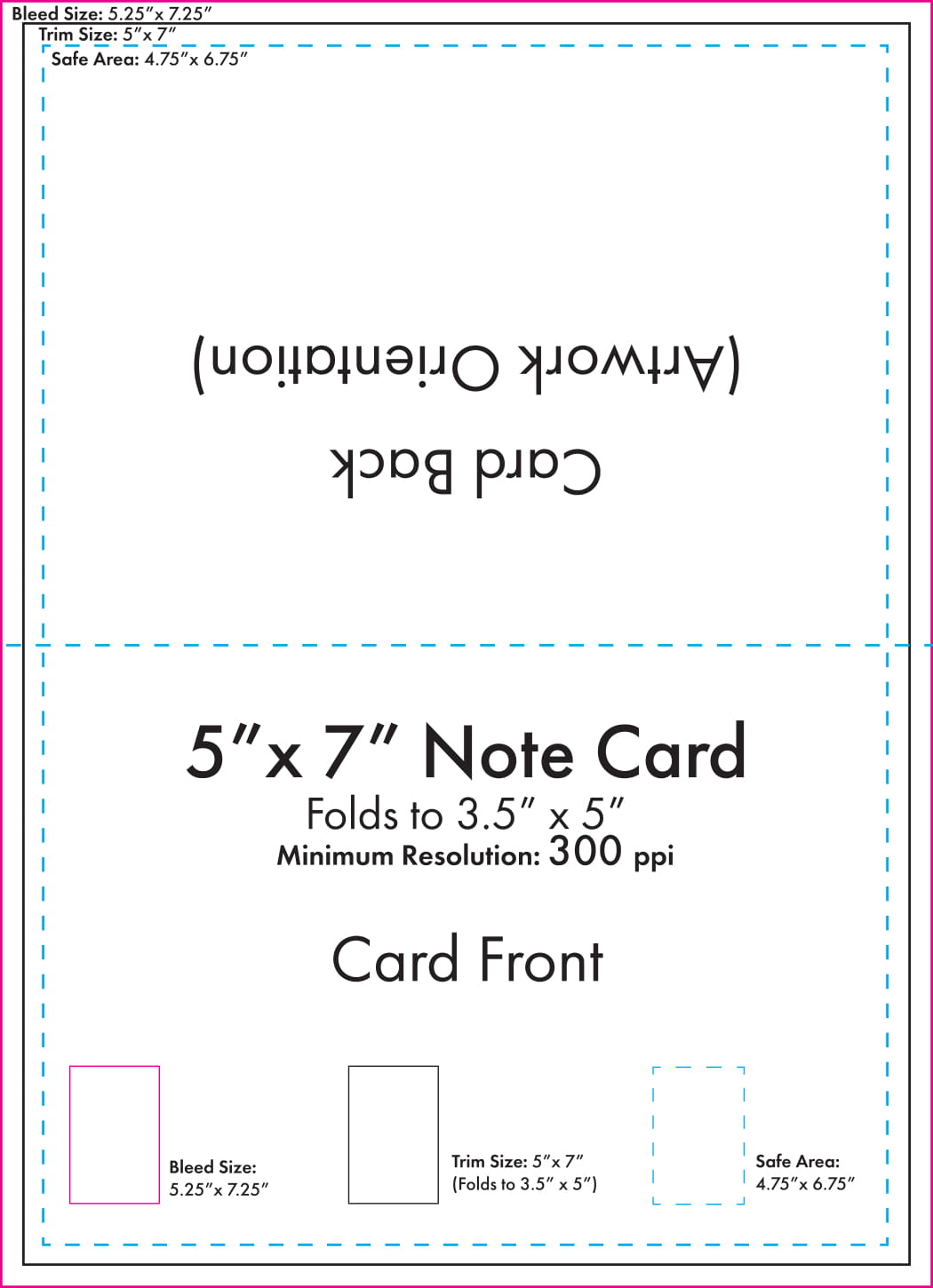
www.cardtemplate.my.id
Printable 3×5 Index Card. Digital Index Card. Printable Note Cards
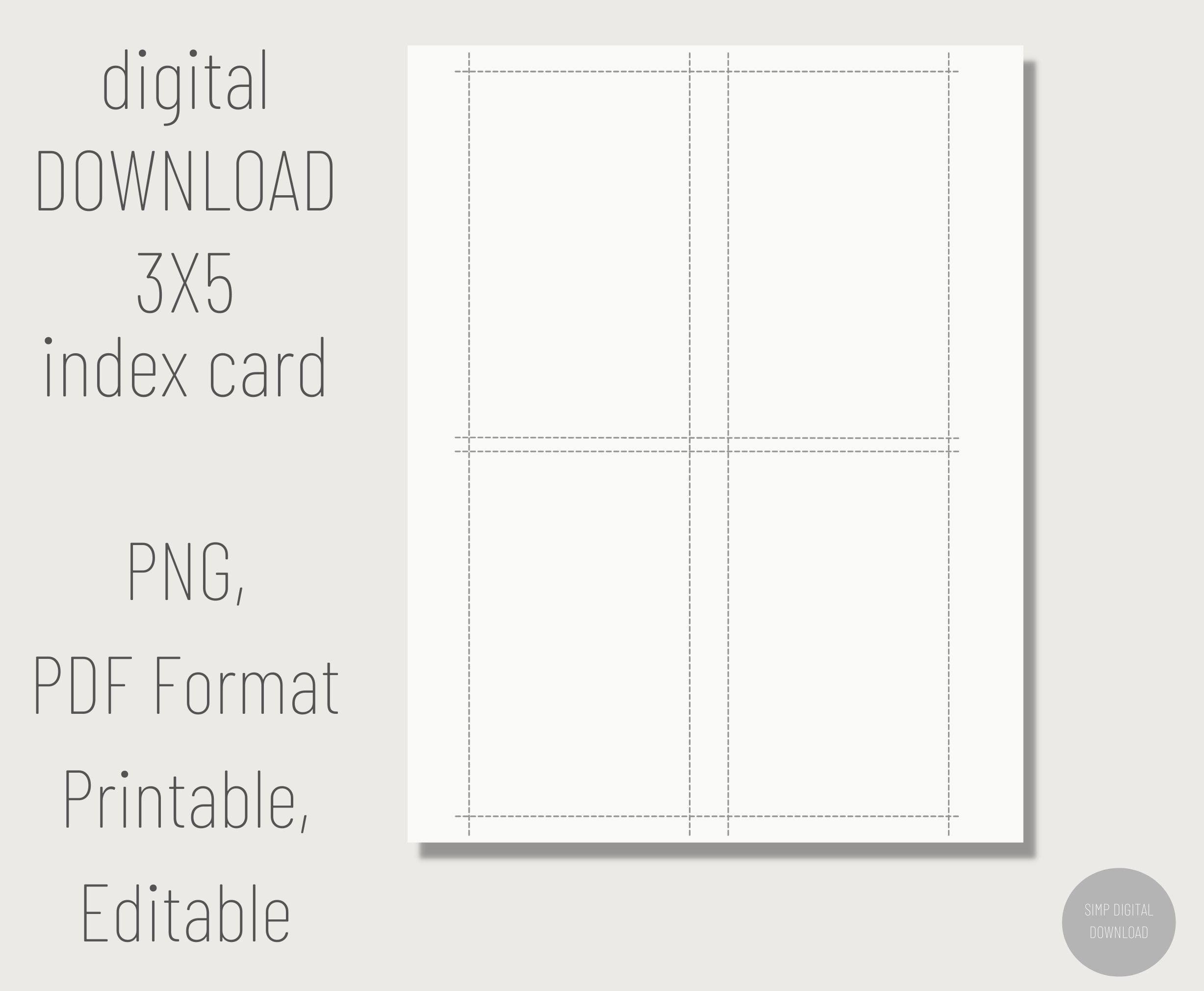
www.etsy.com
Index Card Template In Word, Illustrator, PDF, Google Docs – Download
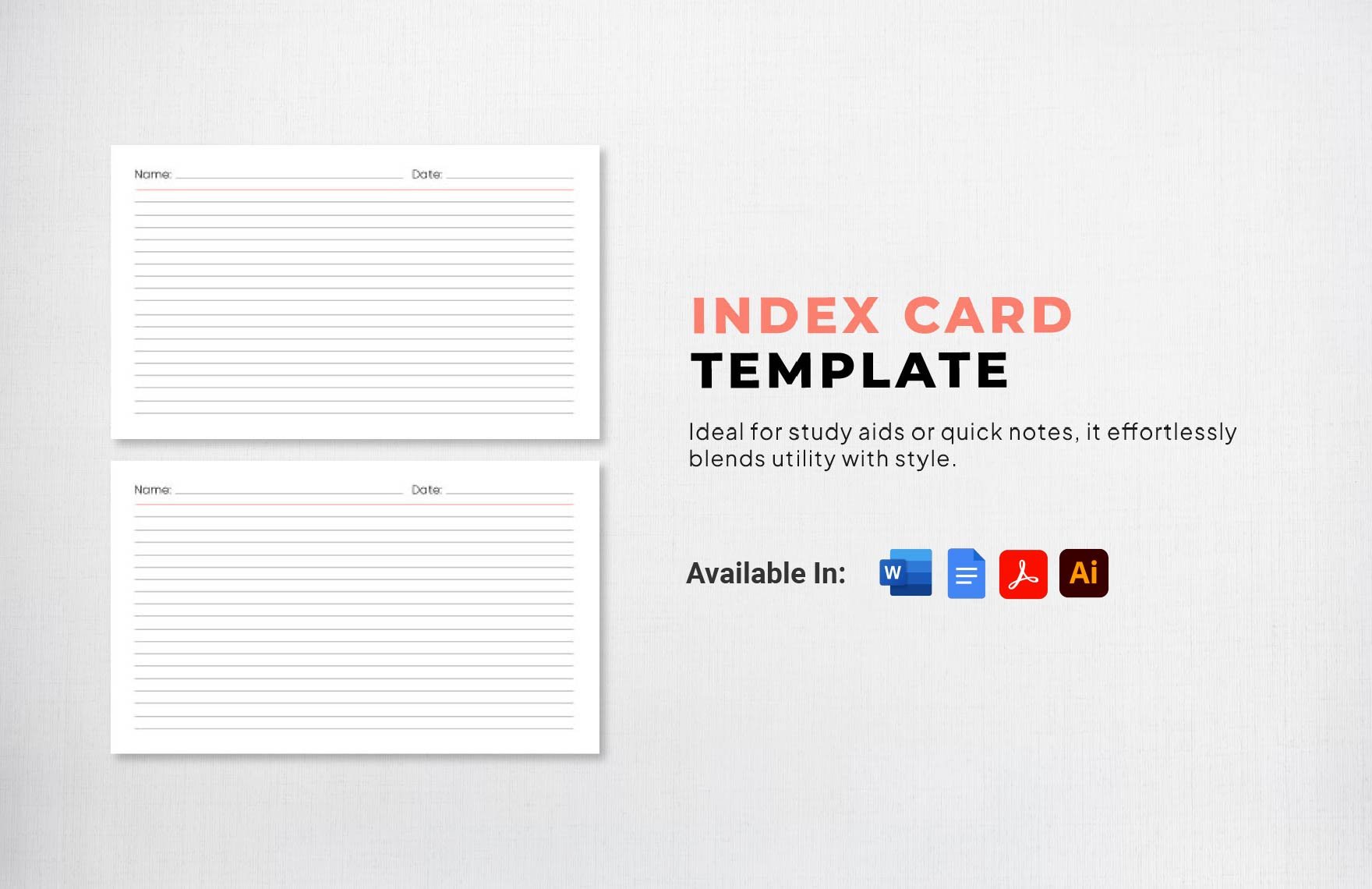
www.template.net
3×5-inch Index Card Template – Perfect For Making Study Flash Cards – Etsy

www.etsy.com
Index Card Template In Word, Illustrator, PDF, Google Docs – Download
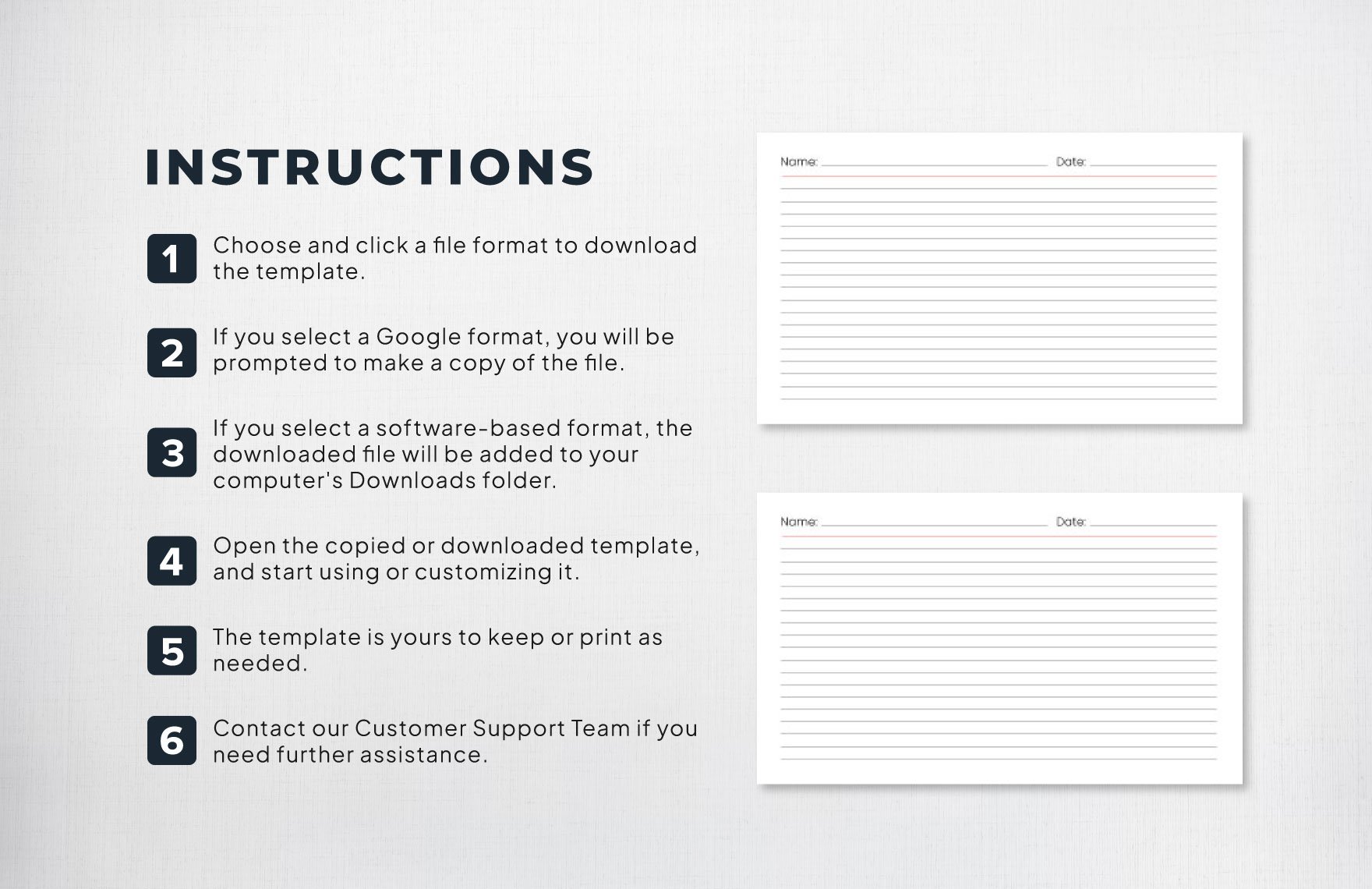
www.template.net
Printable 4×6 Index Card, Printable Note Cards, Printable Index Cards
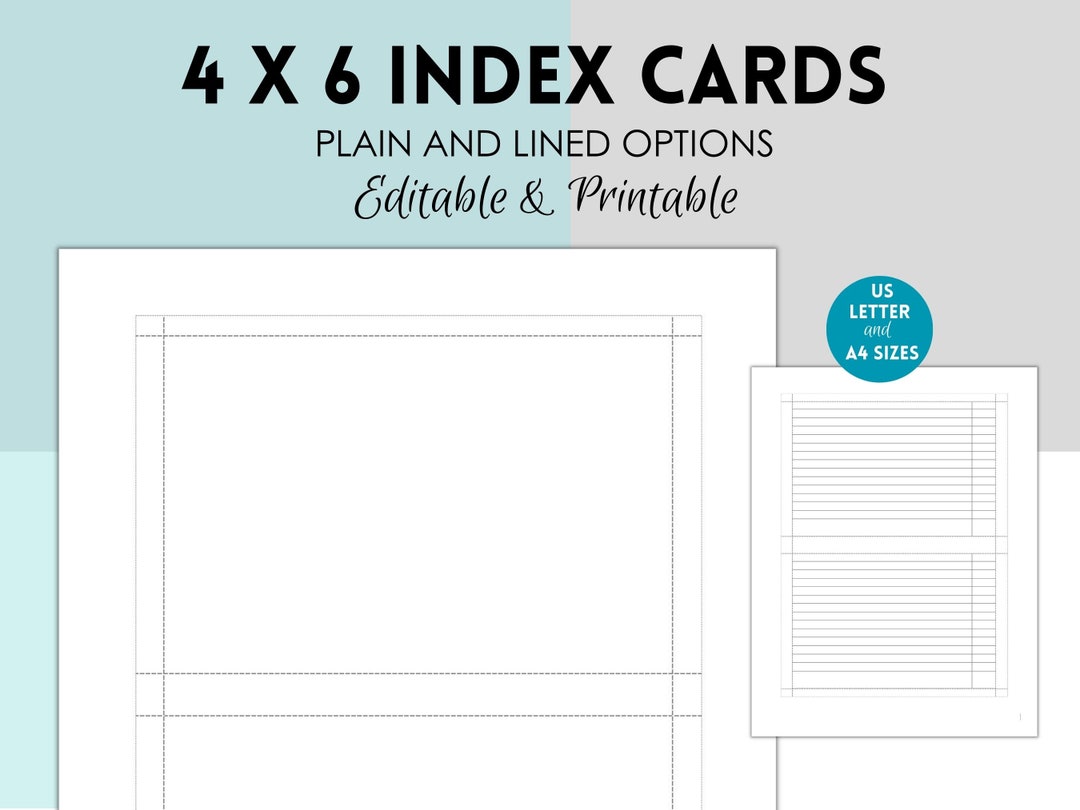
www.etsy.com
Printable 3×5 Index Card. Printable Note Cards. Printable | Etsy
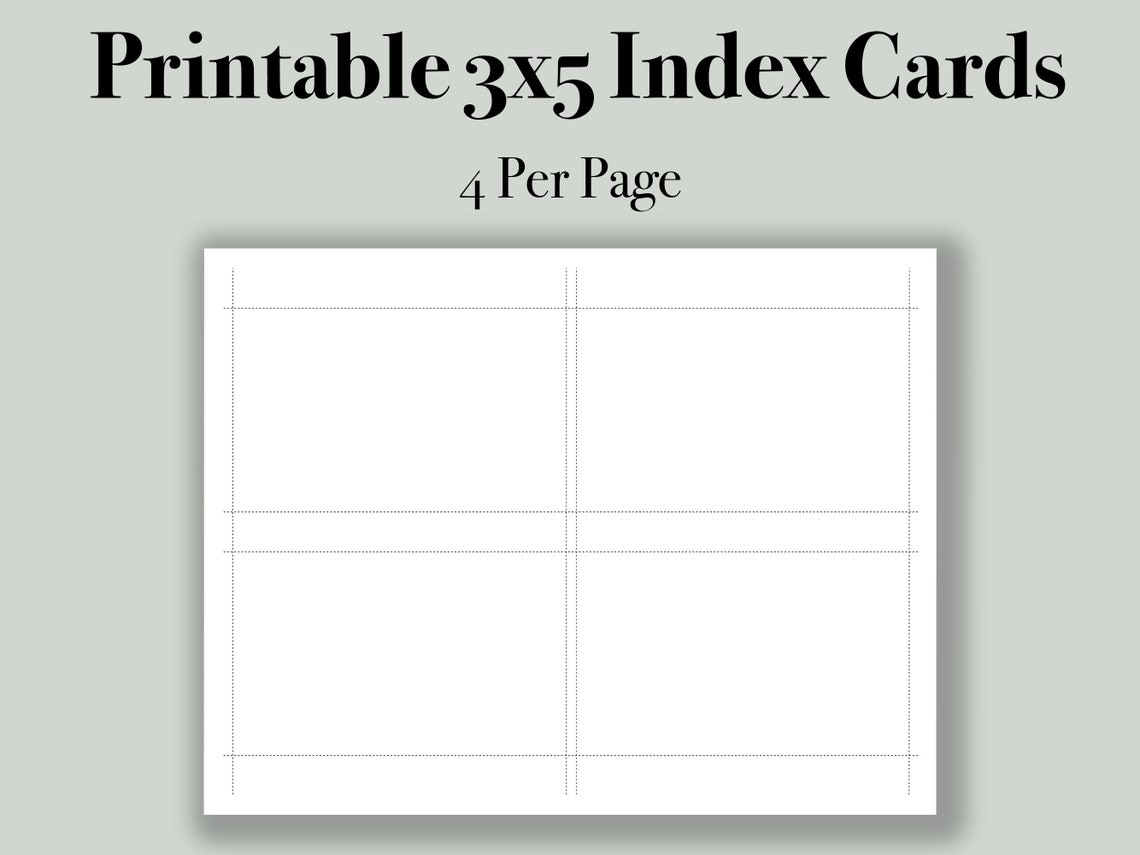
www.etsy.com
Index Card Template For Pages – Cardtemplate.my.id

www.cardtemplate.my.id
4×6 Index Card Template For Pages – Template 1 : Resume Examples #

www.contrapositionmagazine.com
Printable Blank Index Cards 3×5, 4×6, 5×7, 5×8 Templates With PDF
printableshub.com
Printable Blank Index Cards 3×5, 4×6, 5×7, 5×8 Templates With PDF

printableshub.com
Printable Blank Index Cards 3×5, 4×6, 5×7, 5×8 Templates With PDF

printableshub.com
Printable Blank Index Cards 3×5, 4×6, 5×7, 5×8 Templates With PDF

printableshub.com
Microsoft Word Index Card Template 4X6 – Cards Design Templates
legaldbol.com
Color ruled index cards template. Printable 4×6 index card, printable note cards, printable index cards …. Printable 3×5 index card. printable note cards. printable