Index cards remain a surprisingly versatile tool in our increasingly digital world. Whether you’re brainstorming ideas, studying for an exam, outlining a presentation, or organizing research, index cards offer a tactile and easily customizable format. OpenOffice, a free and open-source office suite, provides a perfectly suitable environment for creating and printing your own index card templates.
Why Use OpenOffice for Index Card Templates?
While dedicated software for creating and managing flashcards exists, using OpenOffice offers several advantages, especially for those already familiar with the software. Here’s why OpenOffice can be a great choice:
- Cost-effective: OpenOffice is completely free to download and use, eliminating the need for subscription fees or expensive software purchases.
- Customization: You have complete control over the design of your index cards. You can adjust margins, add lines, insert images, and format text to your exact specifications.
- Flexibility: Create multiple templates for different purposes. A template for vocabulary words will look different than one for research notes.
- Print-Ready: OpenOffice allows you to configure the layout for printing multiple index cards per page, optimizing paper usage.
- Familiar Interface: If you already use OpenOffice Writer, the learning curve is minimal. You can leverage your existing knowledge of the software to quickly create templates.
Creating Your Index Card Template in OpenOffice Writer
While OpenOffice doesn’t have a dedicated “index card template” option readily available, creating one is straightforward. Follow these steps:
1. Setting Up the Page Dimensions
The standard index card size is 3×5 inches or 4×6 inches. You’ll need to adjust the page dimensions accordingly in OpenOffice Writer.
- Open OpenOffice Writer.
- Go to Format > Page…
- In the “Page” tab, under “Format,” select “User.”
- Enter the width and height. For a 3×5 inch card, enter 3 inches for width and 5 inches for height. For a 4×6 inch card, enter 4 inches for width and 6 inches for height. Remember to specify “in” for inches.
- Set your desired margins. Smaller margins allow for more writing space, but consider your printer’s capabilities to avoid cut-off text. Generally, 0.25 inches is a good starting point.
- Click “OK.”
2. Adding Lines and Borders (Optional)
Depending on your needs, you might want to add lines to guide your writing or a border to clearly define the card’s boundaries.
- Adding Lines: Use the drawing tools in OpenOffice (View > Toolbars > Drawing) to draw horizontal or vertical lines. You can adjust the line thickness and color. Consider adding lines at regular intervals if you’re creating a template for note-taking.
- Adding Borders: In the “Page” tab (Format > Page…), go to the “Border” tab. Here you can add a border around the entire page (effectively the index card). Choose the border style, color, and line thickness. You can also choose to apply the border only to certain sides of the card.
3. Adding Placeholder Text (Optional)
Placeholder text can be useful to indicate where specific information should be entered, especially if you’re creating a template for a specific purpose.
- Type placeholder text such as “Topic,” “Definition,” “Example,” or “Question” where you want the corresponding information to be written.
- Format the placeholder text with appropriate font size, style, and alignment.
4. Creating Multiple Index Cards on a Single Page
To print multiple index cards on a single sheet of paper, you’ll need to use tables or frames.
- Using Tables: Insert a table (Table > Insert > Table). The number of rows and columns will depend on the size of your index cards and the size of your paper. For example, you might use a 2×3 table to fit six 3×5 inch cards on a standard letter-size page. Copy and paste your index card template into each cell of the table. Adjust the table cell size to match your index card dimensions. Remove table borders if you don’t want them to appear on the printed cards.
- Using Frames: Insert multiple frames (Insert > Frame). Manually position and size the frames to create a grid of index card areas. Copy and paste your index card template into each frame. This method offers more flexibility in positioning, but can be more time-consuming.
5. Saving Your Template
Once you’ve created your index card template, save it as an OpenOffice template file (.ott).
- Go to File > Templates > Save…
- Give your template a name (e.g., “3×5 Index Card Template”).
- Select a template category (e.g., “My Templates”).
- Click “OK.”
Now, whenever you need a new index card, you can go to File > New > Templates…, select your template, and OpenOffice will create a new document based on your template.
By following these steps, you can easily create and customize your own index card templates in OpenOffice, allowing you to streamline your organization and study habits without spending money on specialized software.
If you are looking for Index Card Template Free Recipe 3X5 For Mac 4X6 Pages Blank regarding you’ve came to the right place. We have 22 Images about Index Card Template Free Recipe 3X5 For Mac 4X6 Pages Blank regarding like 3X5 Card Template Microsoft Word – Colona.rsd7 For Open Office Index, Open Office Index Card Template – Xfanzexpo.com and also Index Card Template in Word, Illustrator, PDF, Google Docs – Download. Read more:
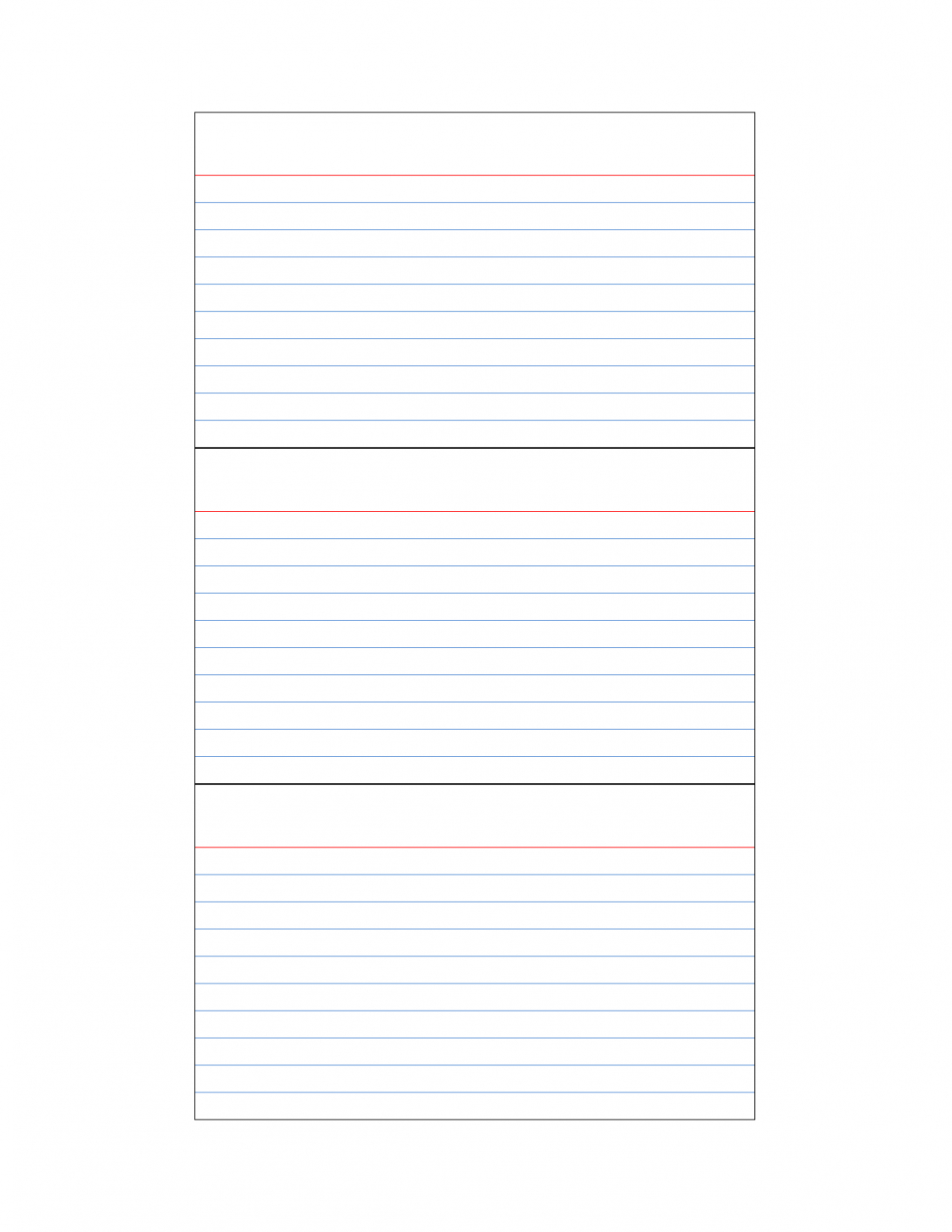
Index Card Template Free Recipe 3X5 For Mac 4X6 Pages Blank Regarding
sample.gelorailmu.com
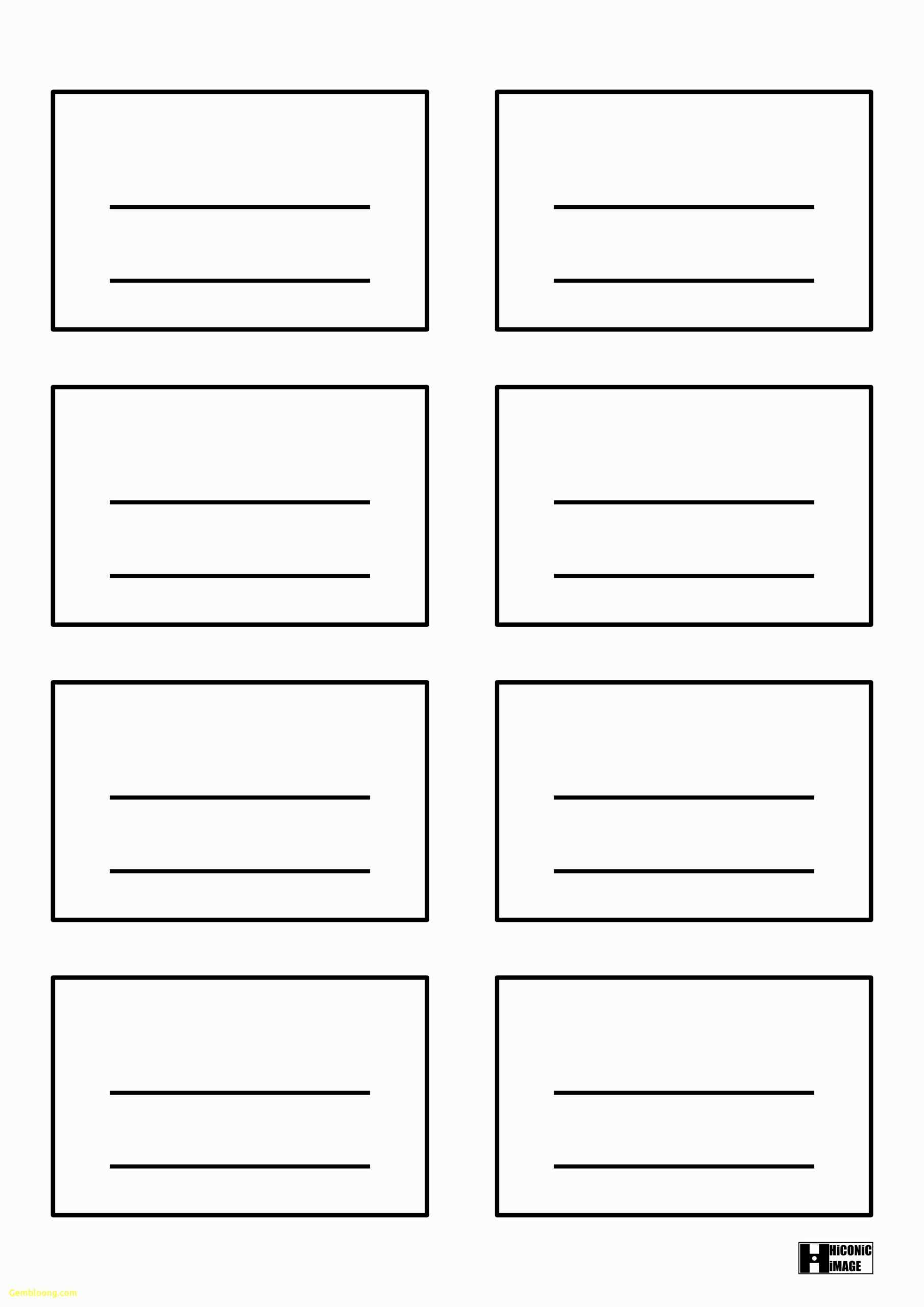
34 Visiting Microsoft 4X6 Index Card Template For Ms Word Intended For
business.maexproit.com
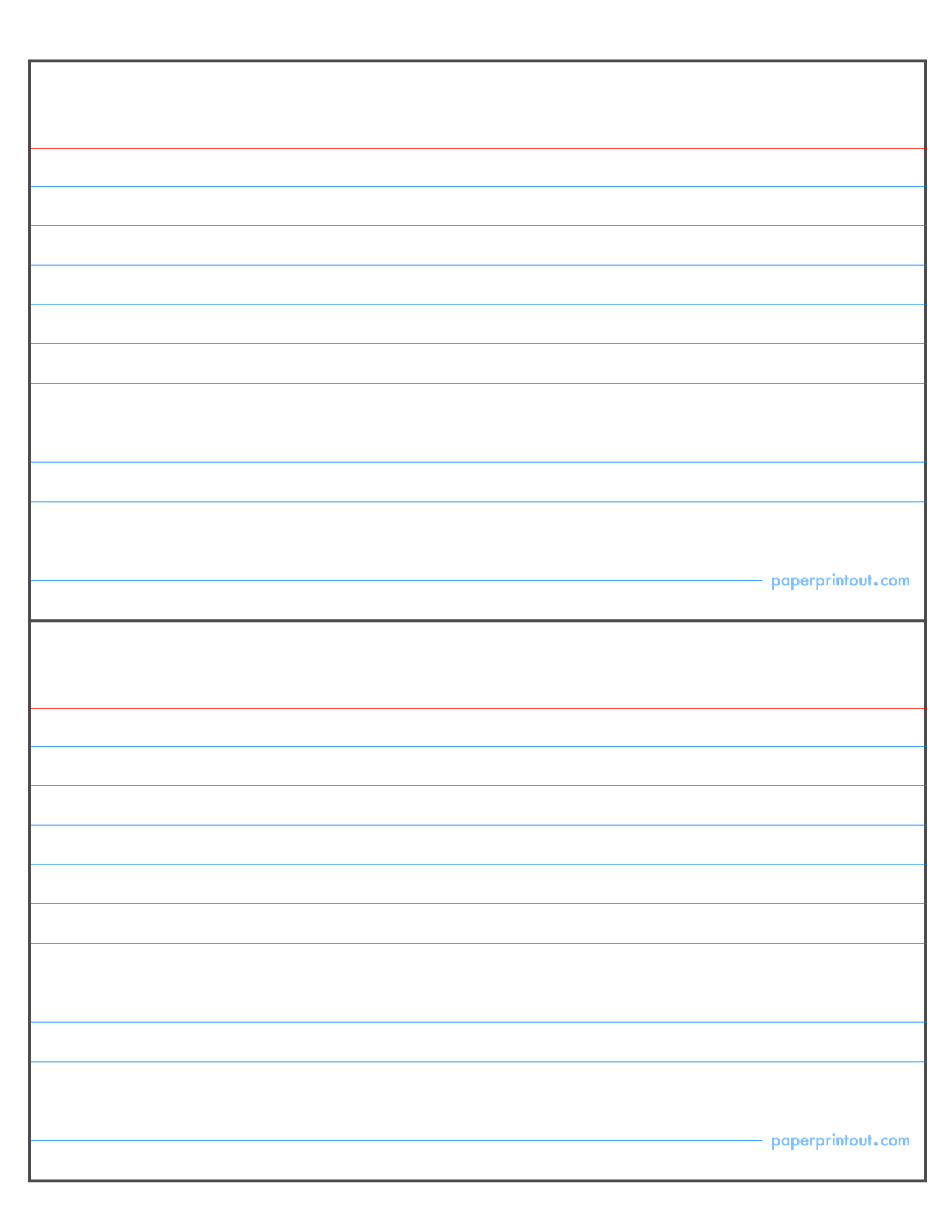
3X5 Card Template Microsoft Word – Colona.rsd7 For Open Office Index
sample.gelorailmu.com
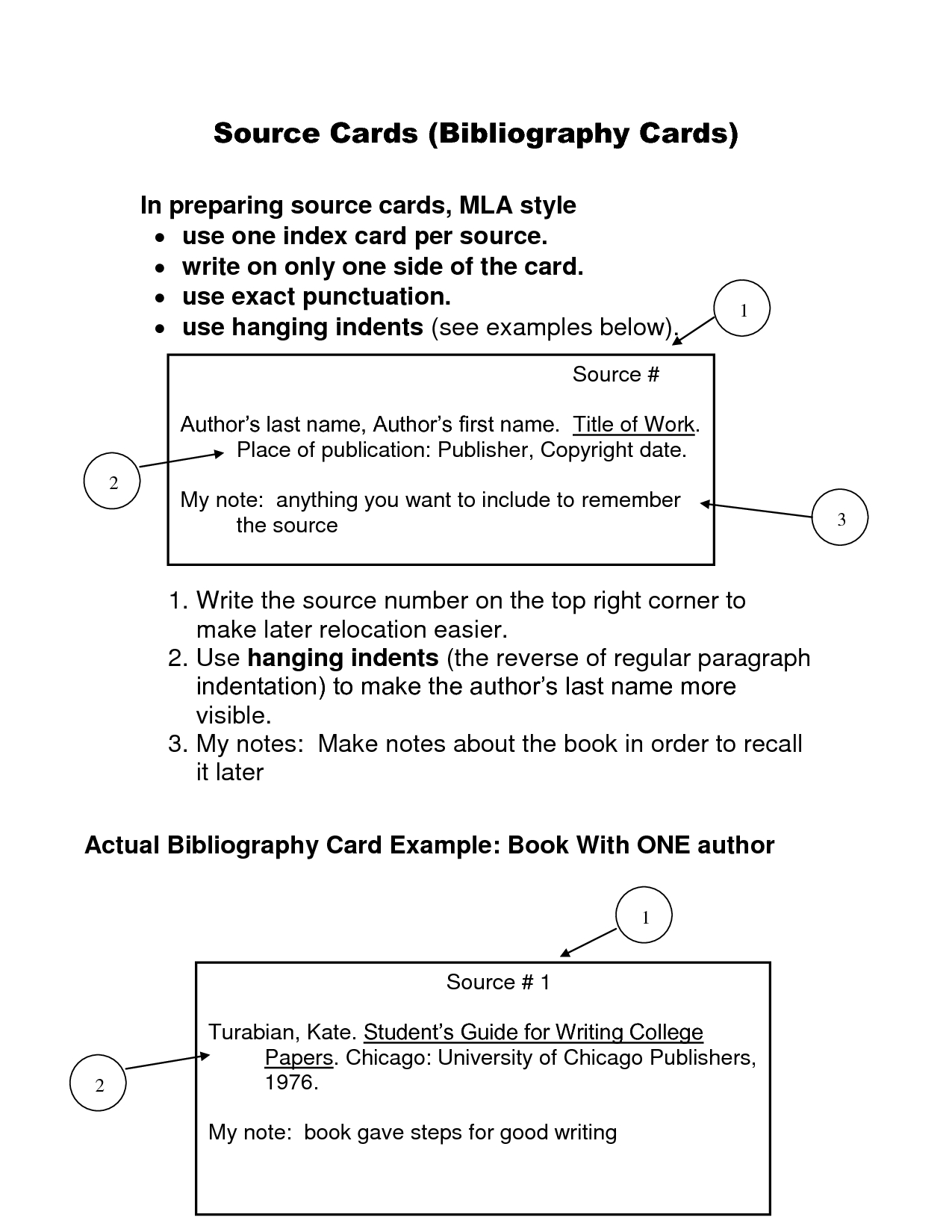
Index Card Template Open Office – Sample.gelorailmu.com
sample.gelorailmu.com
Free Editable Card Templates In Illustrator To Download
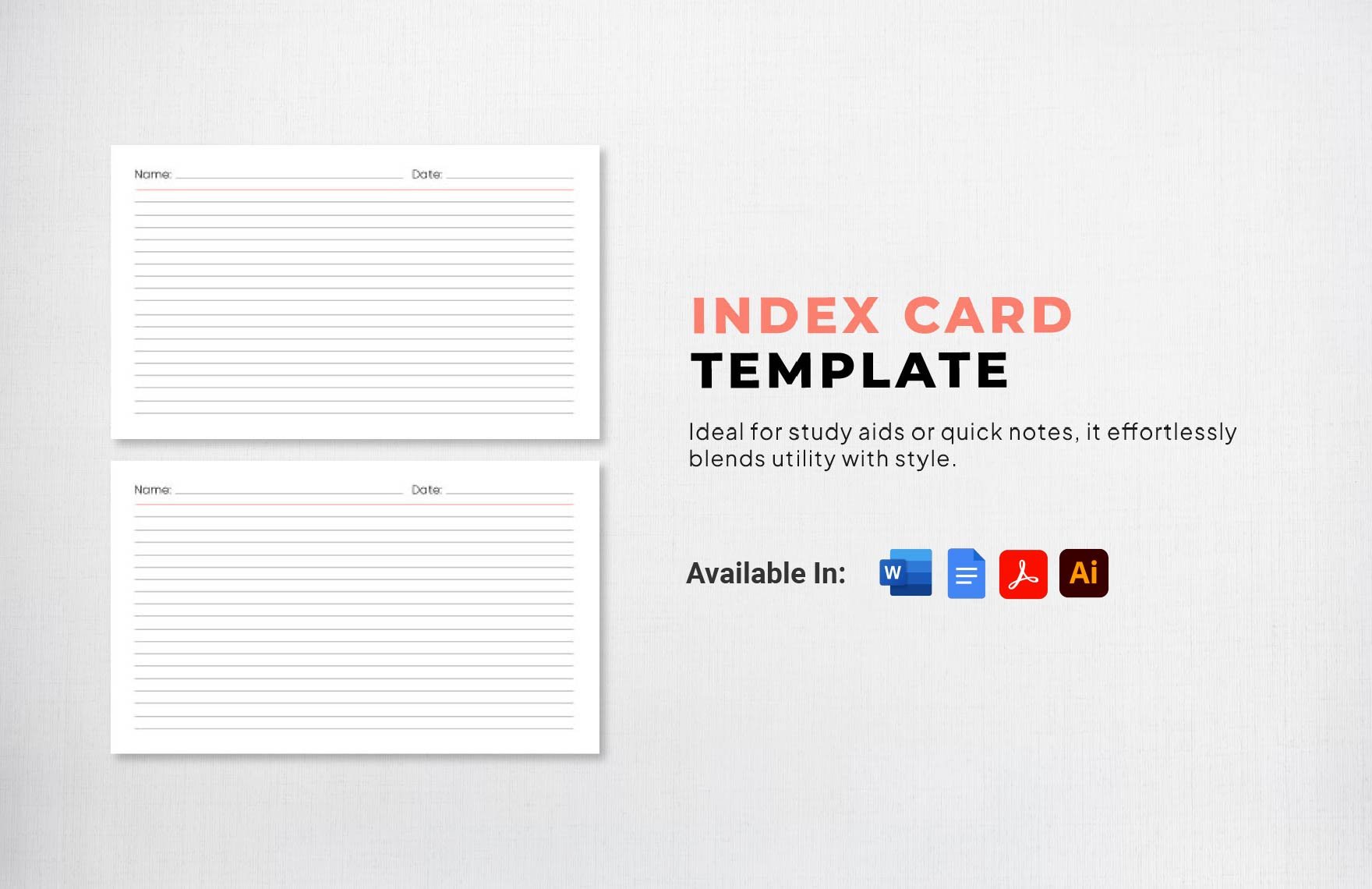
www.template.net
3X5 Index Card Template Google Docs Free Printable 4X6 With Index Card

sample.gelorailmu.com
Index Card Template Open Office – 10+ Examples Of Professional
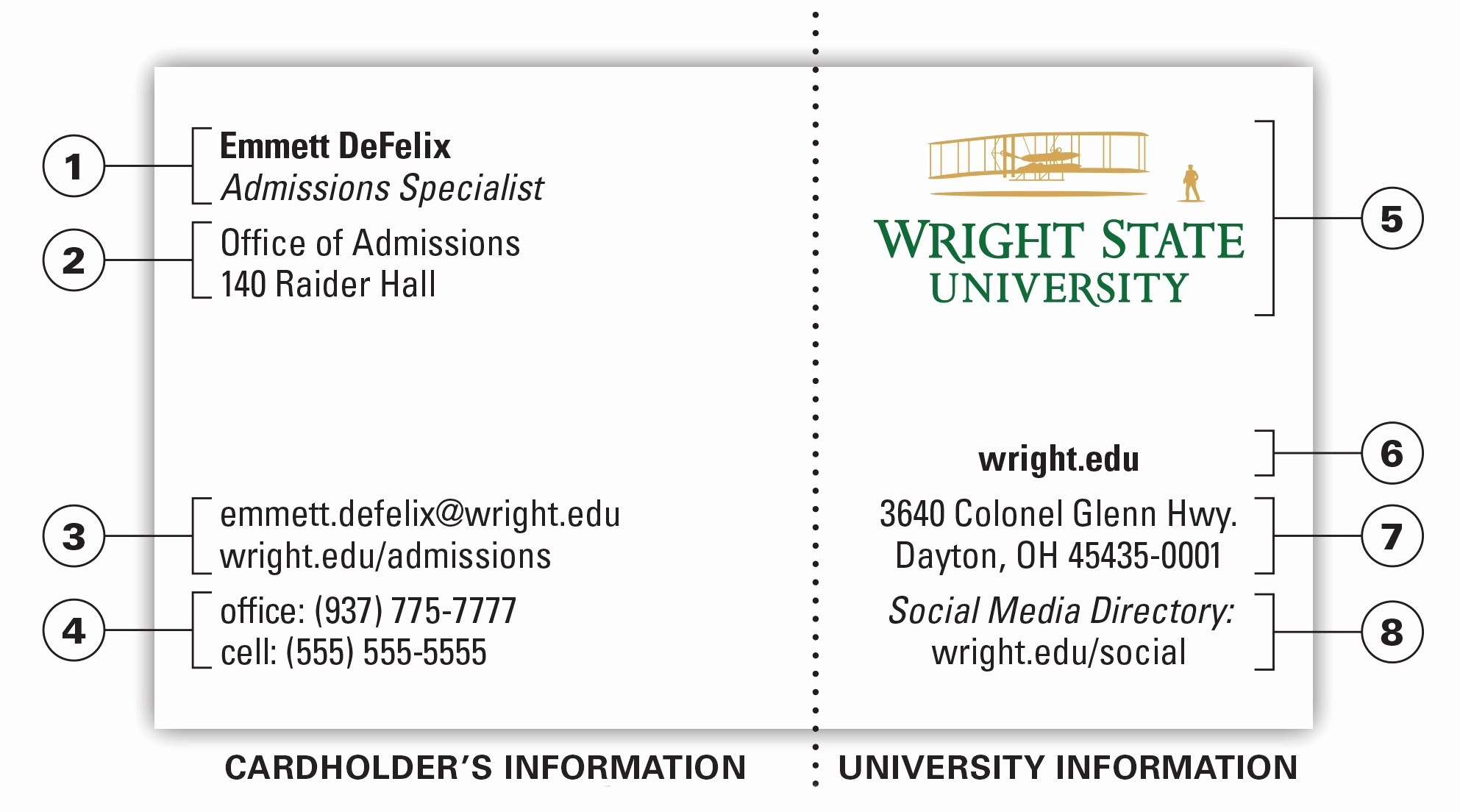
vancecountyfair.com
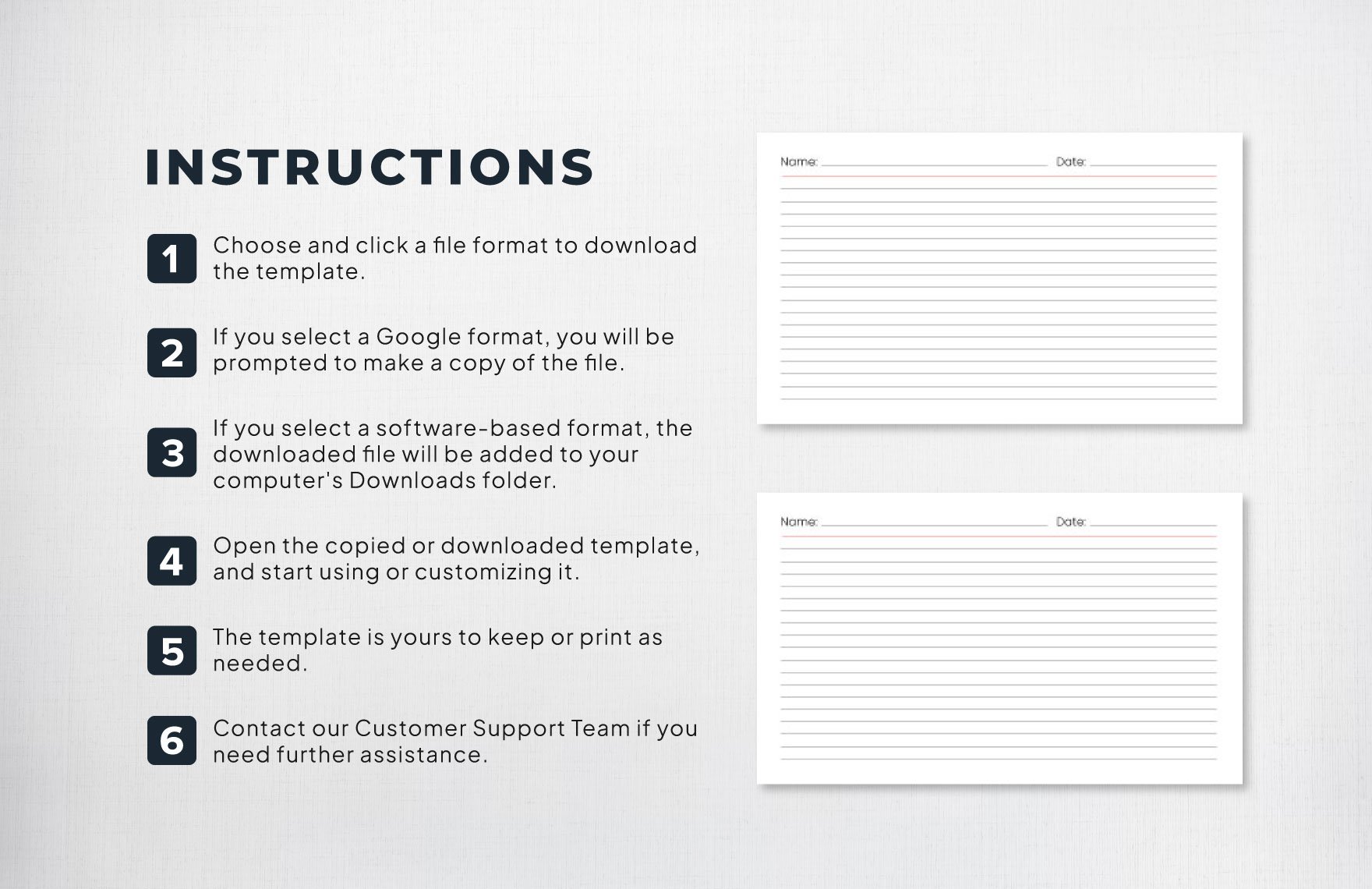
Index Card Template In Word, Illustrator, PDF, Google Docs – Download
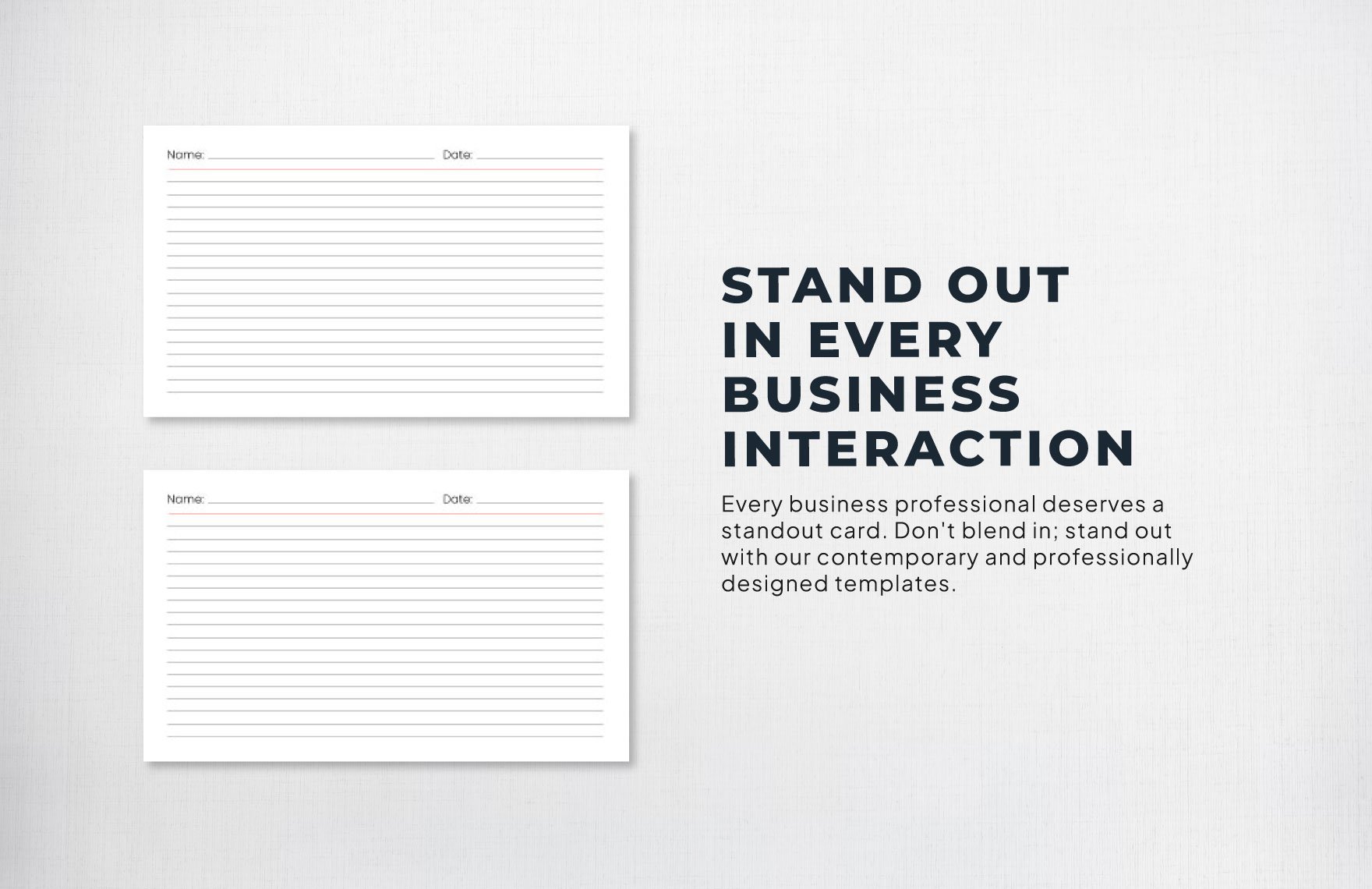
www.template.net
Index Card Template In Word, Illustrator, PDF, Google Docs – Download
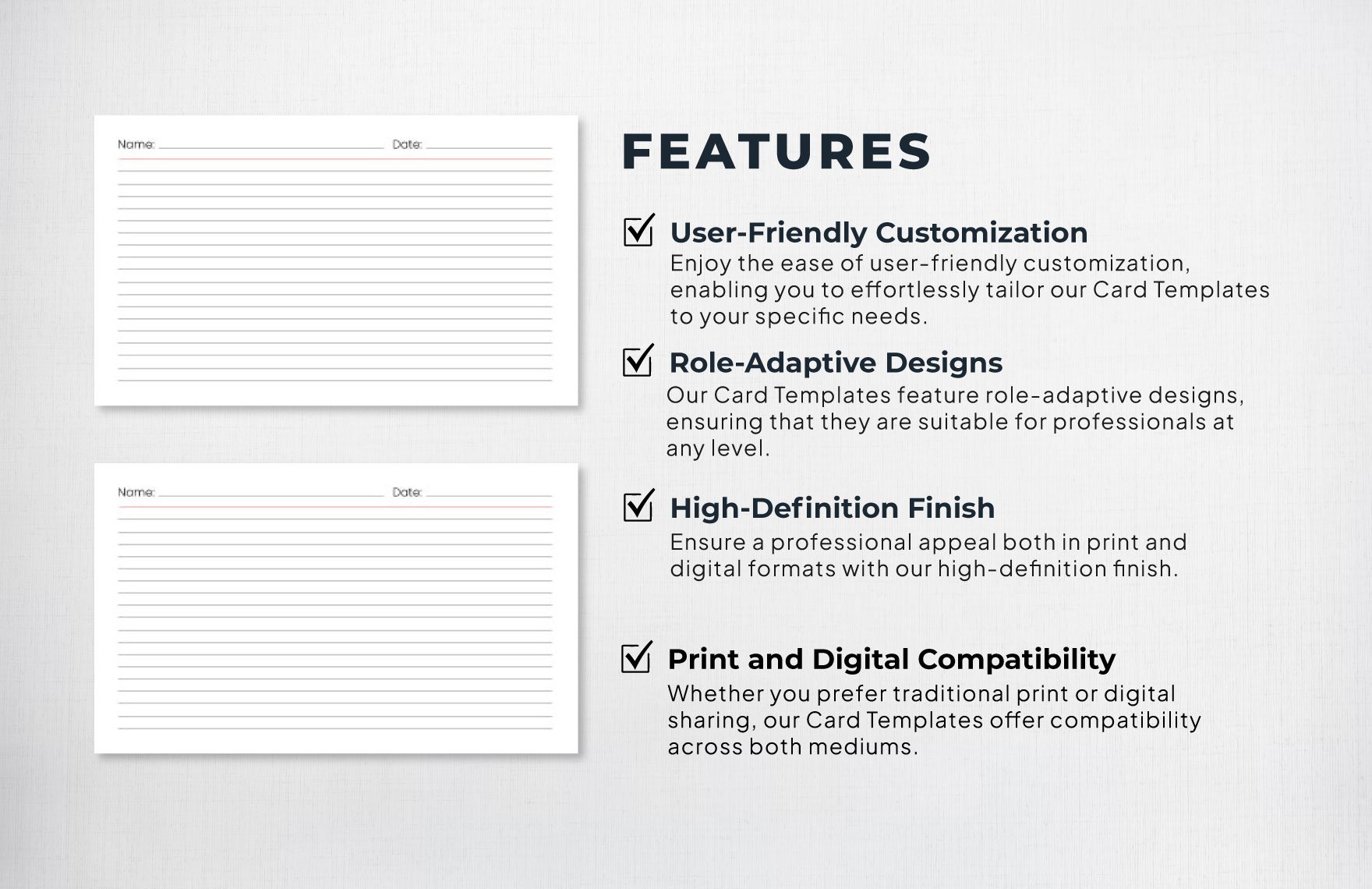
www.template.net
Index Card Template In Word, Illustrator, PDF, Google Docs – Download
www.template.net
Open Office Index Card Template – Mightyprintingdeals.com

www.mightyprintingdeals.com
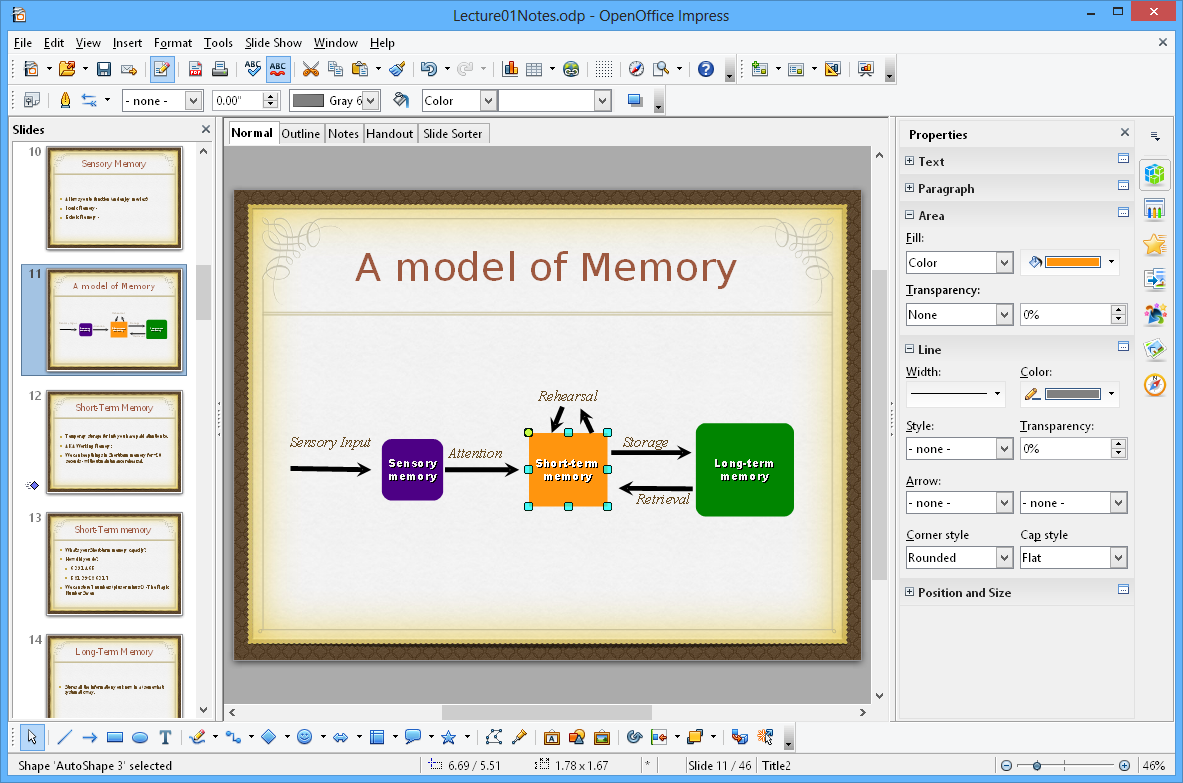
Open Office Index Card Template – Mightyprintingdeals.com
www.mightyprintingdeals.com
Index Card Template Open Office – Mightyprintingdeals.com

www.mightyprintingdeals.com
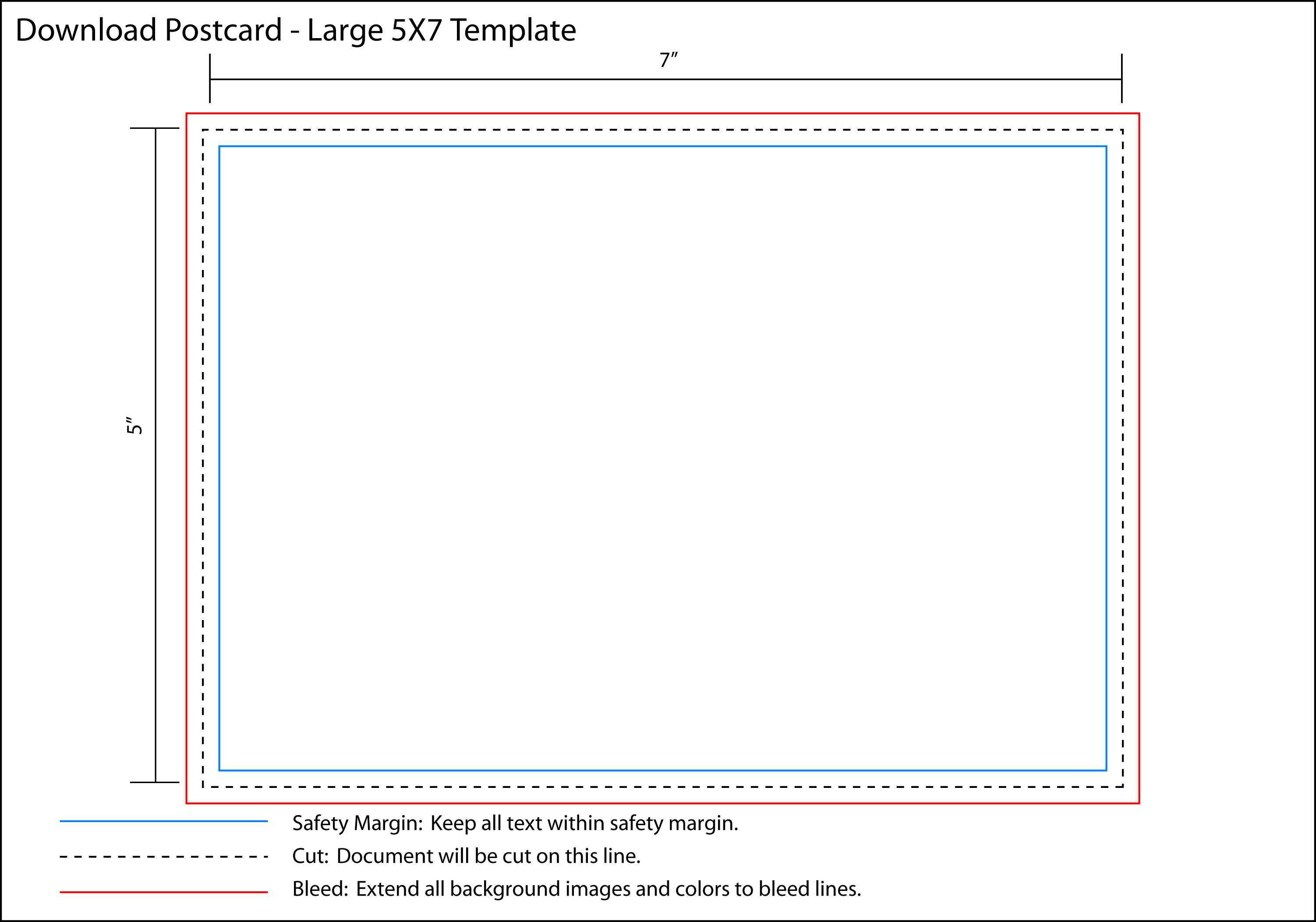
Open Office Index Card Template – Xfanzexpo.com
www.xfanzexpo.com
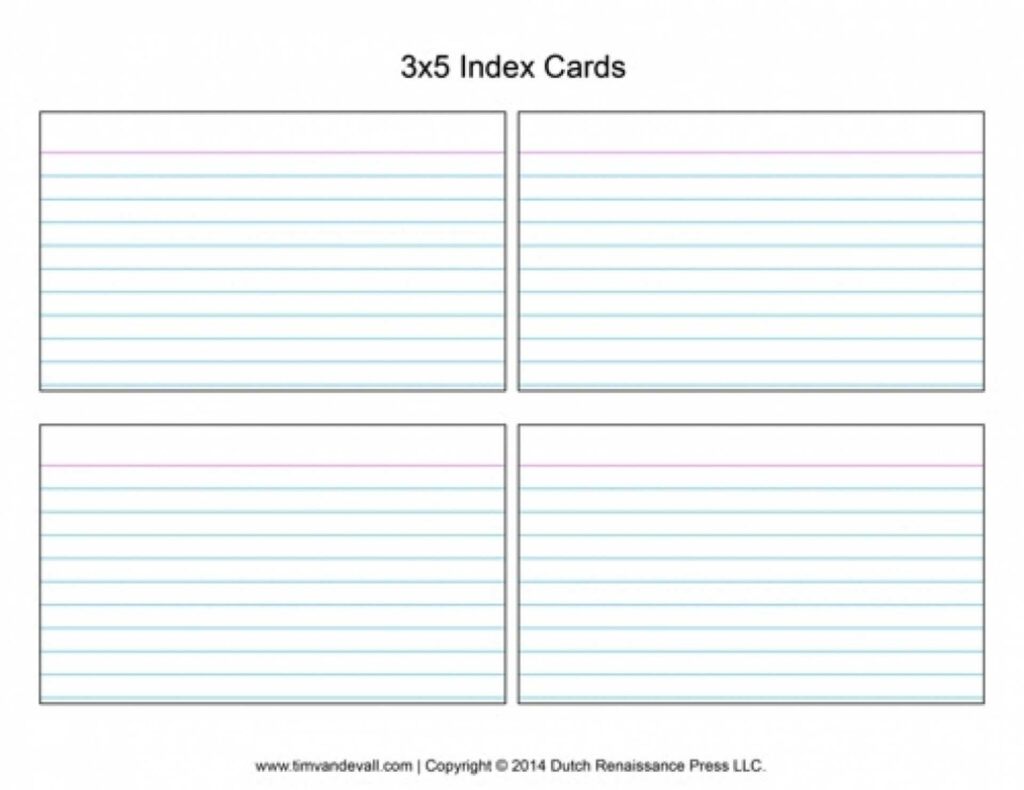
Templates Word
www.fity.club
Index Card Template For Word – Chasiupaperstimes

chasiupaperstimes.com
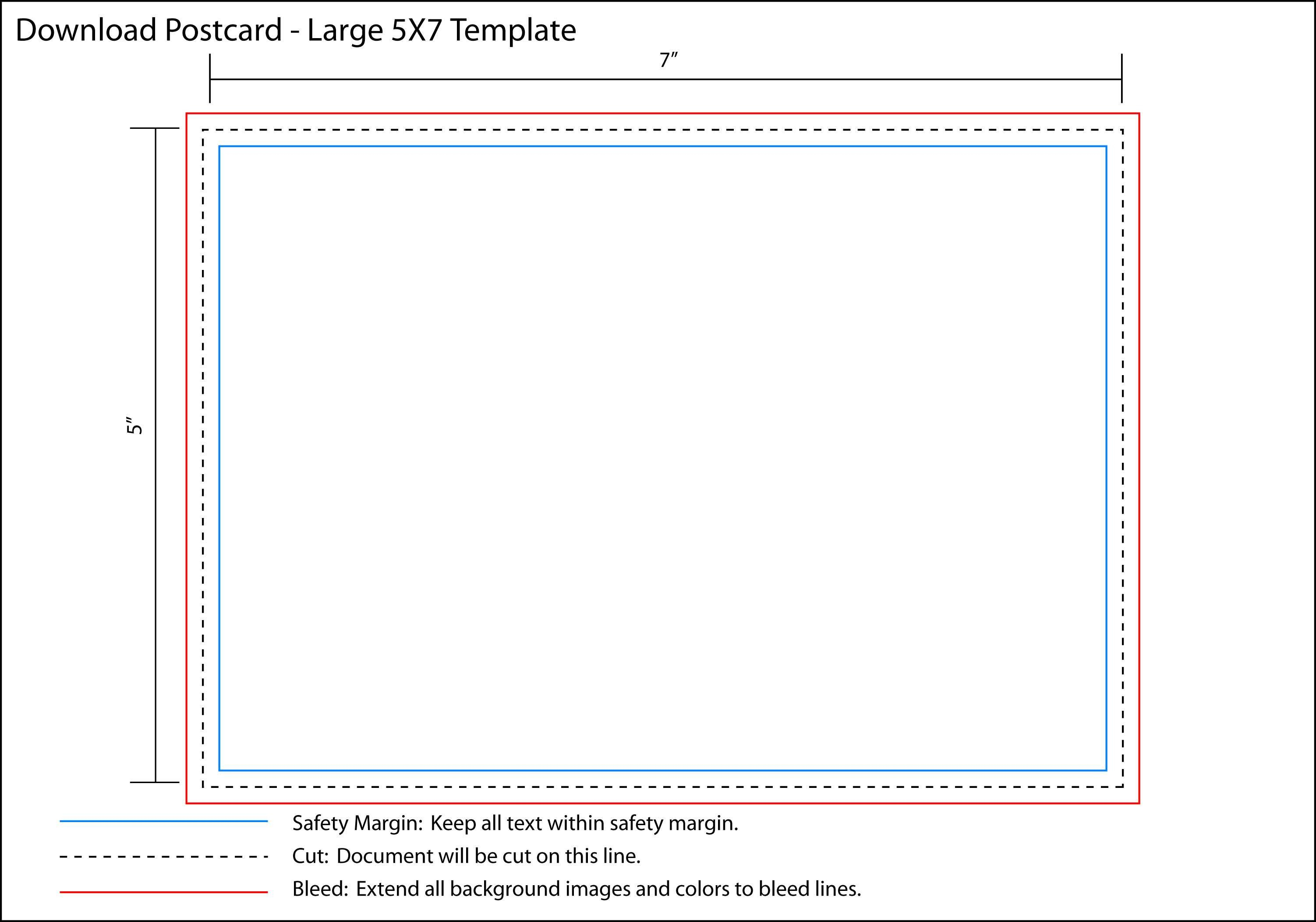
X Index Card Template Open Office With Open Office Index Card Template
vancecountyfair.com
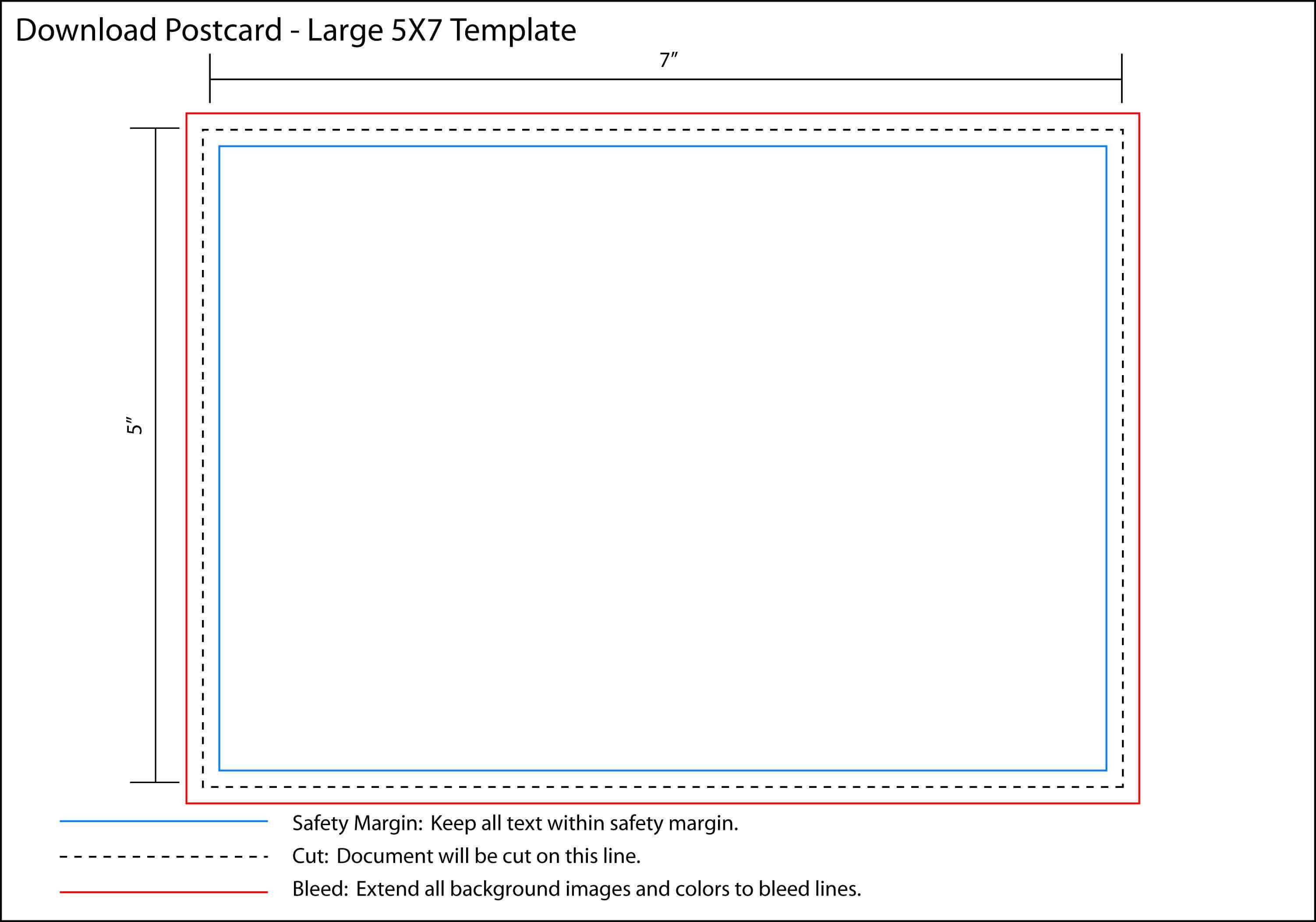
Index Card Template Open Office – Atlantaauctionco.com
www.atlantaauctionco.com
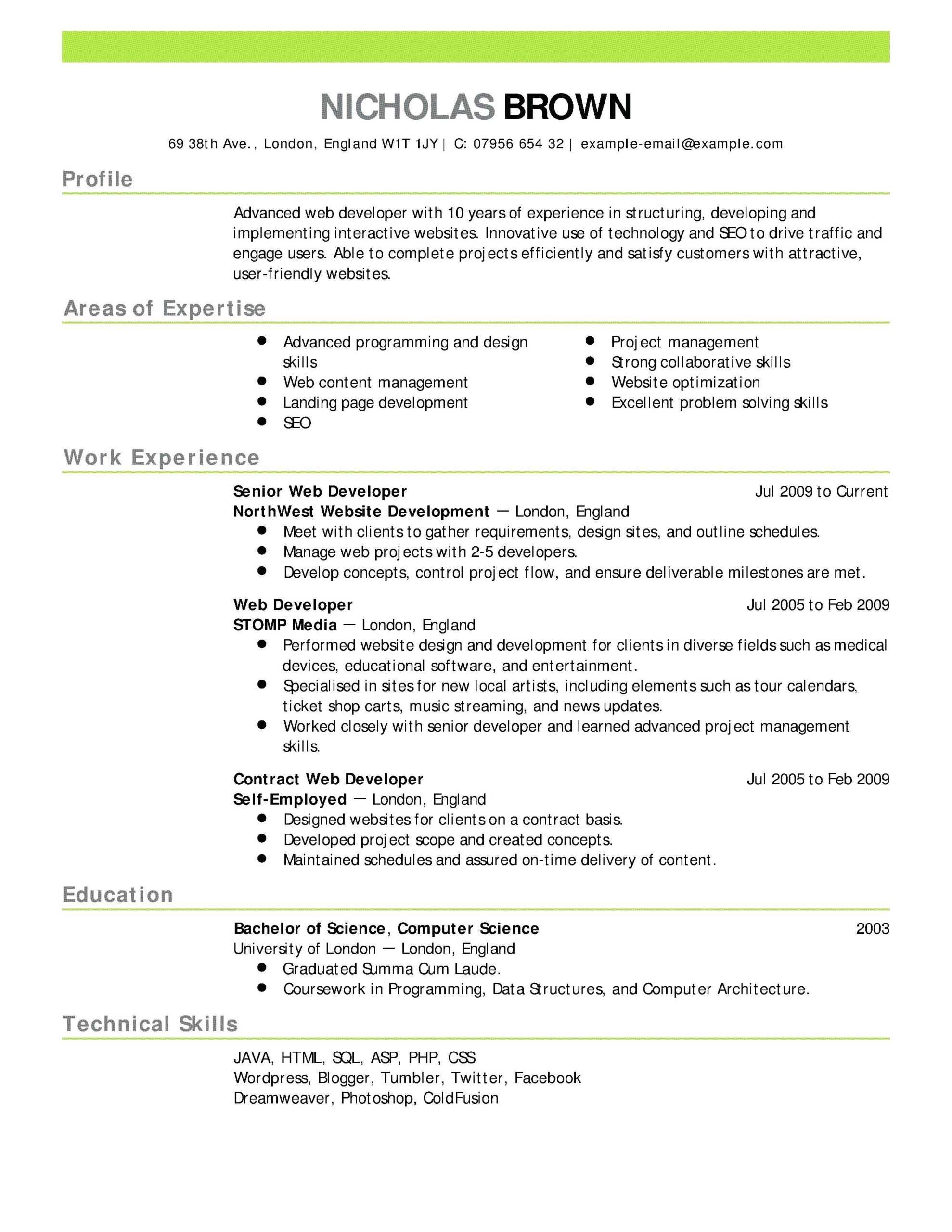
Openoffice Business Card Template
douglasbaseball.com
Index Card Template Open Office – Cardtemplate.my.id

www.cardtemplate.my.id
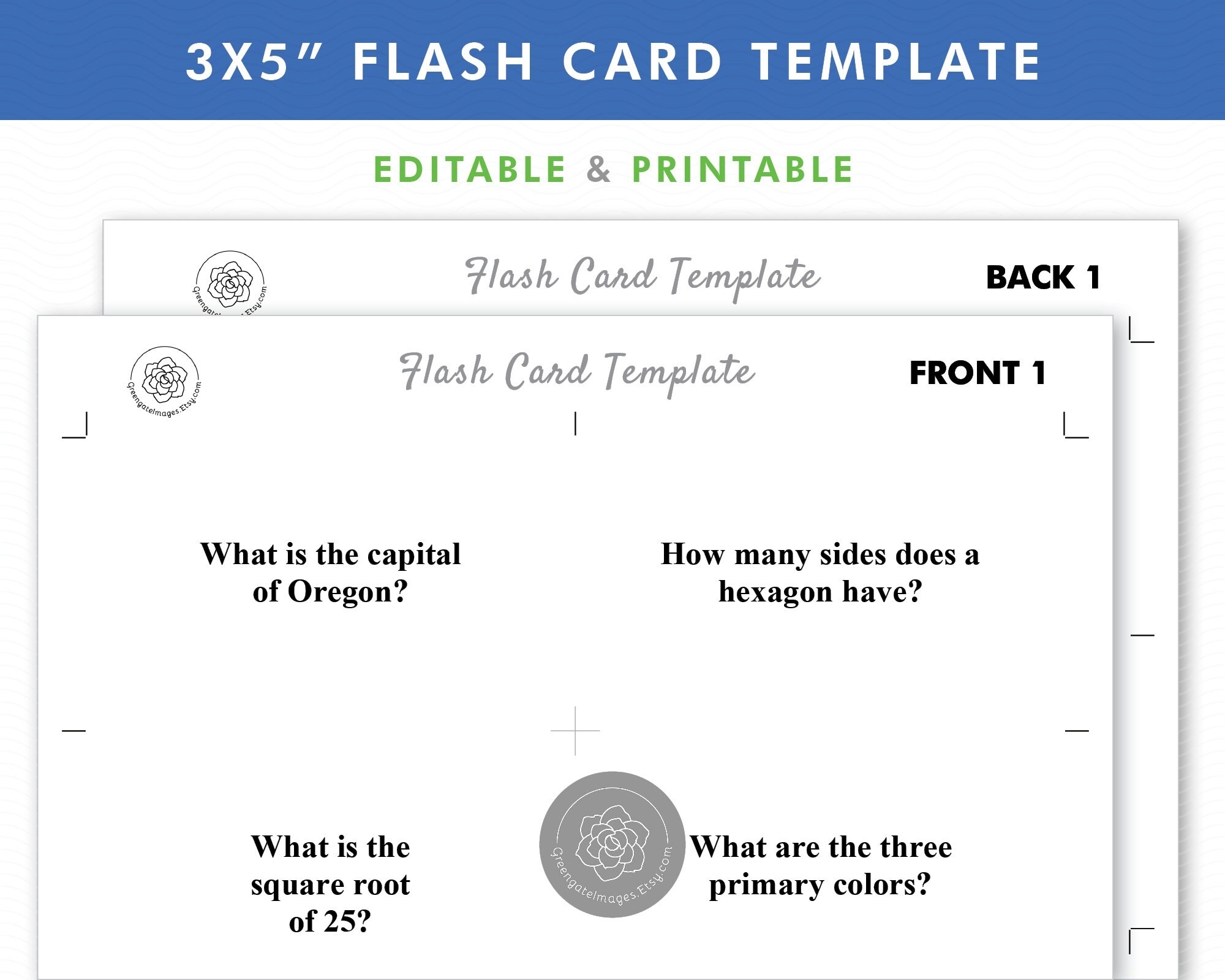
Index Card Template Open Office – Nwavwa.com
www.nwavwa.com
Index Card Template Open Office – Sarseh.com
sarseh.com
X index card template open office with open office index card template. Index card template open office – atlantaauctionco.com. open office index card template – mightyprintingdeals.com