p>Crafting the perfect first impression is crucial in the business world. Your name card (or business card) is often the first tangible thing a potential client or partner receives from you. A well-designed card communicates professionalism, attention to detail, and brand identity. While hiring a professional designer is an option, using a Photoshop name card template offers a cost-effective and highly customizable solution. Let’s delve into the world of Photoshop name card templates and explore how you can leverage them to create a memorable and impactful card.
Why Use a Photoshop Name Card Template?
Before we dive into the specifics, let’s address the “why.” Why choose a template over starting from scratch or paying a professional? The answer lies in a combination of benefits:
- Time Savings: Templates provide a pre-designed layout, significantly reducing the time spent conceptualizing and structuring your card.
- Cost-Effectiveness: Templates are often free or available for a small fee, making them a budget-friendly alternative to hiring a designer.
- Customization: Photoshop allows for extensive customization. You can easily change colors, fonts, images, and layouts to match your brand.
- Professional Look: Many templates are created by professional designers, ensuring a visually appealing and modern aesthetic.
- Print-Ready Files: Most templates come with print-ready files (typically PSD format) with proper resolution and bleed areas, ensuring a smooth printing process.
Understanding the Features of a Good Photoshop Name Card Template
Not all templates are created equal. To ensure you choose a high-quality template that meets your needs, consider the following features:
- Resolution: Look for templates with a resolution of at least 300 DPI (dots per inch) to ensure sharp and clear printing.
- Bleed Area: A bleed area is the extra space around the edges of the design that gets trimmed off during printing. Ensure the template includes a bleed area (usually 0.125 inches) to prevent white borders on your printed cards.
- Color Mode: The template should be in CMYK color mode, the standard color mode for printing.
- Layered PSD File: The template should be a layered PSD file, allowing you to easily edit individual elements like text, logos, and backgrounds.
- Font Compatibility: Check if the template uses free or commercially available fonts. If commercial fonts are used, you’ll need to purchase them separately.
- Design Style: Choose a template that aligns with your brand’s aesthetic. Consider your industry, target audience, and overall brand message.
- Easy Customization: The template should be easy to navigate and customize, even if you have limited Photoshop experience. Look for well-organized layers and clear instructions (if provided).
Key Elements to Customize in Your Name Card Template
Once you’ve chosen a template, the real work begins: customization! Here are the key elements you’ll need to personalize:
- Your Name: This is the most crucial element! Ensure your name is prominently displayed and easy to read.
- Your Job Title: Clearly state your role within the company.
- Company Name and Logo: Use your official company name and logo. Place your logo strategically, usually in the upper left or right corner.
- Contact Information: Include your phone number, email address, and website URL. Make sure this information is accurate and up-to-date.
- Address (Optional): Depending on your business, you may choose to include your physical address.
- Social Media Handles (Optional): If social media is a key part of your business, consider adding relevant social media icons and handles.
- Colors: Adjust the template’s colors to match your brand’s color palette.
- Fonts: Choose fonts that are legible and consistent with your brand’s typography.
- Background Image/Pattern: Select a background image or pattern that complements your brand and adds visual interest. Avoid overly busy backgrounds that can distract from the text.
Remember to save your customized name card in a high-resolution PDF format with bleed marks enabled for optimal printing results. With a well-chosen Photoshop template and careful customization, you can create a professional and memorable name card that effectively represents your brand.
If you are looking for CREATIVE PHOTOSHOP BUSINESS CARD TEMPLATE | MasterBundles you’ve visit to the right page. We have 22 Pics about CREATIVE PHOTOSHOP BUSINESS CARD TEMPLATE | MasterBundles like Photoshop Name Card Template – Creative Inspirational Template Examples, Examples Of A Stylish Business Card Photoshop Template with Photoshop and also Name Card Photoshop Template – Sarseh.com. Here it is:
CREATIVE PHOTOSHOP BUSINESS CARD TEMPLATE | MasterBundles
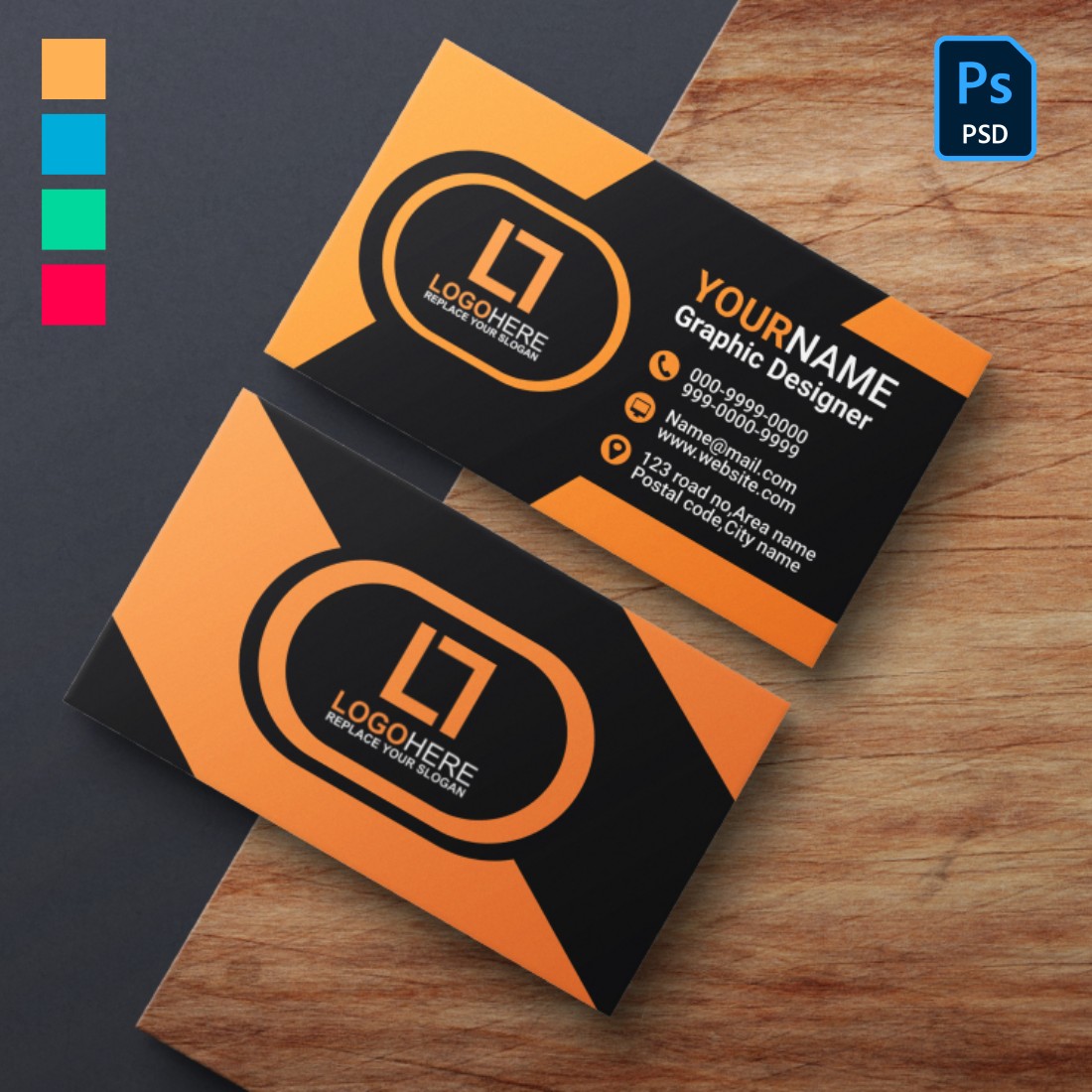
masterbundles.com
001 Photoshop Business Card Template Fantastic Ideas With Photoshop
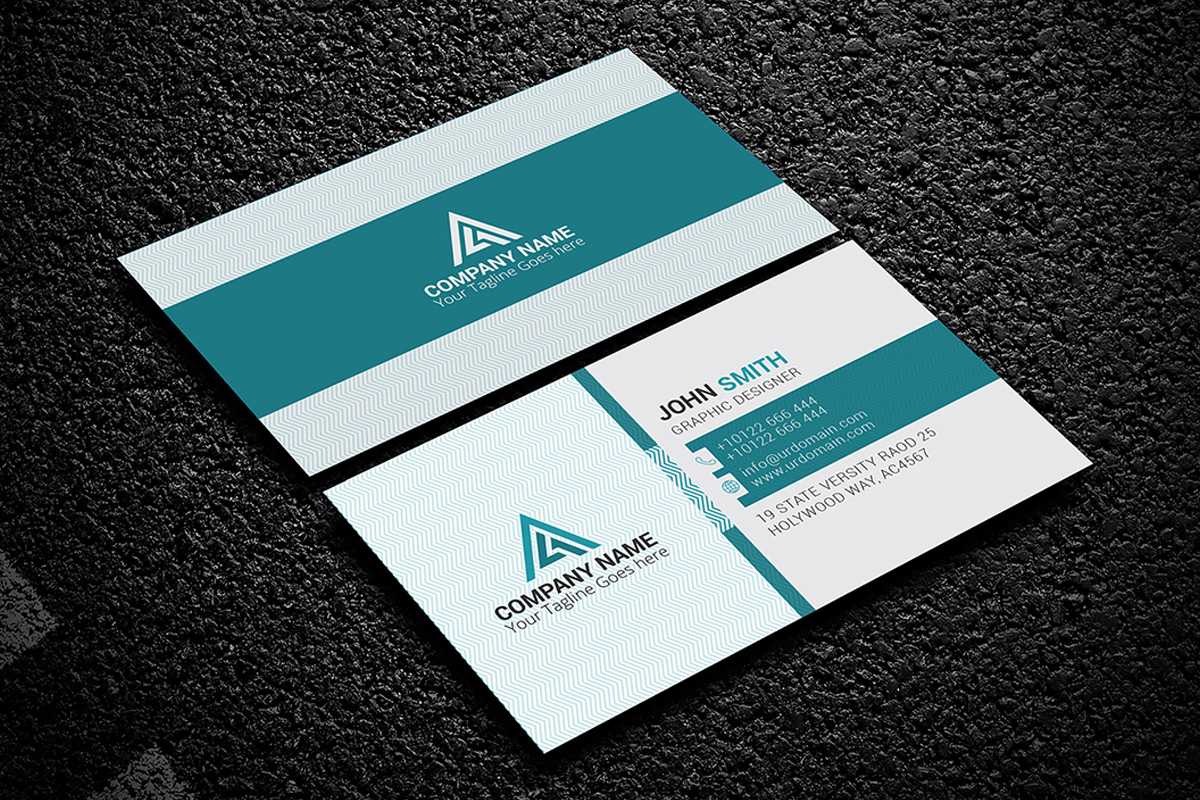
www.xfanzexpo.com
Name Card Template Photoshop | Best Creative Template Design
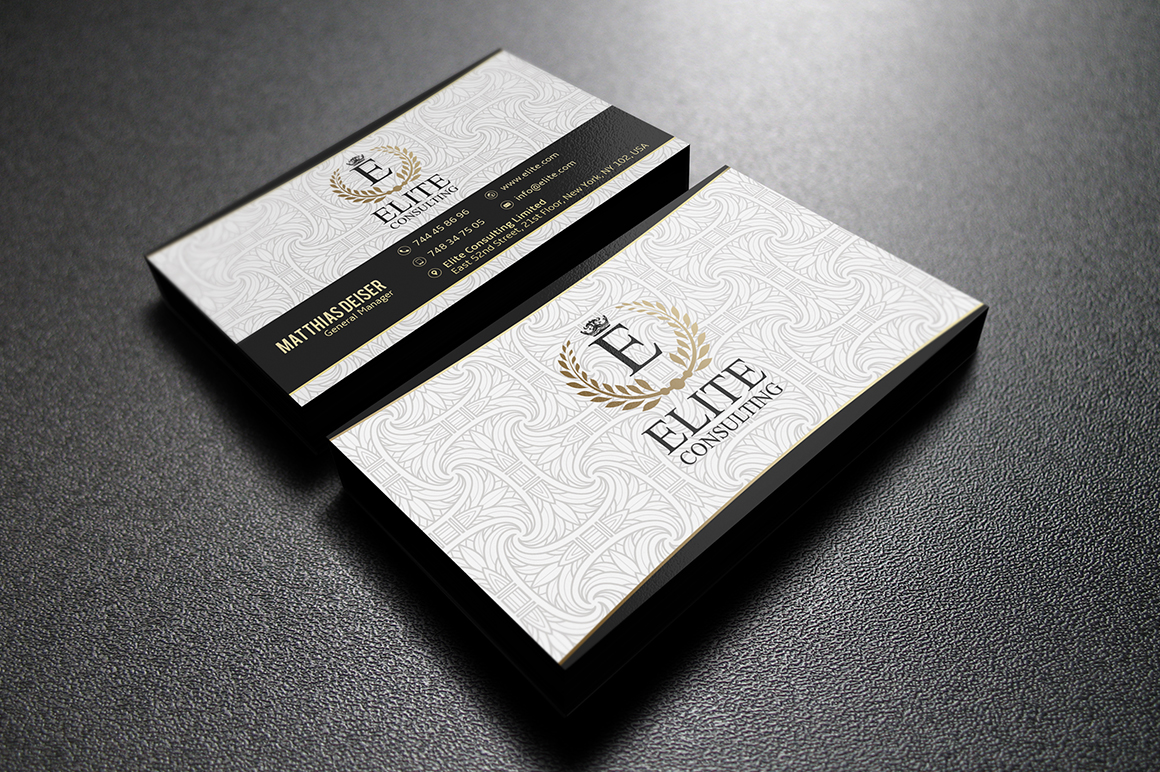
bestcreativetemplatedesign.blogspot.com
200 Free Business Cards Psd Templates – Creativetacos With Regard To
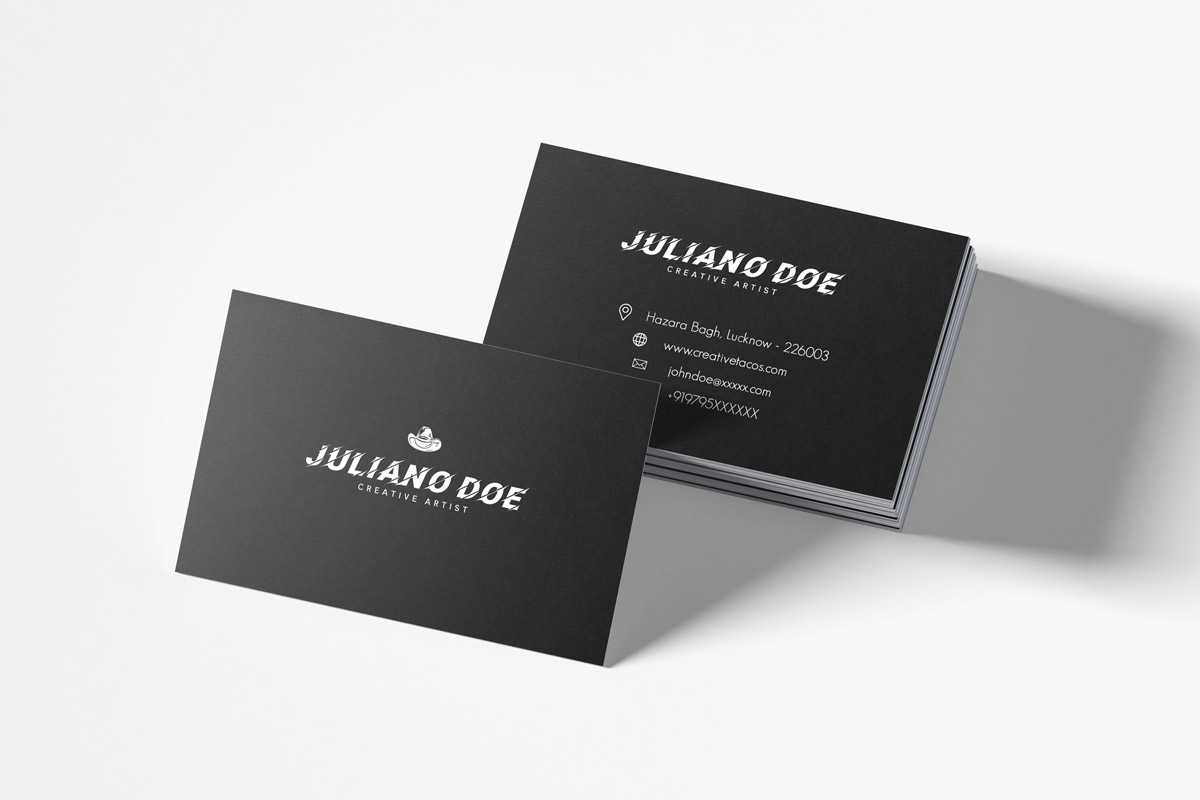
www.xfanzexpo.com
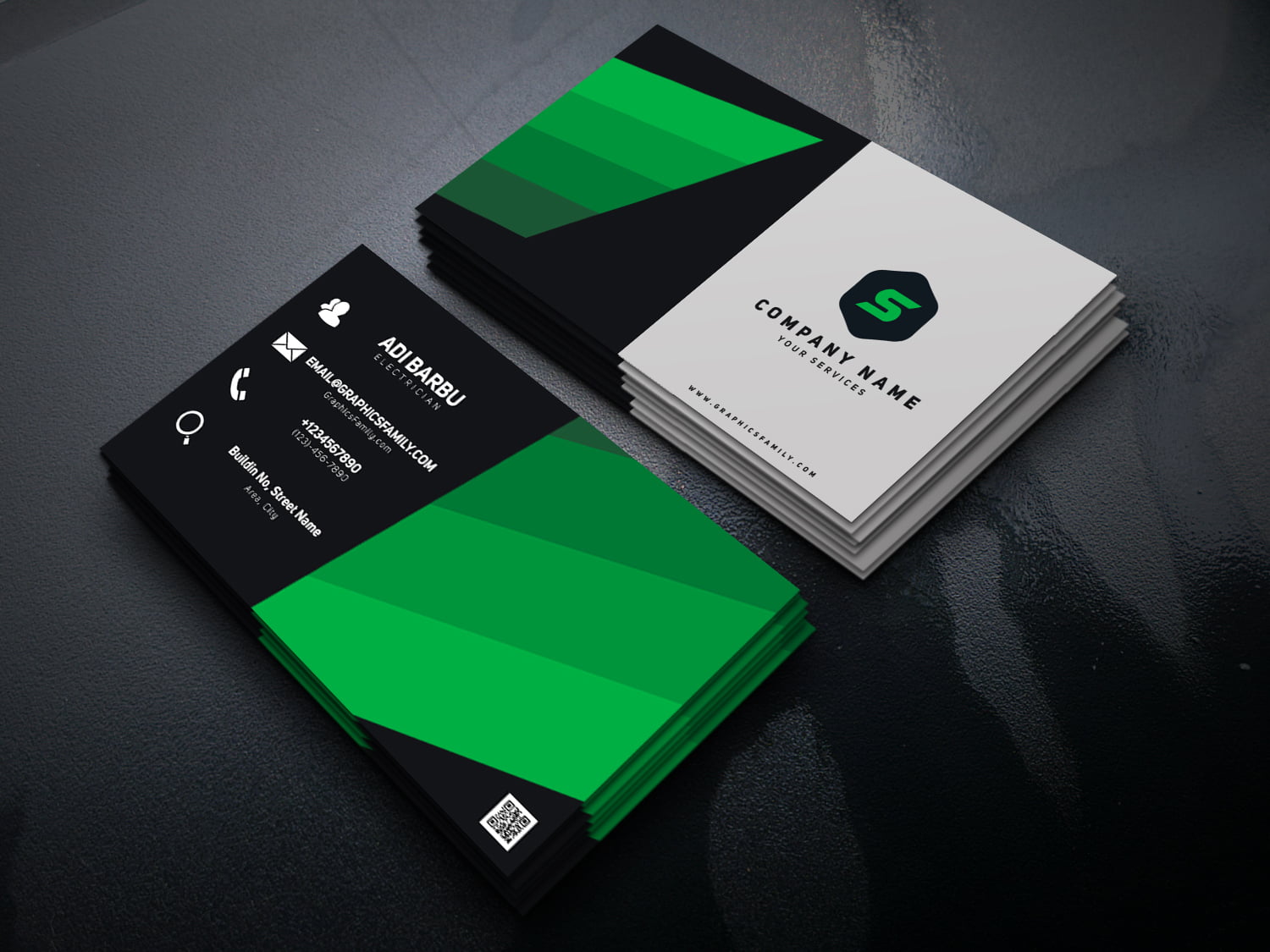
Photoshop Name Card Template
www.cardtemplate.my.id
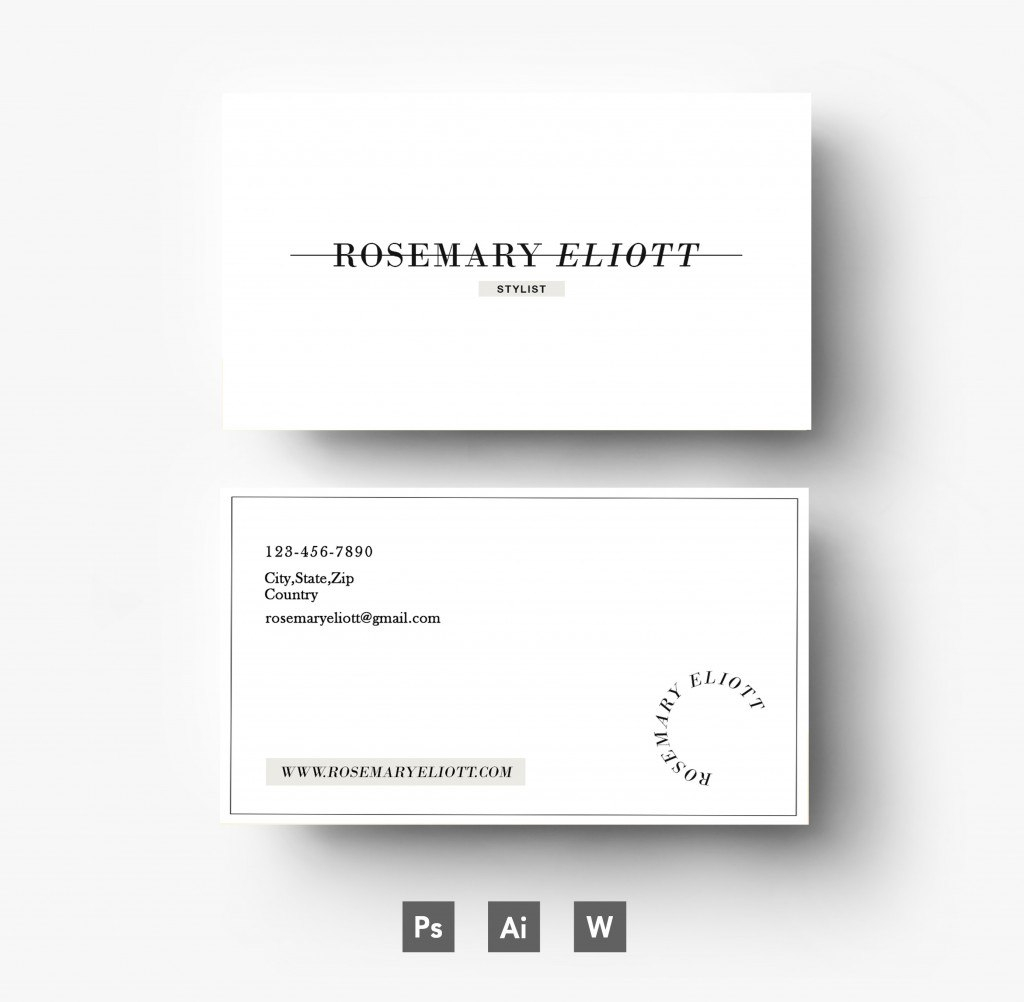
Business Card Template Photoshop Offers For Creative People Throughout
vancecountyfair.com
PSD Name Card Template – Graphic Mega | Graphic Templates Store

graphicmega.com
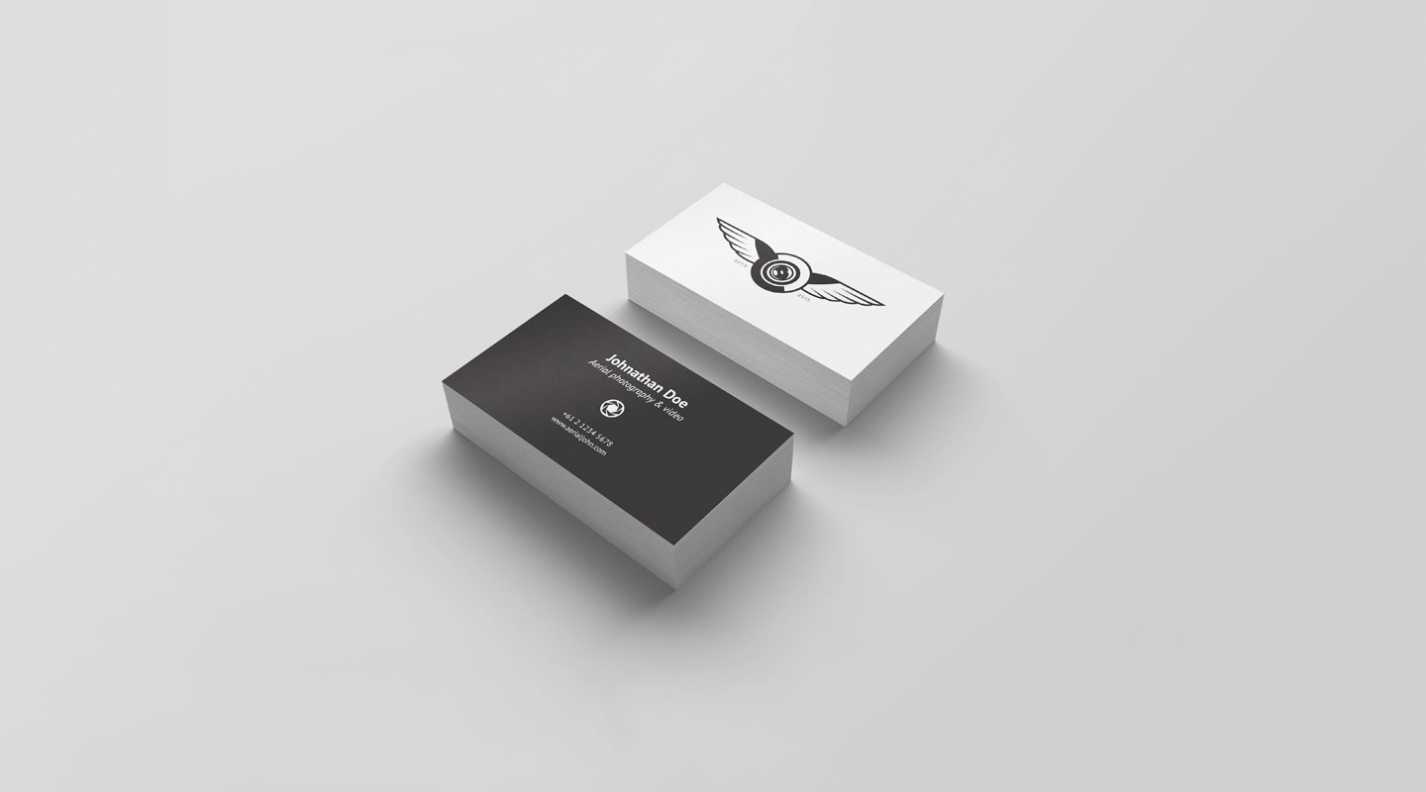
Photoshop Name Card Template – Creative Inspirational Template Examples
habib.gelorailmu.com
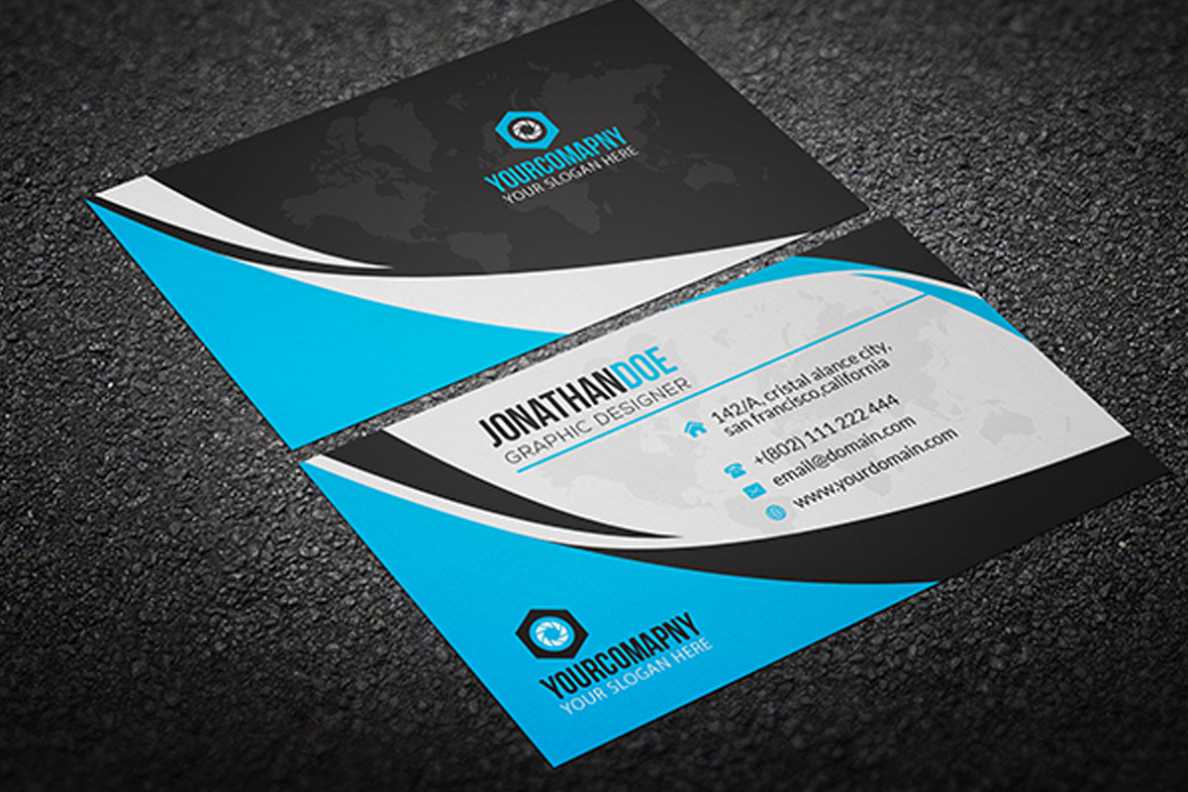
Photoshop Name Card Template – Creative Inspirational Template Examples
habib.gelorailmu.com
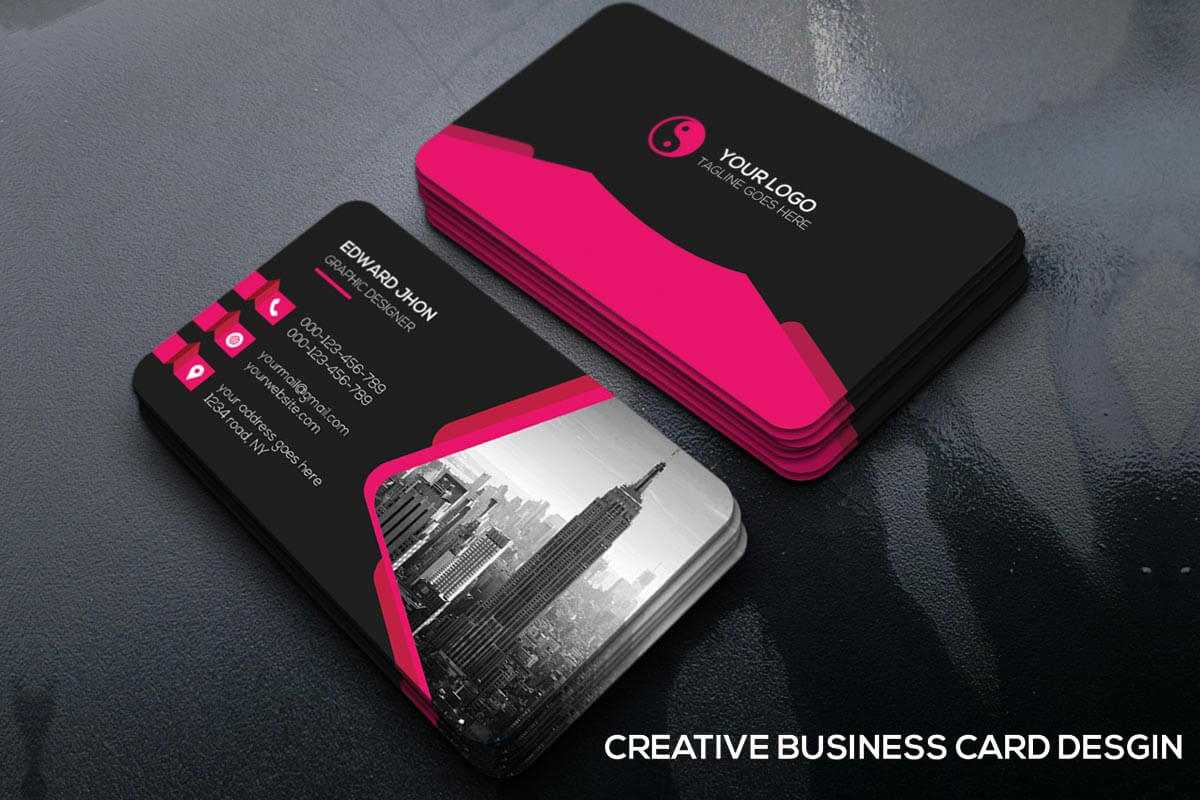
200 Free Business Cards Psd Templates – Creativetacos With Photoshop
sample.gelorailmu.com
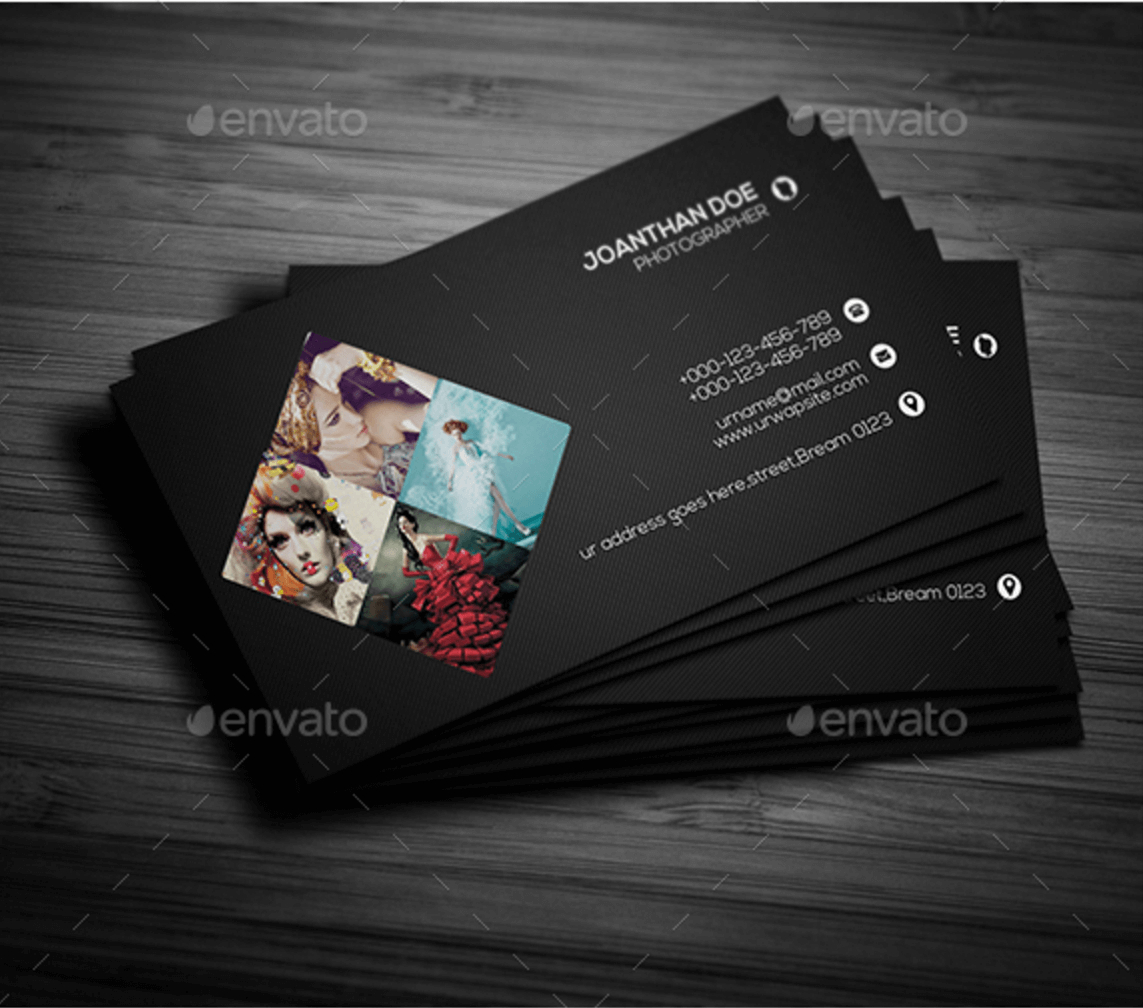
Photoshop Name Card Template
sample.gelorailmu.com
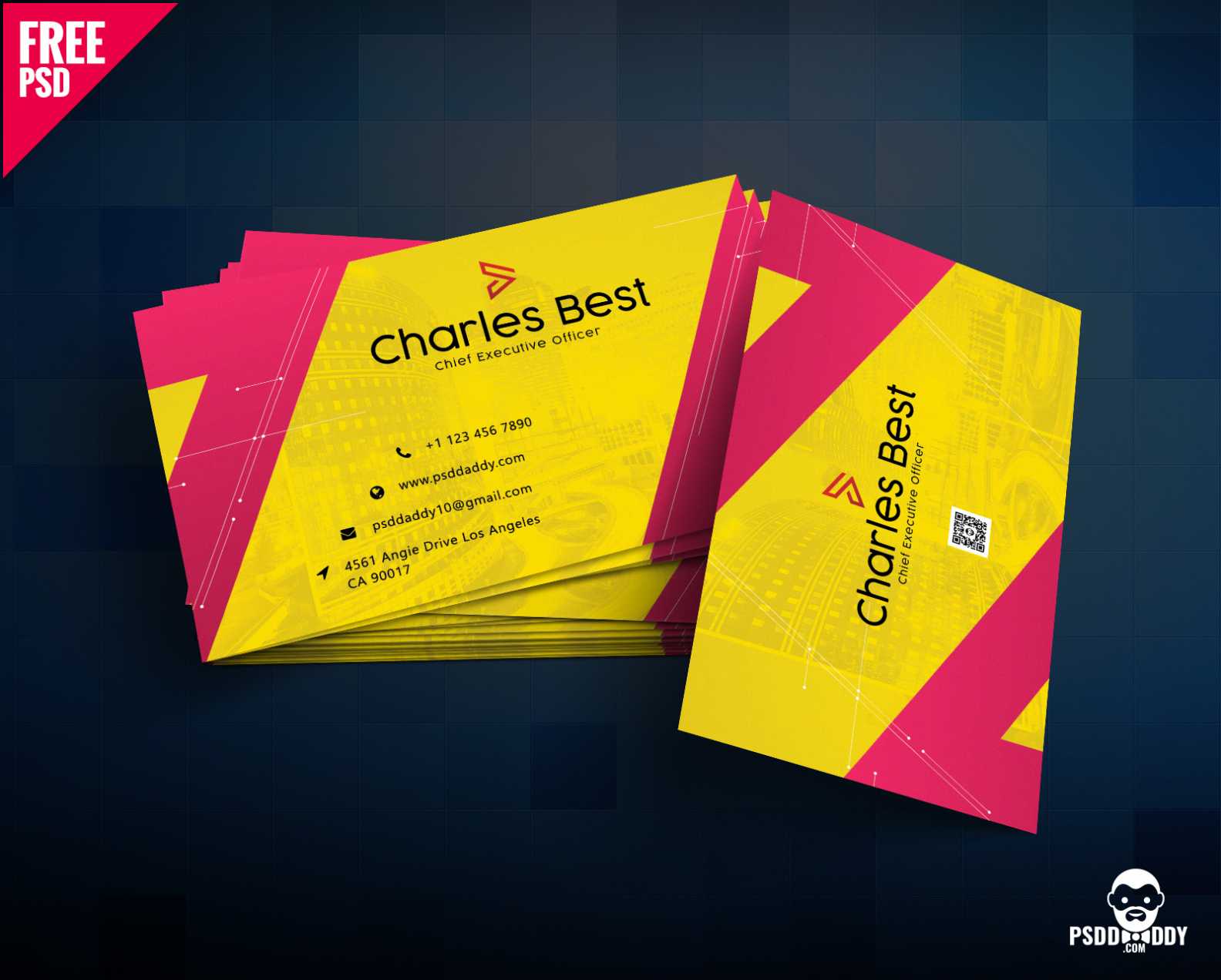
Photoshop Name Card Template – Creative Inspirational Template Examples
habib.gelorailmu.com
Name Card Photoshop Template – Sarseh.com

sarseh.com
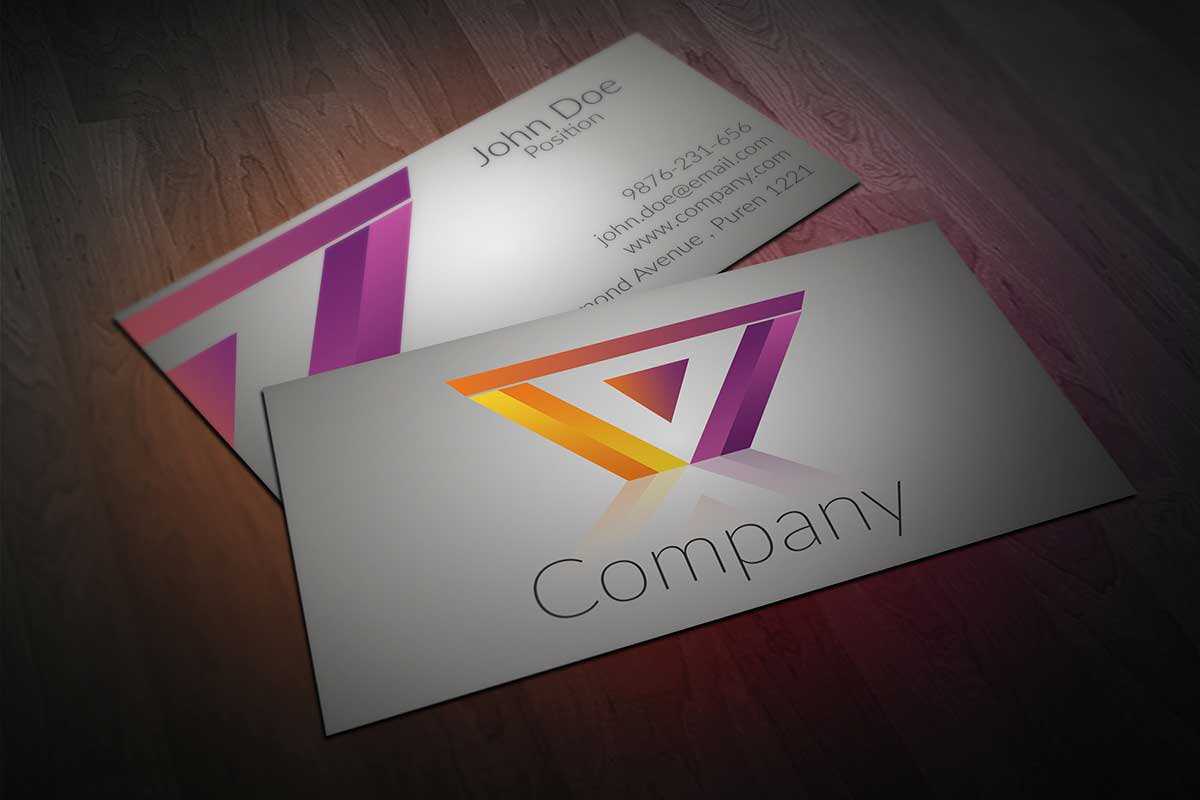
60+ Only The Best Free Business Cards 2015 | Free-Psd-Templates With
sample.gelorailmu.com
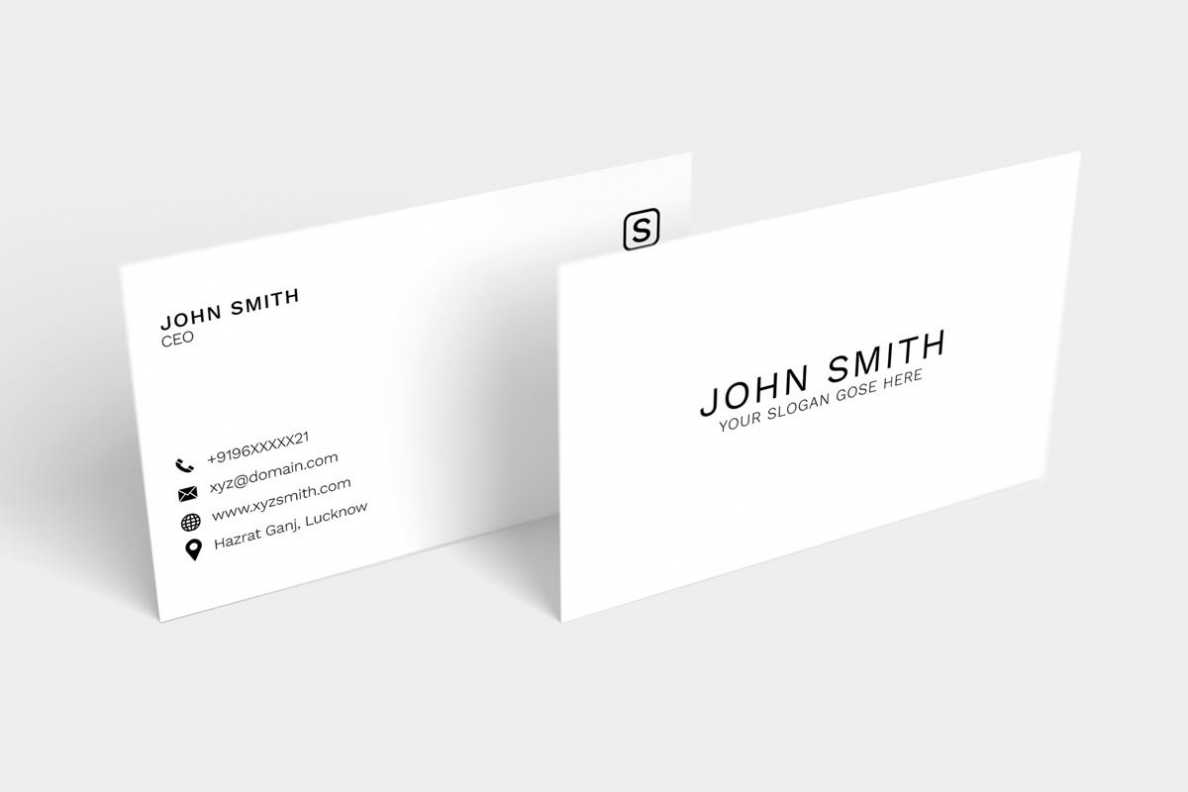
Photoshop Name Card Template – Creative Inspirational Template Examples
habib.gelorailmu.com
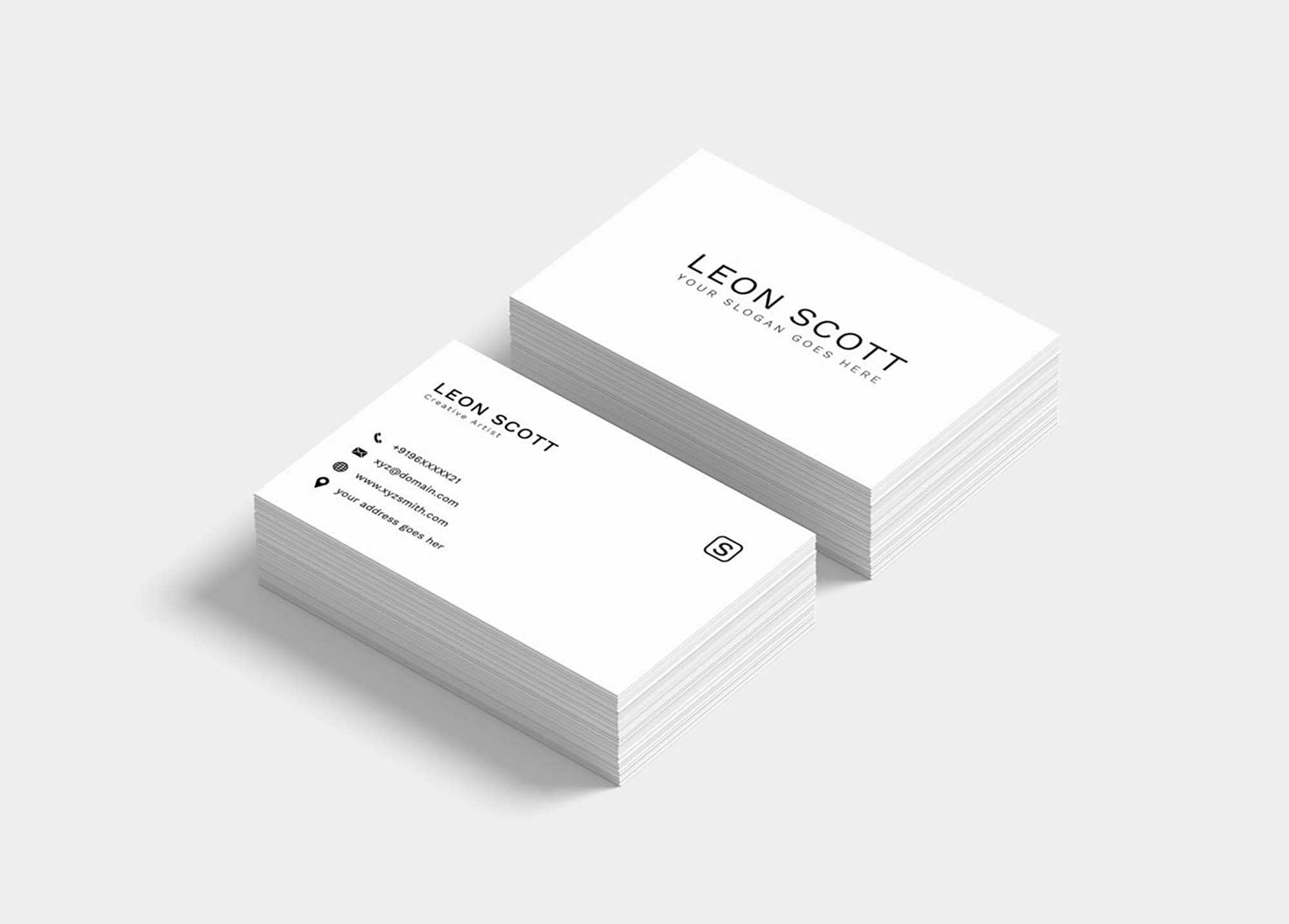
Free Minimal Elegant Business Card Template (Psd) With Photoshop Name
sample.gelorailmu.com
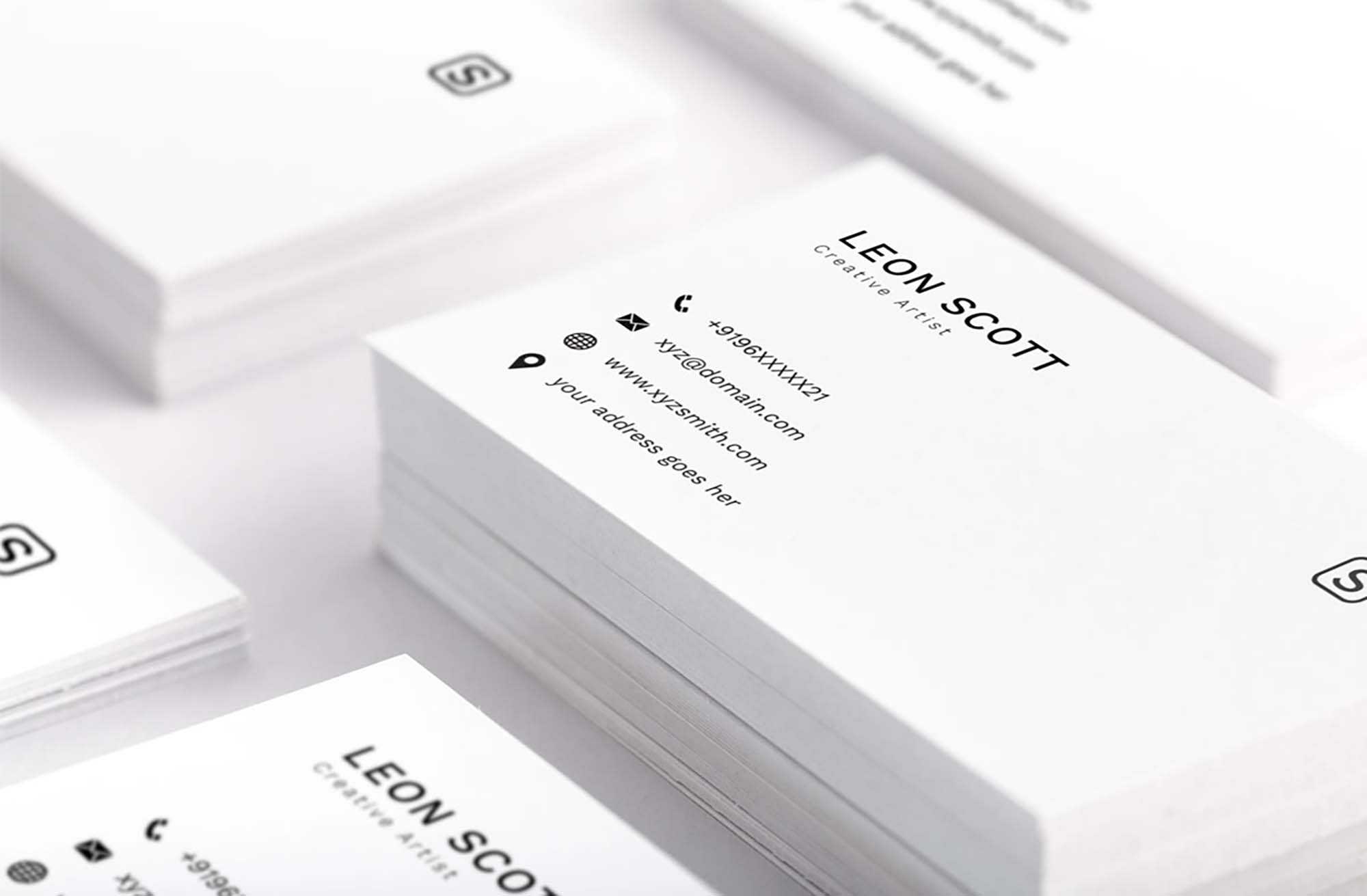
Name Card Photoshop Template – Sarseh.com
sarseh.com
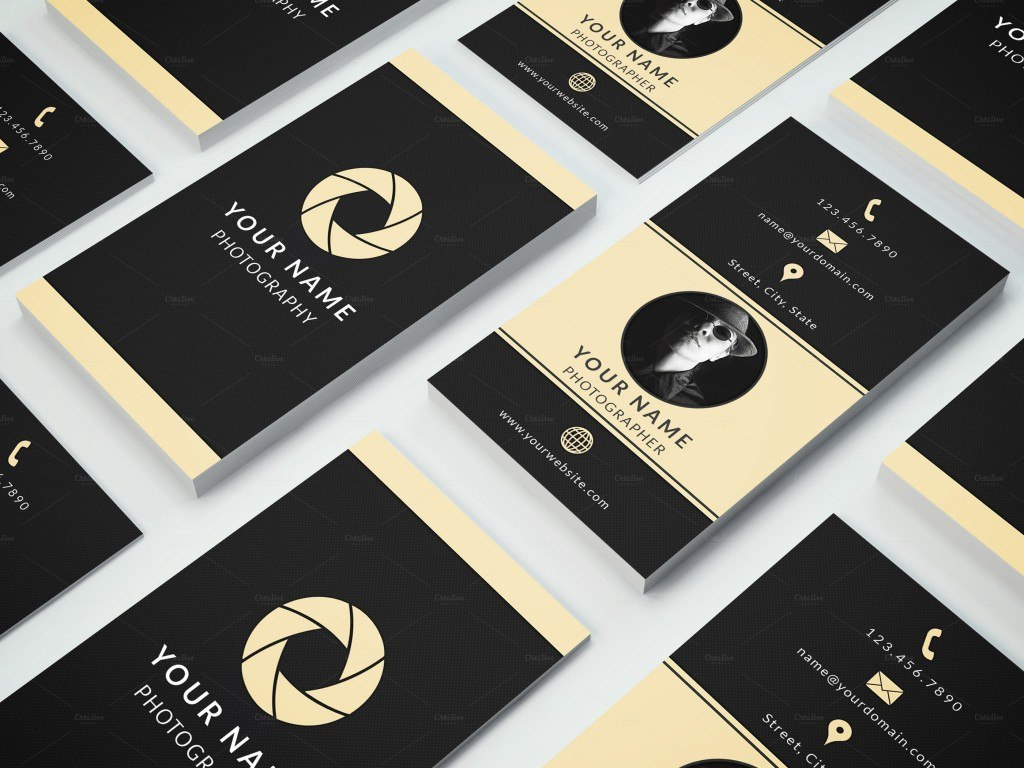
Examples Of A Stylish Business Card Photoshop Template With Photoshop
vancecountyfair.com
Business Card Templatedalibor Stankovic On Dribbble For Photoshop Name
www.xfanzexpo.com
Professionallooking Photoshop Business Card Template Ideas With
vancecountyfair.com
Name Card Photoshop Template – CC Alcala Norte
www.ccalcalanorte.com
200 Free Business Cards Psd Templates – Creativetacos With Name Card
sample.gelorailmu.com
Business card templatedalibor stankovic on dribbble for photoshop name. 60+ only the best free business cards 2015. name card photoshop template