PVC cards, short for Polyvinyl Chloride cards, are ubiquitous in modern society. They serve as identification, access control, loyalty programs, and more. While the physical card provides the tangible component, a well-designed PVC card template is the foundation for creating professional and effective cards. Without a proper template, your cards may lack consistency, look unprofessional, or even be unusable with card readers or printers.
Understanding PVC Card Templates
A PVC card template is essentially a digital blueprint that defines the dimensions, layout, and specifications for printing information onto a PVC card. It’s a crucial element in ensuring that your printed cards meet industry standards and fulfill their intended purpose. A good template streamlines the design process, minimizes errors, and ensures consistency across a batch of cards. Different templates are required for different card types and printing methods. For example, a template for a magnetic stripe card will have different considerations than one for a contactless RFID card.
Key Elements of a PVC Card Template
Before diving into where to find and how to use PVC card templates, let’s break down the vital components that make up a robust template:
- Card Dimensions: This is arguably the most fundamental aspect. PVC cards adhere to the ISO/IEC 7810 standard, which defines the dimensions of the most common ID-1 (credit card size) as 85.60 mm × 53.98 mm (3.370 in × 2.125 in). Your template *must* adhere to these dimensions for compatibility with card printers, readers, and wallets. Inaccuracies can render your cards unusable.
- Resolution and Color Mode: Templates need to be created in a high resolution (typically 300 DPI or higher) to ensure crisp and clear printing. The color mode should be CMYK (Cyan, Magenta, Yellow, Key/Black) as this is the standard for professional printing. Using RGB color mode can lead to color variations when printed.
- Bleed Area: The bleed area is an extension of the design beyond the actual card dimensions. It ensures that when the card is cut after printing, there are no unprinted white edges. Typically, a bleed of 1/8 inch (0.125 in or 3.175 mm) on all sides is sufficient.
- Safe Zone: The safe zone, also known as the margin, is an area within the card dimensions where critical information, such as text and logos, should be placed. This prevents them from being accidentally cut off during trimming. A safe zone of at least 1/8 inch is recommended.
- Magnetic Stripe Placement (if applicable): If your card includes a magnetic stripe, the template must accurately specify its location and dimensions according to ISO/IEC 7811 standards. Incorrect placement will render the stripe unreadable.
- Chip Module Placement (if applicable): Similarly, for smart cards with chip modules, the template must define the chip’s position and dimensions according to ISO/IEC 7816 standards.
- Variable Data Fields: If your card includes variable data, such as names, numbers, or barcodes, the template should include placeholders for these fields, ensuring they are correctly positioned and formatted.
Where to Find PVC Card Templates
You have several options when it comes to sourcing PVC card templates:
- Card Printer Manufacturers: Major card printer manufacturers, such as Zebra, Fargo, and Evolis, often provide free templates specifically designed for their printers. These templates are usually available on their websites. This is often the best starting point because they guarantee compatibility.
- Card Printing Software: Dedicated card printing software, like CardExchange, CardPreso, and ID Card Workshop, typically includes a library of pre-designed templates that you can customize. These software packages offer features for managing databases, encoding magnetic stripes, and printing variable data.
- Online Template Libraries: Several websites offer both free and premium PVC card templates. However, exercise caution when using free templates, as their quality and accuracy may vary.
- Graphic Design Software: You can create your own PVC card templates using graphic design software like Adobe Photoshop, Adobe Illustrator, or CorelDRAW. This gives you the most flexibility but requires more technical expertise. Ensure your software settings are correct for CMYK printing at the desired resolution (300 DPI or higher).
- Professional Printing Services: If you lack the time or expertise to design your own templates, consider using a professional printing service. They can create custom templates based on your specific requirements.
Using a PVC Card Template: A Step-by-Step Guide
Once you’ve selected a template, follow these steps to create your PVC cards:
- Open the Template: Open the template in your chosen graphic design software or card printing software.
- Customize the Design: Add your logo, text, images, and other design elements to the template. Make sure to stay within the safe zone to prevent any critical information from being cut off.
- Add Variable Data: If your card includes variable data, link the template to your database or spreadsheet and populate the fields with the appropriate information.
- Proofread Carefully: Double-check all information for accuracy, including spelling, grammar, and data integrity.
- Save the Design: Save the design in a high-resolution format, such as PDF or TIFF.
- Print Your Cards: Follow the instructions provided by your card printer manufacturer or printing service to print your cards. Ensure that your printer is properly calibrated for optimal color accuracy.
By understanding the importance of PVC card templates and following the steps outlined above, you can create professional, consistent, and functional cards that meet your specific needs. Remember to choose a template that is compatible with your card printer and carefully consider the dimensions, resolution, color mode, and other key elements to ensure optimal results.
If you are searching about 132+ Awesome Pvc Card Templates – Template Ideas you’ve came to the right place. We have 22 Pics about 132+ Awesome Pvc Card Templates – Template Ideas like PVC ID Card Template – Edit Online & Download Example | Template.net, Pvc Card Template Free Download Printable Templates – vrogue.co and also Pvc Card Template – KAESG BLOG. Here it is:
132+ Awesome Pvc Card Templates – Template Ideas
wordtemplateideas.blogspot.com
Pvc Card Template – Professional Design Template
professionaldesigntemplate.blogspot.com
Pvc Card Template

data1.skinnyms.com
Pvc Card Template – Nwavwa.com
www.nwavwa.com
132+ Awesome Pvc Card Templates – Template Ideas
wordtemplateideas.blogspot.com
Pvc Card Template
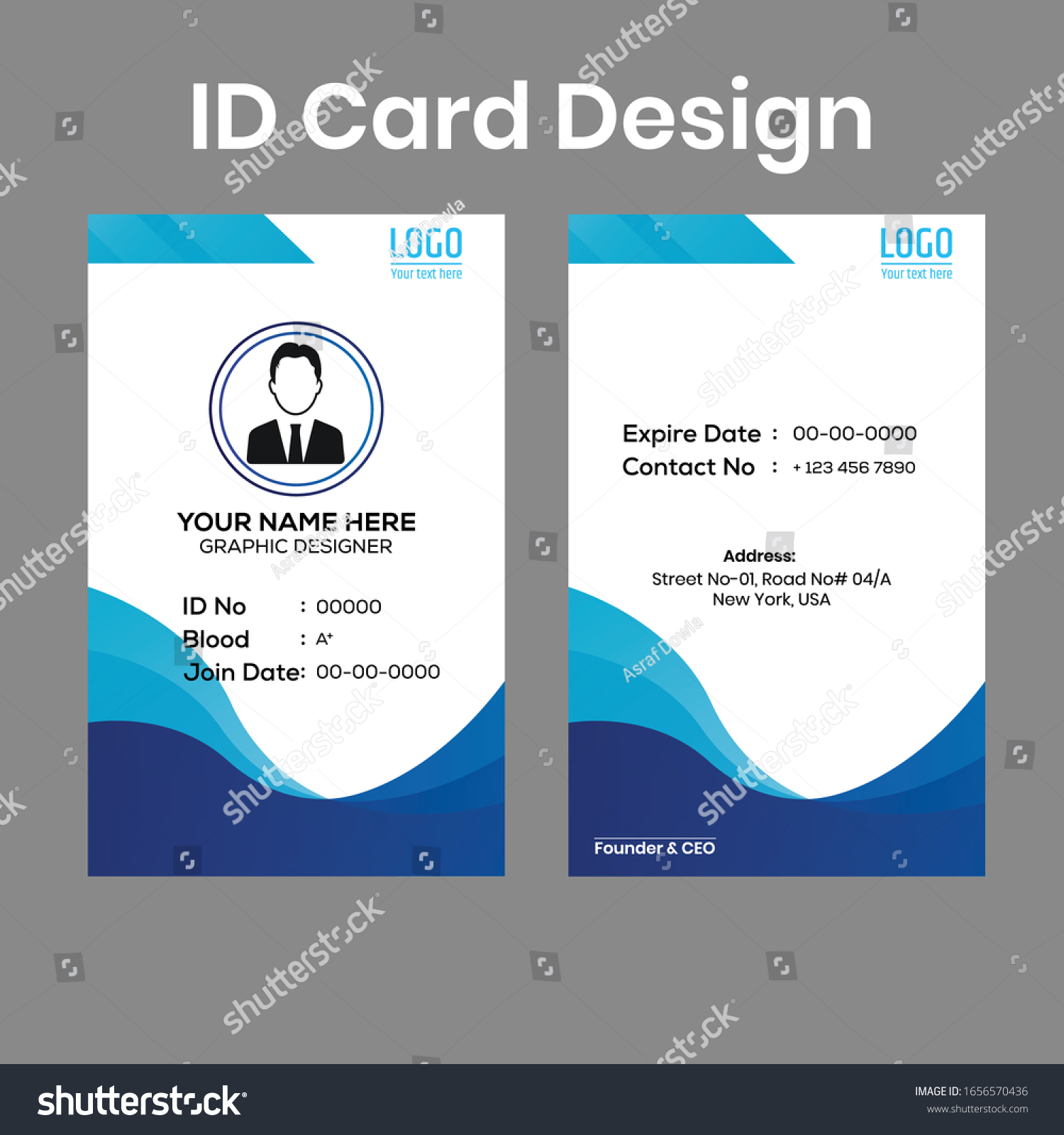
sarseh.com
Pvc Card Template

data1.skinnyms.com
Pvc Card Template – KAESG BLOG
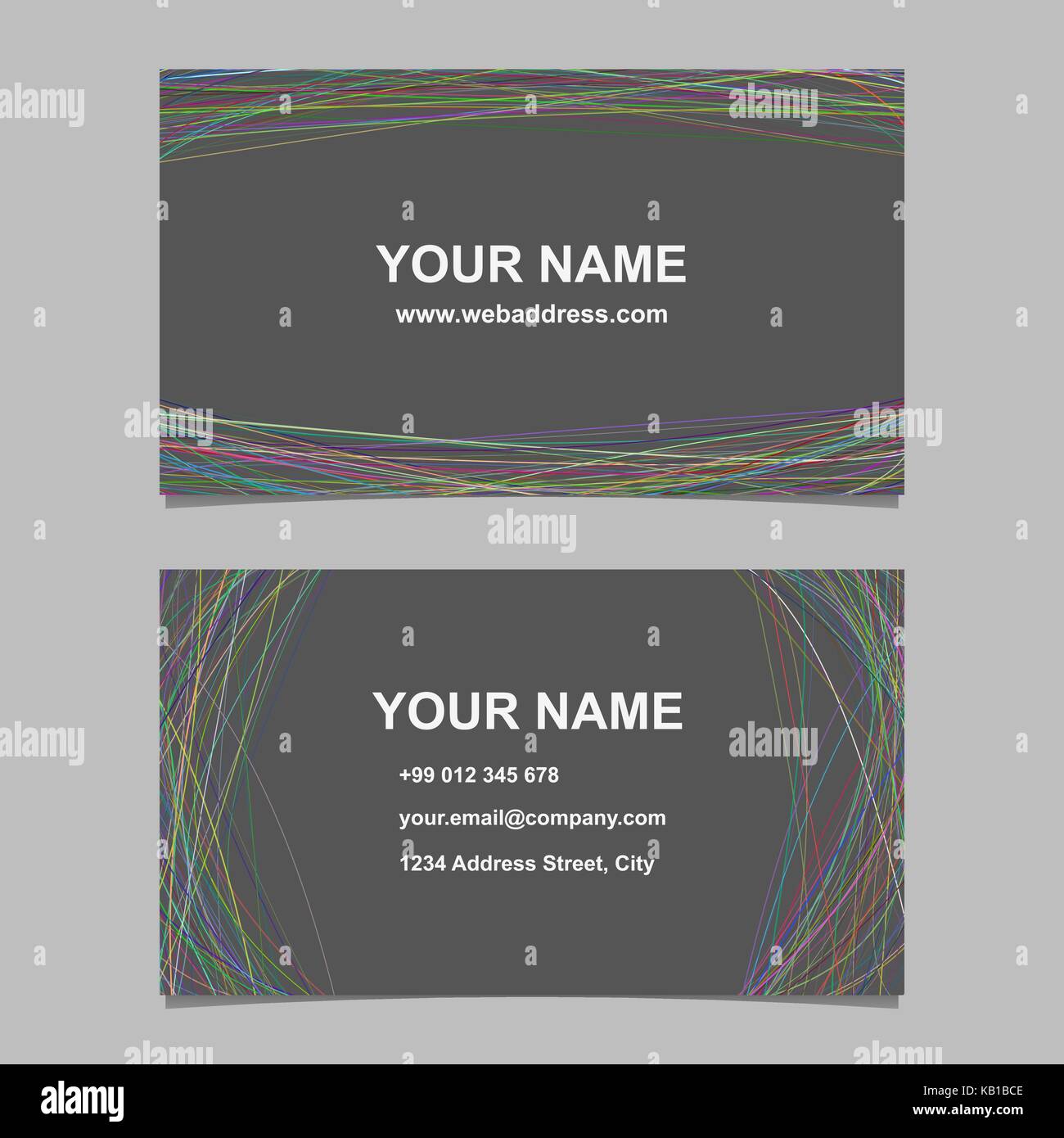
kaesg.com
132+ Awesome Pvc Card Templates – Template Ideas
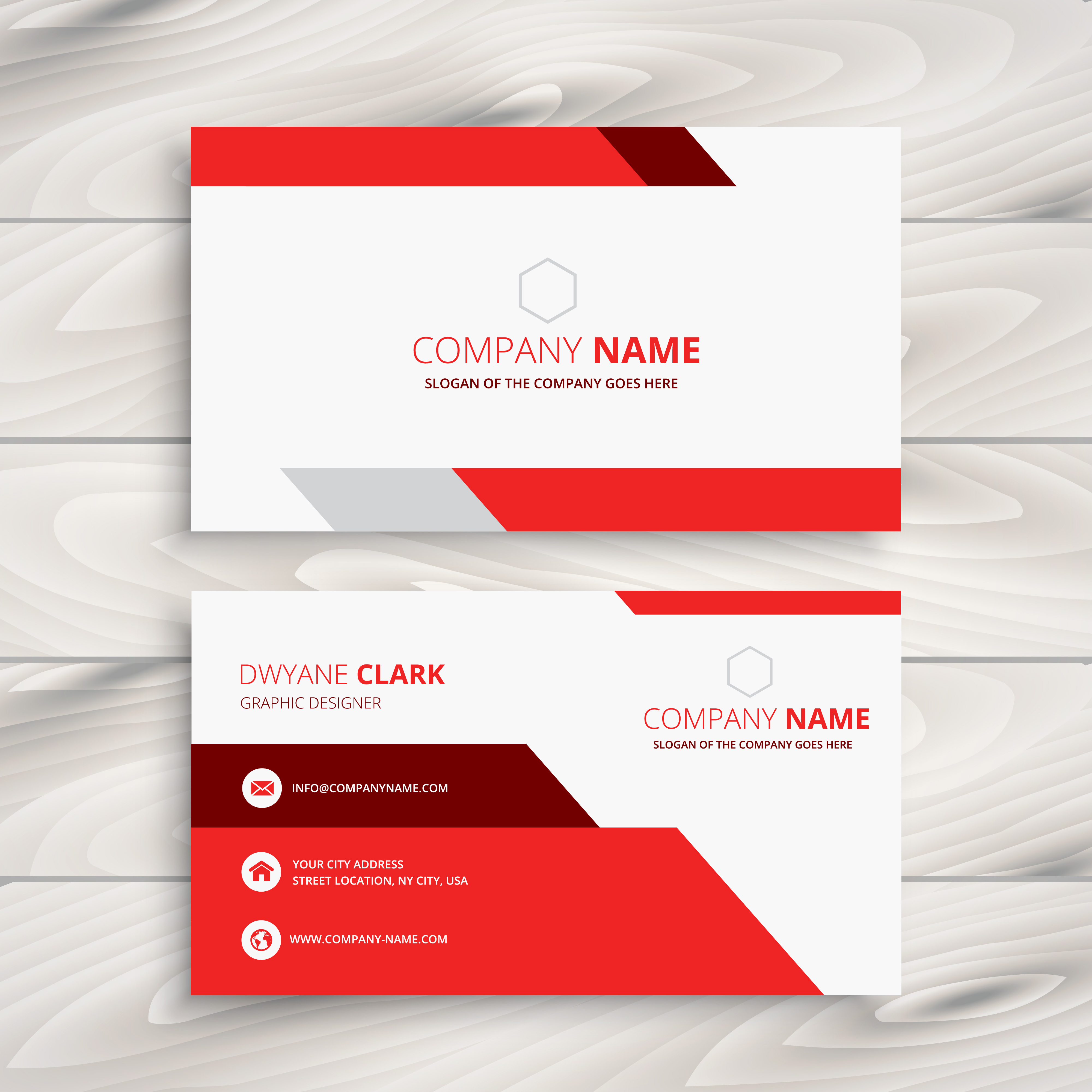
wordtemplateideas.blogspot.com
Pvc Id Card Template – Cardtemplate.my.id
www.cardtemplate.my.id
Membership Card Template Vector Membership Card Vip Card Pvc Card
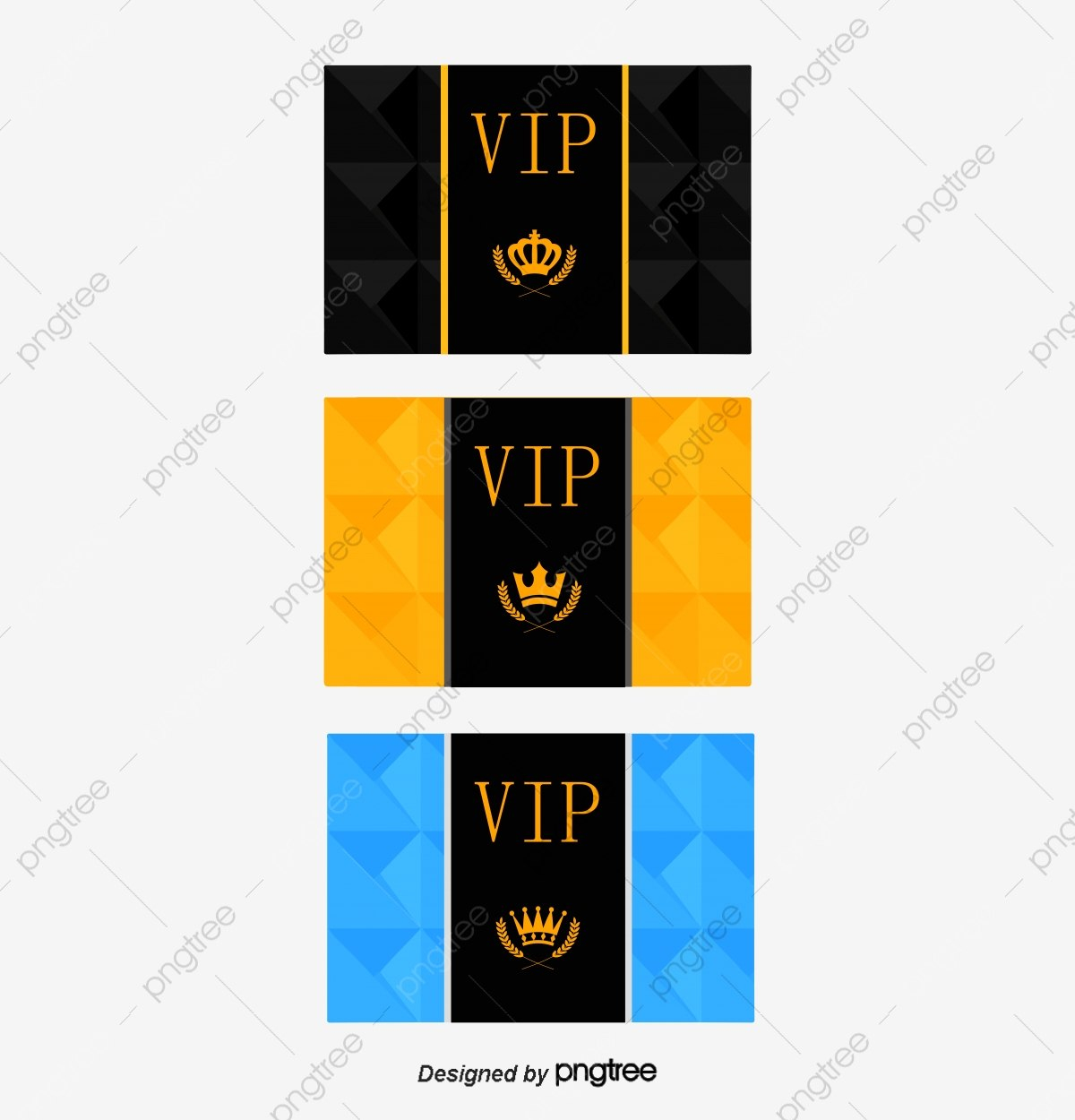
vancecountyfair.com
Pvc Card Template Free Download – Printable Templates

templates.udlvirtual.edu.pe
PVC ID Card Template – Edit Online & Download Example | Template.net

www.template.net
Pvc Id Card Template Psd Free Download – Printable Templates: Your Go
templates.udlvirtual.edu.pe
Pvc Card Template Free Download Printable Templates – Vrogue.co
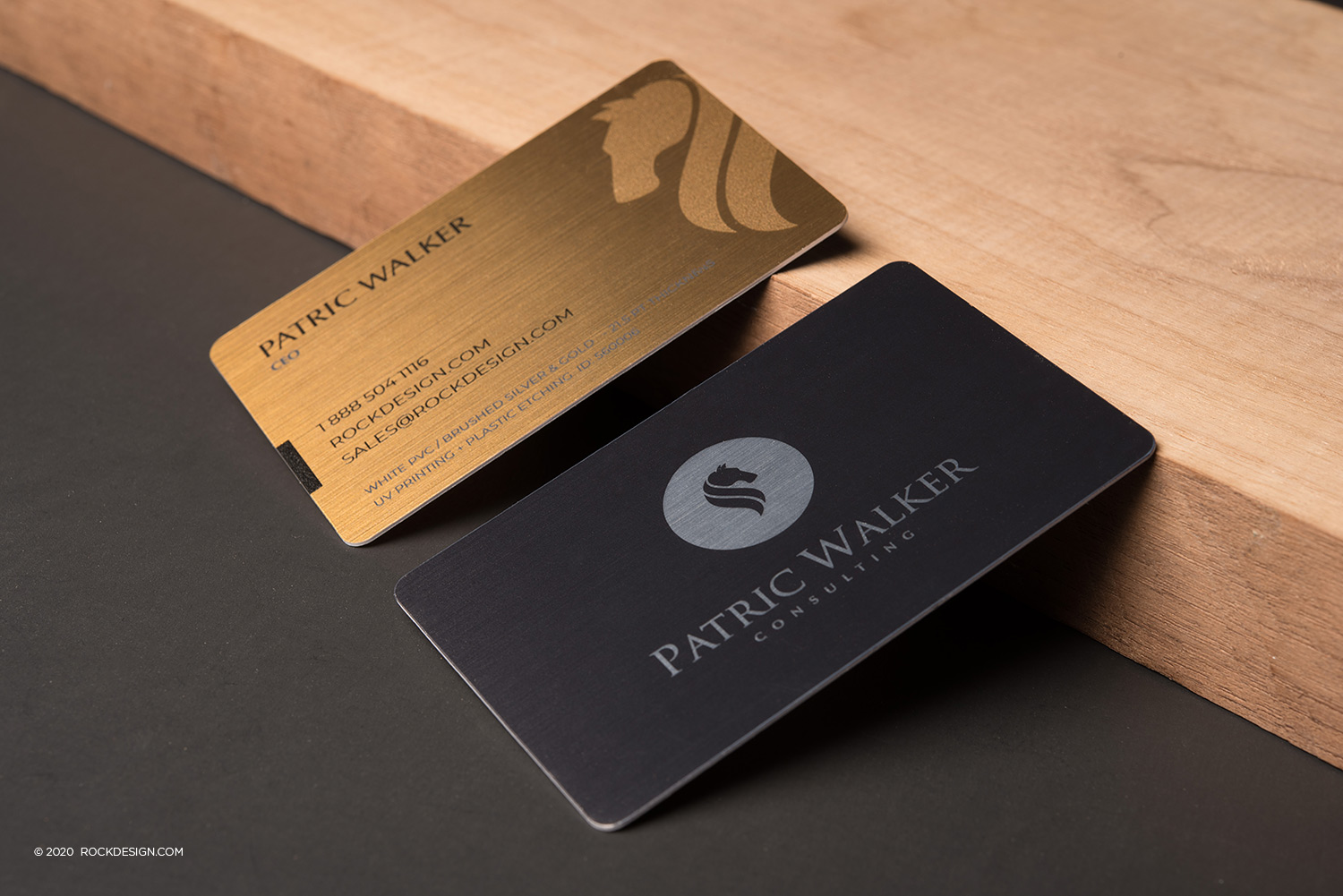
www.vrogue.co
High Quality Free Template Inkjet Pvc Card/ Promotion Greeting Card
sample.gelorailmu.com
Pvc Card Template

www.mightyprintingdeals.com
Pvc Card Template – KAESG BLOG

kaesg.com
Pvc Id Card Template – Sample.gelorailmu.com
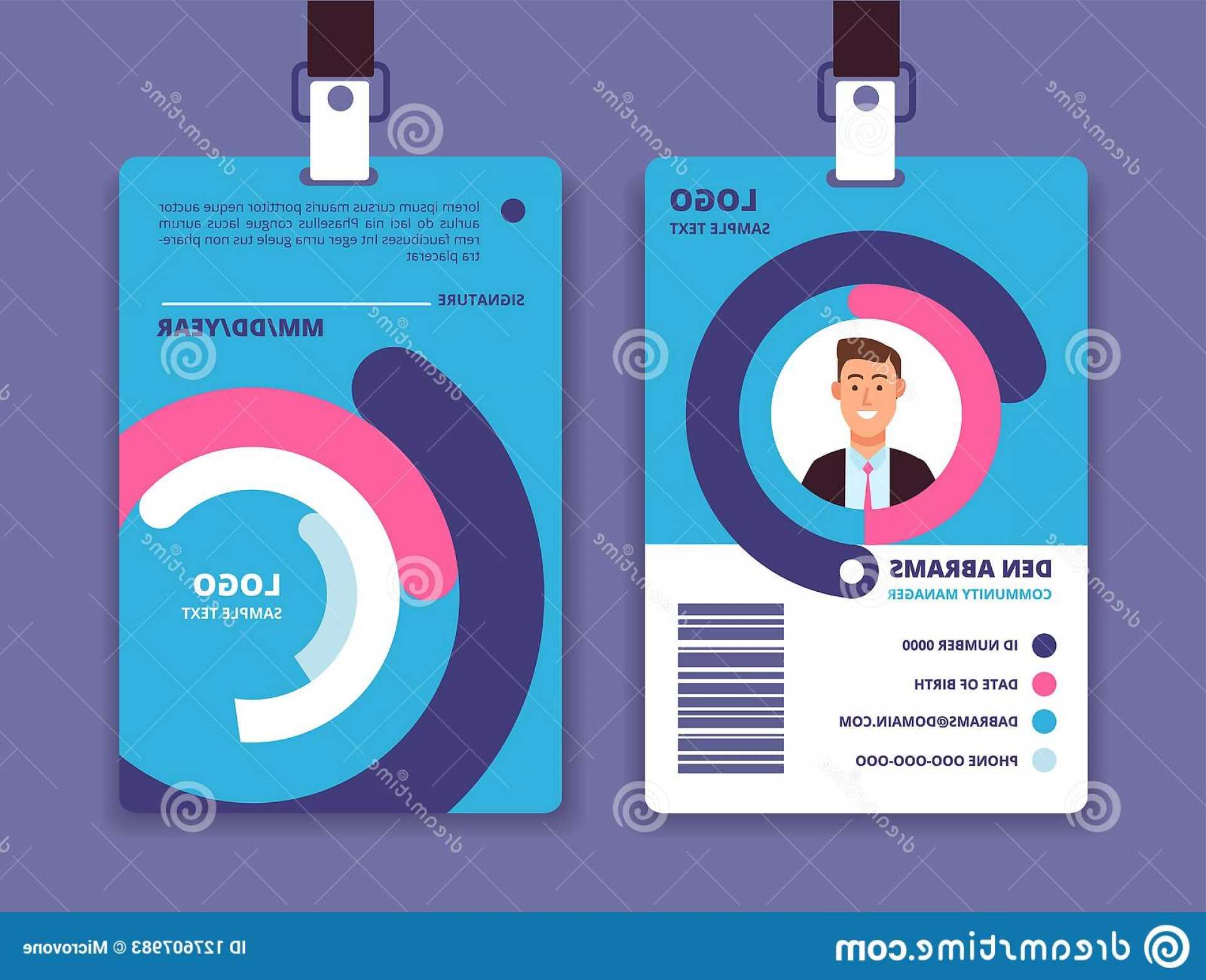
sample.gelorailmu.com
Vip Template Vector Membership Card Vip Card Pvc Card Png And Intended
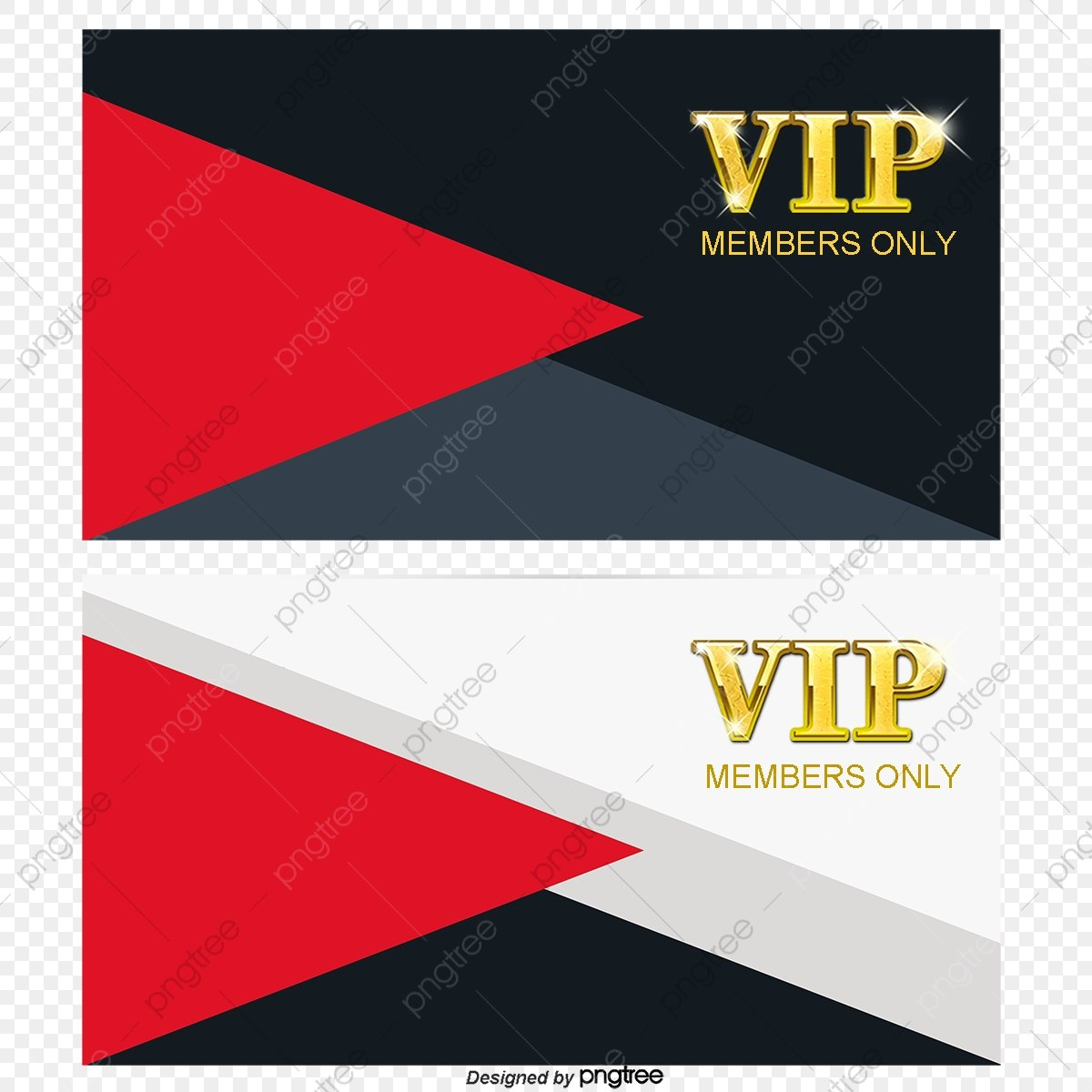
vancecountyfair.com
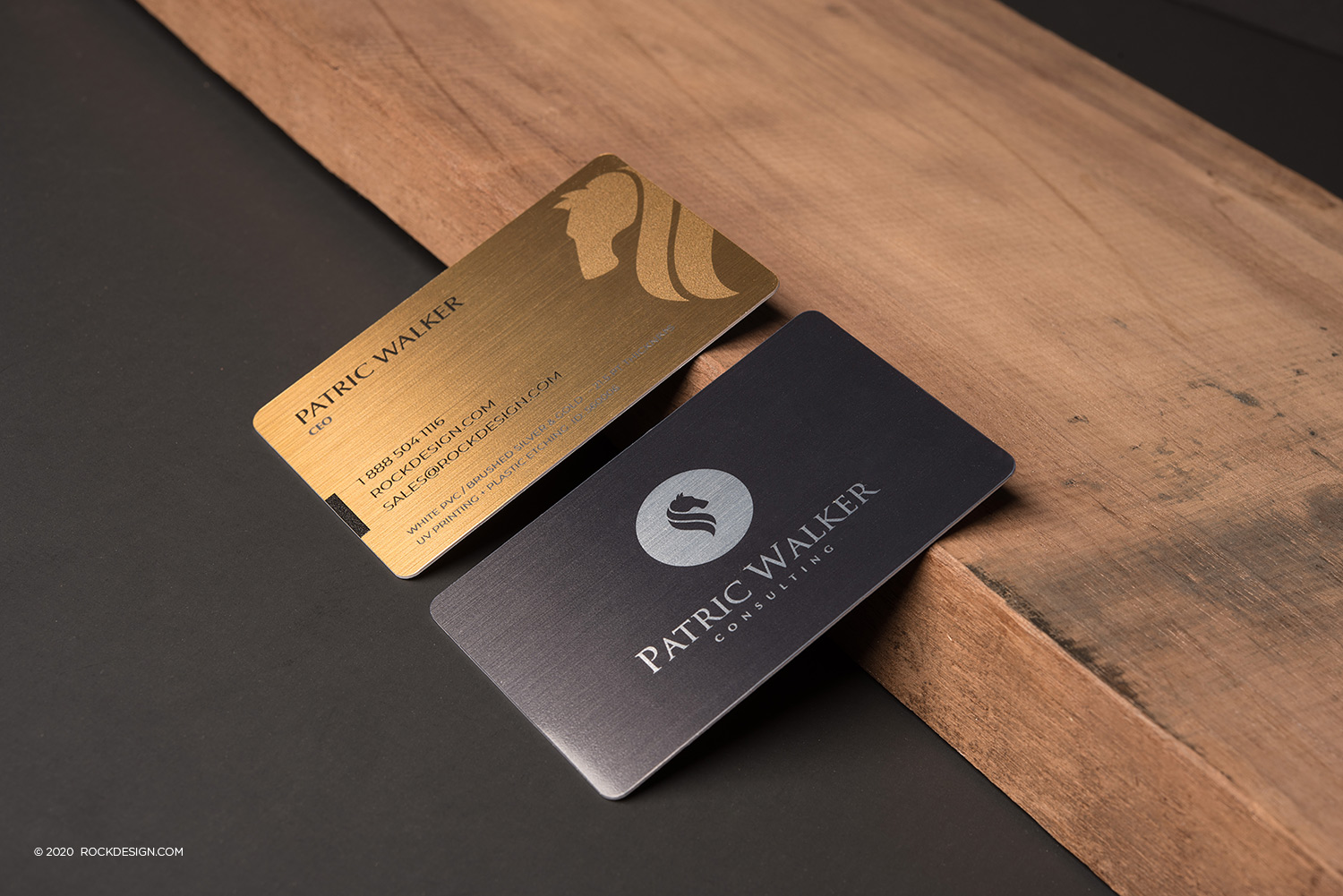
Pvc Card Template
old.sermitsiaq.ag
Id Card Tray Template R260 For Epson L800 Inkjet-Printer Regarding Pvc

habib.gelorailmu.com
pvc card template free download printable templates. 132+ awesome pvc card templates. Pvc card template